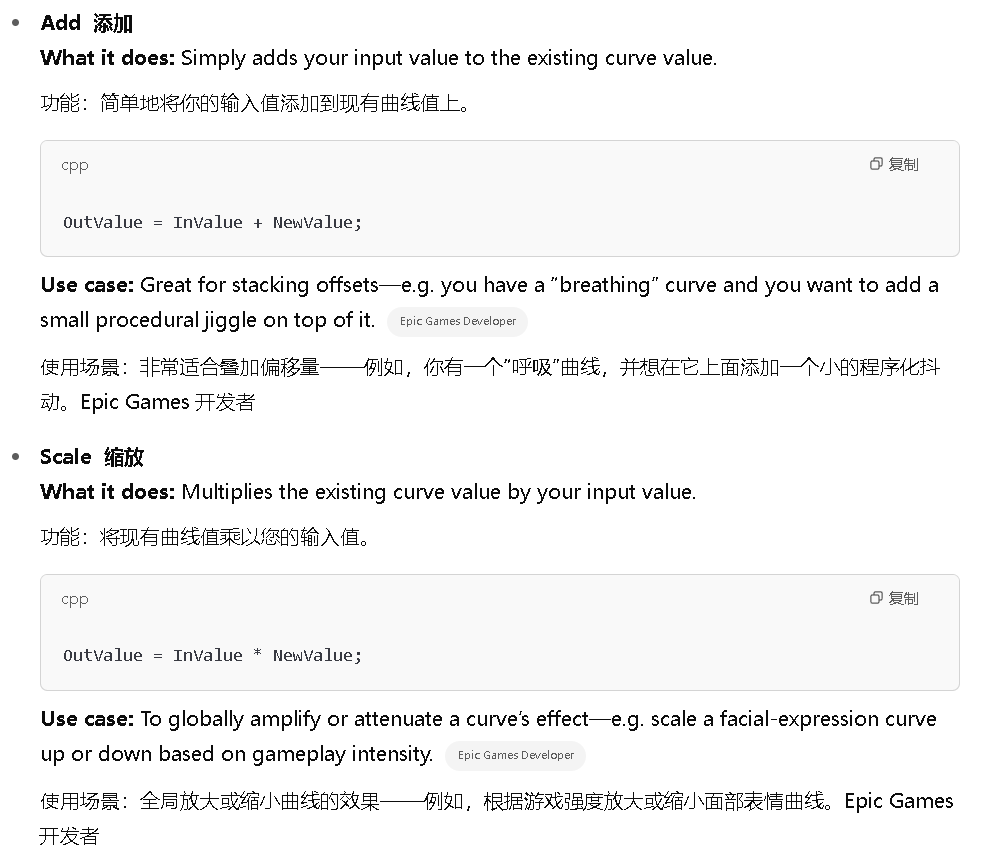
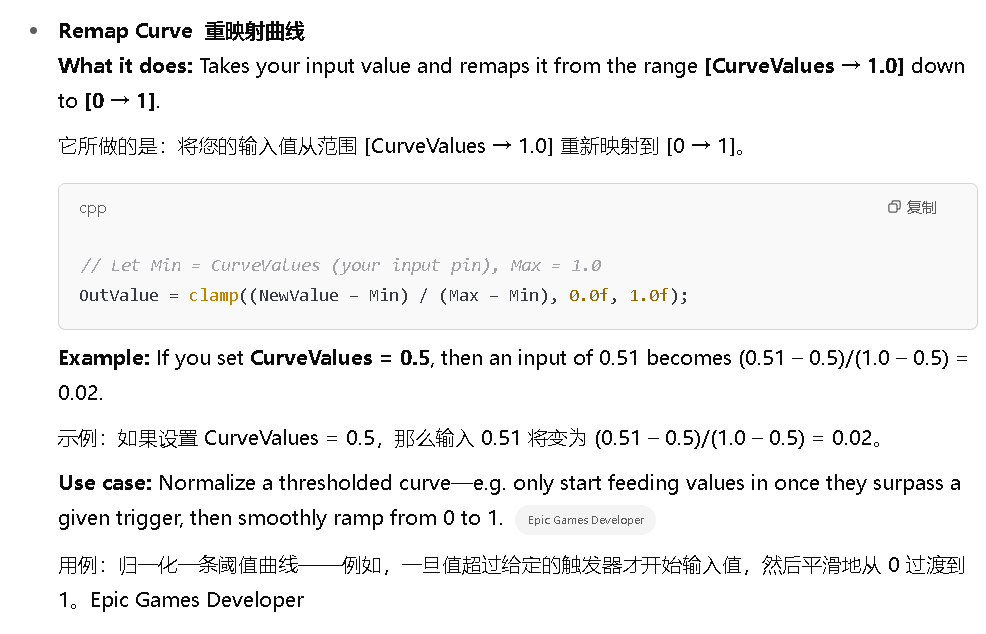
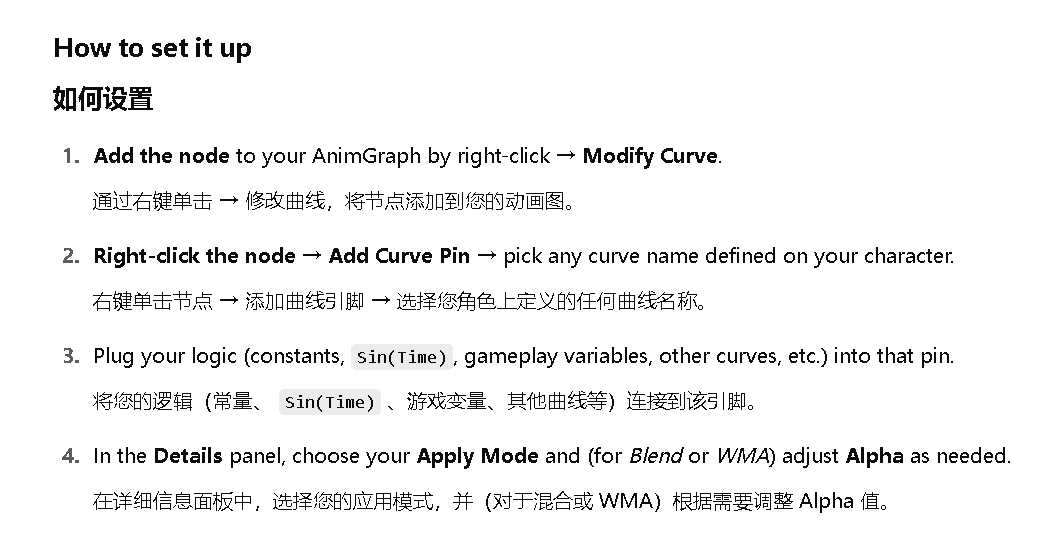
In Unreal Engine's Animation Blueprints, the Modify Curve node lets you drive and alter any named Animation Curve on your character at runtime. The Apply Mode setting on that node controls how the "new" value you feed in (via the added curve‐input pin) is combined with the existing curve value coming through the graph. UE5 supports five Apply Modes:
在 Unreal Engine 的动画蓝图(Animation Blueprints)中,Modify Curve 节点允许你在运行时驱动和修改角色上的任何命名的动画曲线。该节点上的 Apply Mode 设置控制着你通过新增的曲线输入引脚(curve-input pin)输入的"新"值,如何与通过图表传递的现有曲线值进行组合。UE5 支持五种 Apply Modes: