文章目录
问题现象
栈溢出(不断的重连)
shell
		at redis.clients.jedis.Connection.sendCommand(Connection.java:163)
        at redis.clients.jedis.Connection.sendCommand(Connection.java:154)
        at redis.clients.jedis.BinaryClient.auth(BinaryClient.java:815)
        at redis.clients.jedis.BinaryClient.connect(BinaryClient.java:145)
        at redis.clients.jedis.Connection.sendCommand(Connection.java:163)
        at redis.clients.jedis.Connection.sendCommand(Connection.java:154)
        at redis.clients.jedis.BinaryClient.auth(BinaryClient.java:815)
        at redis.clients.jedis.BinaryClient.connect(BinaryClient.java:145)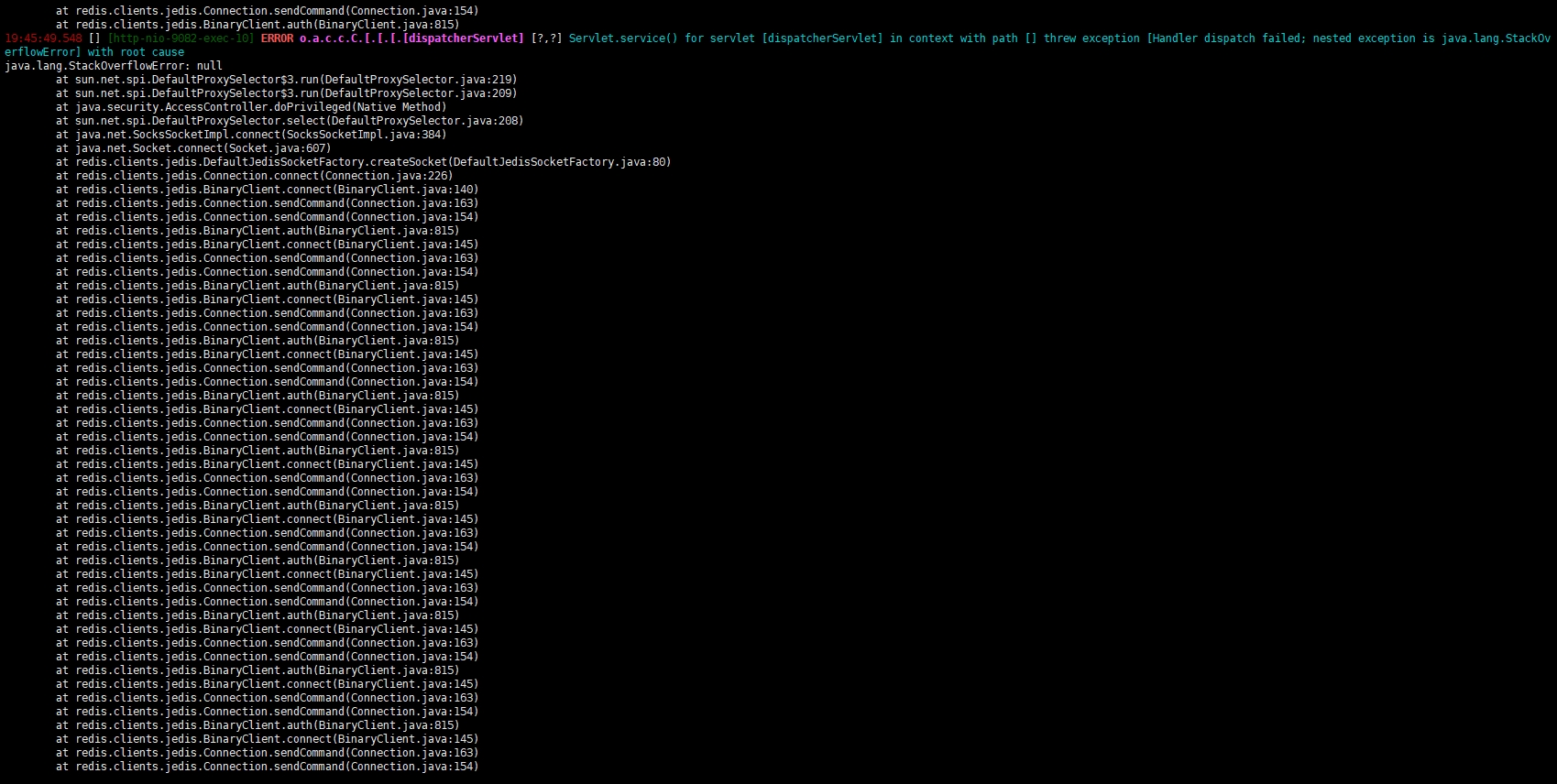
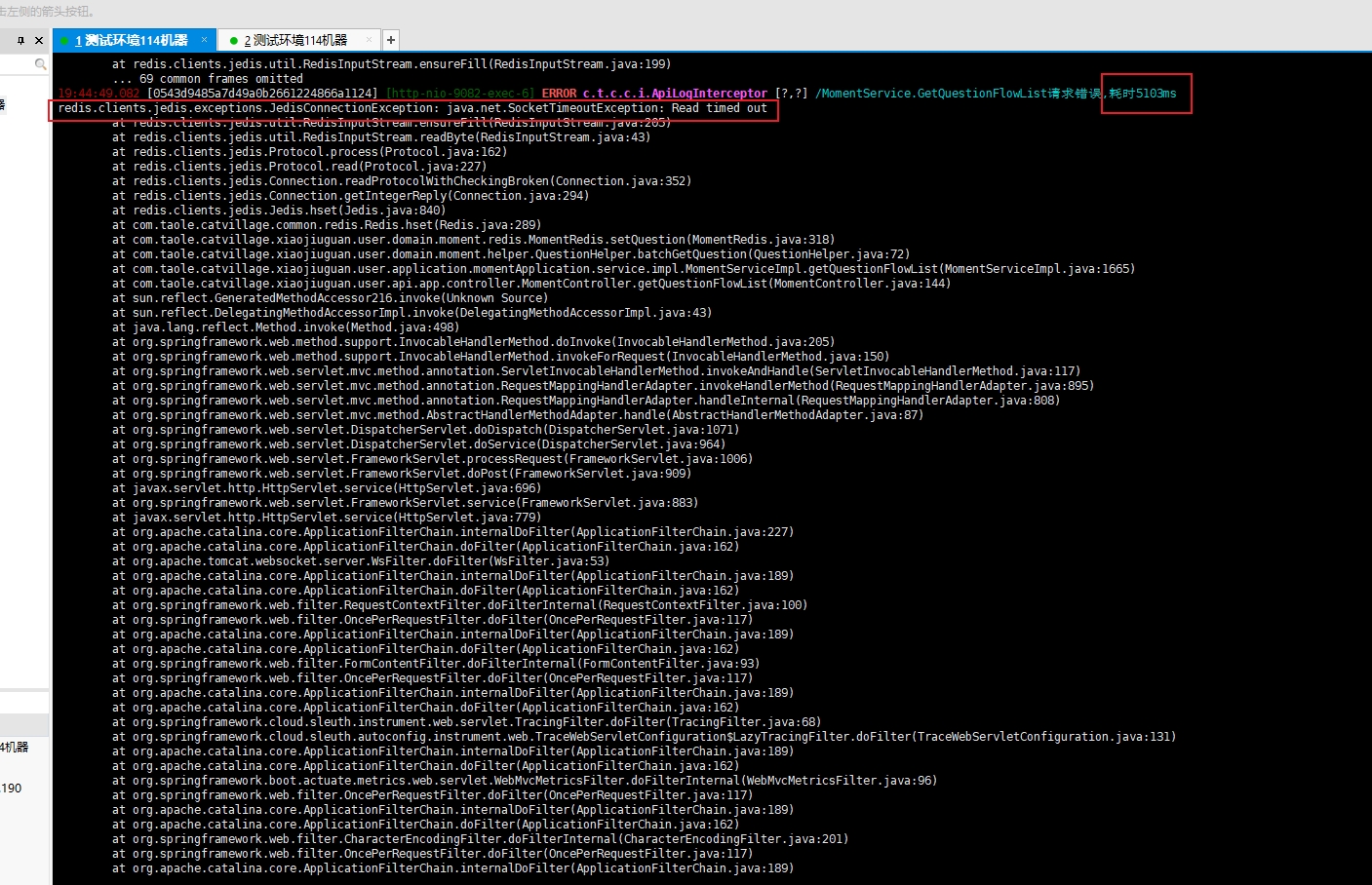
读取超时
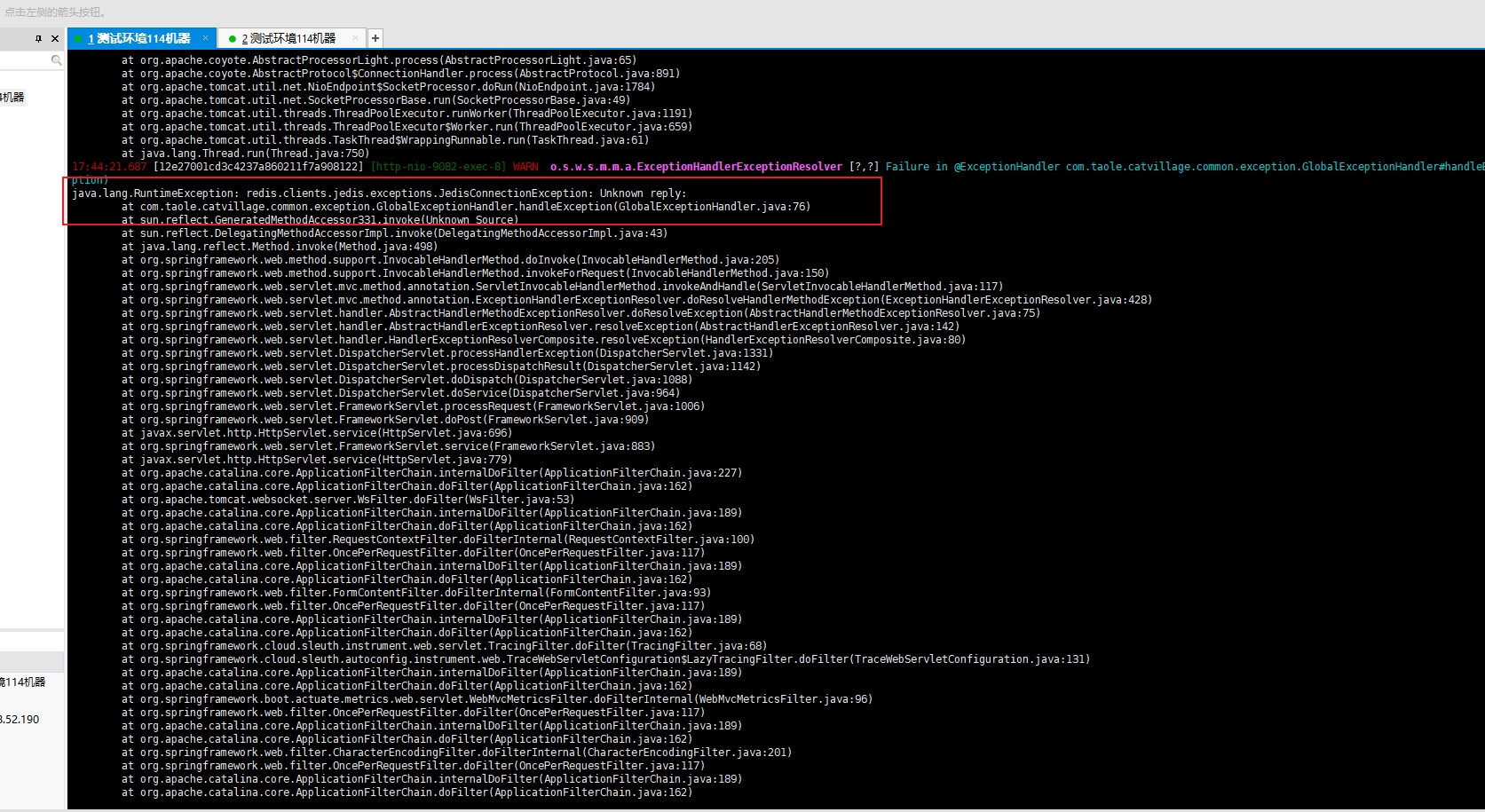
未知响应
尝试读取损坏的链接
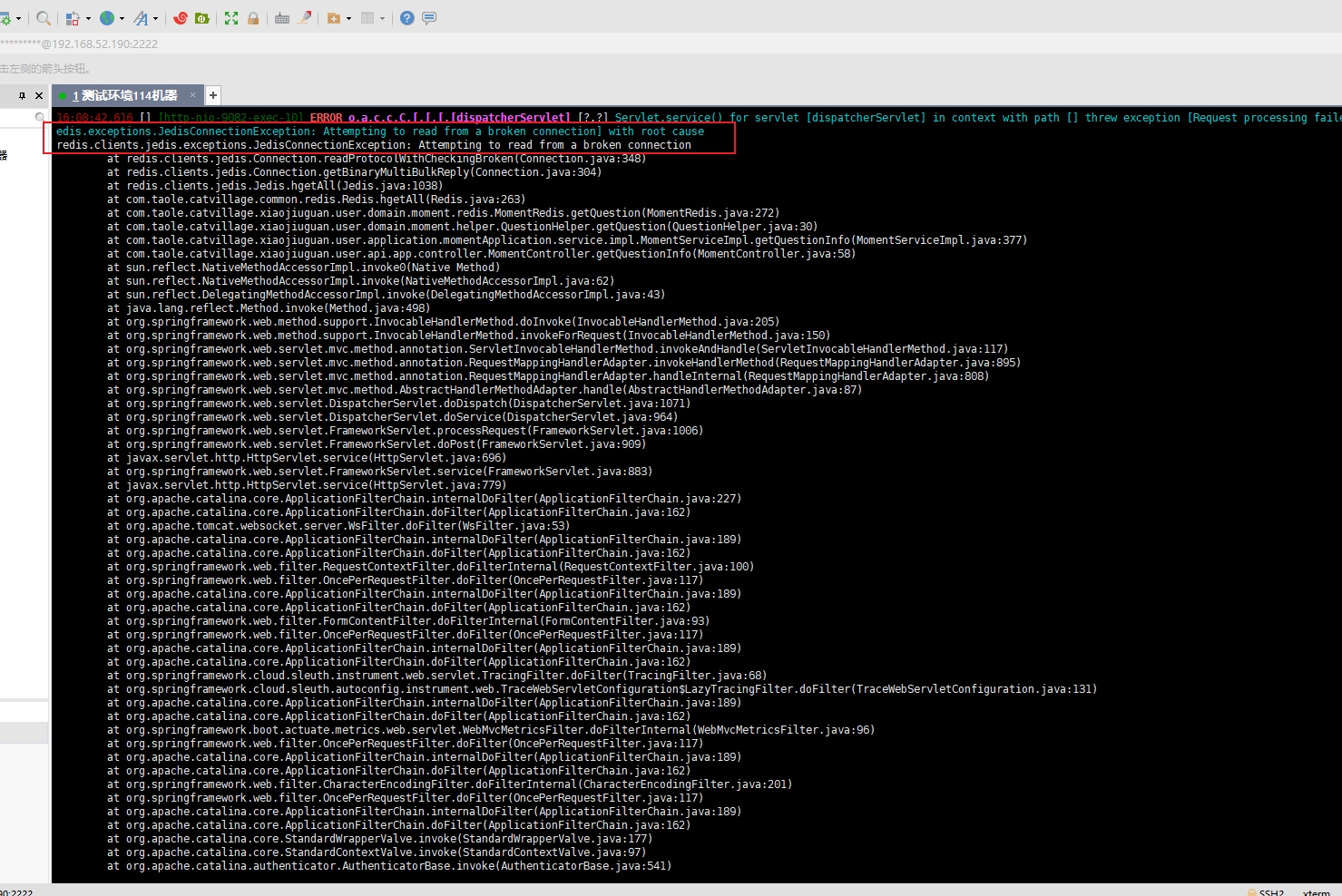
读取到的数据和自己要读的无关,导致空指针、类型转换错误,数据读取错乱



问题写法
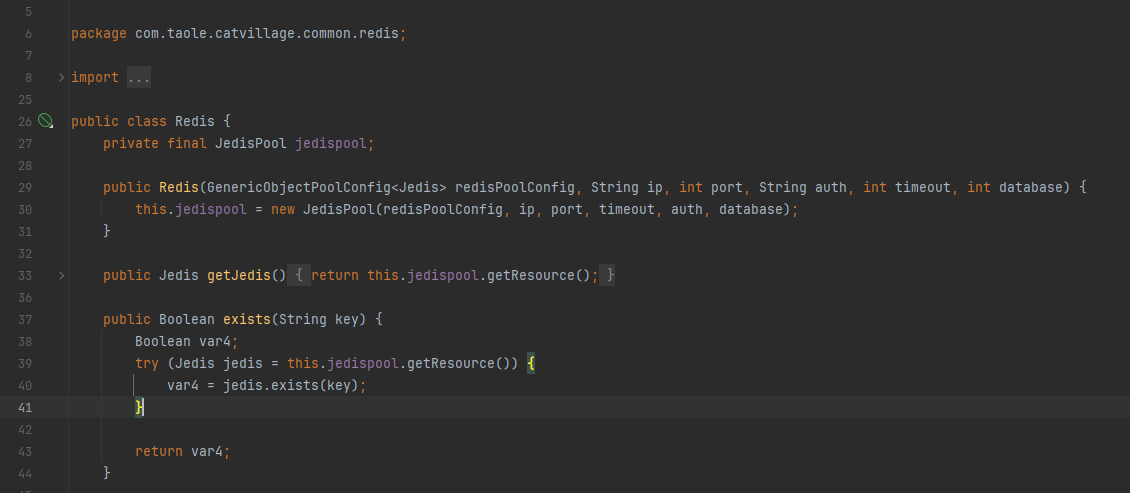
对Redis操作封装了一个Redis类
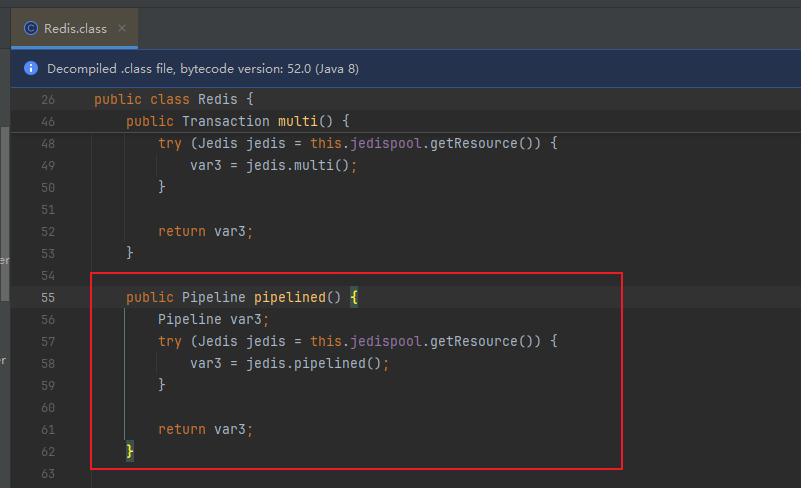
同事对pipeline加了这个方法
使用的时候
java
   public Map<String, AnswerModel> batchGetAnswersPipeline(List<String> answerIdList) {
        Map<String, AnswerModel> resultMap = new HashMap<>();
        try (Pipeline pipelined = redis.pipelined()) {
            List<Response<Map<String, String>>> responses = new ArrayList<>();
            for (String answerId : answerIdList) {
                String key = String.format(MOMENT_ANSWER_INFO, answerId);
                responses.add(pipelined.hgetAll(key));
            }
            pipelined.sync();
            for (Response<Map<String, String>> response : responses) {
                Map<String, String> map = response.get();
                AnswerModel answers = BeanUtil.mapToBean(map, AnswerModel.class);
                if (answers != null){
                    resultMap.put(answers.getAnswerId(), answers);
                }
            }
        } catch (Exception e) {
            log.error("执行batchGetAnswersPipeline发生异常, redis pipeline error", e);
            throw new CatVillageException();
        }
        return resultMap;
    }
问题分析
在redis这个工具类中调pipelined时获取一个Pinelined对象,而获取这个方法里用了try with ,with了一个jedis链接,当try结束时链接会被归还jedispool连接池。而返回的这个pipeline仍然在用这个链接,当其他线程去拿链接的时候可能拿到的正好是这个链接,导致多个线程共用一个链接,一个线程在执行pipeline多条命令,另一个线程也在用这个链接。而jedis底层执行命令的时候是使用的OutputStream流式去执行命令,使用二进制流读取结果。当出现这种线程不安全问题的时候,读取写入就会有问题。
修复
删除Redis工具类中的pipelined方法,使用getJedis方法获取链接对象,再获取管道Pineline对象,自行close管道,最后执行完释放管道,链接。
java
public Map<String, QuestionModel> batchGetQuestionPipeline(List<String> questionIdList) {
        if (CollectionUtils.isEmpty(questionIdList)){
            return new HashMap<>();
        }
        Map<String, QuestionModel> resultMap = new HashMap<>();
        try (Jedis jedis = redis.getJedis()) {
            Pipeline pipelined = jedis.pipelined();
            List<Response<Map<String, String>>> responses = new ArrayList<>();

            for (String questionId : questionIdList) {
                String key = String.format(MOMENT_QUESTION_INFO, questionId);
                responses.add(pipelined.hgetAll(key));
            }

            pipelined.sync();

            for (Response<Map<String, String>> response : responses) {
                Map<String, String> map = response.get();
                QuestionModel question = convertFromMap(map);
                if (question != null) {
                    resultMap.put(question.getPostId(), question);
                }
            }
            pipelined.close();
        } catch (Exception e) {
            log.error("执行batchGetQuestionPipeline发生异常, redis pipeline error", e);
            throw new CatVillageException();
        }

        return resultMap;
    }
注意点
若jedis在3.7版本以下的版本也会有管道二进制读取异常问题,请升级到3.7.0+版本