一、新建项目
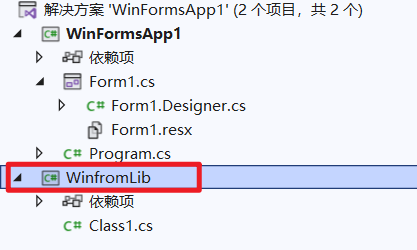
例如我想为.NET6的winform,创建一个类库,可先建Winform项目,然后再建一个类库

二、设置目标平台
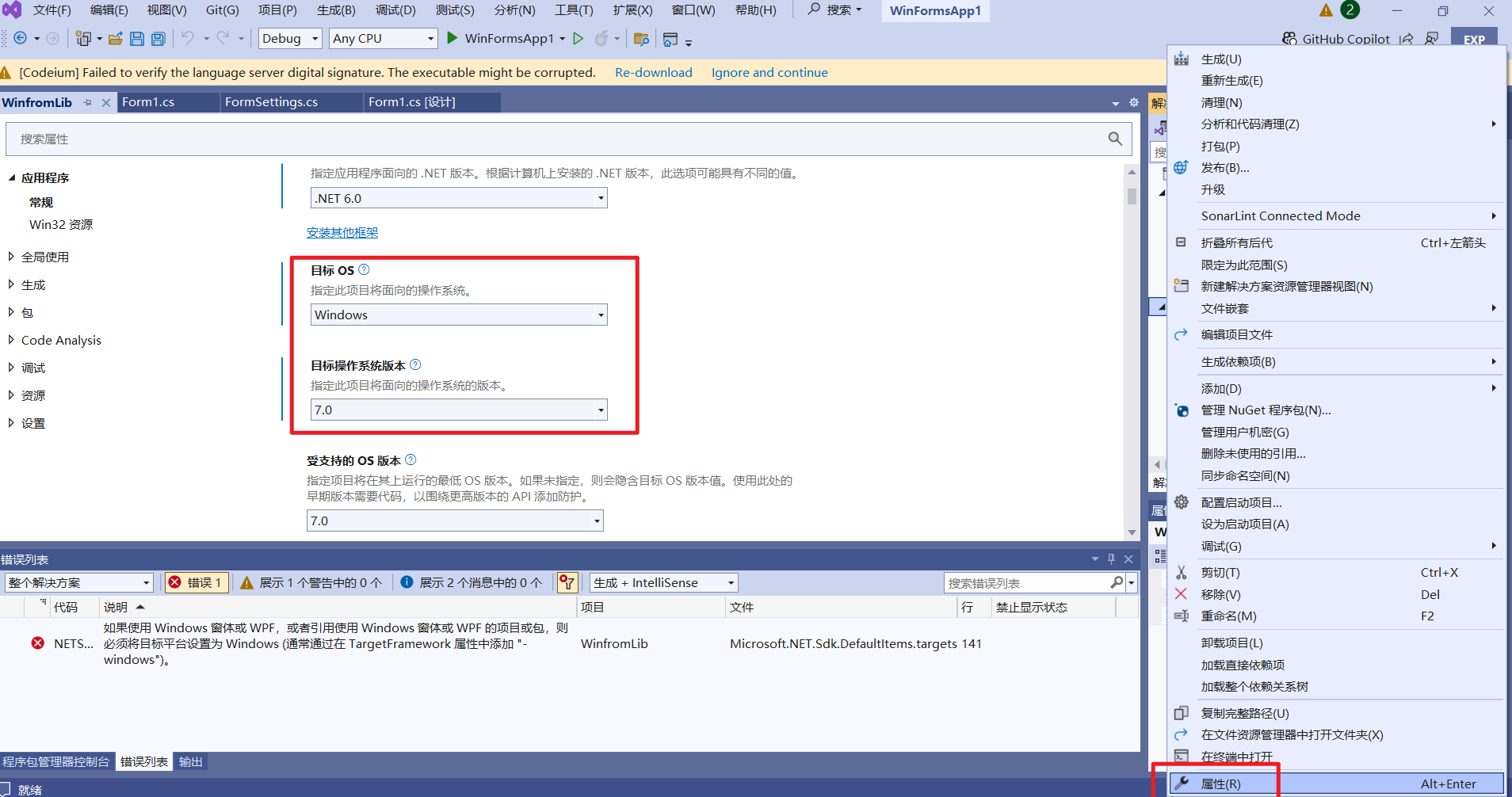
右键属性,设置目标OS为Windows平台
三、配置工程文件
添加红框代码,启用 UseWindowsForms
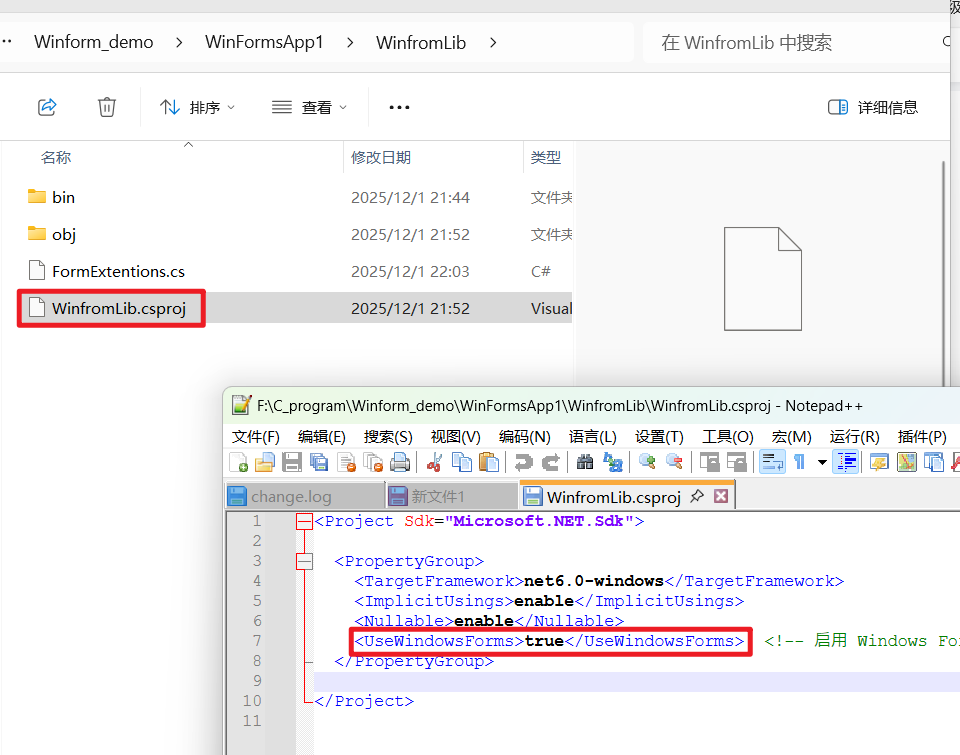
html
<Project Sdk="Microsoft.NET.Sdk">

  <PropertyGroup>
    <TargetFramework>net6.0-windows</TargetFramework>
    <ImplicitUsings>enable</ImplicitUsings>
    <Nullable>enable</Nullable>
	<UseWindowsForms>true</UseWindowsForms>  <!-- 启用 Windows Forms -->
  </PropertyGroup>

</Project>
四、书写逻辑代码
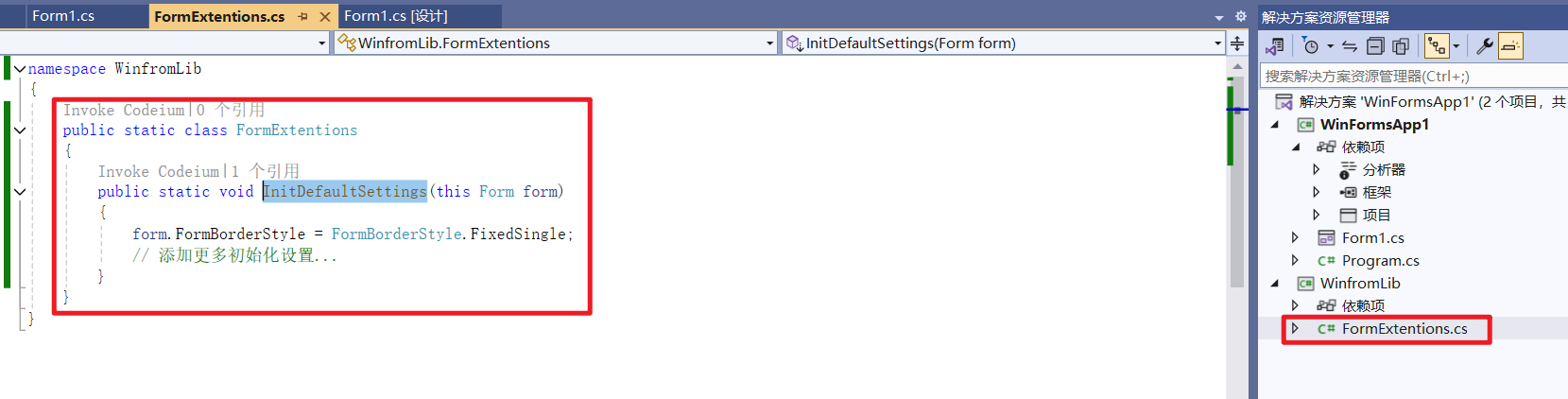
cs
public static class FormExtentions
{
	public static void InitDefaultSettings(this Form form)
	{
		form.FormBorderStyle = FormBorderStyle.FixedSingle;
		// 添加更多初始化设置...
	}
}
五、调用示例
需先添加对该类库的引用
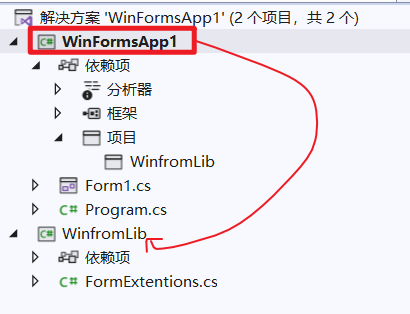
调用代码如下
cs
public partial class Form1 : Form
{
	public Form1()
	{
		InitializeComponent();
		this.InitDefaultSettings();//初始化设置
	}
}