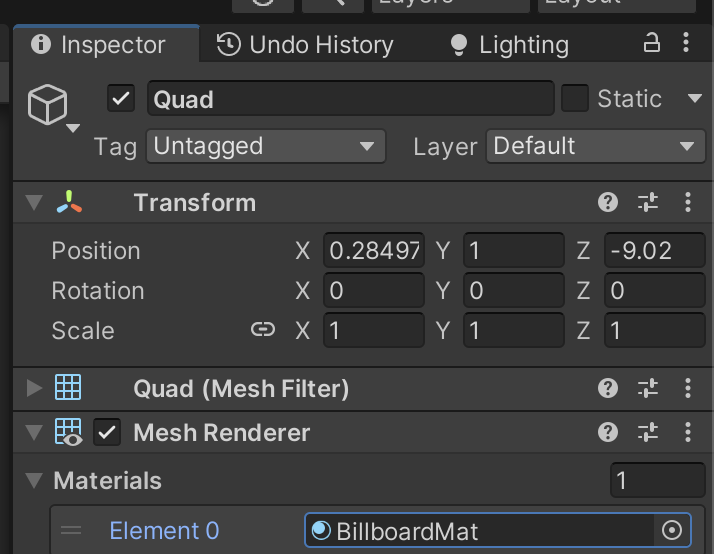
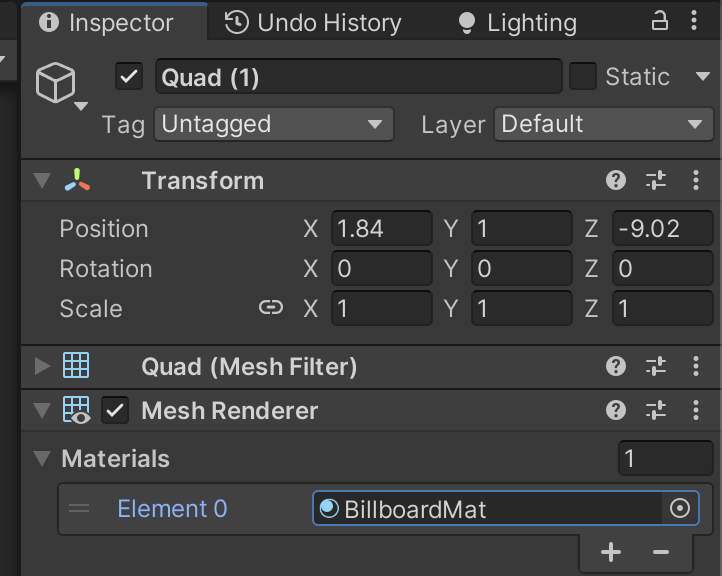
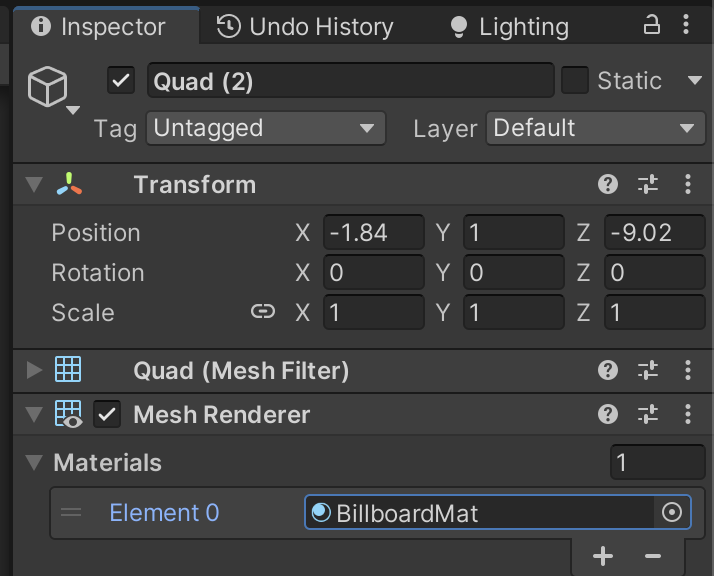
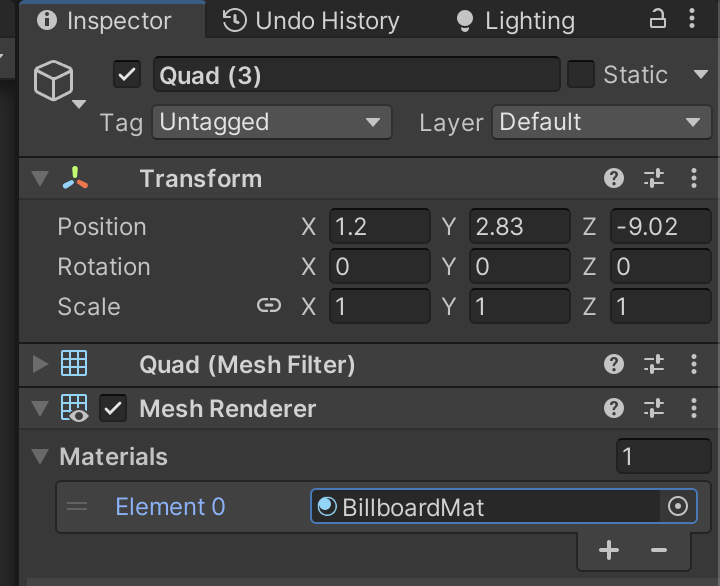
Shader "Custom/Chapter11-Billboard"
{
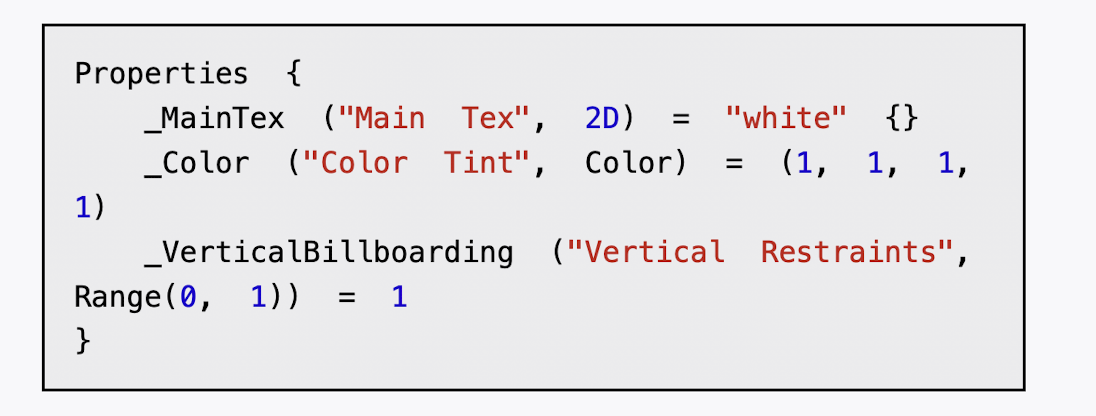
    Properties {
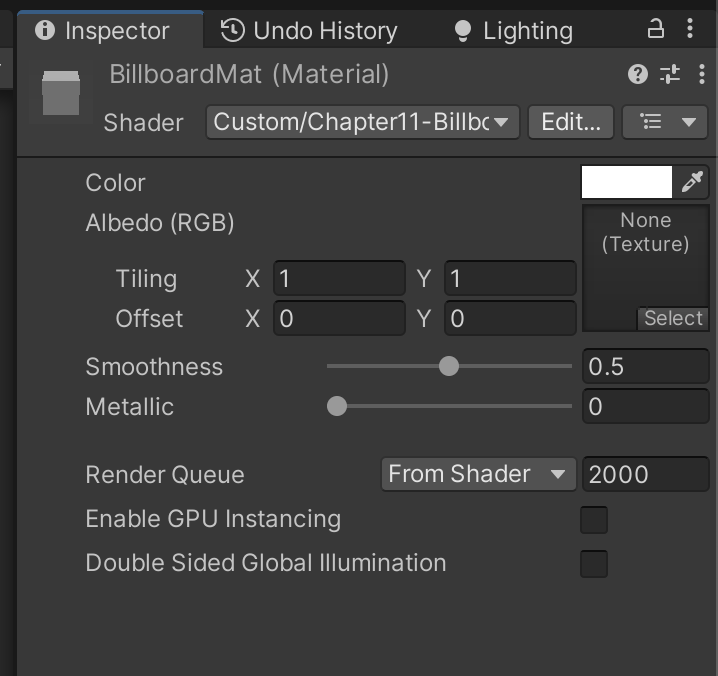
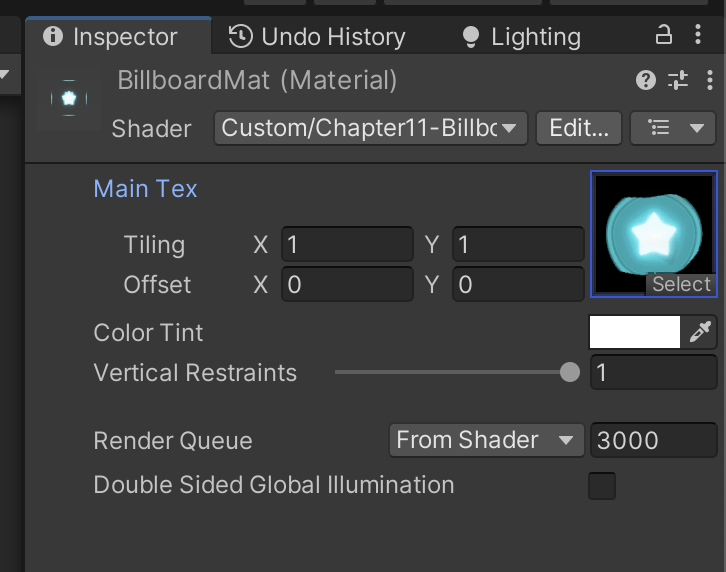
        _MainTex ("Main Tex", 2D) = "white" {}
        _Color ("Color Tint", Color) = (1, 1, 1, 1)
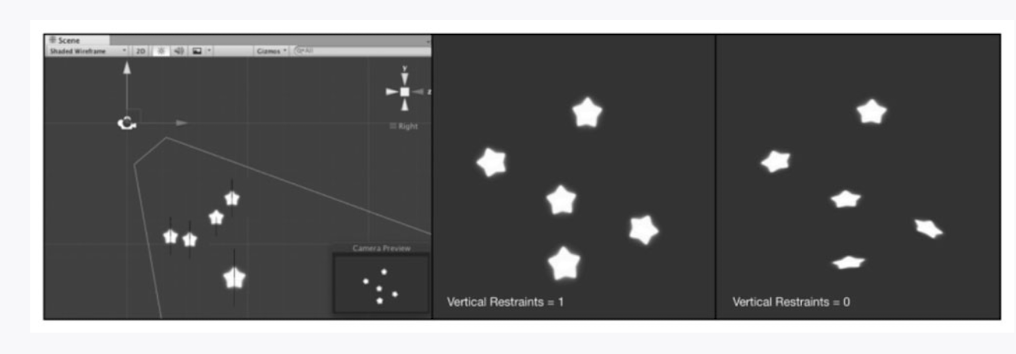
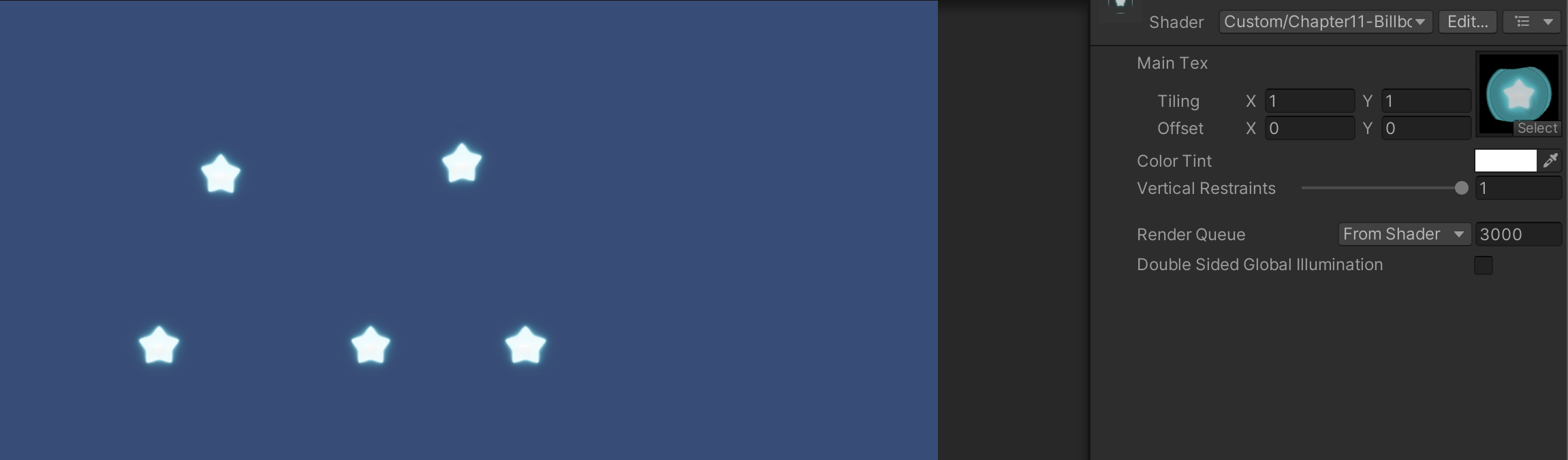
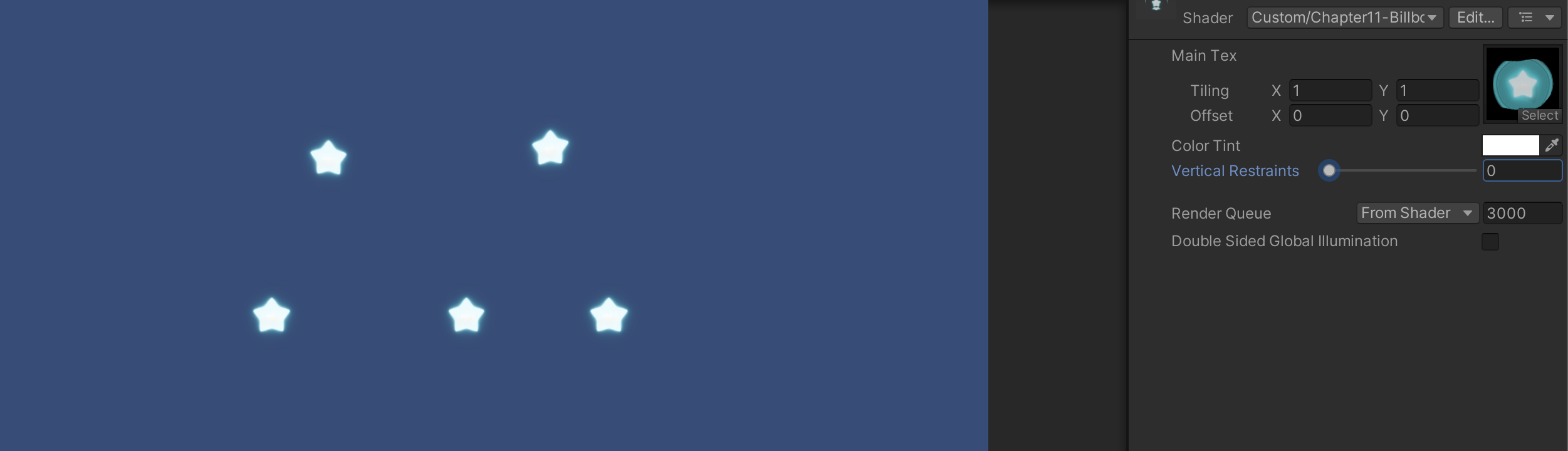
        _VerticalBillboarding ("Vertical Restraints", Range(0, 1)) = 1  //_VerticalBillboarding则用于调整是固定法线还是固定指向上的方向,即约束垂直方向的程度。
    }

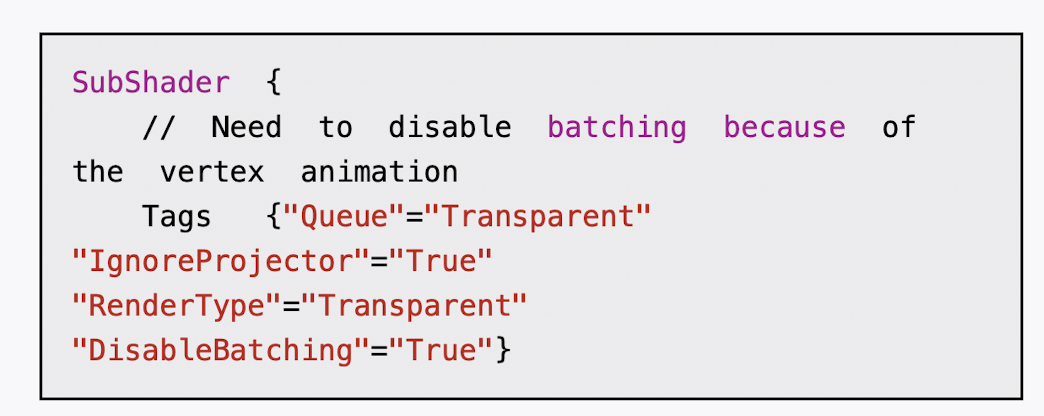
    SubShader {
        //  Need  to  disable  batching  because  of  the  vertex  animation
        Tags  {"Queue"="Transparent"  "IgnoreProjector"="True"  "RenderType"="Transparent" "DisableBatching"="True"}
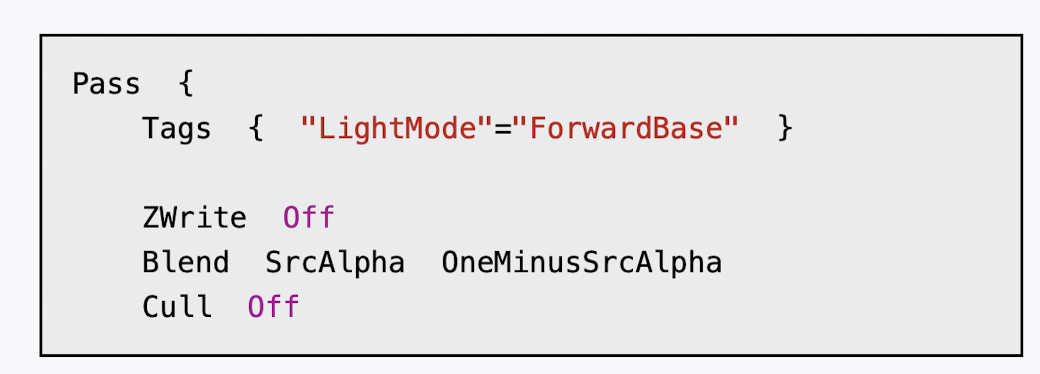
        Pass {
            Tags { "LightMode"="ForwardBase" }
            ZWrite Off
            Blend SrcAlpha OneMinusSrcAlpha
            Cull Off

            CGPROGRAM
            #pragma vertex vert
            #pragma fragment frag
            #include "Lighting.cginc"

            sampler2D _MainTex;
            float4 _MainTex_ST;
            fixed4 _Color;
            fixed _VerticalBillboarding;

            struct a2v {
                float4 vertex : POSITION;
                float4 texcoord : TEXCOORD0;
            };

            struct v2f {
                float4 pos : SV_POSITION;
                float2 uv : TEXCOORD0;
            };

            v2f vert (a2v v) {
                v2f o;
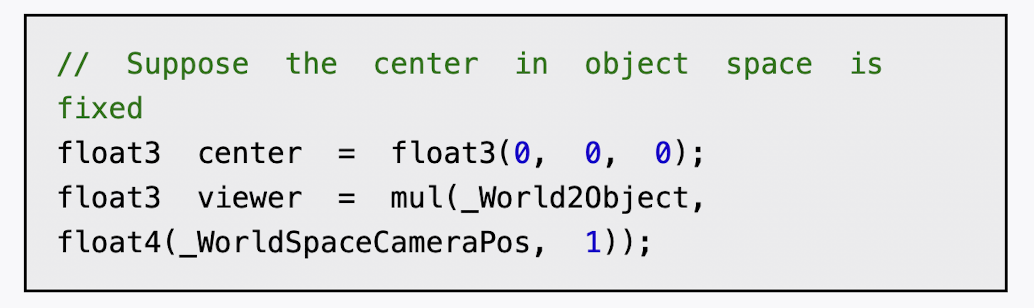
                // Suppose the center in object space is fixed
                float3 center = float3(0, 0, 0);
                float3 viewer = mul(_World2Object,float4(_WorldSpaceCameraPos, 1));

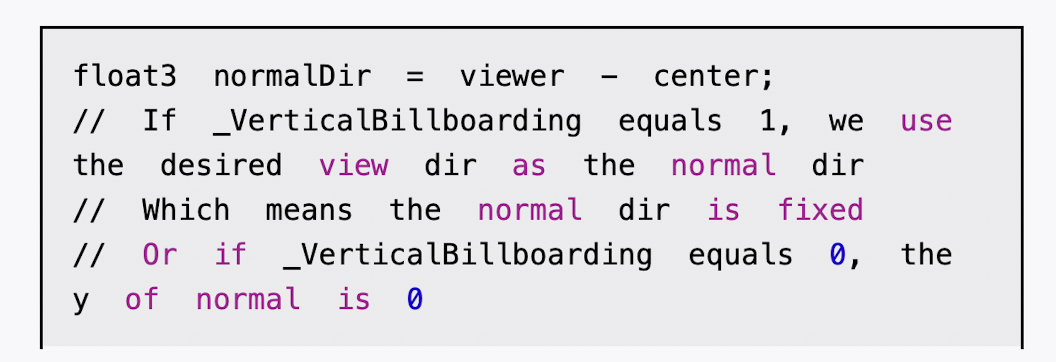
                float3 normalDir = viewer - center;
                // If _VerticalBillboarding equals 1, we use the desired view dir as the normal dir,Which means the normal dir is fixed
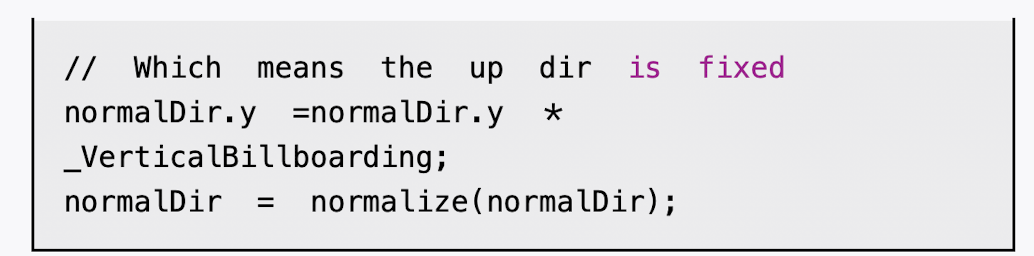
                // Or if _VerticalBillboarding equals 0, the y of normal is 0, Which means the up dir is fixed
                normalDir.y =normalDir.y * _VerticalBillboarding;
                normalDir = normalize(normalDir);
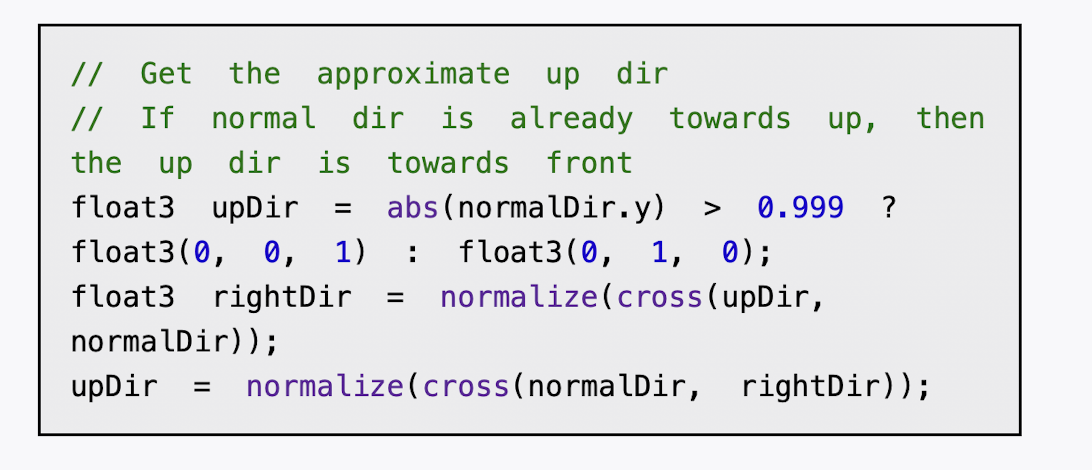
                float3 upDir = abs(normalDir.y) > 0.999 ? float3(0, 0, 1) : float3(0, 1, 0); // If normal dir is already towards up, then the up dir is towards front
                float3 rightDir = normalize(cross(upDir, normalDir));
                upDir = normalize(cross(normalDir, rightDir));

                // Use the three vectors to rotate the quad
                float3 centerOffs = v.vertex.xyz - center;
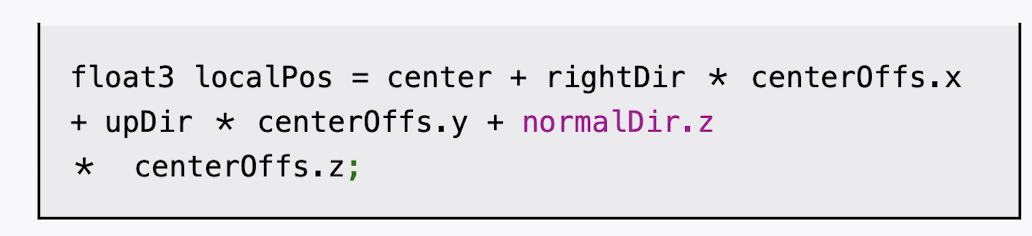
                float3 localPos = center + rightDir * centerOffs.x + upDir * centerOffs.y + normalDir * centerOffs.z;

                o.pos = mul(UNITY_MATRIX_MVP, float4(localPos, 1));
                o.uv = TRANSFORM_TEX(v.texcoord,_MainTex);

                return o;
            }
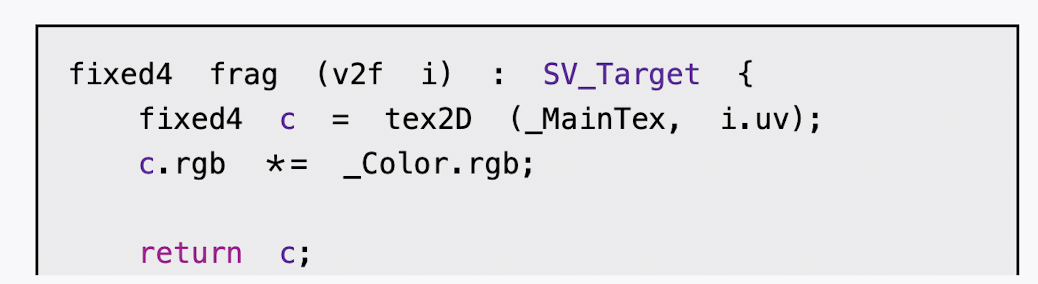
            fixed4 frag (v2f i) : SV_Target {
                fixed4 c = tex2D (_MainTex, i.uv);
                c.rgb *= _Color.rgb;
                return c;
            }
            ENDCG


        }
    }
    FallBack "Transparent/VertexLit"
}