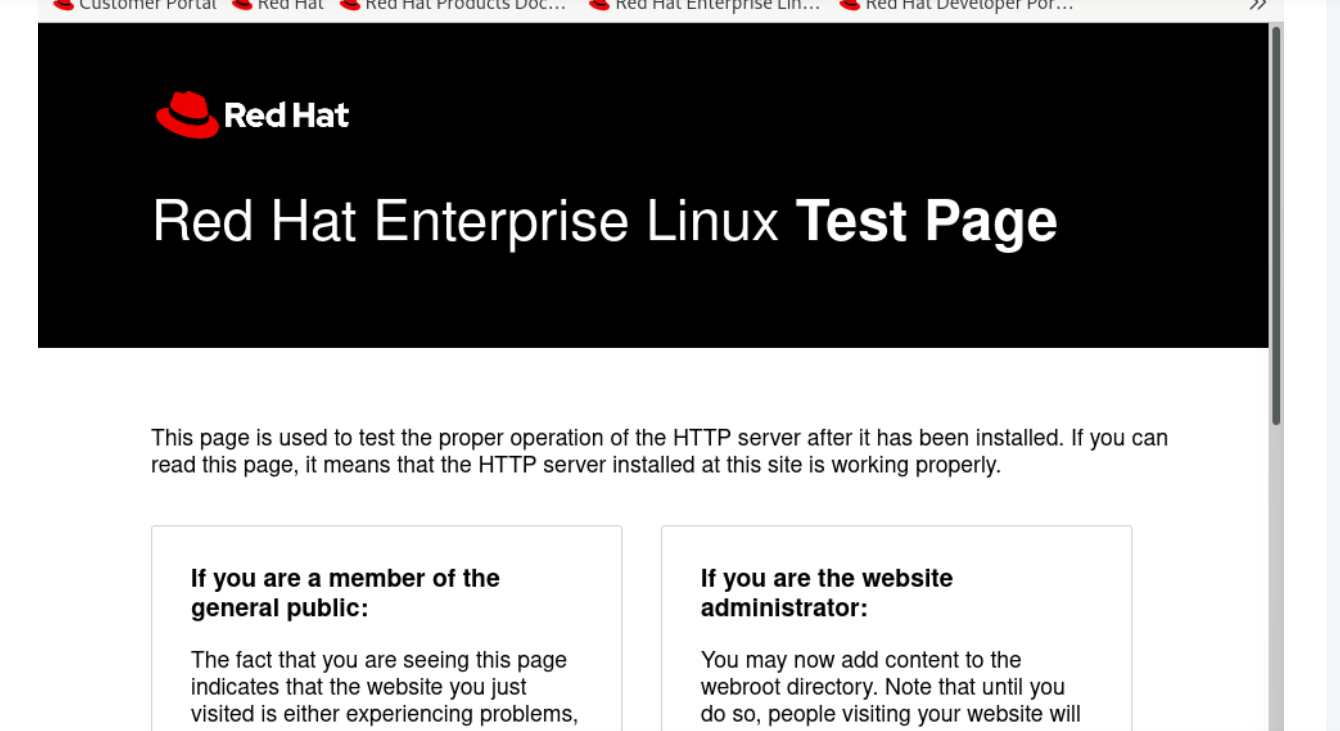
1.防火墙不能关闭,让其开放http协议https协议
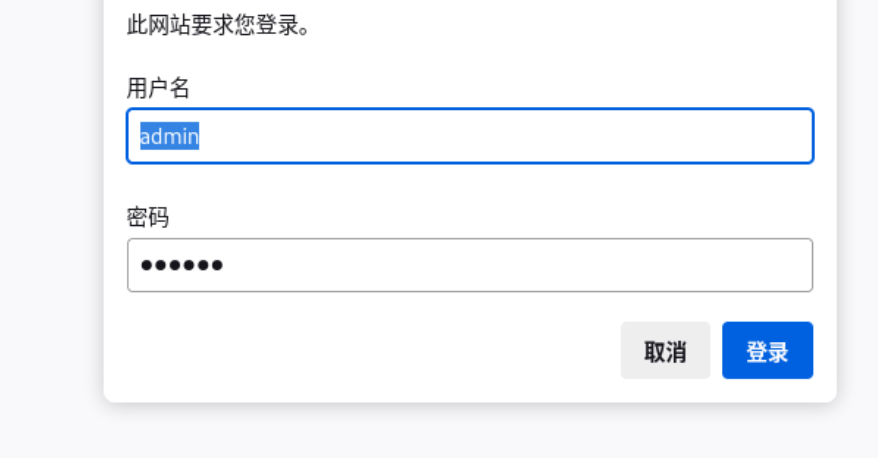
2.该网站具备账户验证
3.https
安装nginx
root@localhost ndbzzz# yum install nginx -y

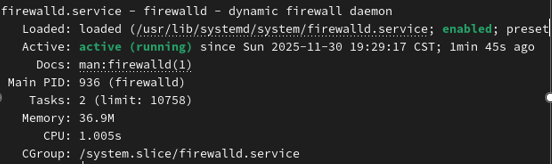
通过命令systemctl status firewalld.service查看当前防火墙的状态
启动nginx和防火墙
root@localhost ndbzzz# systemctl start nginx
root@localhost ndbzzz# systemctl enable nginx
root@localhost ndbzzz# systemctl start firewalld
root@localhost ndbzzz# systemctl enable firewalld
开放http80的端口和https443的端口
命令:
#开放80端口(HTTP)
firewall-cmd --add-port=80/tcp --permanent

#开放443端口(HTTPS)
firewall-cmd --add-port=443/tcp --permanent

firewall-cmd --reload
搭建网站(Https+账户验证)
创建非对称加密使用的私钥文件。
openssl genrsa -out ZYQ.key
通过私钥文件生成证书文件。
openssl req -new -key zyq.key -x509 -days 365 -outhhy.crt
#req:申请创建证书
-new:新的证书
-key hhy.key:使用hhy.key这个密钥
-x509: 此为测试证书
-days: 证书有效期
将上文生成证书移动到nginx配置目录中:

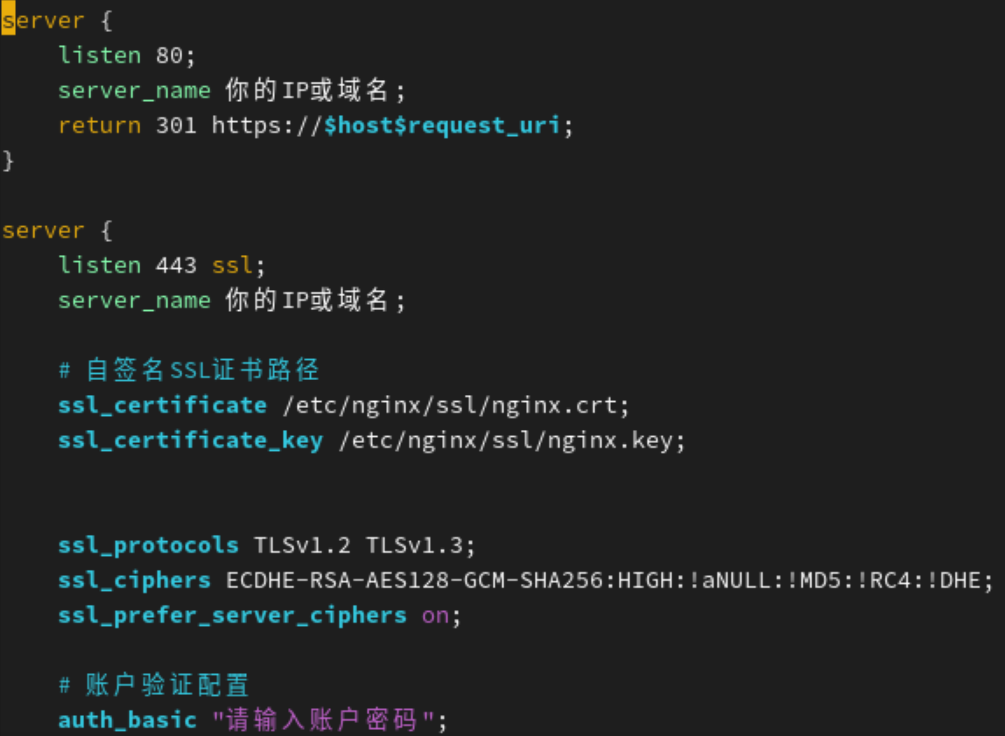
server {
listen 80;
server_name 你的IP或域名;
return 301 https://hostrequest_uri;
}
server {
listen 443 ssl;
server_name 你的IP或域名;
自签名SSL证书路径
ssl_certificate /etc/nginx/ssl/nginx.crt;
ssl_certificate_key /etc/nginx/ssl/nginx.key;
ssl_protocols TLSv1.2 TLSv1.3;
ssl_ciphers ECDHE-RSA-AES128-GCM-SHA256:HIGH:!aNULL:!MD5:!RC4:!DHE;
ssl_prefer_server_ciphers on;
账户验证配置
auth_basic "请输入账户密码";
auth_basic_user_file /etc/nginx/auth/.htpasswd;
root /usr/share/nginx/html;
index index.html;
-
1.新增一个管理网站登录的用户(用于用户验证)
-
root@server \~# useradd admin
-
root@server \~# passwd admin
新增用户admin专门管理网站登录
- 将网站和这个账户关联起来
- 1必须先下载httpd-tools
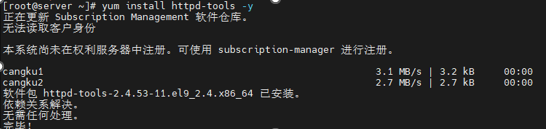
使用htpasswd 关联用户ndbzzz和网站

检查语法并热更新