创建密码
bash
grub2-mkpasswd-pbkdf2配置grub
bash
vi /etc/grub.d/40_custom

 more /etc/grub.d/40_custom
#!/bin/sh
exec tail -n +3 $0
# This file provides an easy way to add custom menu entries.  Simply type the
# menu entries you want to add after this comment.  Be careful not to change
# the 'exec tail' line above.
set superusers="root"
password_pbkdf2 root grub.pbkdf2.sha512.10000.C5255CE1D8756DD195C6B6CF42A1874B28C15D1EC9D07E6BFCCBF2E4AA12D338F9B9E87
6041912A922669D36E7D5E399D3FFDC579B54699E910BF4AD0576C342.5B251807A404DCEECD218A8DAAEE267202C1CD521D16B3D640B574282C7
E730B56E598F1B7F072308CC1413D7FFA52C6423C6184B0E373926DD524E71529B335


grub2-mkconfig -o /boot/grub2/grub.cfg
重启测试验证
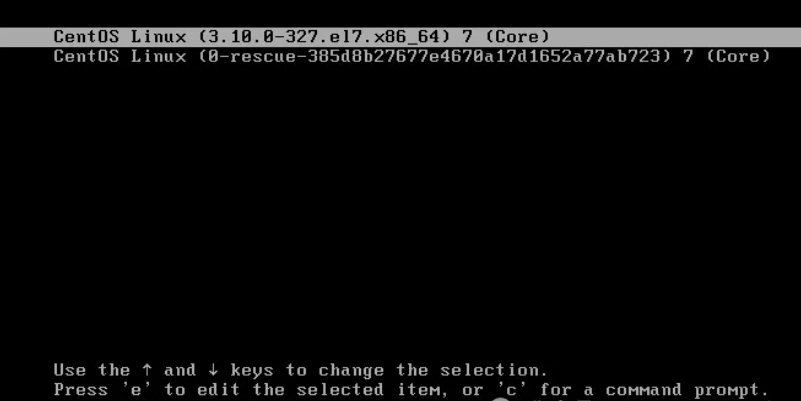
按e编辑,进入输入用户名root 密码 然后就可以编辑参数。