裁剪是为了从图像中删除不需要的对象或区域,或为了突出图像的特定特征。
1、数组切片
图像本质是多维数组(NumPy数组),OpenCV图像裁剪的原理是基于数组切片操作。
- 裁剪坐标说明
(0,0) ──────────→ x (width)
│
│ (x1,y1)──────┐
│ │ │
│ └─────────(x2,y2)
↓
y (height)
python
cropped_img = image[y_start:y_end, x_start:x_end]2、代码示例:显示和保存裁剪区域的图像
python
import cv2
import numpy as np
import os


img_path = "img/dog.jpg"
if not os.path.exists(img_path):
    raise FileNotFoundError(f"未找到图像文件{img_path}")

img = cv2.imread(img_path, cv2.IMREAD_COLOR)

# 显示裁剪的图像
cropped_image = img[100:500, 50:450]
cv2.imshow("cropped_image", cropped_image)

# 保存裁剪后的图像
cv2.imwrite("img/cropped_dog.jpg", cropped_image)

cv2.waitKey(0)
cv2.destroyAllWindows()
3、代码示例:给图像画九宫格
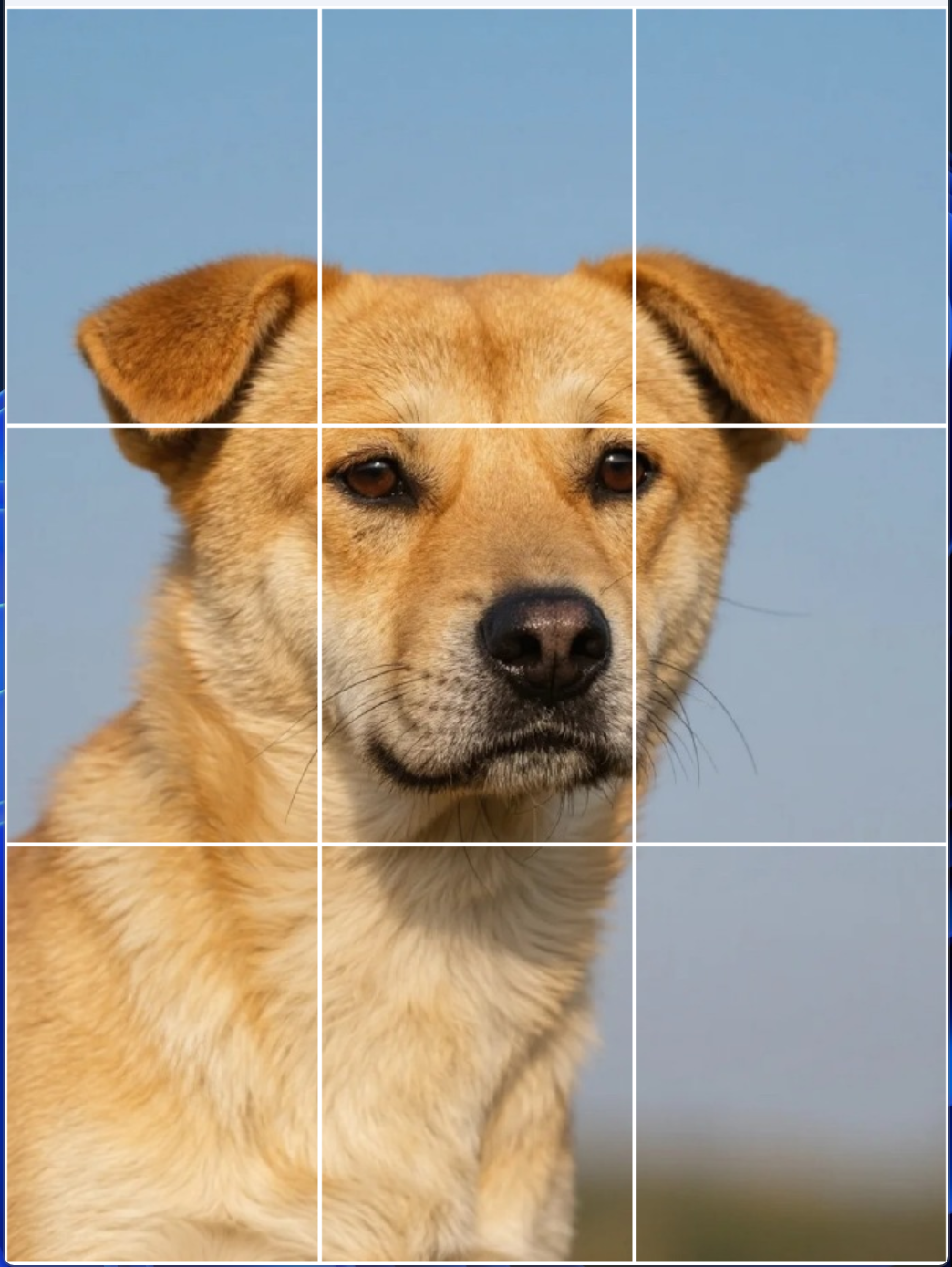
python
import cv2
import numpy as np
import os

img_path = "img/dog.jpg"
if not os.path.exists(img_path):
    raise FileNotFoundError(f"未找到图像文件{img_path}")

img = cv2.imread(img_path, cv2.IMREAD_COLOR)

img_height = img.shape[0]
img_width = img.shape[1]

w_sum = 0
h_sum = 0

patche_w = 230
patche_h = 306

for h in range(0, img_height, patche_h):
    for w in range(0, img_width, patche_w):

        if (img_height - h) < patche_h or (img_width - w) < patche_w:
            break

        h_sum = h + patche_h
        w_sum = w + patche_w

        if w_sum >= img_width and h_sum >= img_height: # 超过图像宽度和高度
            w_sum = img_width - 1
            h_sum = img_height - 1
            cv2.rectangle(img, (w, h), (w_sum, h_sum), (255, 255, 255), 2)
        elif h_sum >= img_height: # 超过图像高度
            h_sum = img_height - 1
            cv2.rectangle(img, (w, h), (w_sum, h_sum), (255, 255, 255), 2)
        elif w_sum >= img_width: # 超过图像宽度
            w_sum = img_width - 1
            cv2.rectangle(img, (w, h), (w_sum, h_sum), (255, 255, 255), 2)
        else:
            cv2.rectangle(img, (w, h), (w_sum, h_sum), (255, 255, 255), 2)

cv2.imshow("img", img)
cv2.waitKey(0)
cv2.destroyAllWindows()