功能,给巡逻地点加上图片水印。
若需要定制字体,自行修改绘画逻辑。
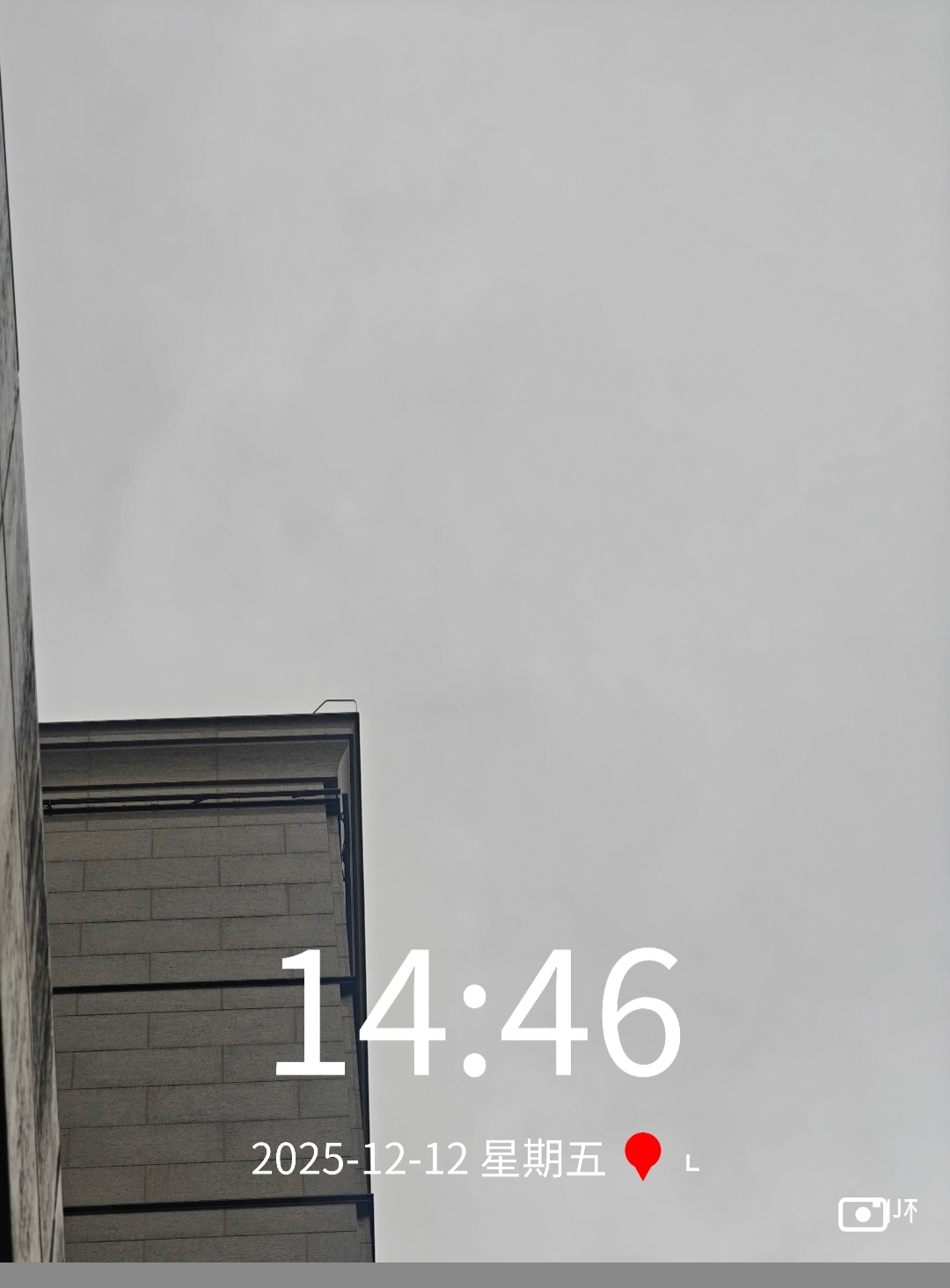
bash
#!/bin/bash

# ================= 字体设置 =================
# 自动寻找安卓或Linux中文字体
FONT_PATH=""
possible_fonts=(
    "/system/fonts/NotoSansCJK-Regular.ttc"
    "/system/fonts/DroidSansFallback.ttf"
    "/usr/share/fonts/opentype/noto/NotoSansCJK-Regular.ttc"
    "/usr/share/fonts/wqy-zenhei/wqy-zenhei.ttc"
)

for font in "${possible_fonts[@]}"; do
    if [ -f "$font" ]; then
        FONT_PATH="$font"
        break
    fi
done

[ -z "$FONT_PATH" ] && FONT_PATH="sans-serif" # 找不到这就回退
# ===========================================

command -v magick >/dev/null || { echo "请先安装: pkg install imagemagick"; exit 1; }

read -p "请输入图片路径: " image_path
[ -f "$image_path" ] || { echo "文件不存在"; exit 1; }

# === 获取图片宽度,计算比例 ===
width=$(magick identify -format "%w" "$image_path")

# 计算字号 (根据图片宽度动态调整)
# 时间大字: 18% 宽度
fs_time=$(echo "$width * 0.18" | bc | cut -d. -f1)
# 日期小字: 4.5% 宽度
fs_meta=$(echo "$width * 0.045" | bc | cut -d. -f1)
# 右下角Logo字: 3.5% 宽度
fs_logo=$(echo "$width * 0.035" | bc | cut -d. -f1)

# 间距控制
margin_bottom=$(echo "$width * 0.08" | bc | cut -d. -f1) # 整体离底部的距离
icon_size=$(echo "$fs_meta * 1.2" | bc | cut -d. -f1)    # 红色图标大小
logo_icon_size=$(echo "$fs_logo * 1.5" | bc | cut -d. -f1) # 相机图标大小

# === 文本内容 ===
current_time=$(date +"%H:%M")
current_date=$(date +"%Y-%m-%d")
# 中文星期处理
week_num=$(date +"%u")
case $week_num in
    1) w="一";; 2) w="二";; 3) w="三";; 4) w="四";; 5) w="五";; 6) w="六";; 7) w="日";;
esac
date_str="$current_date 星期$w"
location_str="上海市 · 静安区"

# 输出文件名
dir=$(dirname "$image_path")
filename=$(basename "$image_path")
output_file="$dir/${filename%.*}_水印V2.jpg"

echo "正在生成完美水印..."

# ================= 图像处理逻辑 =================
# 这里的逻辑是:
# 1. 制作 [红点图标]:在 100x100 的固定画布上画,然后缩放到文字高度。
# 2. 制作 [相机图标]:同上,固定画布画好,再缩放。
# 3. 拼接 [日期+红点+地点]:横向拼接。
# 4. 组合 [时间] 和 [上面那行]:纵向叠加。
# 5. 合成到底图。

magick "$image_path" \
    \
    \( \
        \
        \( -background none -fill white -font "$FONT_PATH" -pointsize "$fs_time" label:"$current_time" \) \
        \
        \( \
            \( -background none -fill white -font "$FONT_PATH" -pointsize "$fs_meta" label:"$date_str " \) \
            \
            \( -size 100x100 xc:none -fill "#FF2222" \
               -draw "circle 50,40 50,75" \
               -draw "path 'M 20,45 L 50,100 L 80,45 Z'" \
               -draw "circle 50,40 50,50" \
               -resize x"$icon_size" \) \
            \
            \( -background none -fill white -font "$FONT_PATH" -pointsize "$fs_meta" label:" $location_str" \) \
            \
            -gravity Center +append \
        \) \
        \
        -gravity Center -append -background none \
    \) \
    -gravity South -geometry +0+"$margin_bottom" -composite \
    \
    \( \
        \( -size 100x100 xc:none -stroke white -strokewidth 8 -fill none \
           -draw "roundrectangle 5,20 95,80 10,10" \
           -stroke none -fill white \
           -draw "circle 50,50 50,65" \
           -draw "rectangle 70,25 85,35" \
           -resize x"$logo_icon_size" \
        \) \
        \( -background none -fill white -font "$FONT_PATH" -pointsize "$fs_logo" label:" 水印相机" \) \
        -gravity Center +append \
    \) \
    -gravity SouthEast -geometry +"$(($width/30))"+"$(($width/40))" -composite \
    \
    "$output_file"

echo "✅ 完成!请查看: $output_file"