一.背景
目前需要实现活体检测功能,而且是需要静默活体,但是现在官方的活体API还不支持静默,第三方的SDK也不支持,现在自定义一个类似活体检测的功能,但是不会去检测是否活体,拿到照片以后去调用人脸识别
二.实现思路
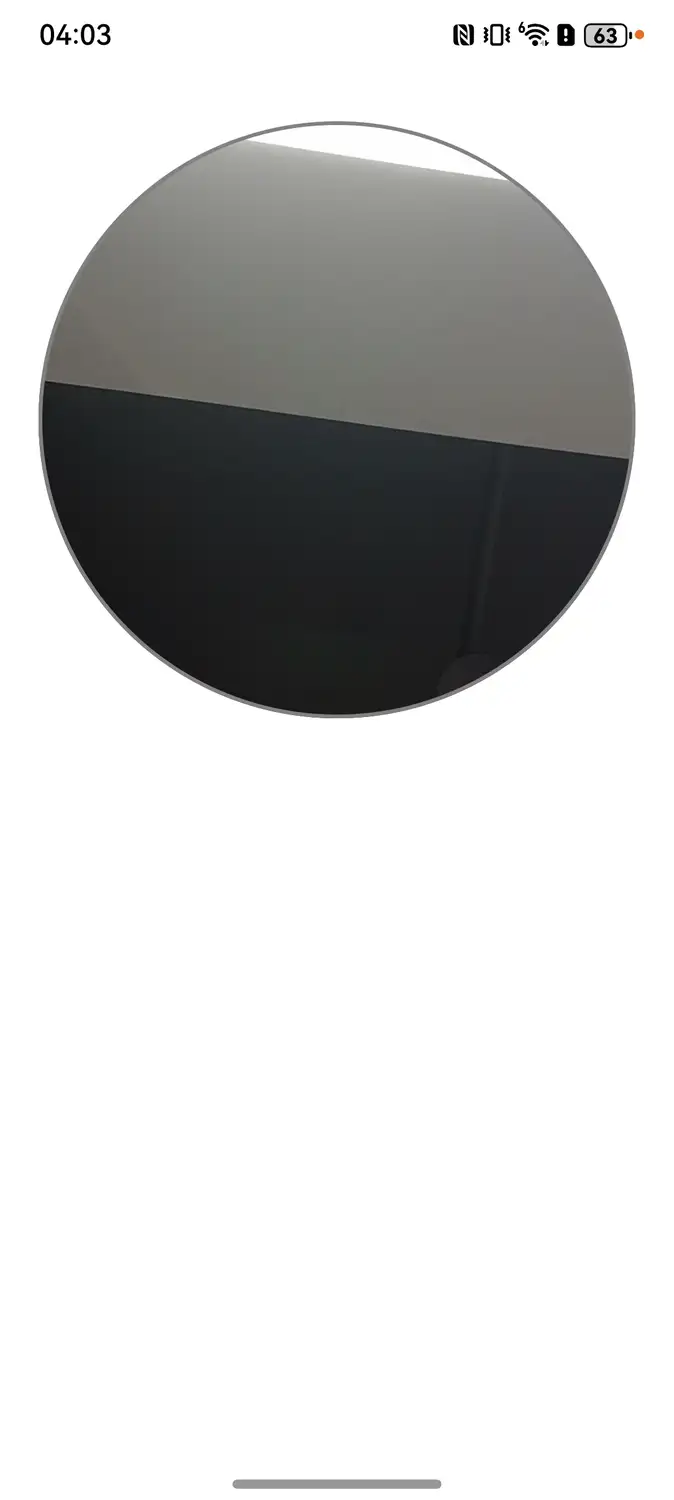
先调用相机,将相机设置为前置摄像头,将当前相机内容使用XComponent实时渲染,启用定时拍照功能,设置定时器,时间到以后利用截图组件功能去做,然后拿到图片地址去进行人脸识别,不保存到本地
三.代码
这边只放了首页代码,其余代码会在包里,在文章后附带
使用的时候将包放到项目中,直接跳转或者引用xsComponent这个页面
TypeScript
/*
 * Copyright (c) 2025 Huawei Device Co., Ltd.
 *  Licensed under the Apache License, Version 2.0 (the "License");
 *  you may not use this file except in compliance with the License.
 *  You may obtain a copy of the License at
 *
 *      http://www.apache.org/licenses/LICENSE-2.0
 *
 *  Unless required by applicable law or agreed to in writing, software
 *  distributed under the License is distributed on an "AS IS" BASIS,
 *  WITHOUT WARRANTIES OR CONDITIONS OF ANY KIND, either express or implied.
 *  See the License for the specific language governing permissions and
 *  limitations under the License.
 *
 */

import { CameraConstants } from './constants/CameraConstants';
import { CameraUtils } from './utils/CameraUtils';
import { abilityAccessCtrl, bundleManager, common, PermissionRequestResult, Permissions } from '@kit.AbilityKit';
import { BusinessError, emitter } from '@kit.BasicServicesKit';
import Logger from './utils/Logger';
import { TwiceReqPermissionButtonComponent } from './component/TwiceReqPermissionButtonComponent';
import { StackXComponent } from './component/StackXComponent';
import LoadingDialog from '@lyb/loading-dialog';
import { DynamicsRouter } from 'common';

@Builder
export function xsIndexBuilder() {
  xsIndex()
}

@Entry
@Component
struct xsIndex {
  @Provide cameraPosition: number = 1; // 固定为前置摄像头
  @Provide notHasPermission: boolean = true;
  @Provide surfaceId: string = '';
  @Provide timerShooting: number = 3; // 固定3秒
  @Provide captureTimer: number = 0;
  @Provide isVisibleTimerSet: boolean = false;
  @Provide isVisibleTimer: boolean = false;
  @Provide isVisibleCapture: boolean = true;
  @Provide captureClickFlag: number = 0;
  @State autoCaptureStarted: boolean = false; // 标记是否已开始自动拍照
  private uiContext: UIContext = this.getUIContext();
  private cameraUtils = new CameraUtils(this.uiContext);

  checkPermissions(permission: Permissions) {
    let atManager = abilityAccessCtrl.createAtManager();
    let bundleInfo = bundleManager.getBundleInfoForSelfSync(bundleManager.BundleFlag.GET_BUNDLE_INFO_WITH_APPLICATION);
    let tokenID = bundleInfo.appInfo.accessTokenId;
    let authResults = atManager.checkAccessTokenSync(tokenID, permission);
    return authResults === abilityAccessCtrl.GrantStatus.PERMISSION_GRANTED;
  }

  aboutToDisappear(): void {
    this.cameraUtils.releaseCamera();
  }


    AppStorage.setOrCreate('cameraUtils', this.cameraUtils);
    let atManager: abilityAccessCtrl.AtManager = abilityAccessCtrl.createAtManager();
    let context: Context = this.getUIContext().getHostContext() as common.UIAbilityContext;
    atManager.requestPermissionsFromUser(context, ['ohos.permission.CAMERA'])
      .then((data: PermissionRequestResult) => {
        if (data.authResults[0] === 0) {
          this.notHasPermission = false;
          this.cameraUtils.cameraShooting(this.cameraPosition, this.surfaceId, context);
          // 延迟启动自动拍照,等待相机初始化完成
          setTimeout(() => {
            this.startAutoCapture();
          }, 500);
        } else if (data.authResults[0] === -1) {
          this.notHasPermission = true;
        }
      })
      .catch((err: BusinessError) => {
        Logger.error(`data: ${JSON.stringify(err)}`);
      });
  }

  // 开始自动拍照流程
  startAutoCapture(): void {
    if (this.autoCaptureStarted || this.notHasPermission) {
      return;
    }
    this.autoCaptureStarted = true;
    this.isVisibleTimer = true;
    this.captureTimer = this.timerShooting;
    this.isVisibleCapture = false;

    // 3秒后自动拍照
    setTimeout(() => {
      this.cameraUtils.capture(true); // 前置摄像头需要镜像
      this.captureClickFlag = this.captureClickFlag + 1;
      this.isVisibleCapture = true;
      this.isVisibleTimer = false;
    }, this.captureTimer * 1000);
  }

  onPageShow() {
    if (!this.notHasPermission) {
      let permissions: Permissions = 'ohos.permission.CAMERA';
      if (this.checkPermissions(permissions)) {
        this.cameraUtils.cameraShooting(this.cameraPosition, this.surfaceId, this.getUIContext().getHostContext()!);
        this.notHasPermission = false;
        // 如果还没有开始自动拍照,则启动
        if (!this.autoCaptureStarted) {
          setTimeout(() => {
            this.startAutoCapture();
          }, 500);
        }
      } else {
        this.notHasPermission = true;
      }
    }
  }

  onPageHide(): void {
    if (!this.notHasPermission) {
      this.cameraUtils.releaseCamera();
    }
  }

  build() {
    NavDestination() {
      Column() {
        if (this.notHasPermission) {
          TwiceReqPermissionButtonComponent();
        } else {
          Row() {
            Image($r('app.media.back'))
              .width(25)
              .height(25)
              .onClick(() => {
                DynamicsRouter.pop()
              })
          }.width('100%').padding(15)

          StackXComponent();
        }
      }
      .height(CameraConstants.FULL_SCREEN)
      .width(CameraConstants.FULL_SCREEN)
      .backgroundColor(Color.White) // 白色背景
      .padding({
        top: this.uiContext.px2vp(AppStorage.get('topAvoid')) as number,
        bottom: this.uiContext.px2vp(AppStorage.get('bottomAvoid')) as number
      });
    }.hideBackButton(true)
  }
}