一、tensorboard的说明
TensorBoard是深度学习领域通用的可视化工具套件,TensorBoard的核心价值在于将抽象的模型训练过程转化为直观的可视化图表。
在PyTorch中,SummaryWriter是TensorBoard的数据写入器,用于将训练数据(指标、模型结构、图像等)记录到事件文件(event files)中。
python
class SummaryWriter(object):
    """Writes entries directly to event files in the log_dir to be
    consumed by TensorBoard.

    The `SummaryWriter` class provides a high-level API to create an event file
    in a given directory and add summaries and events to it. The class updates the
    file contents asynchronously. This allows a training program to call methods
    to add data to the file directly from the training loop, without slowing down
    training.
    """
记录标量(指标):使用add_scalar方法跟踪损失、准确率等指标。
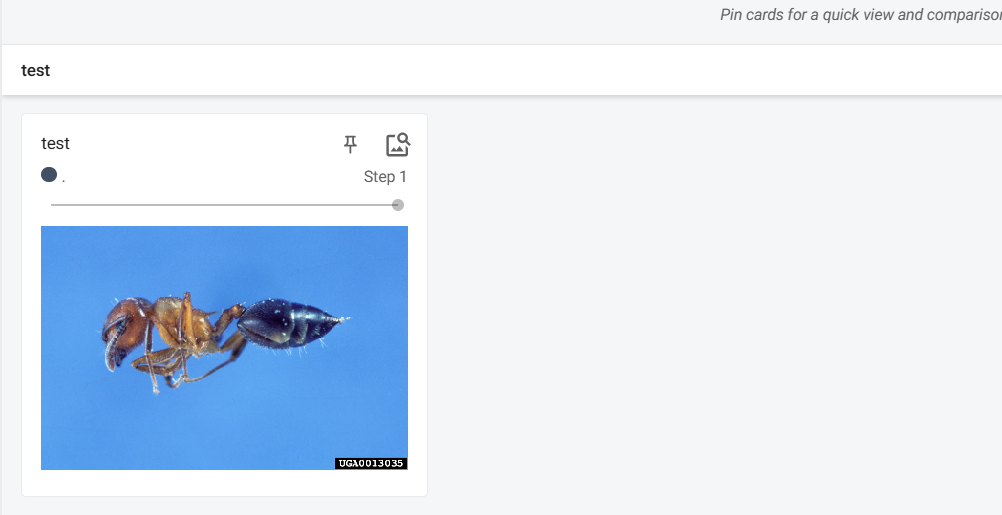
记录图像:使用add_image方法展示训练数据或生成样本。
二、tensorboard的画图使用
add_scalar:scalar_value是y轴,global_step是x轴
创建y=x和y=2x的图,并通过网页展示
python
from torch.utils.tensorboard import SummaryWriter

writer = SummaryWriter('logs')
# writer.add_image()
for i in range(100):
    writer.add_scalar('y=2x', 2*i, i)

writer.close()
在控制台输出,也可以指定其他端口tensorboard --logdir=logs --port=6007:
powershell
tensorboard --logdir=logs输出

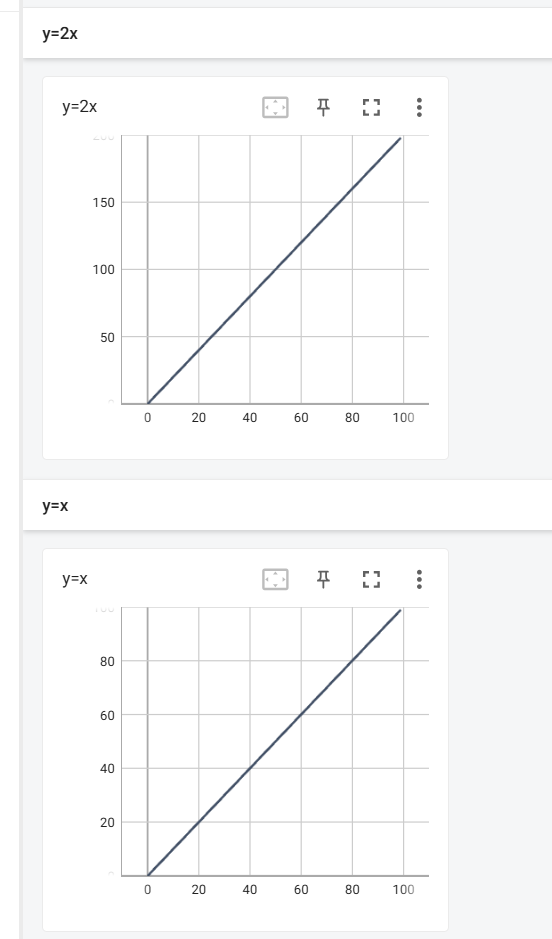
三、tensorboard的记录图片使用
python
from torch.utils.tensorboard import SummaryWriter
import numpy as np
from PIL import Image

writer = SummaryWriter('logs')
image_path = r'data/train/ants_image/0013035.jpg'
img_PIL = Image.open(image_path)
img_array = np.array(img_PIL)
#img_array的shape是(512, 768, 3),通道3,需要加dataformats='HWC'参数,否则报错
writer.add_image("test", img_array, 1, dataformats='HWC')


# for i in range(100):
#     writer.add_scalar('y=x', i, i)

writer.close()
输出