文章目录
-
- question
-
- [Import "sklearn.model_selection" could not be resolved from source](#Import "sklearn.model_selection" could not be resolved from source)
- [Analysis && Solution](#Analysis && Solution)
- 问题
-
- [Import "sklearn.model_selection" could not be resolved from source!在这里插入图片描述(https://i-blog.csdnimg.cn/direct/b4d1f83a855a4fb4bc8007539cf6db4d.png)](#Import "sklearn.model_selection" could not be resolved from source
 )
) - 分析&&解决
-
- [安装 `conda install scikit-learn`](#安装
conda install scikit-learn)
- [安装 `conda install scikit-learn`](#安装
- 重启vscode
- [Import "sklearn.model_selection" could not be resolved from source!在这里插入图片描述(https://i-blog.csdnimg.cn/direct/b4d1f83a855a4fb4bc8007539cf6db4d.png)](#Import "sklearn.model_selection" could not be resolved from source
question
Import "sklearn.model_selection" could not be resolved from source
Analysis && Solution
This is a code completion/Intelligent suggestion error in an IDE (such as VS Code), not a runtime error. It indicates a problem with Pylance (VS Code's...).
The Python extension could not find the source code for the sklearn.model_selection module, therefore it cannot provide features such as auto-completion and jump to definitions.
could not be resolved from source
Possible reasons:
- The scikit-learn package is not installed correctly/not installed.
- Perform a check using
pip list | findstr scikit-learn@TOC
问题
Import "sklearn.model_selection" could not be resolved from source
分析&&解决
这是一个 IDE(如 VS Code)中的代码提示/智能感知错误,而不是程序运行时的错误。它表示 Pylance(VS Code 的
Python 扩展)无法找到 sklearn.model_selection 模块的源码位置,所以不能提供自动补全、跳转定义等功能。'
could not be resolved from source
可能的原因:
- 没有正确/没有安装该包 scikit-learn 没有安装
- 做检查 pip list | findstr scikit-learn ;conda list scikit-learn
- Python 环境配置错误 ,是不是你选错环境了。/选错了 错误的解释器(Python 解释器)(conda)
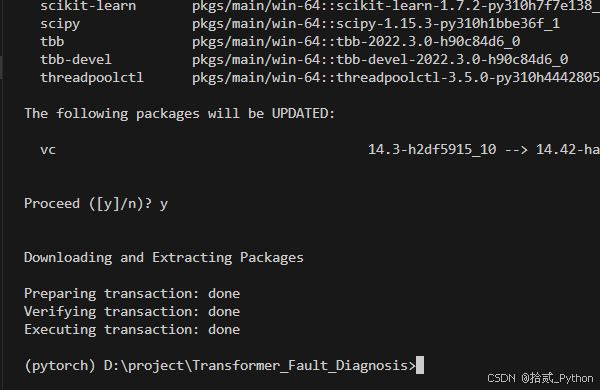
安装 conda install scikit-learn
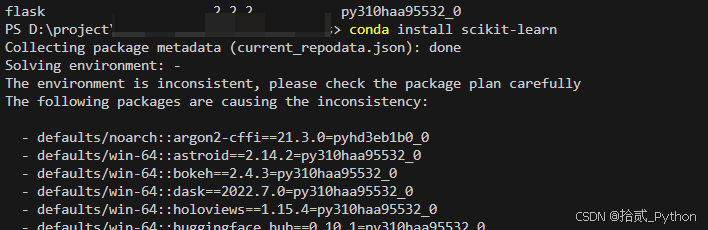
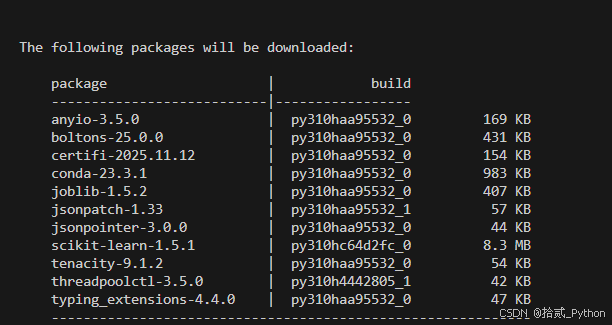
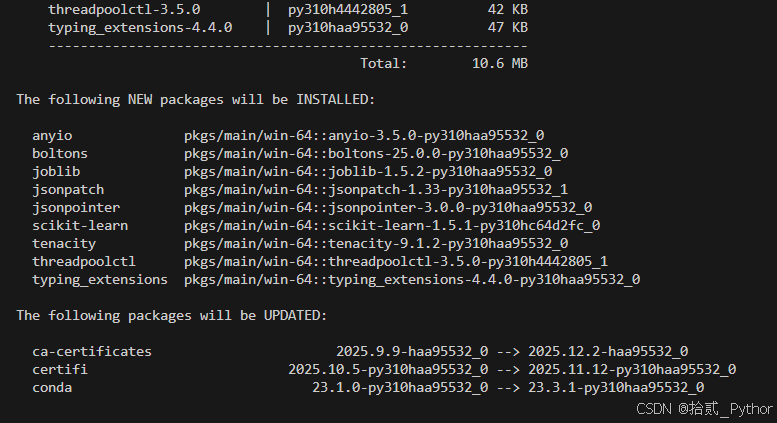
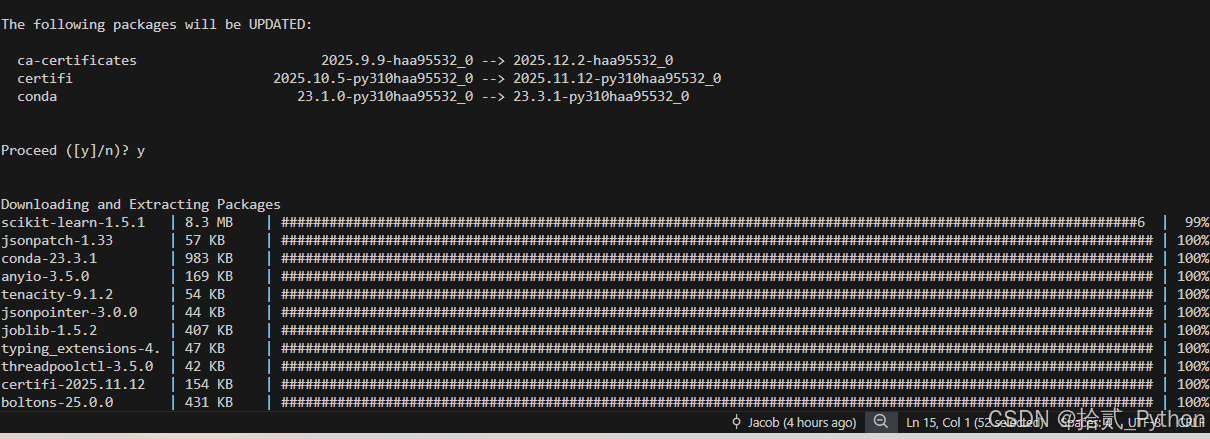
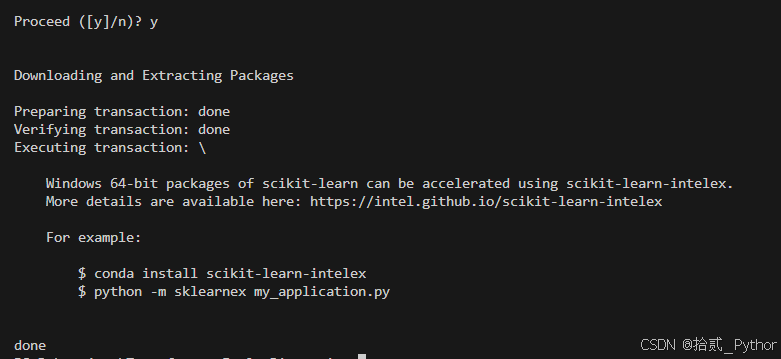
重启vscode
检查是否还有该提示
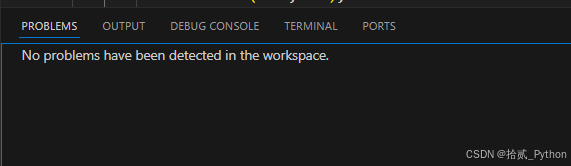


要是还存在就不是没有安装的问题了