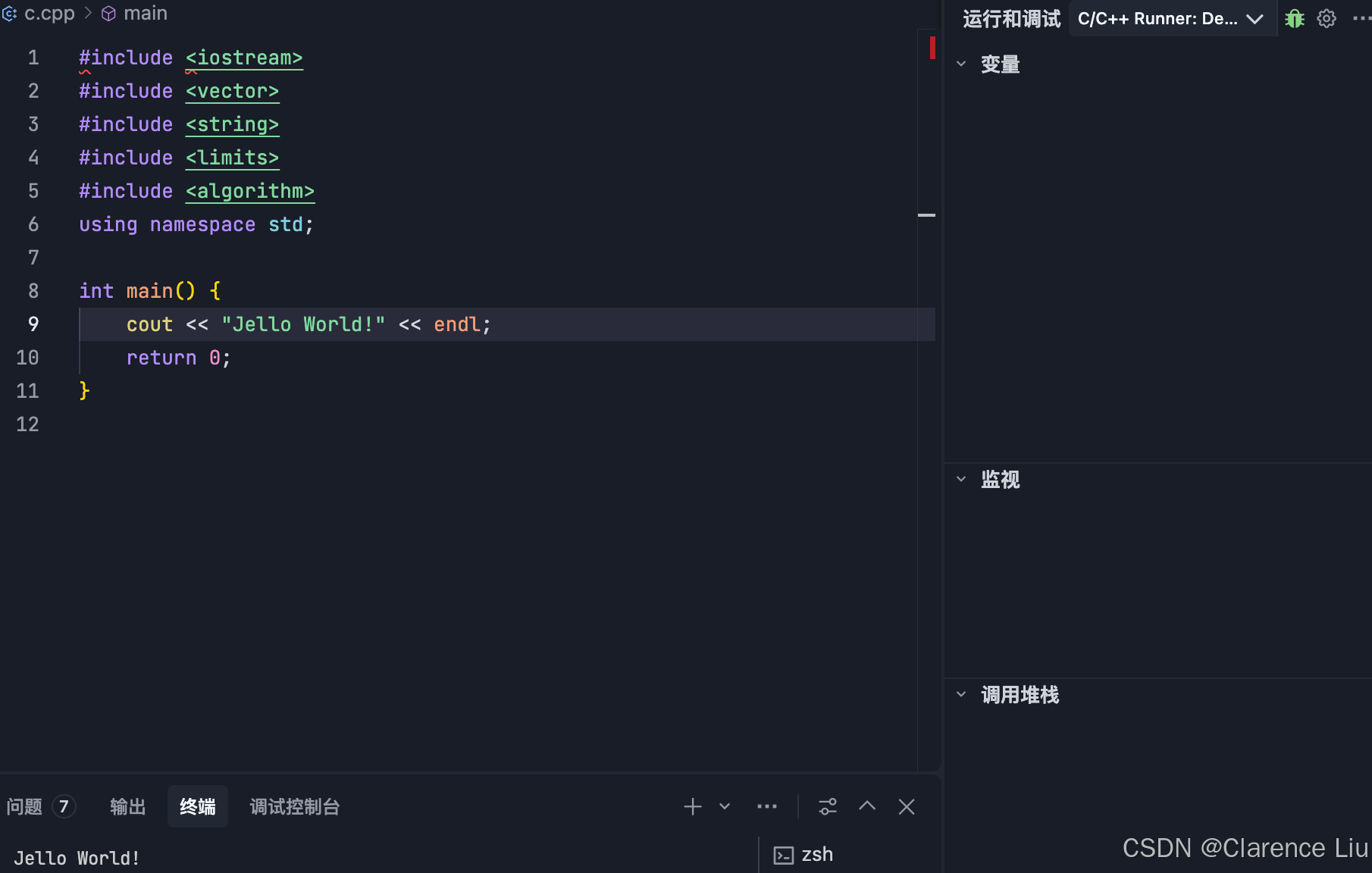
对于习惯使用VisualStudio或CLion等传统IDE的C++开发者而言,切换到以AI为核心的新一代编辑器Trae,可能既令人兴奋又充满挑战。Trae基于VSCode技术构建,凭借其深度集成的ChatGpt等大模型,在智能代码补全、错误诊断和项目生成方面展现出巨大潜力。然而,搭建一个功能完整、调试顺畅的C++开发环境,仍然是许多新手遇到的第一道门槛。本文将带你系统性地完成从零配置到高效开发的整个旅程,不仅提供可直接复现的配置代码,更深入解析其背后的原理与最佳实践。
目录
- [1. 编译器与工具链选择](#1. 编译器与工具链选择)
- [2. 理解并配置 .vscode 文件夹](#2. 理解并配置 .vscode 文件夹)
-
- [2.1. 创建项目与示例代码](#2.1. 创建项目与示例代码)
- [2.2 .vscode/tasks.json](#2.2 .vscode/tasks.json)
- [2.3 settings.json](#2.3 settings.json)
- [2.4 launch.json](#2.4 launch.json)
- [2.4 c_cpp_properties.json](#2.4 c_cpp_properties.json)
- [3. 安装C++ runner插件](#3. 安装C++ runner插件)
1. 编译器与工具链选择
- macOS 的 C++ 编译器包含在 Xcode Command Line Tools (CLT) 中,它是轻量化的开发工具集,无需安装完整的 Xcode IDE,使用下面的命令
shell
xcode-select --install
clang++ --version
输出类似下面的,表示安装完成
sh
Apple clang version 15.0.0 (clang-1500.3.9.4)
Target: arm64-apple-darwin25.1.0
Thread model: posix- 如果需要更现代的构建工具,可通过 Homebrew 安装 cmake 和 ninja
sh
brew install cmake ninja2. 理解并配置 .vscode 文件夹
- 我们将基于一个简单的项目示例进行配置,你需要重点修改 .vscode 目录下的配置文件。
2.1. 创建项目与示例代码
在你的工作目录下创建:
-
main.cpp: 你的 C++ 源代码文件。
-
Makefile: 构建规则文件(如果你使用 CMake,则应为 CMakeLists.txt)。
-
.vscode/ 文件夹: 存放 Trae 的配置文件。
一个简单的 main.cpp 示例:
c
#include <iostream>

int main() {
    std::cout << "Hello, Trae on macOS!" << std::endl;
    return 0;
}
2.2 .vscode/tasks.json
json
{
    "version": "2.0.0",
    "tasks": [
                {
            "label": "build",  // 这个label必须和launch.json中的preLaunchTask一致
            "type": "shell",
            "command": "clang++",
            "args": [
                "-std=c++17",
                "-g",
                "${file}",
                "-o",
                "${workspaceFolder}/build/debug/${fileBasenameNoExtension}"
            ],
            "group": {
                "kind": "build",
                "isDefault": true
            },
            "problemMatcher": ["$gcc"]
        },
        {
            "type": "shell",
            "label": "C/C++: clang++ build active file",
            "command": "clang++",
            "args": [
                "-std=c++17",
                "-g",
                "${file}",  // 当前打开的文件
                "-o",
                "${workspaceFolder}/build/debug/${fileBasenameNoExtension}"  // 输出到 build/debug 目录
            ],
            "options": {
                "cwd": "${workspaceFolder}"
            },
            "group": {
                "kind": "build",
                "isDefault": true
            },
            "detail": "编译器: clang++"
        }
    ]
}
2.3 settings.json
json
{
  "C_Cpp_Runner.cCompilerPath": "clang",
  "C_Cpp_Runner.cppCompilerPath": "clang++",
  "C_Cpp_Runner.debuggerPath": "lldb",
  "C_Cpp_Runner.cStandard": "",
  "C_Cpp_Runner.cppStandard": "",
  "C_Cpp_Runner.msvcBatchPath": "",
  "C_Cpp_Runner.useMsvc": false,
  "C_Cpp_Runner.warnings": [
    "-Wall",
    "-Wextra",
    "-Wpedantic",
    "-Wshadow",
    "-Wformat=2",
    "-Wcast-align",
    "-Wconversion",
    "-Wsign-conversion",
    "-Wnull-dereference"
  ],
  "C_Cpp_Runner.msvcWarnings": [
    "/W4",
    "/permissive-",
    "/w14242",
    "/w14287",
    "/w14296",
    "/w14311",
    "/w14826",
    "/w44062",
    "/w44242",
    "/w14905",
    "/w14906",
    "/w14263",
    "/w44265",
    "/w14928"
  ],
  "C_Cpp_Runner.enableWarnings": true,
  "C_Cpp_Runner.warningsAsError": false,
  "C_Cpp_Runner.compilerArgs": [],
  "C_Cpp_Runner.linkerArgs": [],
  "C_Cpp_Runner.includePaths": [],
  "C_Cpp_Runner.includeSearch": [
    "*",
    "**/*"
  ],
  "C_Cpp_Runner.excludeSearch": [
    "**/build",
    "**/build/**",
    "**/.*",
    "**/.*/**",
    "**/.vscode",
    "**/.vscode/**"
  ],
  "C_Cpp_Runner.useAddressSanitizer": false,
  "C_Cpp_Runner.useUndefinedSanitizer": false,
  "C_Cpp_Runner.useLeakSanitizer": false,
  "C_Cpp_Runner.showCompilationTime": false,
  "C_Cpp_Runner.useLinkTimeOptimization": false,
  "C_Cpp_Runner.msvcSecureNoWarnings": false
}
2.4 launch.json
json
{
    "version": "0.2.0",
    "configurations": [
        {
            "name": "C/C++ Runner: Debug Session",
            "type": "lldb",  // macOS需要是 "lldb"
            "request": "launch",
            "args": [],
            "stopAtEntry": false,
            "cwd": "${workspaceFolder}",
            "environment": [],
            "externalConsole": false,
            "MIMode": "lldb",
            "program": "${workspaceFolder}/build/Debug/${fileBasenameNoExtension}",
            "setupCommands": [
                {
                    "description": "Enable pretty-printing for gdb",
                    "text": "-enable-pretty-printing",
                    "ignoreFailures": true
                }
            ],
            "preLaunchTask": "build"  // 确保调试前先编译
        }
    ]
}
2.4 c_cpp_properties.json
json
{
  "configurations": [
    {
      "name": "macos-clang-arm64",
      "includePath": [
        "${workspaceFolder}/**"
      ],
      "compilerPath": "/usr/bin/clang++",
      "cStandard": "${default}",
      "cppStandard": "${default}",
      "intelliSenseMode": "macos-clang-arm64",
      "compilerArgs": [
        ""
      ]
    }
  ],
  "version": 4
}
3. 安装C++ runner插件
- 运行代码