Docker部署
执行命令
bash
docker volume create lhci-data
docker container run --publish 9001:9001 --mount='source=lhci-data,target=/data' --detach patrickhulce/lhci-server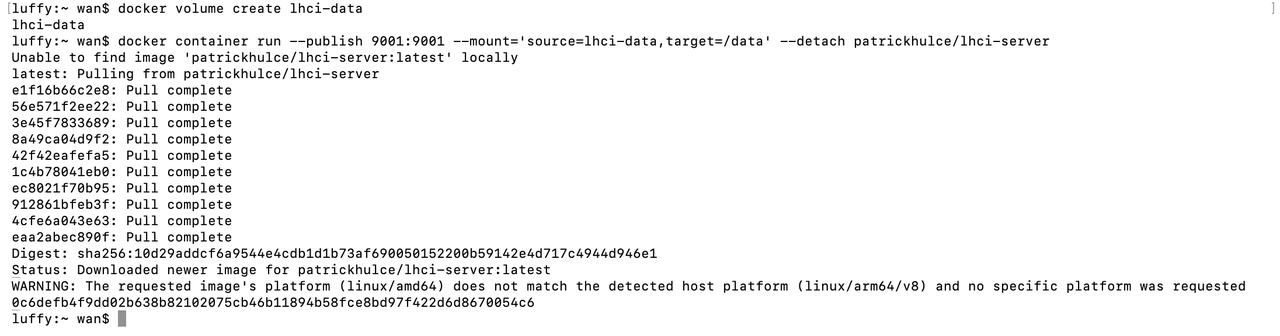
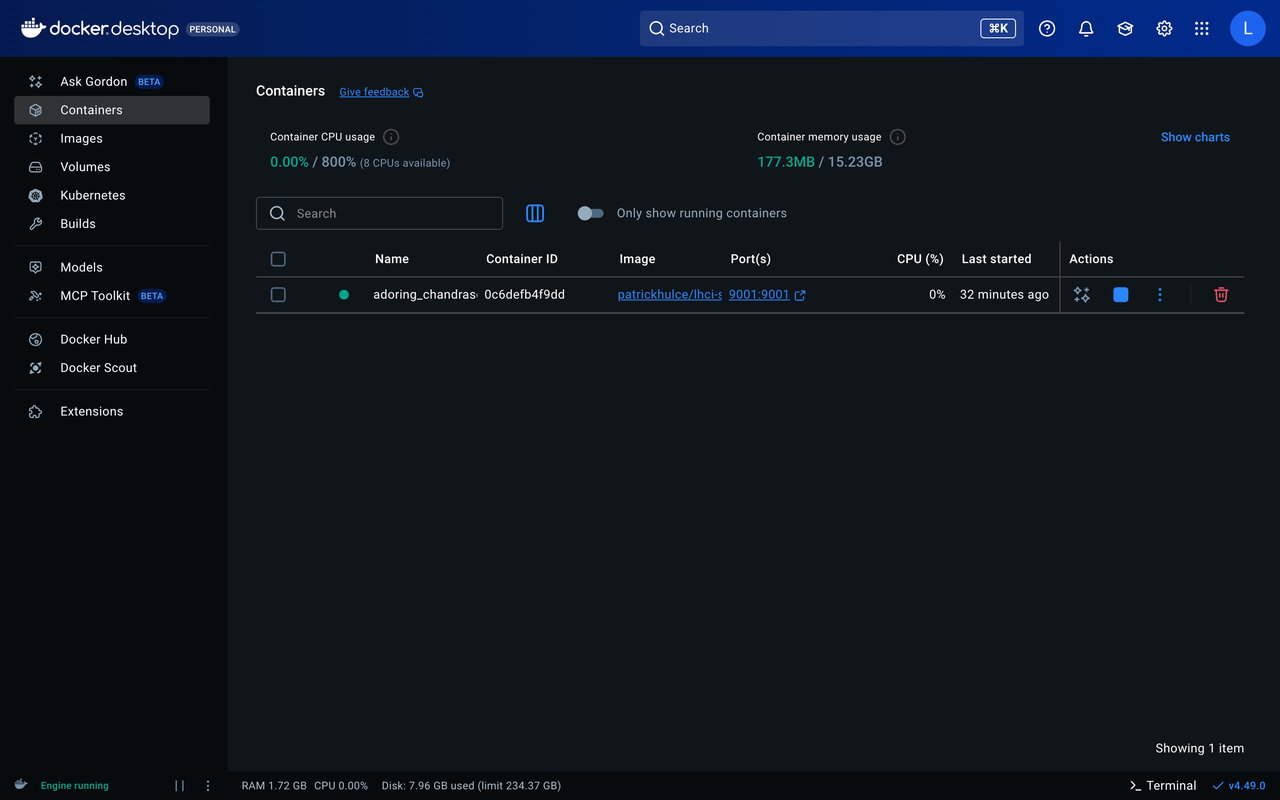
完成后打开http://localhost:9001,打开界面如下:
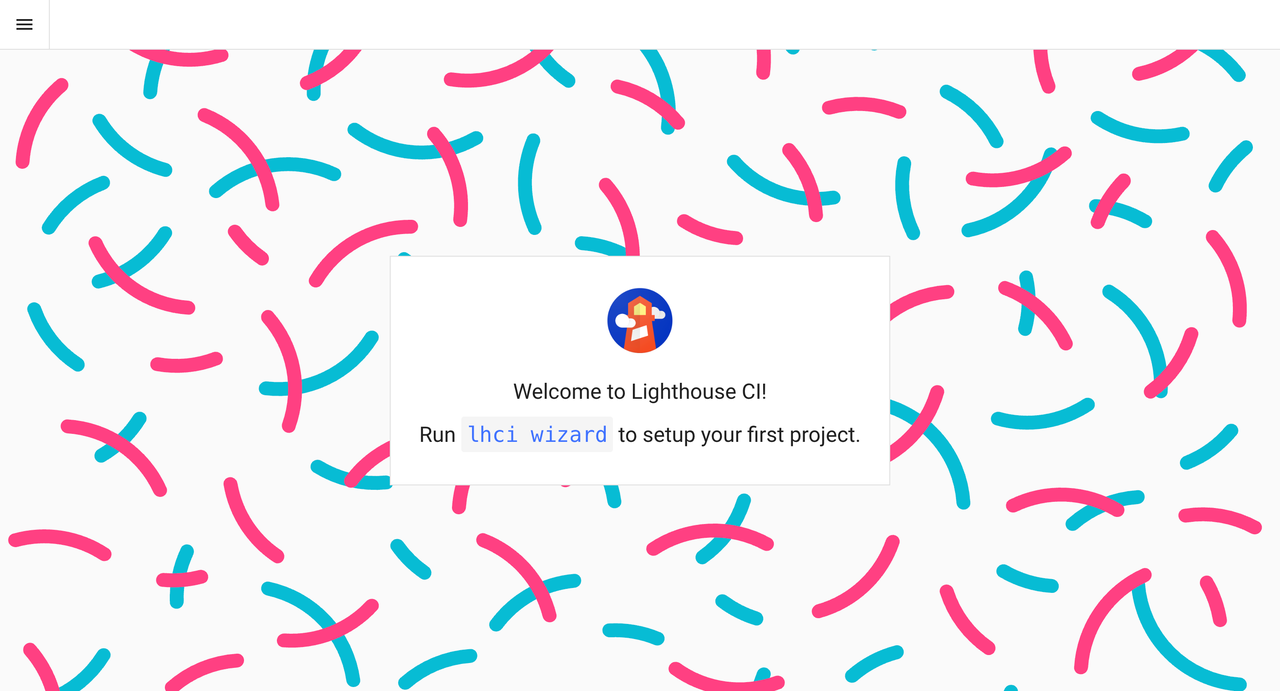
新建项目
bash
mkdir esim-lhci-server
cd esim-lhci-server
lhci wizard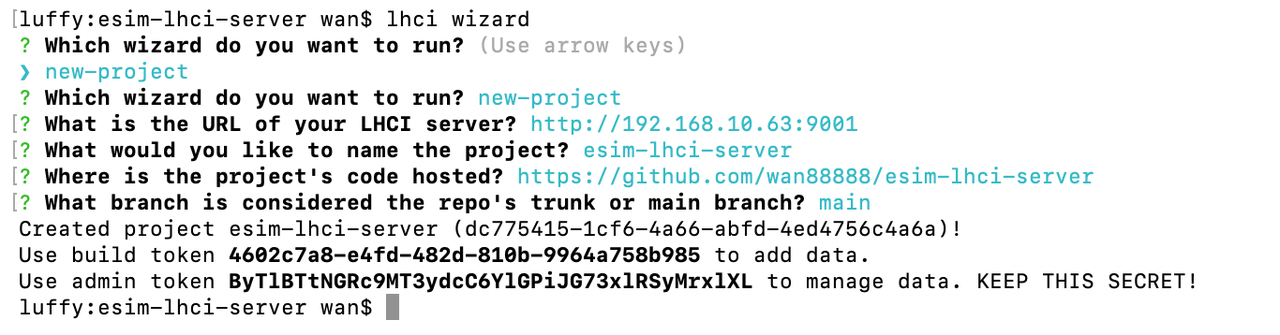
保存好生成的build token和admin token
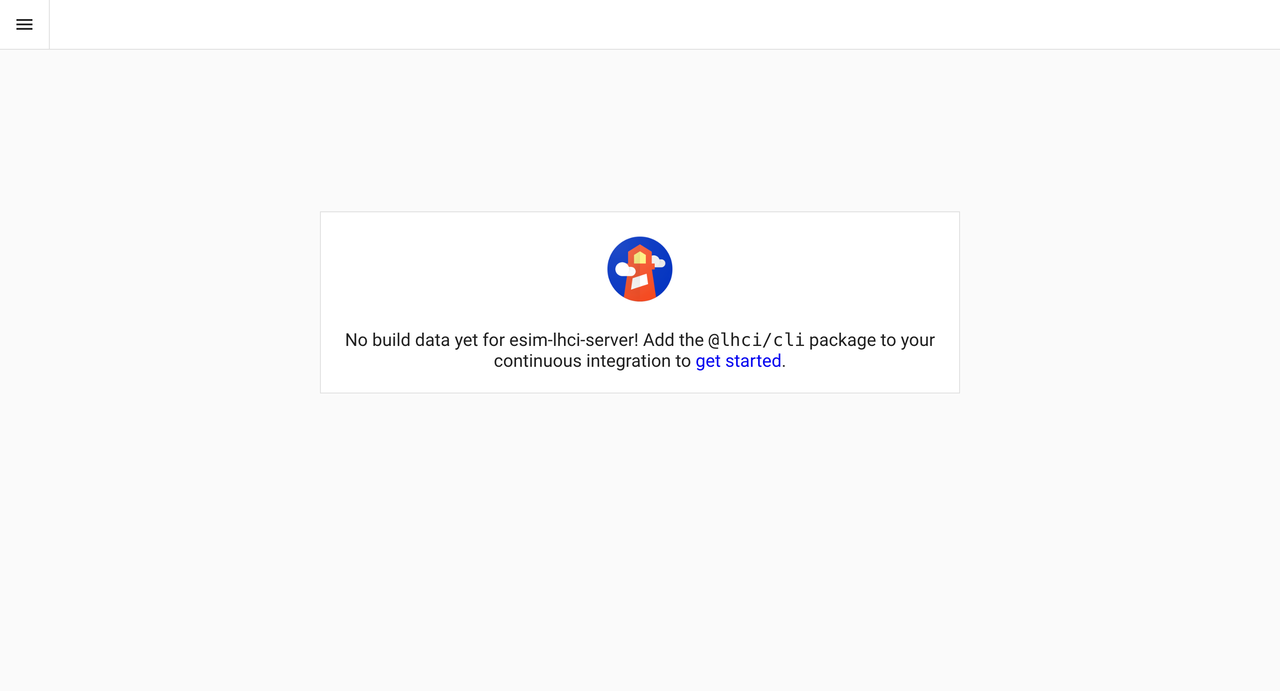
刷新页面可以看到Lighthouse CI Server页面多了1个esim-lhci-server项目
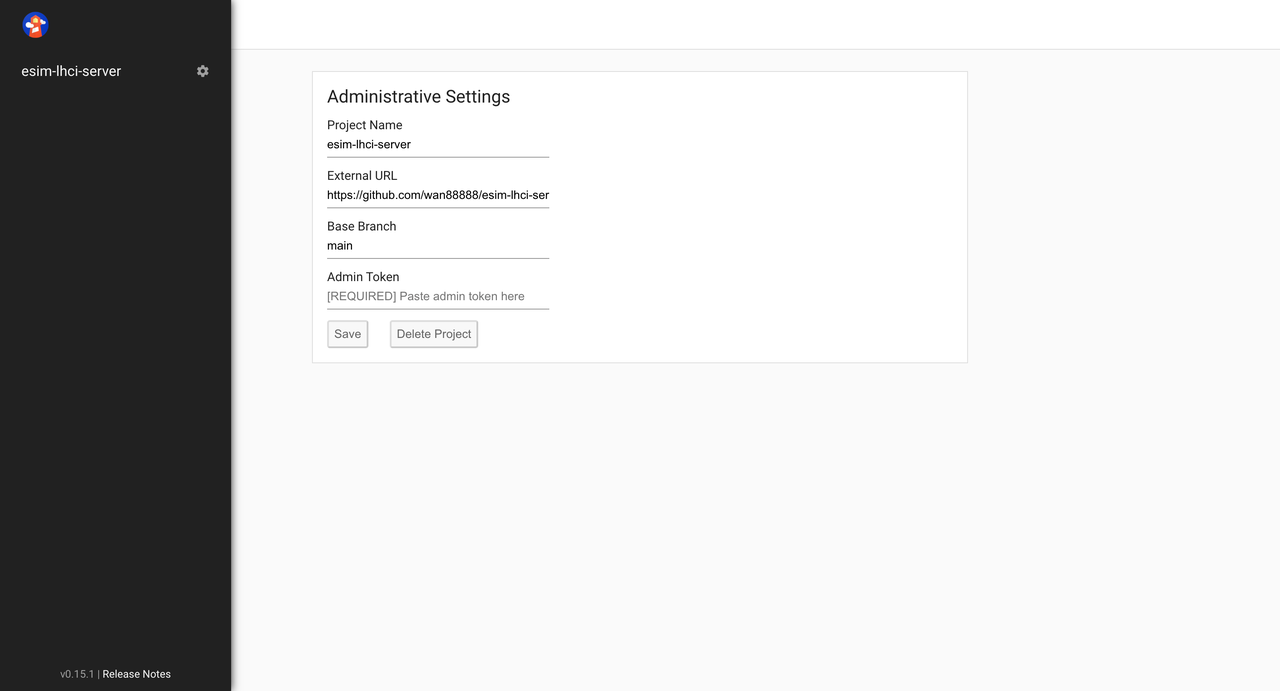
点击左侧设置,输入admin token保存
编写代码
javascript
module.exports = {
    ci: {
      collect: {
        url: ['https://esimnum.com/home'],
        numberOfRuns: 3,
        settings: {
          chromeFlags: '--no-sandbox --disable-dev-shm-usage --headless',
          preset: 'desktop',
        },
      },
      assert: {
        assertions: {
          'categories:performance': ['error', { minScore: 0.3 }],
          'categories:accessibility': ['warn', { minScore: 0.3 }],
        },
      },
      upload: {
        target: 'lhci',
        serverBaseUrl: 'http://192.168.10.63:9001',
        token: '4602c7a8-e4fd-482d-810b-9964a758b985',
      },
    },
  };
本地测试
bash
git commit --allow-empty -m "Build time:$(date +%s)"
lhci autorun --config=lighthouserc.js
测试结果
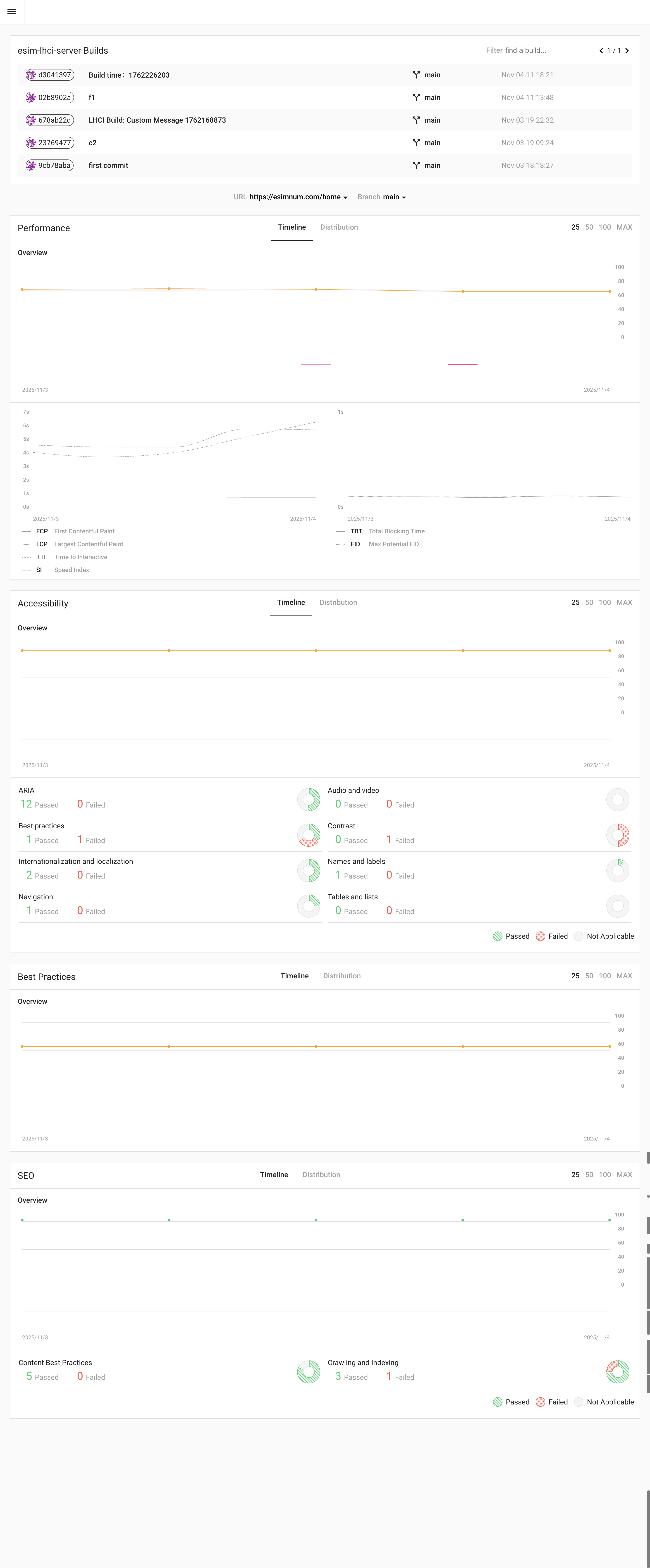
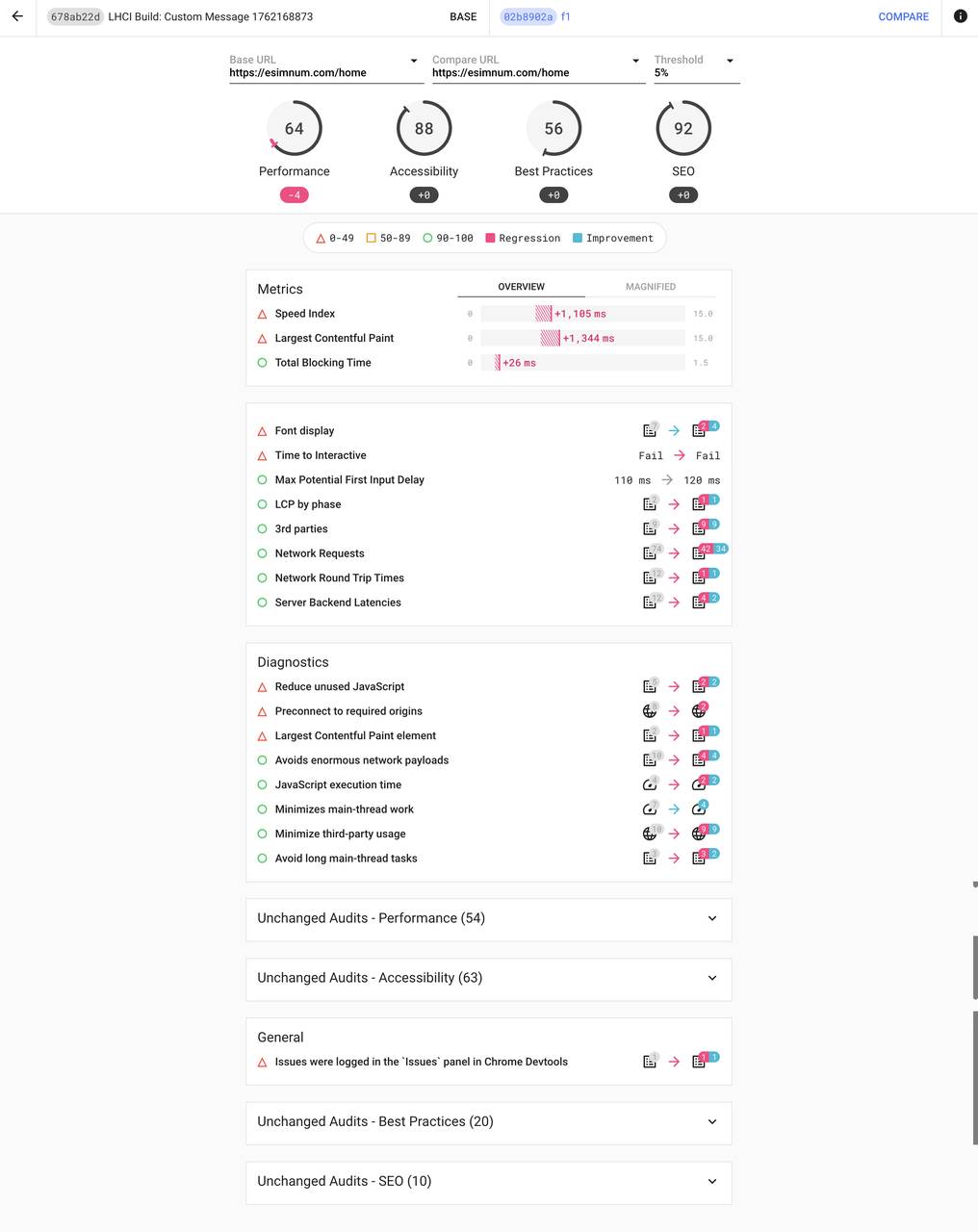
版本对比