部署:
docker run -d --name es   -p 9200:9200   -e "discovery.type=single-node"   -e "xpack.security.enabled=false"   -e "ES_JAVA_OPTS=-Xms1g -Xmx1g"   docker.elastic.co/elasticsearch/elasticsearch:9.2.3

docker run -d --name kibana   -p 5601:5601   --link es:elasticsearch   -e ELASTICSEARCH_HOSTS=http://es:9200   docker.elastic.co/kibana/kibana:9.2.3
后台:
localhost:5601
保存es数据:
1、创建索引
注意时间格式要求 "@timestamp":
"2025-12-25T23:54:34.252Z"
from elasticsearch import Elasticsearch

# 连接 ES
es = Elasticsearch("http://*****:9200")

es.indices.delete(index='llm-agent-logs')


index_name = "llm-agent-logs"

#如果索引不存在,创建索引并定义 mapping
if not es.indices.exists(index=index_name):
    mapping = {
        "mappings": {
            "properties": {
                "@timestamp": {"type": "date"},  # 时间戳

                "user": {
                    "properties": {
                        "user_id": {"type": "keyword"},
                        "user_id_type": {"type": "keyword"},
                        "anonymous_id": {"type": "keyword"},
                        "level": {"type": "keyword"},
                        "platform": {"type": "keyword"}
                    }
                },
                "messages": {
                    "properties": {
                        "user_query": {"type": "text"},
                        "llm_response": {"type": "text"}
                    }
                },
                "tools": {
                     "properties": {
                        "name":   { "type": "keyword" },
                        "args":   { "type": "object", "enabled": False },
                        "result": { "type": "text" }
  }
                },
                "llm_metrics": {
                    "properties": {
                        "model": {"type": "keyword"},
                        "tokens_in": {"type": "integer"},
                        "tokens_out": {"type": "integer"},
                        "tokens_all": {"type": "integer"},
                        "tokens_speed": {"type": "float"},
                        "llm_time": {"type": "float"}
                    }
                }
            }
        }
    }

    es.indices.create(index=index_name, body=mapping)
    print(f"索引 {index_name} 创建成功!")
else:
    print(f"索引 {index_name} 已存在")
2、插入数据
from elasticsearch import AsyncElasticsearch

es = AsyncElasticsearch(
            ["http://*****:9200"],  # 修正 URL 格式

            verify_certs=False,
            max_retries=3,
            retry_on_timeout=True
        )
        # 测试连接
        await es.info()

def save_to_es(log, index_name="llm-agent-logs"):
    global es
    if es is None:
        logger.error("ES 客户端未初始化")
        return None
    try:
        resp = await es.index(index=index_name, document=log)

        return resp
    except Exception as e:
        logger.error(f"ES 索引失败: {str(e)}")
        return None

es_log ={"@timestamp": es_timestamp_cst(),"tools": []}

es_log["user"] = {
            "user_id": user_id,
            "user_id_type": user_id_type,
            "anonymous_id": anonymous_id,
            "level": level_desc,
            "platform": platform_type
        }


save_to_es(es_log)
数据分析可视化
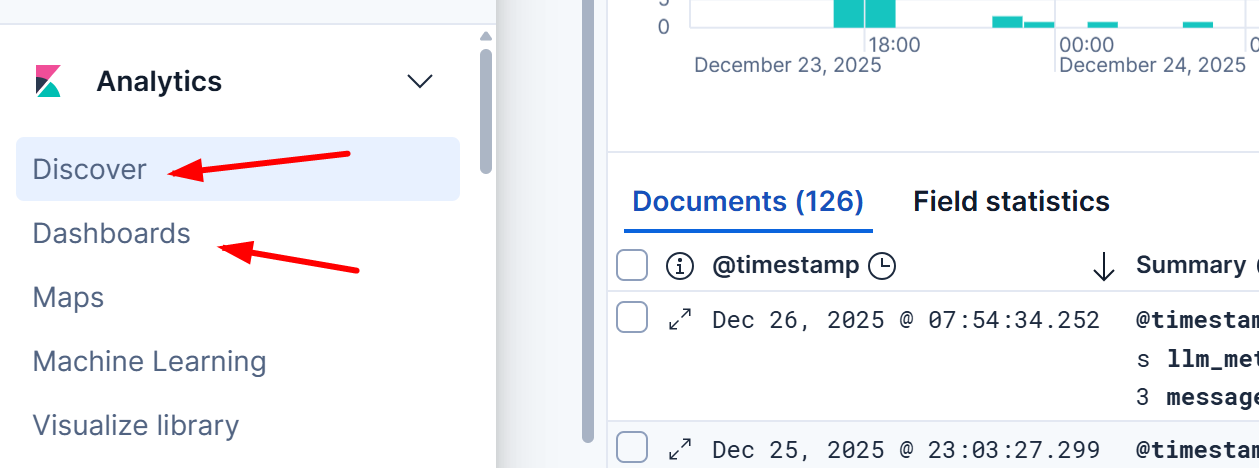
discover主要是原始数据
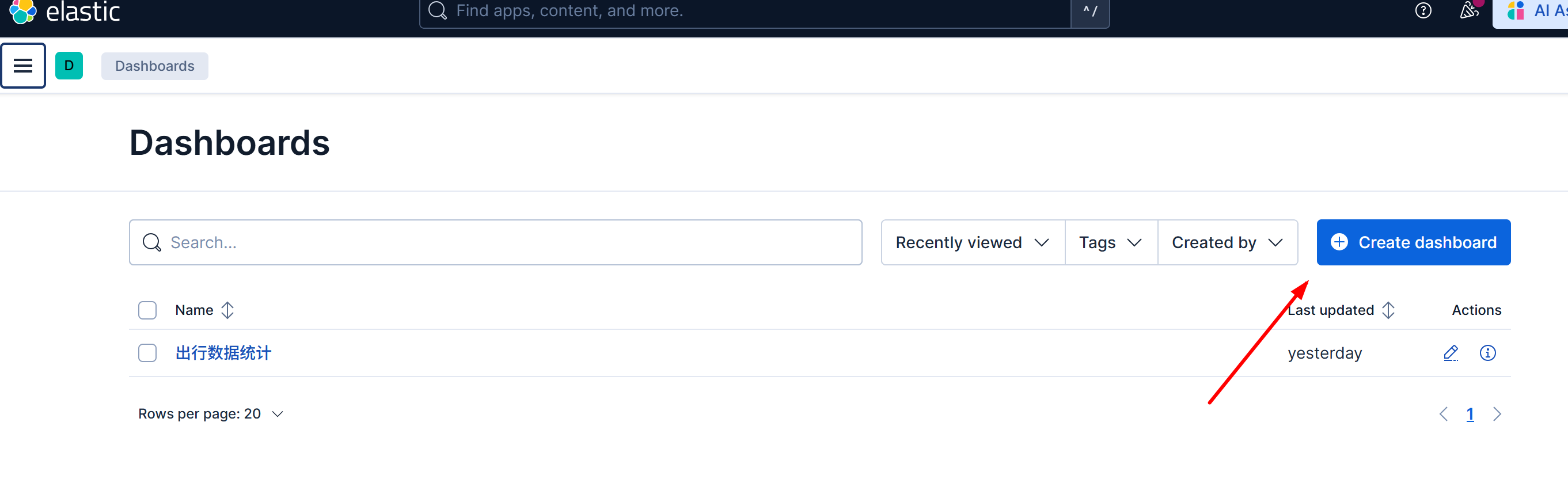
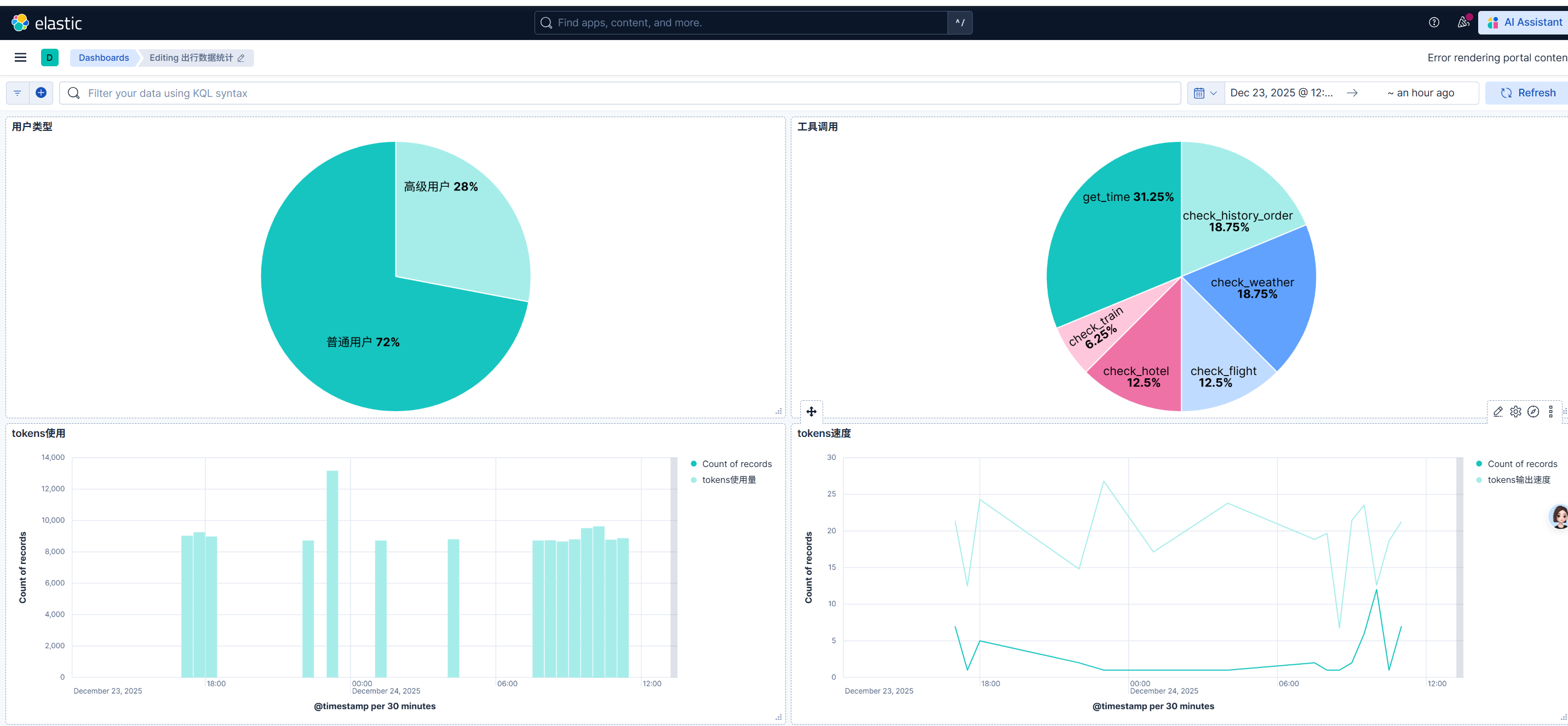
dashboards可视化后台
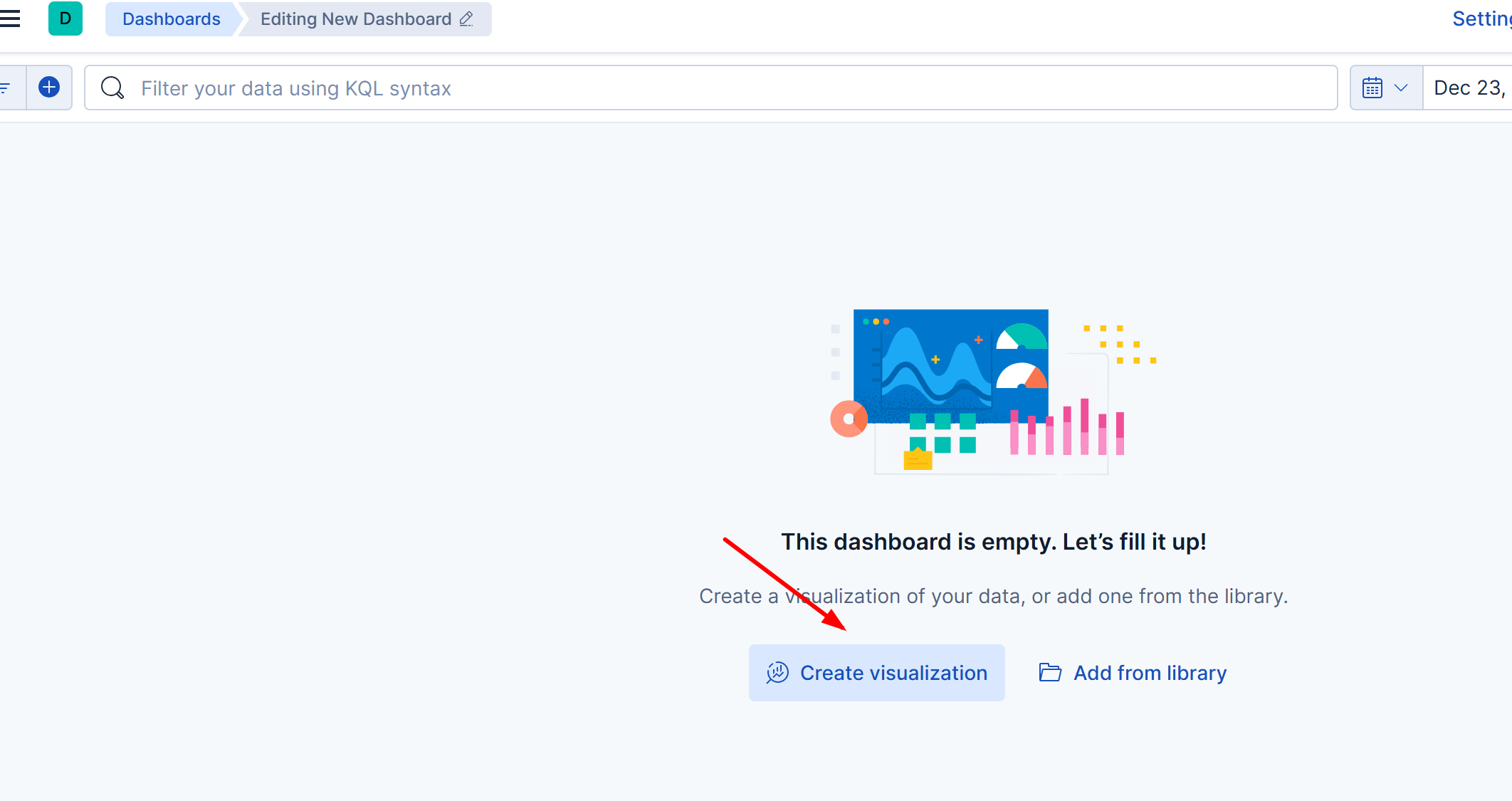
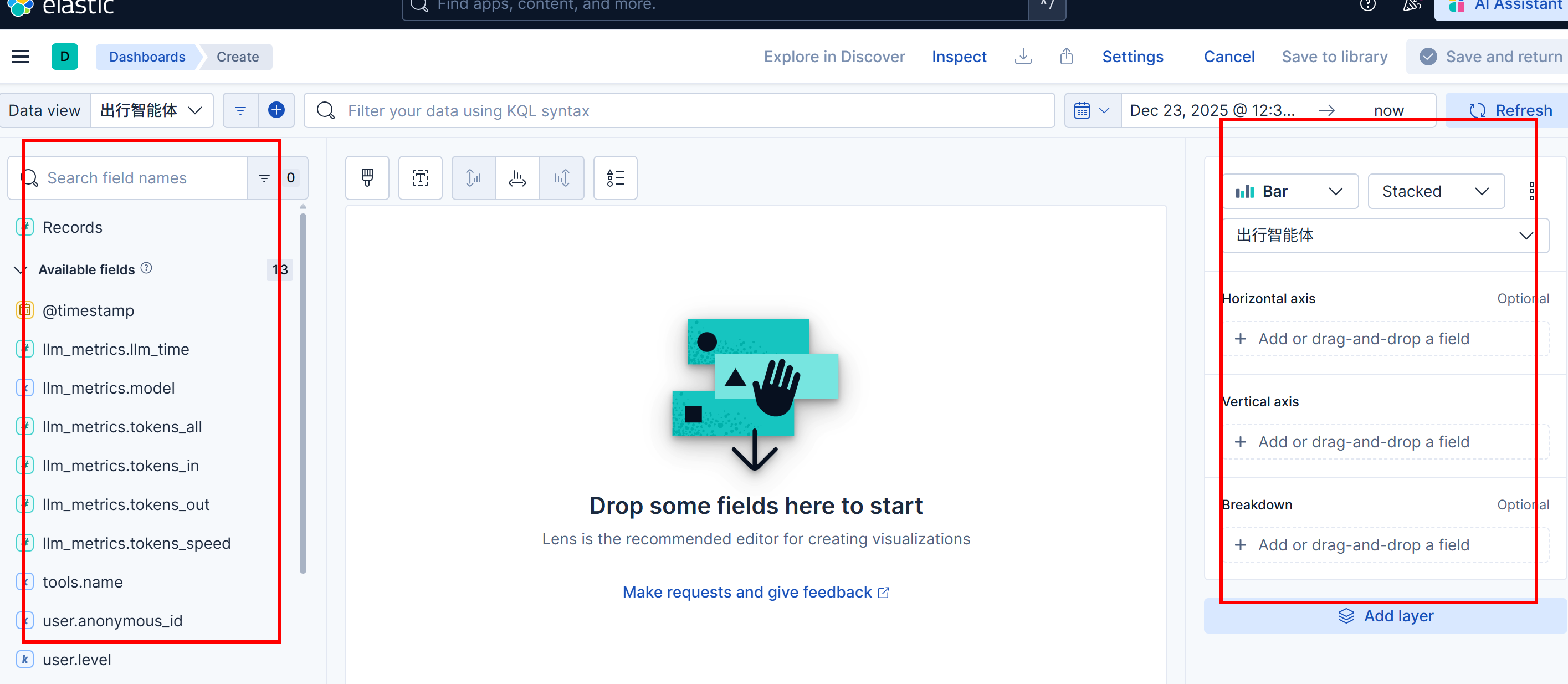
1、创建自定义可视化后台