在Android模板中定义插件
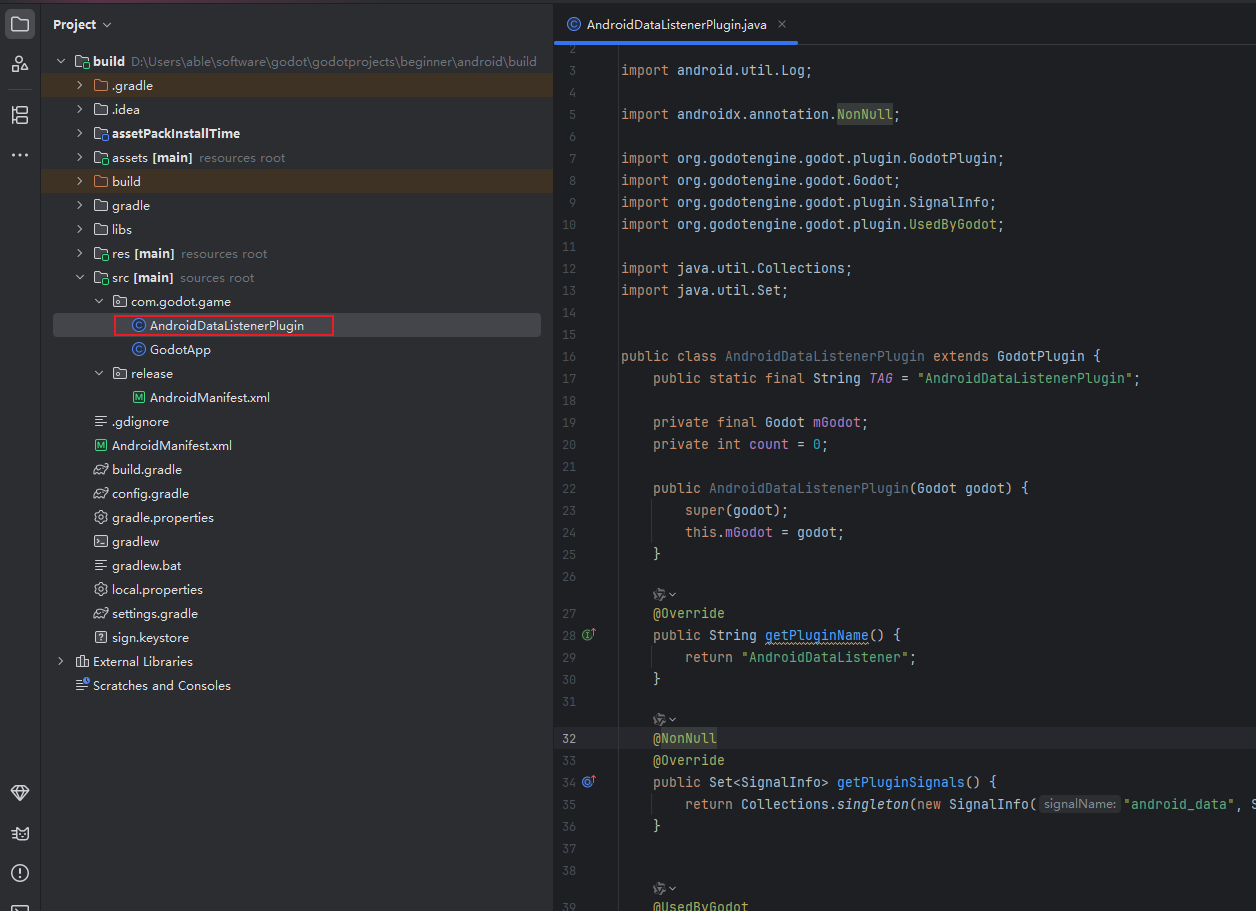
java
package com.godot.game;

import android.util.Log;

import androidx.annotation.NonNull;

import org.godotengine.godot.plugin.GodotPlugin;
import org.godotengine.godot.Godot;
import org.godotengine.godot.plugin.SignalInfo;
import org.godotengine.godot.plugin.UsedByGodot;

import java.util.Collections;
import java.util.Set;


public class AndroidDataListenerPlugin extends GodotPlugin {
    public static final String TAG = "AndroidDataListenerPlugin";

    private final Godot mGodot;
    private int count = 0;

    public AndroidDataListenerPlugin(Godot godot) {
        super(godot);
        this.mGodot = godot;
    }

    @Override
    public String getPluginName() {
        return "AndroidDataListener";
    }

    @NonNull
    @Override
    public Set<SignalInfo> getPluginSignals() {
        return Collections.singleton(new SignalInfo("android_data", String.class));
    }


    @UsedByGodot
    public void startListening(String type) {
        new Thread(() -> {
            try {
                while (true) {
                    Thread.sleep(5000);
                    mGodot.runOnRenderThread(() -> {
                        emitSignal("android_data", (count++) + "收到你的参数,我确认了数据" + type);
                    });
                }
            } catch (InterruptedException e) {
                Log.e(TAG, "startListening: e=====" + e.getMessage());
            }
        }).start();
    }
}
注册插件
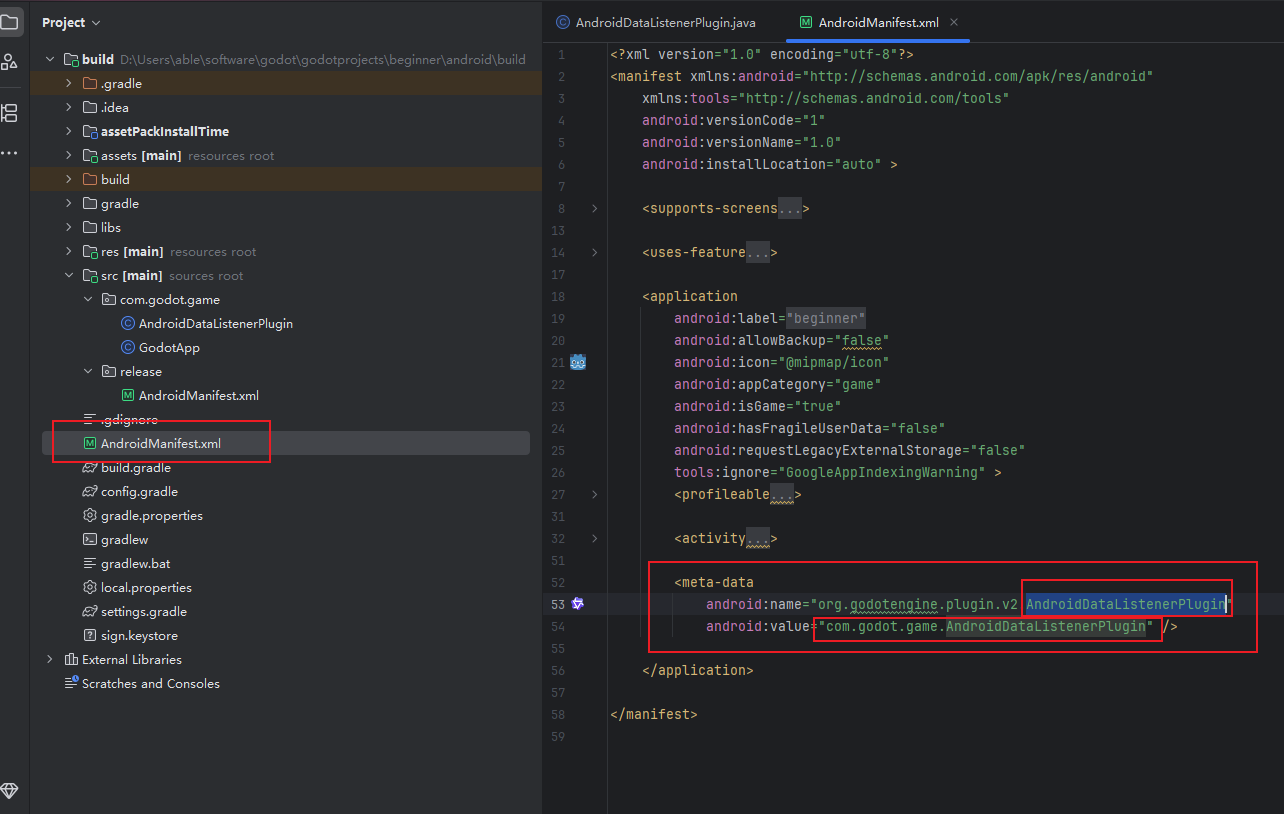
godot 使用Android方法并监听回调
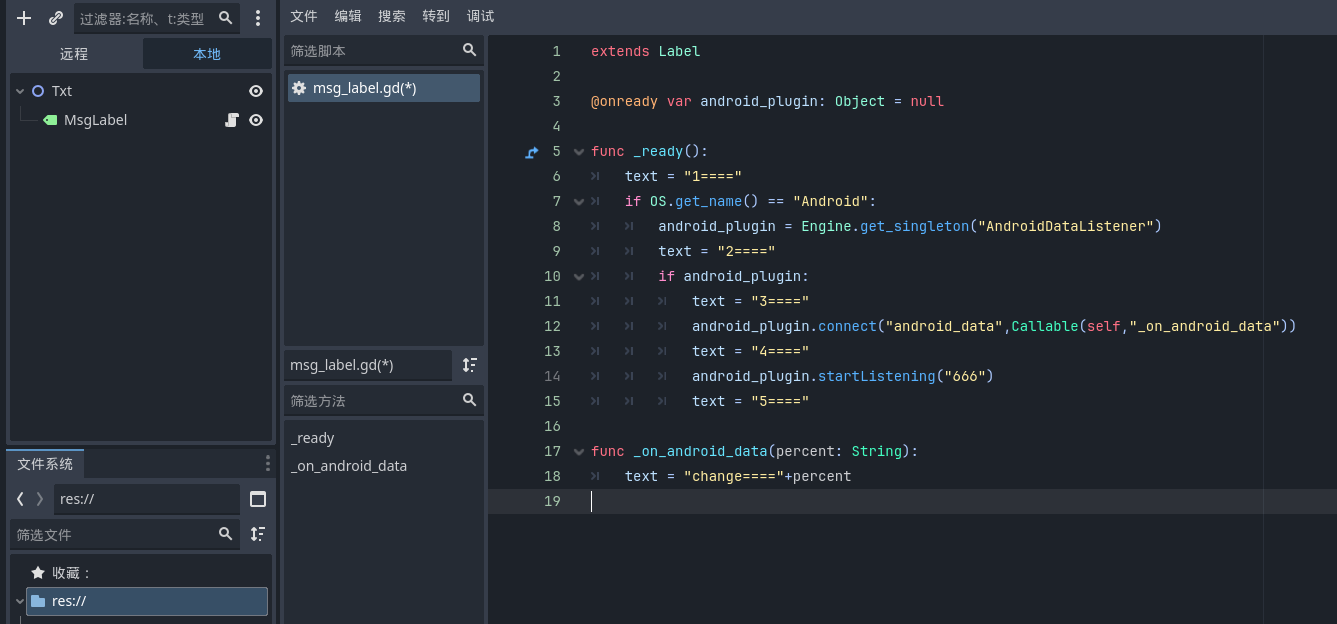
python
extends Label

@onready var android_plugin: Object = null

func _ready():
	text = "1===="
	if OS.get_name() == "Android":
		android_plugin = Engine.get_singleton("AndroidDataListener")
		text = "2===="
		if android_plugin:
			text = "3===="
			android_plugin.connect("android_data",Callable(self,"_on_android_data"))
			text = "4===="
			android_plugin.startListening("666")
			text = "5===="

func _on_android_data(percent: String):
	text = "change===="+percent
注意 :
1、插件名称:
python
android_plugin = Engine.get_singleton("AndroidDataListener") 来源于Android部分:
java
    @Override
    public String getPluginName() {
        return "AndroidDataListener";
    }
2、监听方法 android_data:
python
android_plugin.connect("android_data",Callable(self,"_on_android_data"))来源于Android部分的定义 :
java
 @NonNull
 @Override
 public Set<SignalInfo> getPluginSignals() {
     return Collections.singleton(new SignalInfo("android_data", String.class));
 }
和Android部分的发送 :
java
emitSignal("android_data", (count++) + "收到你的参数,我确认了数据" + type);