一、环境搭建
操作系统: 银河麒麟SP3服务器版
Web服务器: Nginx 1.20+
数据库: MySQL8.0+
博客平台: WordPress 6.0+
语言环境: PHP 8.0+
二、Nginx部署
Nginx部署方案参考博主之前文档《Nginx部署》
三、Nginx配置说明
vim /etc/nginx/conf.d/blog.conf
server {     #虚拟主机定义模块
    listen 80;   #端口监听地址
    server_name localhost;
    root /var/www/wordpress;  #网站根目录
    index index.php index.html index.htm;  #访问/var/www/wordpress/index.php index.html 以此查找

    access_log /var/log/nginx/blog_access.log;  #日志配置
    error_log /var/log/nginx/blog_error.log;

    location / {    #核心路由模块
        try_files $uri $uri/ /index.php?$args;
    }

    location ~ \.php$ {   #匹配路由 结尾.php的请求
        try_files $uri =404;
        fastcgi_pass unix:/var/run/php-fpm/www.sock;   #把PHP请求转发给PHP-FPM服务
        fastcgi_index index.php;  #访问目录时,默认解析 index.php
        fastcgi_param SCRIPT_FILENAME $document_root$fastcgi_script_name;
        include fastcgi_params;
    }

    location ~ /\.ht {
        deny all;
    }

    location = /favicon.ico {
        log_not_found off;
        access_log off;
    }

    location = /robots.txt {   #允许搜索引擎访问同样不记录日志
        allow all;
        log_not_found off;
        access_log off;
    }

    location ~* \.(js|css|png|jpg|jpeg|gif|ico|svg)$ {   不区分大小写 ~*
        expires max;  #浏览器缓存 极长时间 提升访问速度
        log_not_found off;
    }
}
重启nginx
systemctl restart nginx
systemctl enable nginx
四、PHP部署
PHP部署方案参考博主之前文档《PHP部署》
五、PHP配置说明
vim /etc/php-fpm.d/www.conf
[www]
user = nginx
group = nginx
listen = /var/run/php-fpm/www.sock
listen.owner = nginx
listen.group = nginx
listen.mode = 0660
重启php服务
systemctl start php-fpm
systemctl enable php-fpm
六、MySQL8.0部署
MySQL部署方案参考博主之前文档PHP部署
七、创建MySQL数据库与账户
CREATE DATABASE wordpress DEFAULT CHARACTER SET utf8mb4 COLLATE utf8mb4_unicode_ci;
CREATE USER 'wpuser'@'localhost' IDENTIFIED BY 'StrongPassword123!';
GRANT ALL PRIVILEGES ON wordpress.* TO 'wpuser'@'localhost';
FLUSH PRIVILEGES;
EXIT;
八、下载worldpress源码
wget https://wordpress.org/latest.tar.gz解压源码
tar -xzvf latest.tar.gz -C /var/www/设置目录权限
chown -R nginx:nginx /var/www/wordpress
chmod -R 755 /var/www/wordpress
九、 配置WordPress
cd /var/www/wordpress
cp wp-config-sample.php wp-config.php
编辑配置文件
vim wp-config.php

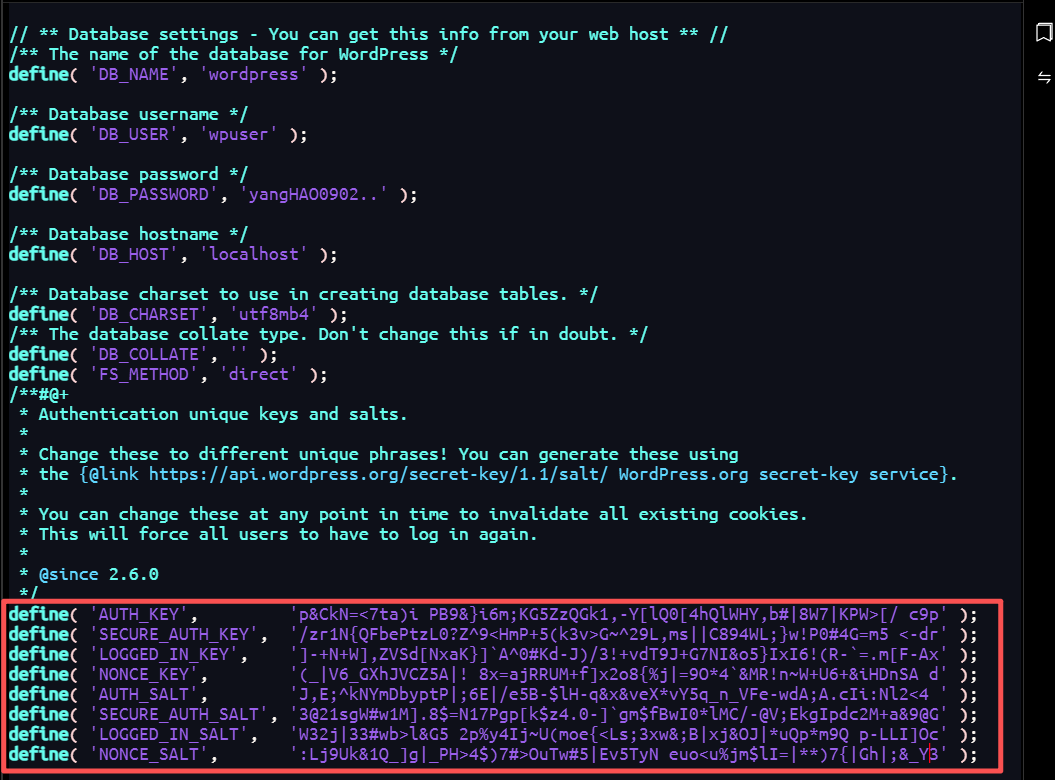
define( 'DB_NAME', 'wordpress' );


define( 'DB_USER', 'wpuser' );


define( 'DB_PASSWORD', 'MySQL密码' );


define( 'DB_HOST', 'localhost' );


define( 'DB_CHARSET', 'utf8mb4' );


define( 'DB_COLLATE', '' );

define( 'FS_METHOD', 'direct' );
生成安全密钥
访问 https://api.wordpress.org/secret-key/1.1/salt/ 复制生成的密钥,替换wp-config.php中的相应部分。复制双引号内部内容
十、Nginx|MySQL|php|服务重启
systemctl restart nginx
systemctl restart php-fpm
systemctl restart mysqld
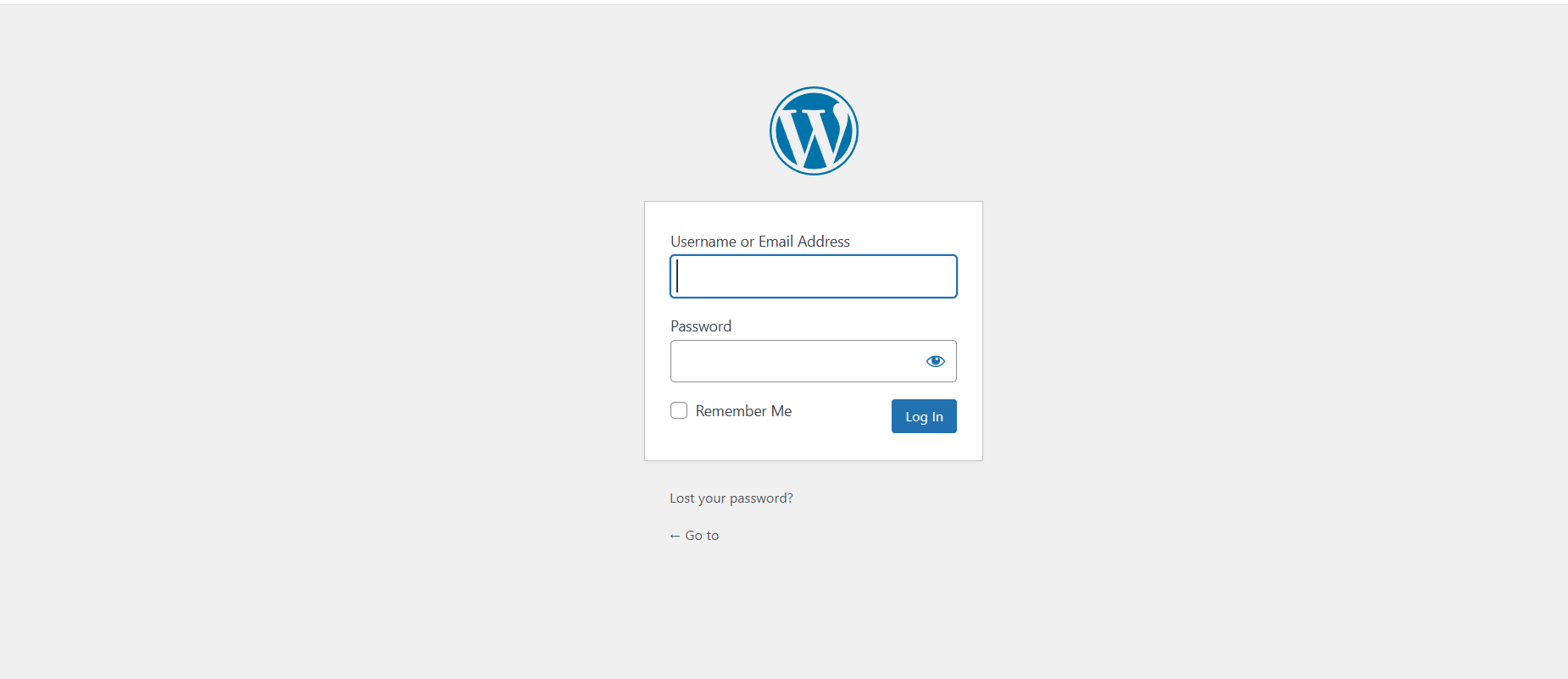
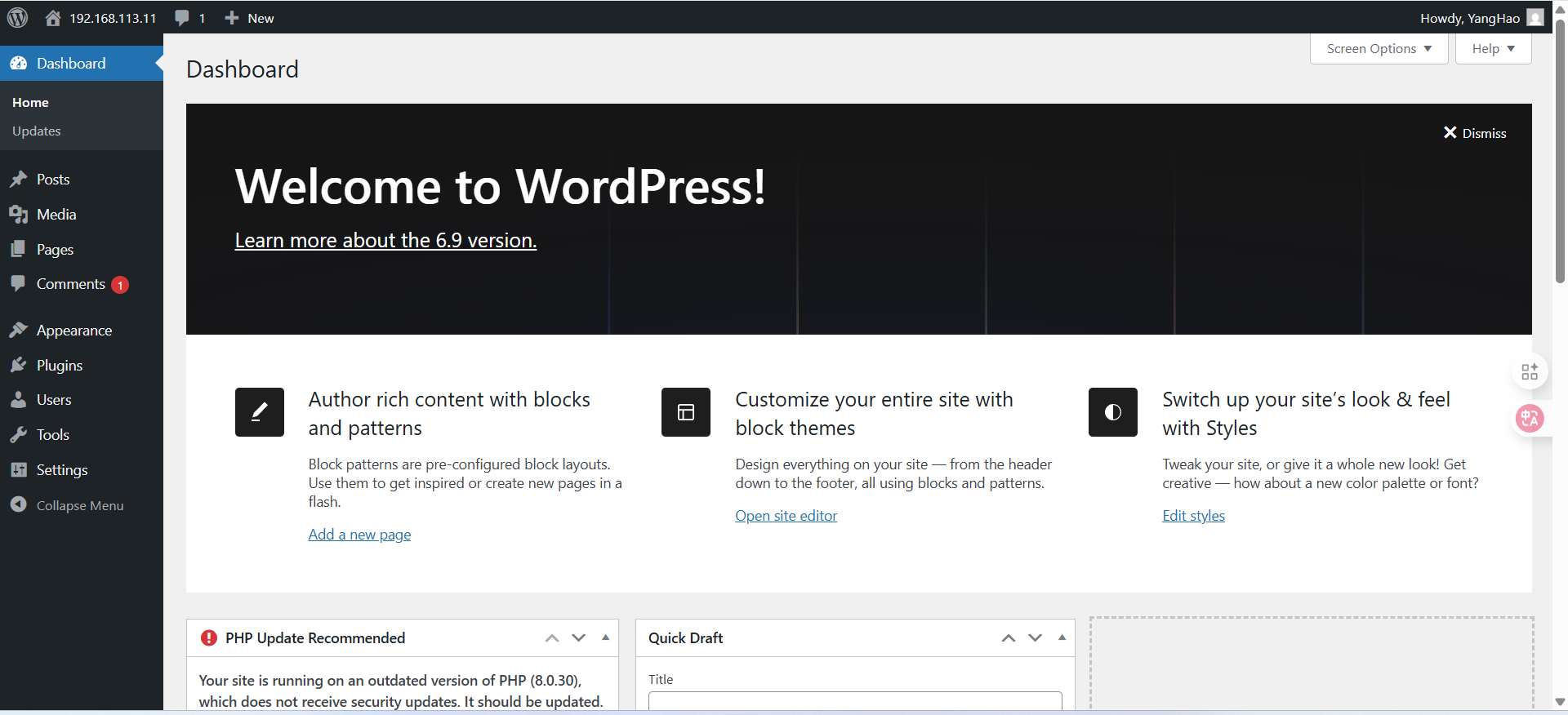
十一、wordpress网页访问