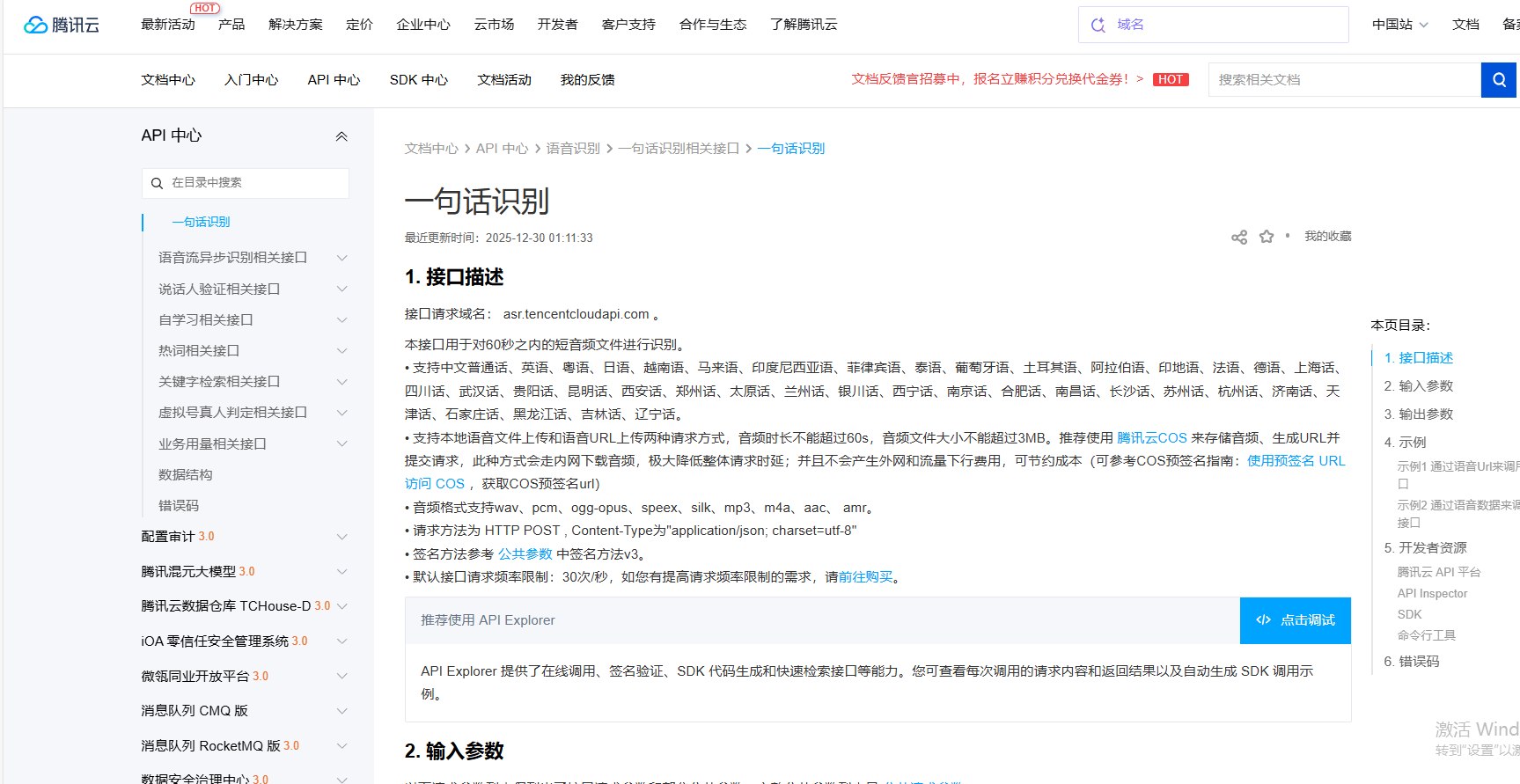
官方文档
python
# -*- coding: utf-8 -*-
import hashlib, hmac, json, os, sys, time, base64
from datetime import datetime
import requests

class TencentAsr(object):
    def __init__(self):
        # 密钥参数
        self.secret_id = "xxxxxxxxx"
        self.secret_key = "xxxxxxxx"
        self.timestamp = int(time.time())

    def file_to_base64(self, file_path):
        """将音频文件转换为base64编码(一句话识别要求音频≤60秒、≤3MB)"""
        with open(file_path, "rb") as f:
            base64_data = base64.b64encode(f.read()).decode('utf-8')
        return base64_data

    def get_authorization(self, params):
        service = "asr"
        host = "asr.tencentcloudapi.com"
        endpoint = "https://" + host
        region = "ap-shanghai"
        action = "SentenceRecognition"
        version = "2019-06-14"
        algorithm = "TC3-HMAC-SHA256"

        date = datetime.fromtimestamp(self.timestamp).strftime("%Y-%m-%d")

        # ************* 步骤 1:拼接规范请求串 *************
        http_request_method = "POST"
        canonical_uri = "/"
        canonical_querystring = ""
        ct = "application/json; charset=utf-8"
        payload = json.dumps(params, separators=(',', ':'))
        canonical_headers = "content-type:%s\nhost:%s\nx-tc-action:%s\n" % (ct, host, action.lower())
        signed_headers = "content-type;host;x-tc-action"
        hashed_request_payload = hashlib.sha256(payload.encode("utf-8")).hexdigest()
        canonical_request = (http_request_method + "\n" +
                             canonical_uri + "\n" +
                             canonical_querystring + "\n" +
                             canonical_headers + "\n" +
                             signed_headers + "\n" +
                             hashed_request_payload)
        # print(canonical_request)

        # ************* 步骤 2:拼接待签名字符串 *************
        credential_scope = date + "/" + service + "/" + "tc3_request"
        hashed_canonical_request = hashlib.sha256(canonical_request.encode("utf-8")).hexdigest()
        string_to_sign = (algorithm + "\n" +
                          str(self.timestamp) + "\n" +
                          credential_scope + "\n" +
                          hashed_canonical_request)
        # print(string_to_sign)


        # ************* 步骤 3:计算签名 *************
        # 计算签名摘要函数
        def sign(key, msg):
            return hmac.new(key, msg.encode("utf-8"), hashlib.sha256).digest()
        secret_date = sign(("TC3" + self.secret_key).encode("utf-8"), date)
        secret_service = sign(secret_date, service)
        secret_signing = sign(secret_service, "tc3_request")
        signature = hmac.new(secret_signing, string_to_sign.encode("utf-8"), hashlib.sha256).hexdigest()
        # print(signature)

        # ************* 步骤 4:拼接 Authorization *************
        authorization = (algorithm + " " +
                         "Credential=" + self.secret_id + "/" + credential_scope + ", " +
                         "SignedHeaders=" + signed_headers + ", " +
                         "Signature=" + signature)
        return authorization

    def sentence_recognition(self, audio_file_path, VoiceFormat):
        # 1. 定义payload(请求体核心数据)
        payload_dict = {
            "EngSerViceType": "16k_zh",  # 16k采样率中文普通话(必填)
            "SourceType": 1,  # 1=本地音频base64,0=音频URL(必填)
            # "Url": "https://xxxxxxxxx.mp3", # 语音的URL地址,需要公网环境浏览器可下载。当 SourceType 值为 0时须填写该字段,为 1 时不填。音频时长不能超过60s,音频文件大小不能超过3MB。
            "VoiceFormat": VoiceFormat,  # 音频格式(必填,支持wav/mp3等)
            "Data": self.file_to_base64(audio_file_path),  # 语音数据,当SourceType 值为1(本地语音数据上传)时必须填写,当SourceType 值为0(语音 URL上传)可不写。
        }

        # 2. 生成授权信息
        authorization = self.get_authorization(payload_dict)
        print("授权信息:", authorization)

        # 3. 构造请求头
        headers = {
            "Content-Type": "application/json; charset=utf-8",
            "Authorization": authorization,
            "Host": "asr.tencentcloudapi.com",  # 补充Host头(原代码遗漏)
            "X-TC-Action": "SentenceRecognition",
            "X-TC-Timestamp": str(self.timestamp),
            "X-TC-Version": "2019-06-14",
            "X-TC-Region": "ap-shanghai"
        }

        # 4. 拼接endpoint
        endpoint = "https://asr.tencentcloudapi.com"

        # 5. 将payload转为JSON字符串(请求体最终格式)
        payload = json.dumps(payload_dict, separators=(',', ':'))


        # 6. 发送POST请求(payload作为请求体)
        response = requests.post(endpoint, headers=headers, data=payload)
        json_data = response.json()

        result = json_data.get("Response", {}).get("Result", "")
        return result


if __name__ == '__main__':
    tencent_asr = TencentAsr()
    res = tencent_asr.sentence_recognition('test.mp3', 'mp3')
    print(f"识别结果:{res}")