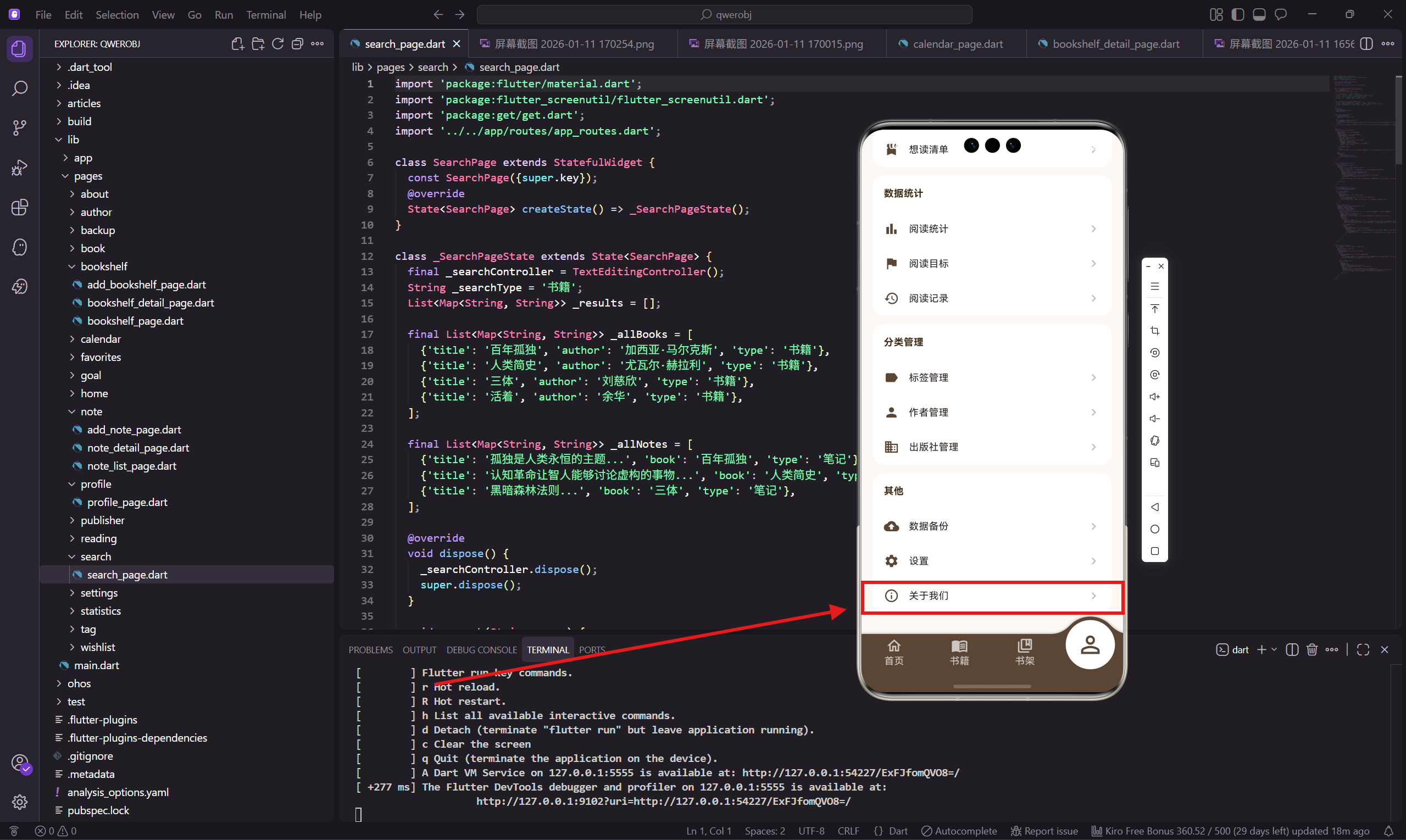
关于我们页面是App的信息展示页面,包括App介绍、主要功能、相关链接等。这是整个系列的最后一篇,也是App的收尾页面。
做这个页面的时候,我注重信息的层次感,让用户能清晰地了解这个App是做什么的。
依赖引入
dart
import 'package:flutter/material.dart';
import 'package:flutter_screenutil/flutter_screenutil.dart';
这个页面比较简单,只需要基础的依赖。
页面主体结构
dart
class AboutPage extends StatelessWidget {
  const AboutPage({super.key});

  @override
  Widget build(BuildContext context) {
    return Scaffold(
      backgroundColor: const Color(0xFFFDF8F3),
      appBar: AppBar(
        title: const Text('关于我们'),
        backgroundColor: const Color(0xFF5B4636),
        foregroundColor: Colors.white,
      ),
标准的页面结构。
页面内容布局
dart
      body: SingleChildScrollView(
        padding: EdgeInsets.all(16.w),
        child: Column(
          children: [
            _buildAppInfo(),
            SizedBox(height: 20.h),
            _buildFeatures(),
            SizedBox(height: 20.h),
            _buildLinks(),
            SizedBox(height: 20.h),
            _buildCopyright(),
          ],
        ),
      ),
    );
  }
页面分四个部分:App信息、主要功能、相关链接、版权信息。
App信息卡片
dart
  Widget _buildAppInfo() {
    return Container(
      padding: EdgeInsets.all(24.w),
      decoration: BoxDecoration(
        color: Colors.white,
        borderRadius: BorderRadius.circular(16.r),
      ),
      child: Column(
        children: [
          Container(
            padding: EdgeInsets.all(16.w),
            decoration: BoxDecoration(
              color: const Color(0xFF5B4636).withOpacity(0.1),
              shape: BoxShape.circle,
            ),
            child: Icon(Icons.menu_book, color: const Color(0xFF5B4636), size: 48.sp),
          ),
顶部是App图标,用圆形背景包裹。
App名称和版本
dart
          SizedBox(height: 16.h),
          Text('阅读记录', style: TextStyle(
            fontSize: 22.sp,
            fontWeight: FontWeight.bold,
            color: const Color(0xFF3D2914),
          )),
          SizedBox(height: 8.h),
          Text('版本 1.0.0', style: TextStyle(
            color: Colors.grey[600],
            fontSize: 14.sp,
          )),
          SizedBox(height: 16.h),
          Text(
            '记录每一次阅读,让知识沉淀',
            textAlign: TextAlign.center,
            style: TextStyle(
              color: Colors.grey[600],
              fontSize: 14.sp,
            ),
          ),
        ],
      ),
    );
  }
显示App名称、版本号、slogan。slogan 用一句话概括App的价值。
主要功能列表
dart
  Widget _buildFeatures() {
    final features = [
      {'icon': Icons.menu_book, 'title': '书籍管理', 'desc': '记录书籍信息、阅读进度'},
      {'icon': Icons.edit_note, 'title': '读书笔记', 'desc': '随时记录阅读感悟'},
      {'icon': Icons.bar_chart, 'title': '数据统计', 'desc': '可视化阅读数据'},
      {'icon': Icons.flag, 'title': '阅读目标', 'desc': '设定并追踪阅读目标'},
    ];
    return Container(
      padding: EdgeInsets.all(16.w),
      decoration: BoxDecoration(
        color: Colors.white,
        borderRadius: BorderRadius.circular(16.r),
      ),
      child: Column(
        crossAxisAlignment: CrossAxisAlignment.start,
        children: [
          Text('主要功能', style: TextStyle(
            fontSize: 16.sp,
            fontWeight: FontWeight.bold,
            color: const Color(0xFF3D2914),
          )),
          SizedBox(height: 16.h),
主要功能用列表展示,每个功能有图标、标题、描述。
功能项渲染
dart
          ...features.map((f) => Padding(
            padding: EdgeInsets.only(bottom: 12.h),
            child: Row(
              children: [
                Container(
                  padding: EdgeInsets.all(8.w),
                  decoration: BoxDecoration(
                    color: const Color(0xFF5B4636).withOpacity(0.1),
                    borderRadius: BorderRadius.circular(8.r),
                  ),
                  child: Icon(
                    f['icon'] as IconData,
                    color: const Color(0xFF5B4636),
                    size: 20.sp,
                  ),
                ),
                SizedBox(width: 12.w),
                Expanded(
                  child: Column(
                    crossAxisAlignment: CrossAxisAlignment.start,
                    children: [
                      Text(
                        f['title'] as String,
                        style: TextStyle(fontWeight: FontWeight.w600, fontSize: 14.sp),
                      ),
                      Text(
                        f['desc'] as String,
                        style: TextStyle(color: Colors.grey[500], fontSize: 12.sp),
                      ),
                    ],
                  ),
                ),
              ],
            ),
          )).toList(),
        ],
      ),
    );
  }
每个功能项有图标、标题、描述,图标用浅色背景包裹。
相关链接
dart
  Widget _buildLinks() {
    return Container(
      padding: EdgeInsets.all(16.w),
      decoration: BoxDecoration(
        color: Colors.white,
        borderRadius: BorderRadius.circular(16.r),
      ),
      child: Column(
        children: [
          _buildLinkTile(Icons.star, '给我们评分', () {}),
          _buildLinkTile(Icons.share, '分享给朋友', () {}),
          _buildLinkTile(Icons.feedback, '意见反馈', () {}),
          _buildLinkTile(Icons.description, '用户协议', () {}),
          _buildLinkTile(Icons.privacy_tip, '隐私政策', () {}),
        ],
      ),
    );
  }
相关链接包括评分、分享、反馈、用户协议、隐私政策。
链接项组件
dart
  Widget _buildLinkTile(IconData icon, String title, VoidCallback onTap) {
    return InkWell(
      onTap: onTap,
      child: Padding(
        padding: EdgeInsets.symmetric(vertical: 12.h),
        child: Row(
          children: [
            Icon(icon, color: const Color(0xFF5B4636), size: 22.sp),
            SizedBox(width: 12.w),
            Expanded(child: Text(title, style: TextStyle(fontSize: 14.sp))),
            Icon(Icons.chevron_right, color: Colors.grey[400]),
          ],
        ),
      ),
    );
  }
每个链接项有图标、标题、箭头,点击触发对应操作。
版权信息
dart
  Widget _buildCopyright() {
    return Column(
      children: [
        Text(
          '© 2024 阅读记录',
          style: TextStyle(color: Colors.grey[500], fontSize: 12.sp),
        ),
        SizedBox(height: 4.h),
        Text(
          'Made with ❤️ for OpenHarmony',
          style: TextStyle(color: Colors.grey[400], fontSize: 11.sp),
        ),
      ],
    );
  }
}
底部显示版权信息和致谢文字,用小号灰色字体。
页面设计思考
关于我们页面的设计考虑:
信息层次:App信息最重要,放在最上面。
功能介绍:让新用户了解App能做什么。
相关链接:方便用户评分、反馈、查看协议。
法律合规
用户协议和隐私政策是必须的:
用户协议:说明使用条款和责任。
隐私政策:说明如何收集和使用用户数据。
这两个文档需要认真编写,符合法律要求。
系列总结
到这里,整个看书管理记录App的30个页面就全部实现完成了。这个系列涵盖了:
首页仪表盘、书籍管理、书架管理、阅读记录、统计分析、阅读目标、读书笔记、标签管理、作者管理、出版社管理、想读清单、日历视图、搜索功能、收藏夹、数据备份、设置功能、个人中心、关于我们等功能。
整个App使用 Flutter for OpenHarmony 开发,可以同时运行在鸿蒙设备和其他平台上。希望这个系列对你有所帮助。
欢迎加入开源鸿蒙跨平台社区:https://openharmonycrossplatform.csdn.net