一、inih库简介
inih(INI Not Invented Here)是一个用C语言编写的简单.INI文件解析器。它仅有几页代码,设计上力求精简轻巧,因此特别适合嵌入式系统。该工具基本兼容Python ConfigParser风格的.INI文件格式,包括RFC 822风格的多行语法和name:value条目。其github地址为:https://github.com/benhoyt/inih
二、下载inih源码
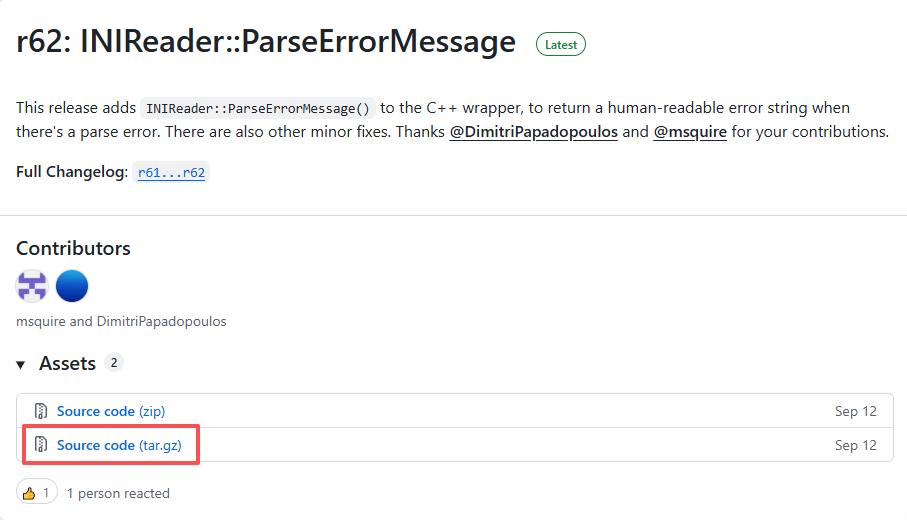
从 https://github.com/benhoyt/inih/releases 下载inih源码:
进入源码目录,可以看到其目录结构如下:

三、inih的使用例程
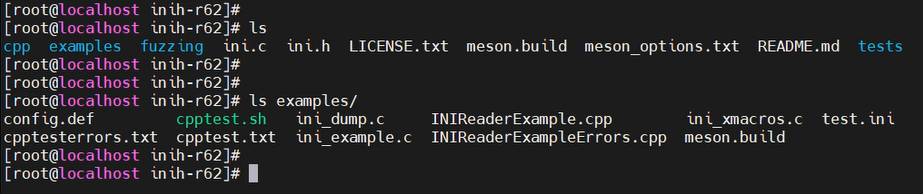
inih源码目录的examples目录下存放着其C语言和C++的使用例程:
以C++为例,编写一个解析test.ini文件的示例。test.ini文件的内容如下:
bash
; Test config file for ini_example.c and INIReaderTest.cpp

[protocol]               ; Protocol configuration
version=6                ; IPv6

[user]
name = Bob Smith         ; Spaces around '=' are stripped
email = bob@smith.com    ; And comments (like this) ignored
active = true            ; Test a boolean
pi = 3.14159             ; Test a floating point number
trillion = 1000000000000 ; Test 64-bit integers
INIReaderExample.cpp:
cpp
#include <iostream>
#include "INIReader.h"

int main()
{
    INIReader reader("test.ini");

    if (reader.ParseError() < 0) {
        std::cout << "Can't load 'test.ini'\n";
        return 1;
    }
    std::cout << "Config loaded from 'test.ini': version="
              << reader.GetInteger("protocol", "version", -1) << ", unsigned version="
              << reader.GetUnsigned("protocol", "version", -1) << ", trillion="
              << reader.GetInteger64("user", "trillion", -1) << ", unsigned trillion="
              << reader.GetUnsigned64("user", "trillion", -1) << ", name="
              << reader.Get("user", "name", "UNKNOWN") << ", email="
              << reader.Get("user", "email", "UNKNOWN") << ", pi="
              << reader.GetReal("user", "pi", -1) << ", active="
              << reader.GetBoolean("user", "active", true) << "\n";
    std::cout << "Has values: user.name=" << reader.HasValue("user", "name")
              << ", user.nose=" << reader.HasValue("user", "nose") << "\n";
    std::cout << "Has sections: user=" << reader.HasSection("user")
              << ", fizz=" << reader.HasSection("fizz") << "\n";

    std::cout << "Sections:\n";
    std::vector<std::string> sections = reader.Sections();
    for (std::vector<std::string>::const_iterator it = sections.begin(); it != sections.end(); ++it) {
        std::cout << "- " << *it << "\n";
    }

    for (std::vector<std::string>::const_iterator it = sections.begin(); it != sections.end(); ++it) {
        std::cout << "Keys in section [" << *it << "]:\n";
        std::vector<std::string> keys = reader.Keys(*it);
        for (std::vector<std::string>::const_iterator kit = keys.begin(); kit != keys.end(); ++kit) {
            std::cout << "- " << *kit << "\n";
        }
    }

    return 0;
}
编译:
bash
g++ INIReaderExample.cpp ./Inih/ini.c ./Inih/INIReader.cpp -o main -g -I./ -I./Inih运行,效果如下。可以看到test.ini文件里面的内容被成功解析出来了:
