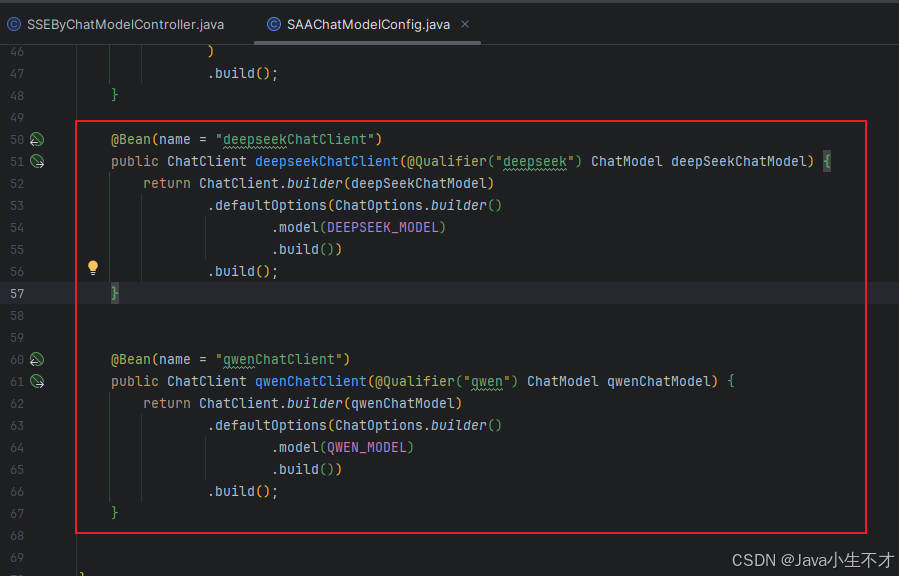
1. 修改SAAChatModelConfig
java
package com.hf.hong.config;

import com.alibaba.cloud.ai.dashscope.api.DashScopeApi;
import com.alibaba.cloud.ai.dashscope.chat.DashScopeChatModel;
import com.alibaba.cloud.ai.dashscope.chat.DashScopeChatOptions;
import org.springframework.ai.chat.client.ChatClient;
import org.springframework.ai.chat.model.ChatModel;
import org.springframework.ai.chat.prompt.ChatOptions;
import org.springframework.beans.factory.annotation.Qualifier;
import org.springframework.context.annotation.Bean;
import org.springframework.context.annotation.Configuration;

/**
 *
 * @author admin
 * @date 2026/2/9 20:13
 * @description: 多模型并存配置类
 */

@Configuration
public class SAAChatModelConfig {
    private final String DEEPSEEK_MODEL = "deepseek-v3";
    private final String QWEN_MODEL = "qwen-plus";

    @Bean(name = "deepseek")
    public ChatModel deepSeekChatModel() {
        return DashScopeChatModel.builder()
                .dashScopeApi(DashScopeApi.builder()
                        .apiKey(System.getenv("aliQwen-api"))
                        .build())
                .defaultOptions(
                        DashScopeChatOptions.builder().withModel(DEEPSEEK_MODEL).build()
                )
                .build();
    }

    @Bean(name = "qwen")
    public ChatModel qwenChatModel() {
        return DashScopeChatModel.builder().dashScopeApi(DashScopeApi.builder()
                        .apiKey(System.getenv("aliQwen-api"))
                        .build())
                .defaultOptions(
                        DashScopeChatOptions.builder()
                                .withModel(QWEN_MODEL)
                                .build()
                )
                .build();
    }

    @Bean(name = "deepseekChatClient")
    public ChatClient deepseekChatClient(@Qualifier("deepseek") ChatModel deepSeekChatModel) {
        return ChatClient.builder(deepSeekChatModel)
                .defaultOptions(ChatOptions.builder()
                        .model(DEEPSEEK_MODEL)
                        .build())
                .build();
    }


    @Bean(name = "qwenChatClient")
    public ChatClient qwenChatClient(@Qualifier("qwen") ChatModel qwenChatModel) {
        return ChatClient.builder(qwenChatModel)
                .defaultOptions(ChatOptions.builder()
                        .model(QWEN_MODEL)
                        .build())
                .build();
    }


}
2.编写SSEByChatClientController
java
package com.hf.hong.controller;

import jakarta.annotation.Resource;
import org.springframework.ai.chat.client.ChatClient;
import org.springframework.web.bind.annotation.GetMapping;
import org.springframework.web.bind.annotation.RequestParam;
import org.springframework.web.bind.annotation.RestController;
import reactor.core.publisher.Flux;
/**
 *
 * @author admin
 * @date 2026/2/9 20:31
 * @description: 多模型并存实现流失输出(ChatClient版)
 */
@RestController
public class SSEByChatClientController {
    @Resource(name = "deepseekChatClient")
    private ChatClient deepseekChatClient;
    @Resource(name = "qwenChatClient")
    private ChatClient qwenChatClient;

    @GetMapping(value = "/stream/chatflux3")
    public Flux<String> chatflux3(@RequestParam(name = "question",defaultValue = "你是谁") String question) {
        return deepseekChatClient.prompt(question).stream().content();
    }

    @GetMapping(value = "/stream/chatflux4")
    public Flux<String> chatflux4(@RequestParam(name = "question",defaultValue = "你是谁") String question) {
        return qwenChatClient.prompt(question).stream().content();
    }

}
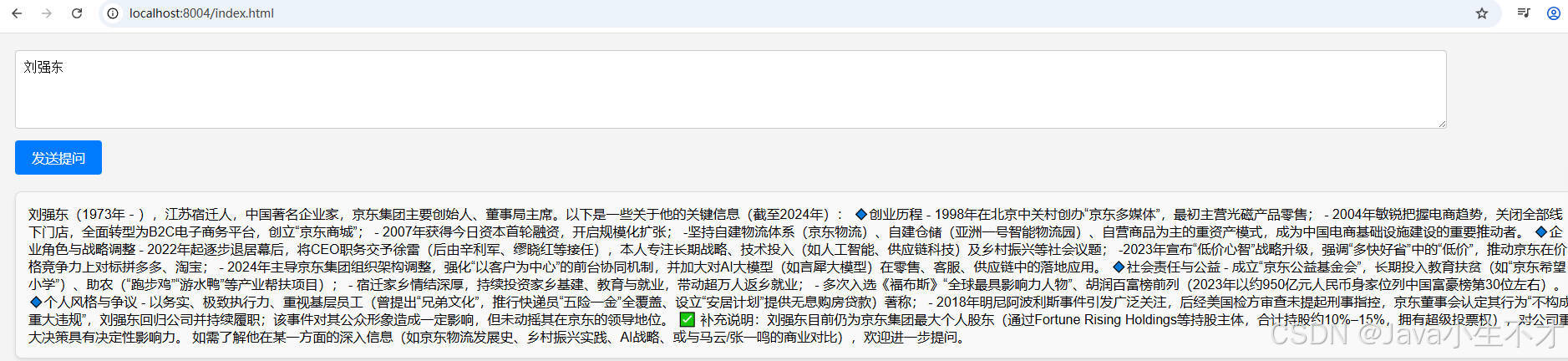
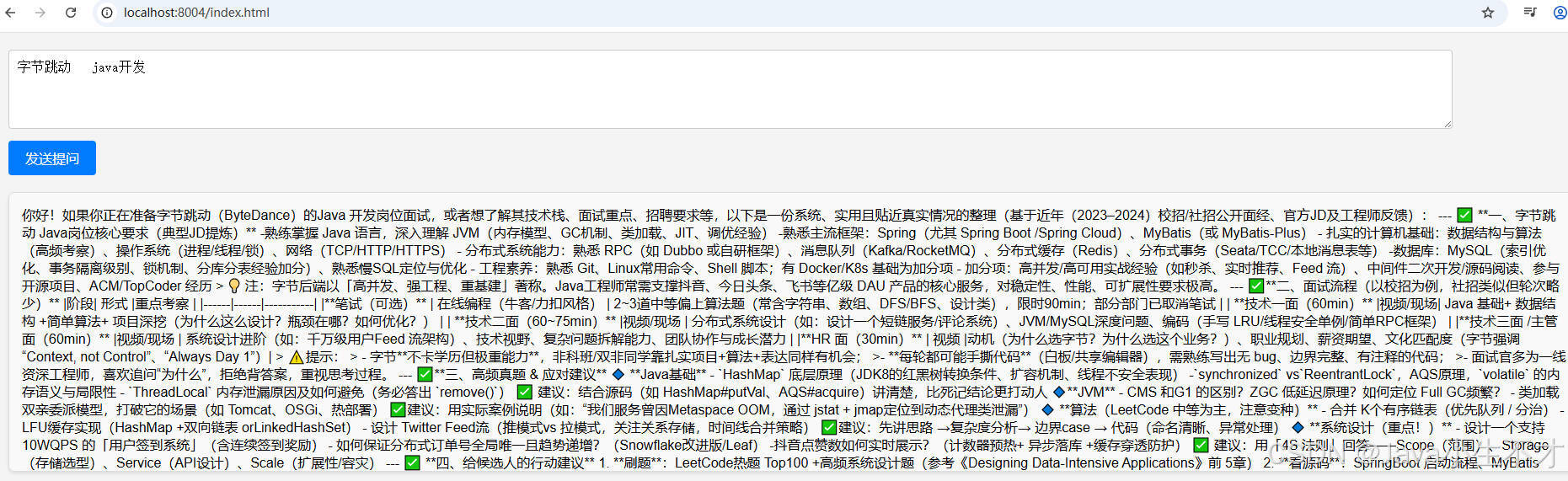
3.测试
bash
http://localhost:8004/stream/chatflux3
bash
http://localhost:8004/stream/chatflux4
4.前端页面
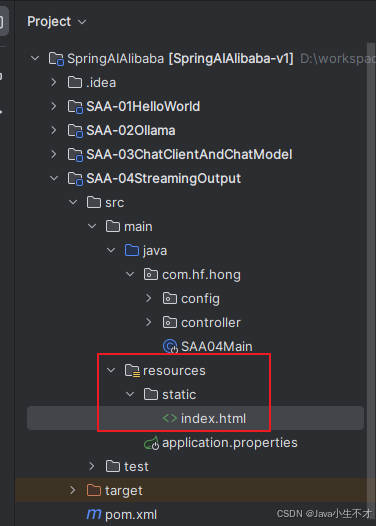
html
<!DOCTYPE html>
<html>
<head>
    <title>SSE流式chat</title>
    <style>
        body {
            font-family: Arial, sans-serif;
            background-color: #f4f4f4;
            margin: 0;
            padding: 20px;
        }

        #messageInput {
            width: 90%;
            padding: 10px;
            font-size: 16px;
            border: 1px solid #ccc;
            border-radius: 4px;
            margin-bottom: 10px;
        }

        button {
            padding: 10px 20px;
            font-size: 16px;
            background-color: #007bff;
            color: white;
            border: none;
            border-radius: 4px;
            cursor: pointer;
        }

        button:hover {
            background-color: #0056b3;
        }

        #messages {
            margin-top: 20px;
            padding: 15px;
            background-color: #f9f9f9;
            border: 1px solid #ddd;
            border-radius: 8px;
            max-height: 300px;
            overflow-y: auto;
            box-shadow: 0 2px 4px rgba(0, 0, 0, 0.1);
        }

        #messages div {
            padding: 8px 0;
            border-bottom: 1px solid #eee;
            font-size: 14px;
            color: #333;
        }

        #messages div:last-child {
            border-bottom: none;
        }
    </style>
</head>
<body>
<textarea id="messageInput" rows="4" cols="50" placeholder="请输入你的问题..."></textarea><br>
<button onclick="sendMsg()">发送提问</button>
<div id="messages"></div>
<script>
    function sendMsg() {
        // 获取用户输入的消息
        const message = document.getElementById('messageInput').value;
        if (message == "") return false;

        //1 客户端使用 JavaScript 的 EventSource 对象连接到服务器上的一个特定端点(URL)
        const eventSource = new EventSource('stream/chatflux2?question=' + message);
        //2 监听消息事件
        eventSource.onmessage = function (event) {
            // 获取流式返回的数据
            const data = event.data;
            // 将接收到的数据展示到页面上
            const messagesDiv = document.getElementById('messages');
            messagesDiv.innerHTML += event.data;
        };

        //3 监听错误事件
        eventSource.onerror = function (error) {
            console.error('EventSource 发生错误:', error);
            eventSource.close(); // 关闭连接
        };
    }
</script>
</body>
</html>