前面是一个牛和一个滑翔机,位置都在原点,
远处是牛,近处是滑翔机,可以自然而然地把牛当作0级节点,滑翔机作为一级节点,那么,能不能输出四个不同位置的滑翔机,类似于四叉树一样。
没有什么不可以。
输出四个不同位置的osg::MatrixTransform即可。
for (int childIndex = 0; childIndex < 4; childIndex++)
{

	std::string strOutputName = strOutputDir +
		"root_" + std::to_string(rootIndex) +
		"_level_" + std::to_string(level) +
		"_child_" + std::to_string(childIndex) +".osg";
	osg::Vec3 center = centerVector[childIndex];
	osg::Matrix mat;
	mat.setTrans(center);
	osg::ref_ptr<osg::MatrixTransform> trans = new osg::MatrixTransform();
	trans->setMatrix(mat);
	trans->addChild(node);
	osgDB::writeNodeFile(*trans, strOutputName);
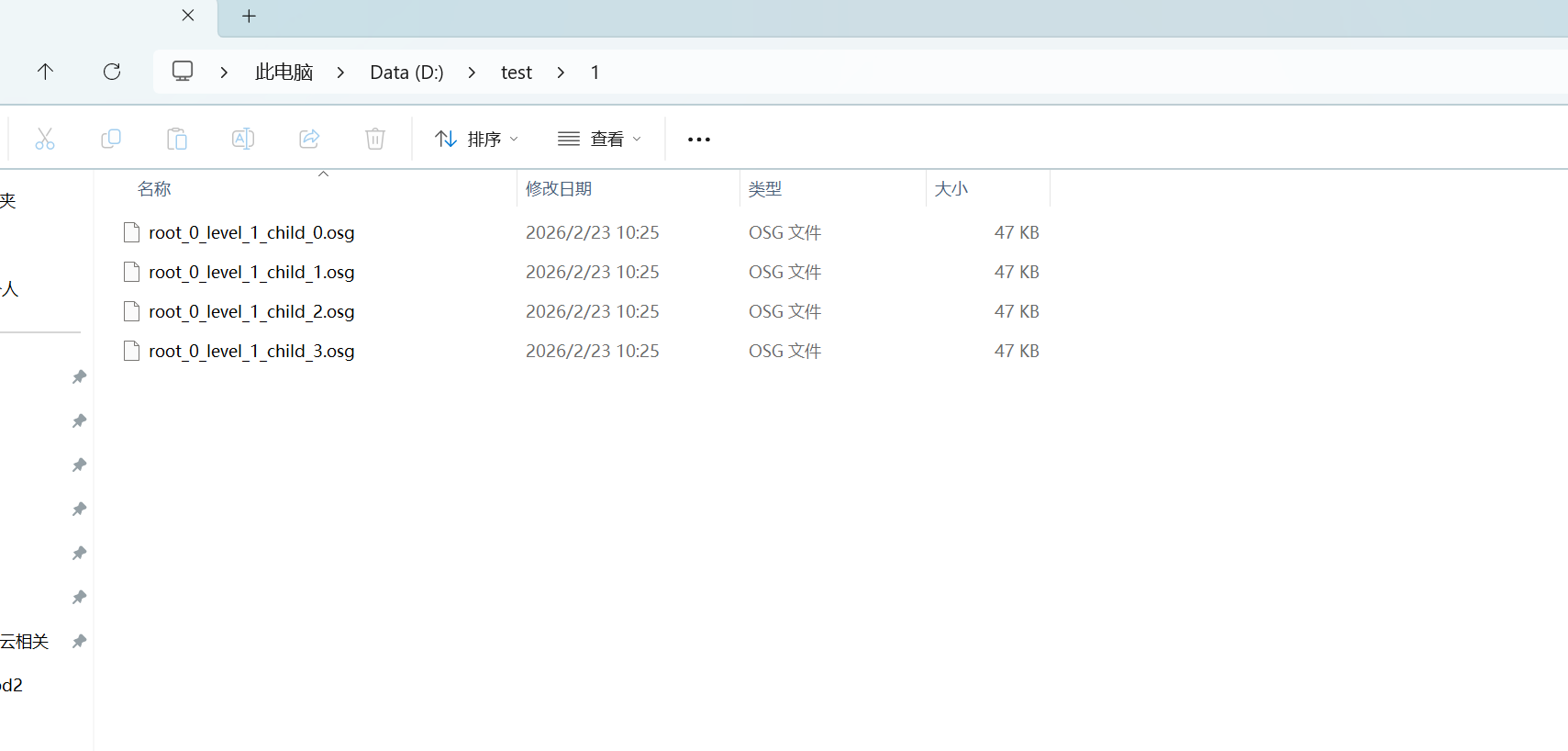
}
代码如下:
#include <osgViewer/Viewer>
#include <osg/Node>
#include <osgdb/ReadFile>
#include <osgDB/WriteFile>
#include <osg/PagedLod>
#include <osgGA/TrackballManipulator>
#include <osg/MatrixTransform>
#include <osg/Matrix>
int main()
{
int rootIndex = 0;
int level = 1;
std::string strOutputDir = "d:/test/1/";
osg::Vec3 center_child0(-5, 0, -5);
osg::Vec3 center_child1(-5, 0, 5);
osg::Vec3 center_child2(5, 0, -5);
osg::Vec3 center_child3(5, 0, 5);
std::vector<osg::Vec3> centerVector;
centerVector.clear();
centerVector.push_back(center_child0);
centerVector.push_back(center_child1);
centerVector.push_back(center_child2);
centerVector.push_back(center_child3);
std::string strInputName = "D:/install/osg365_oe210_vs2019/OpenSceneGraph-Data/glider.osg";
osg::ref_ptr<osg::Node> node = osgDB::readNodeFile(strInputName);

for (int childIndex = 0; childIndex < 4; childIndex++)
{

	std::string strOutputName = strOutputDir +
		"root_" + std::to_string(rootIndex) +
		"_level_" + std::to_string(level) +
		"_child_" + std::to_string(childIndex) +".osg";
	osg::Vec3 center = centerVector[childIndex];
	osg::Matrix mat;
	mat.setTrans(center);
	osg::ref_ptr<osg::MatrixTransform> trans = new osg::MatrixTransform();
	trans->setMatrix(mat);
	trans->addChild(node);
	osgDB::writeNodeFile(*trans, strOutputName);
}
}