简而言之,lod是根据距离或者显隐物体,PagedLod是根据距离加载或者卸载物体。(也有按像素点的,这个暂时不考虑)
所以,pagedlod只需要三步
1,中心点
1,距离
2,物体名称
这里先设置始终能看到,即距离( 0, FLT_MAX)
即
osg::ref_ptr<osg::PagedLOD> plod = new osg::PagedLOD;
plod->setFileName(0,strName);
plod->setCenter(osg::Vec3(0, 0, 0));
plod->setRange(0, 0, FLT_MAX);
先出现一头牛
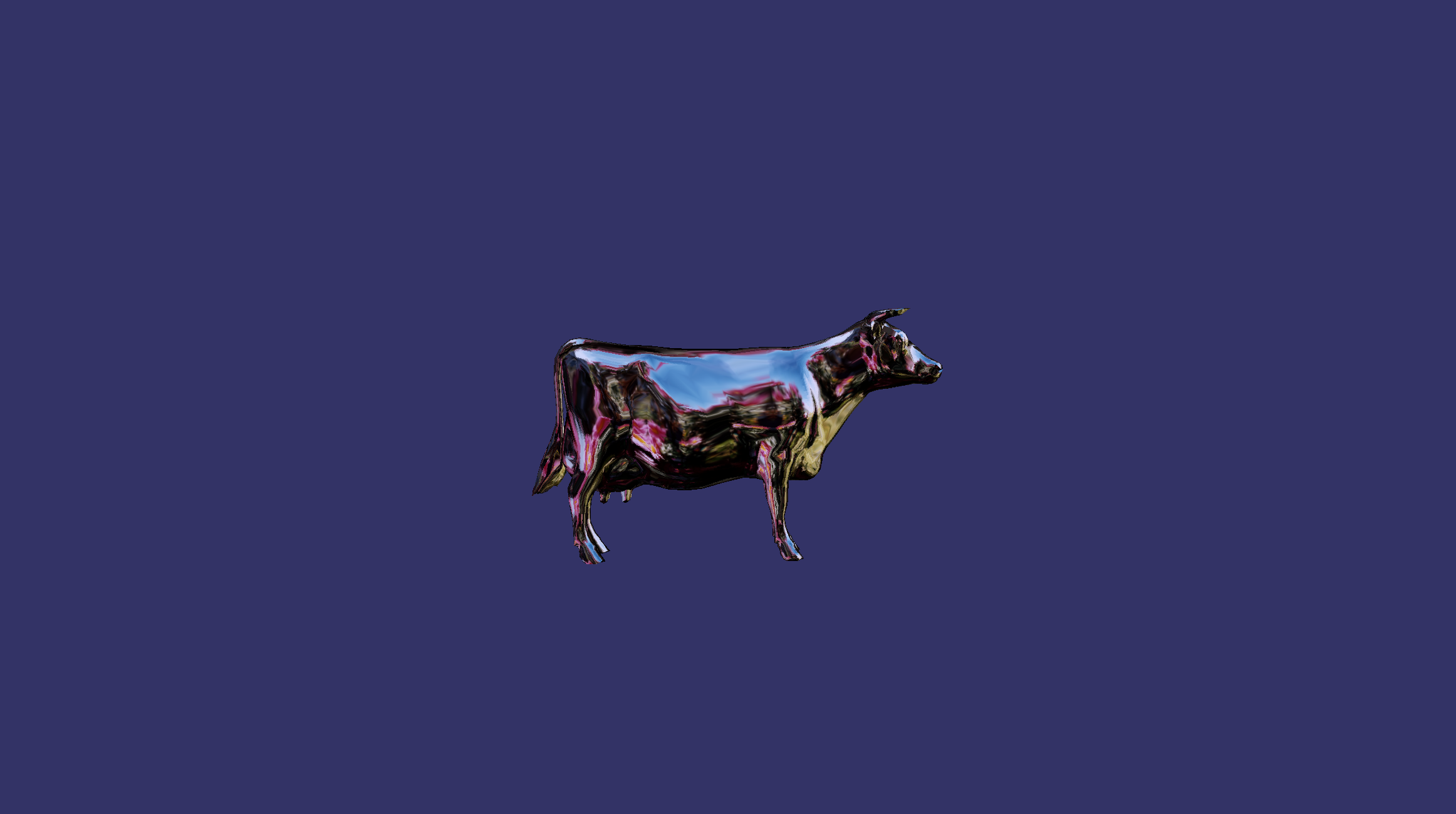
全部源码如下:
#include <osgViewer/Viewer>
#include <osg/Node>
#include <osgdb/ReadFile>
#include <osg/PagedLod>
#include <osgGA/TrackballManipulator>
int main()
{
osg::ref_ptrosgViewer::Viewer viewer = new osgViewer::Viewer;
std::string strName = "D:/install/osg365_oe210_vs2019/OpenSceneGraph-Data/cow.osg";
osg::ref_ptrosg::PagedLOD plod = new osg::PagedLOD;
plod->setFileName(0,strName);
plod->setCenter(osg::Vec3(0, 0, 0));
plod->setRange(0, 0, FLT_MAX);
viewer->setSceneData(plod);
osg::ref_ptr< osgGA::TrackballManipulator> manip = new osgGA::TrackballManipulator();
// 设置自定义的初始位置:眼睛位置、观察点、向上向量
manip->setHomePosition(
	osg::Vec3d(0.0, -100.0, 5.0),   // 眼睛位置
	osg::Vec3d(0.0, 0.0, 0.0),      // 观察中心
	osg::Vec3d(0.0, 0.0, 1.0),       // 向上向量(Z轴向上)
	false                            // 不自动计算
);

viewer->setCameraManipulator(manip);
return viewer->run();
}