1.简单介绍
GitHub Copilot的chat mode分成Ask, Edit, Agent, Custom mode。在微软举办的GitHub Universe Recap学习活动中了解到GitHub Copilot又有一个新的mode, Plan mode。
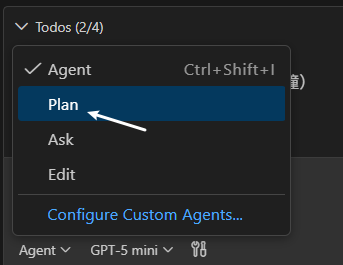
GitHub Copilot Plan mode 让GitHub Copilot进行代码制作之前,制定出详细的执行计划,包含requirements, todos, execution guidance等。这份计划只有被approve之后,GitHub Copilot才会进行编码操作。Plan mode主要做三个方面的事情,1. 研究task并确定requirements和constraints;2.分解task为可执行的steps;3. 创建出一个详细的结构化的执行计划给用户进行审阅
当前Plan mode在VS Code中已经可以使用的。
2.具体说明
2.1 准备
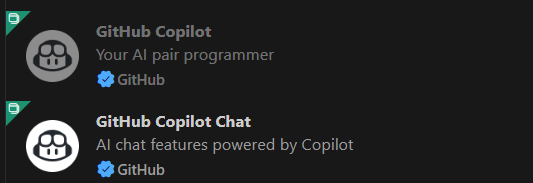
首先安装Visual Studio Code,同时在extensions中安装GitHub Copilot Chat和GitHub Copilot,然后使用自己的GitHub帐户进行登录。
2.2 创建应用程序
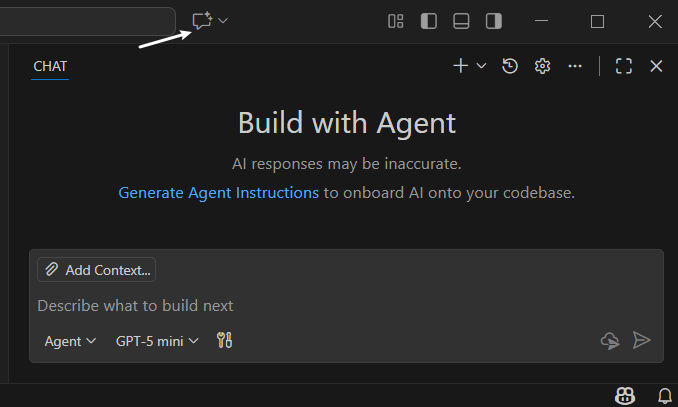
- 点击如下图标,打开Chat Panel,
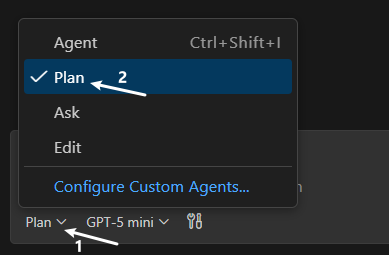
- 点击mode下拉框,选择Plan选项,同时选择一下model,这边选择的是GPT-5-mini
- 输入要创建应用程序的相关prompt,点击submit按钮, GitHub Copilot开始工作了
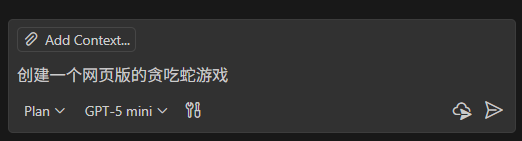
- 等待一段时间,GitHub Copilot准备一份应用程序的plan以及具体的执行steps,供用户进行审阅
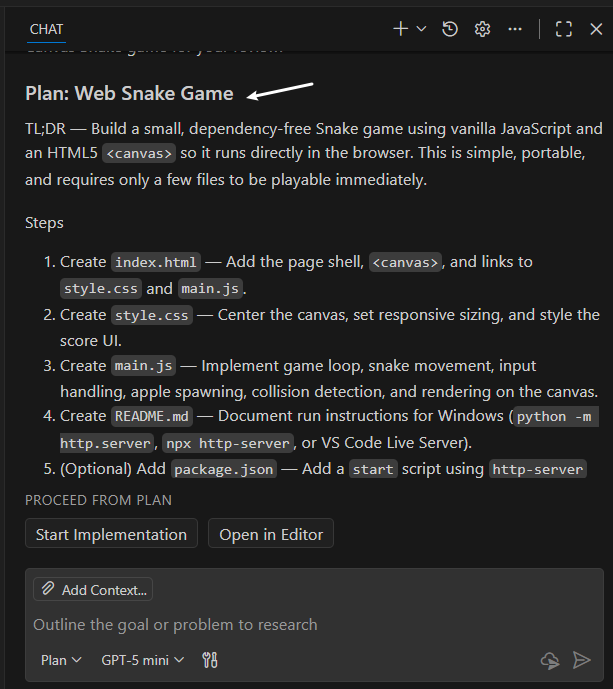
note, Plan的下面有两个按钮, Start Implementation和Open in Editor。如果不打算保存这个plan,可以直接点击Start Implementation按钮继续执行;如果需要保存plan内容,则点击Open in Editor按钮。这边选择了Open in Editor按钮。
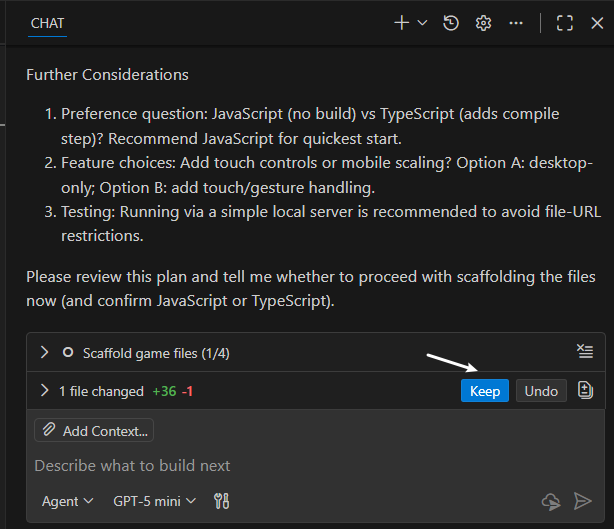
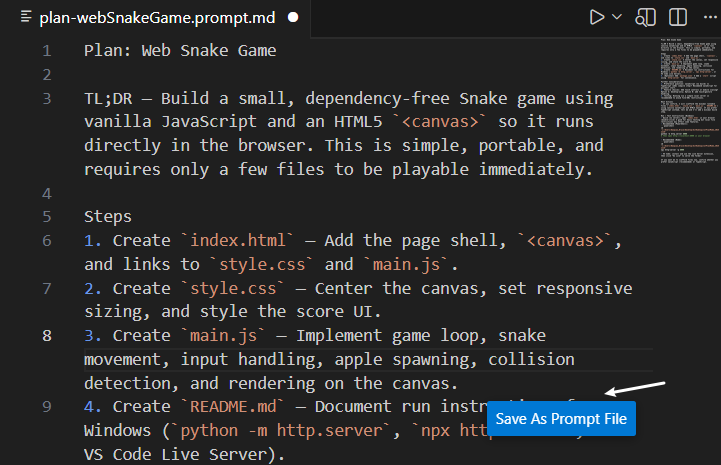
- 如果对GitHub Copilot plan内容没有要更改的需求,则可以直接开始创建应用了
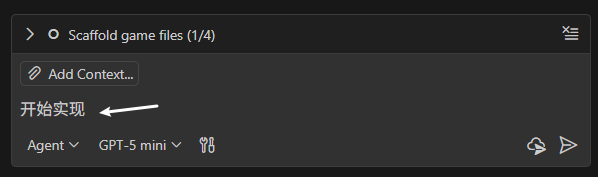
在Chat pannel的下方有一个Todos,可以查看要做的事情。
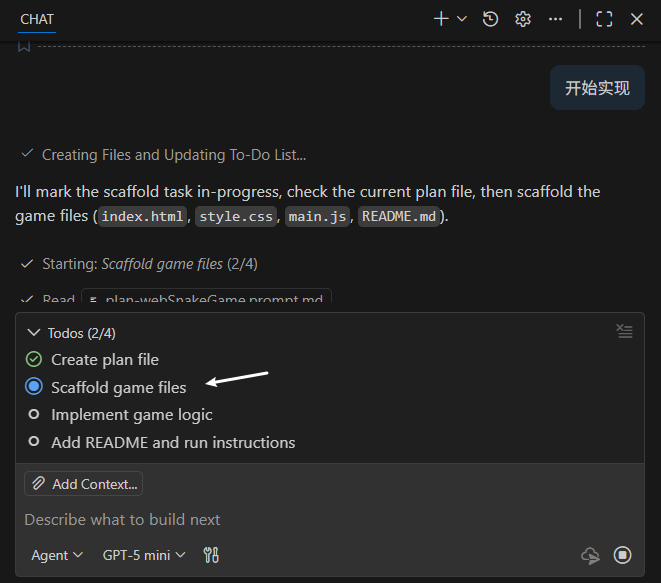
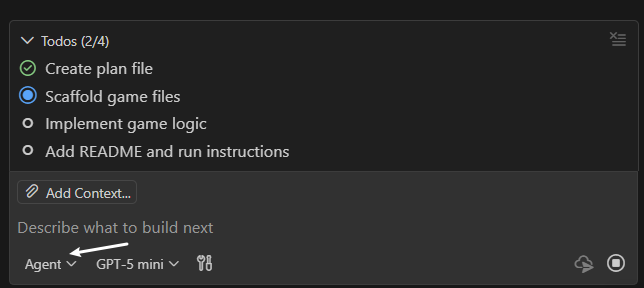
可以看出在执行阶段,GitHub Copilot还是切换到了Agent模式了。
- 等待GitHub Copilot执行完成,
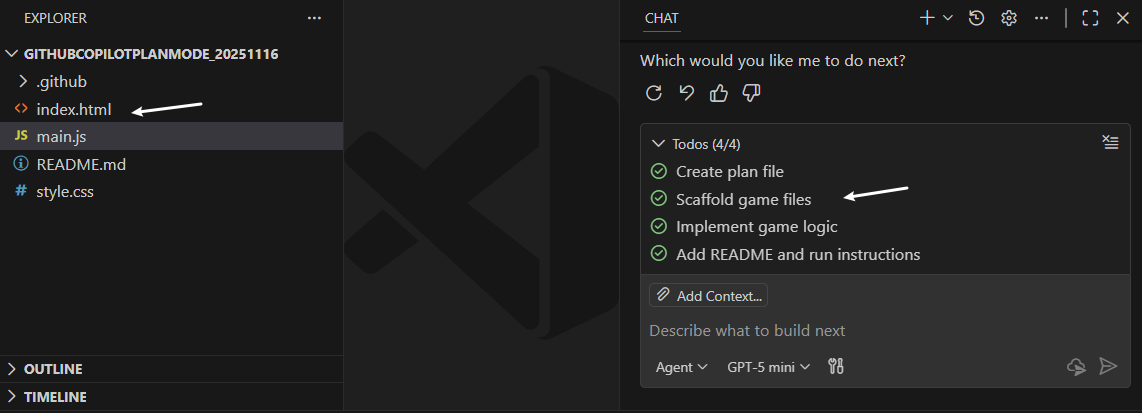
note, 可能需要在GitHub Copilot中进行多轮的迭代修改,才能创建出一个满足要求的贪吃蛇游戏
3.总结
本文简单记录了一下GitHub Copilot新增加的plan mode的使用过程。通过Plan mode,GitHub Copilot在编码实现之前为用户准备了一份执行plan。基于这个plan,用户可以更改或保存。在用户审批plan之后,GitHub Copilot自动切换到Agent mode从而继续进行应用的编码实现。
同时微软也发布了很多辅助应用开发的agent,比如Coding agent, Code Review agent, Profiler agent等。其中 Coding agent的编码能力可能比GitHub Copilot agent mode更强一些。
本文如果哪里有错误,麻烦告之,谢谢谢谢!