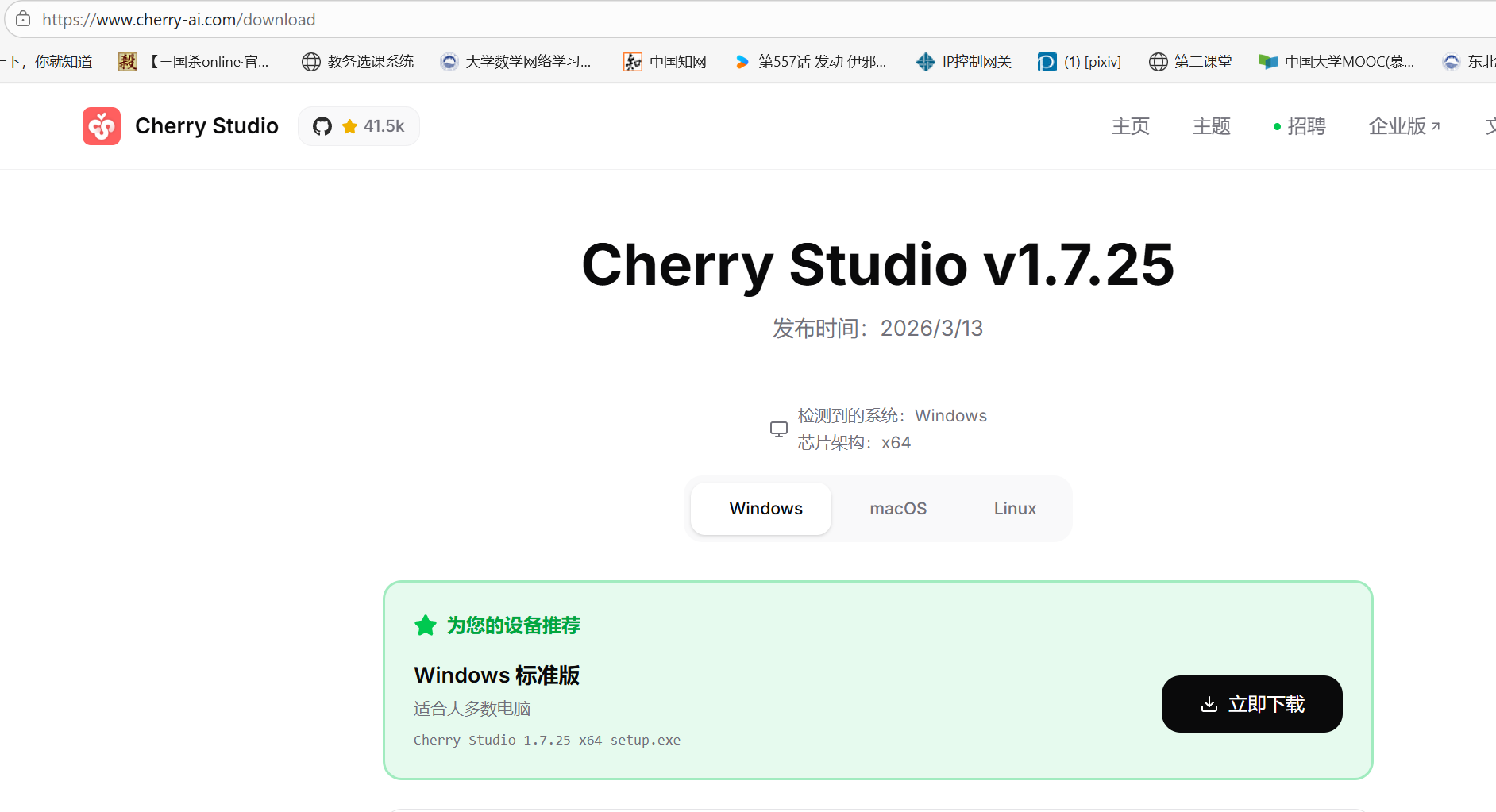
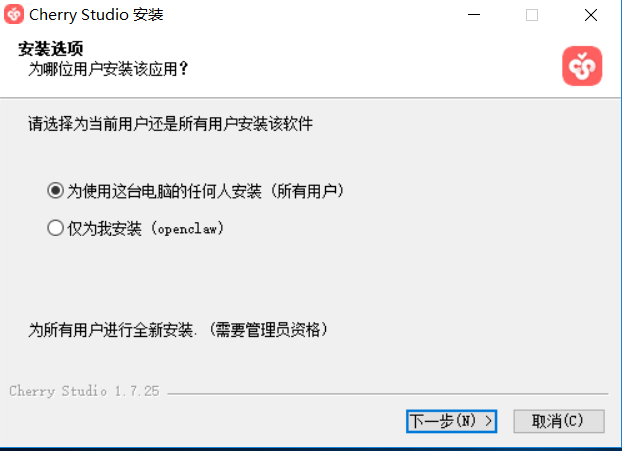
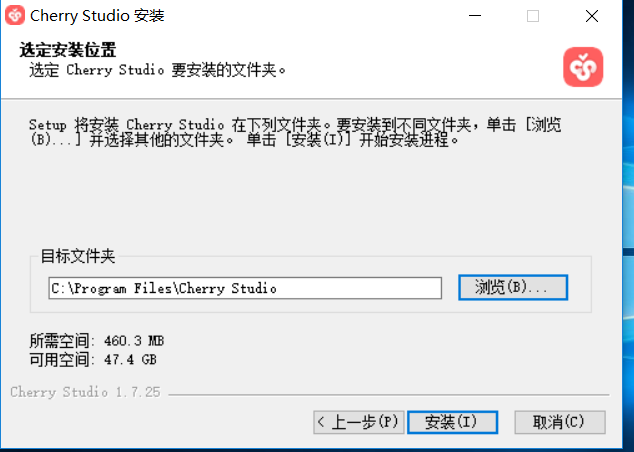
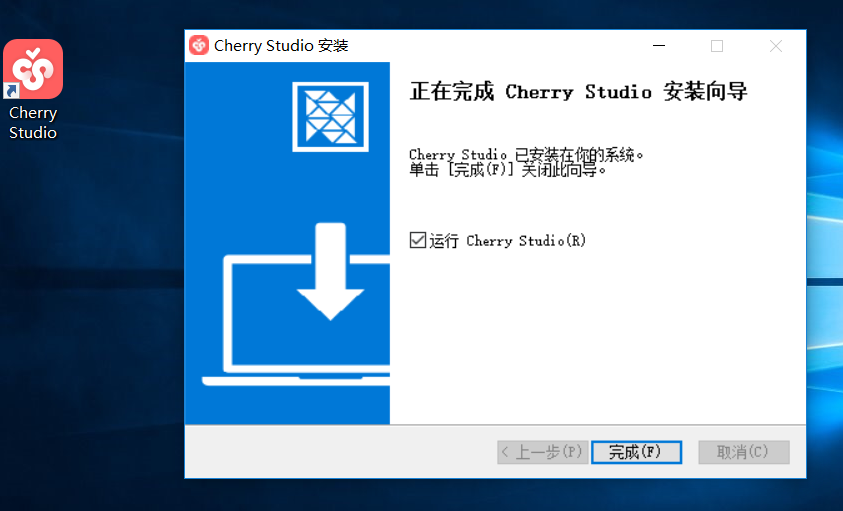
一、安装Cherry Studio
二、配置OpenRouter
点击右上角的设置
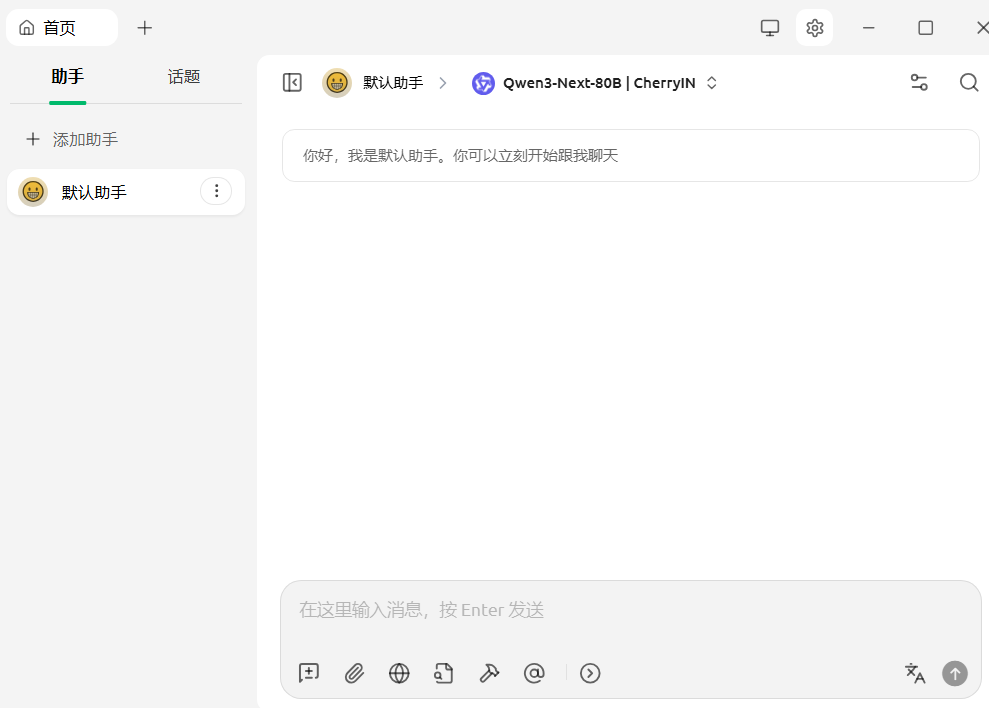
打开openrouter,点击这里获取密钥

打开官网,注册登录,创建API key【免费】,复制密钥填回去
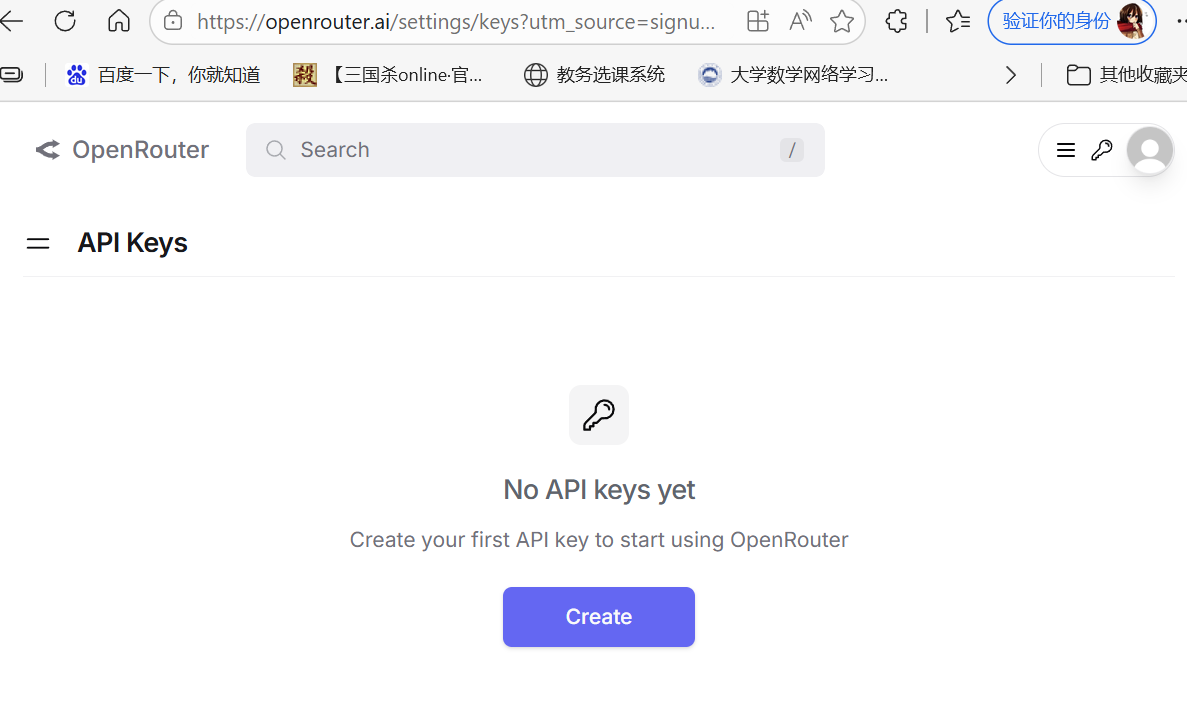
点击下方的添加
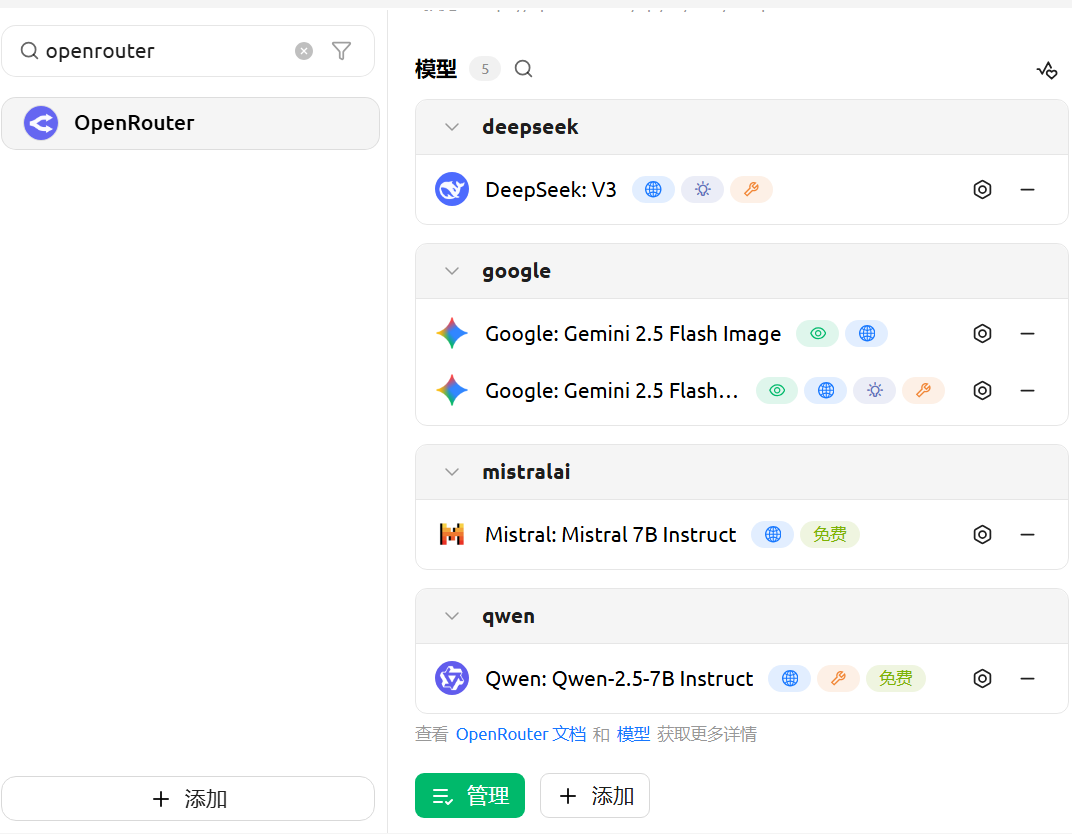
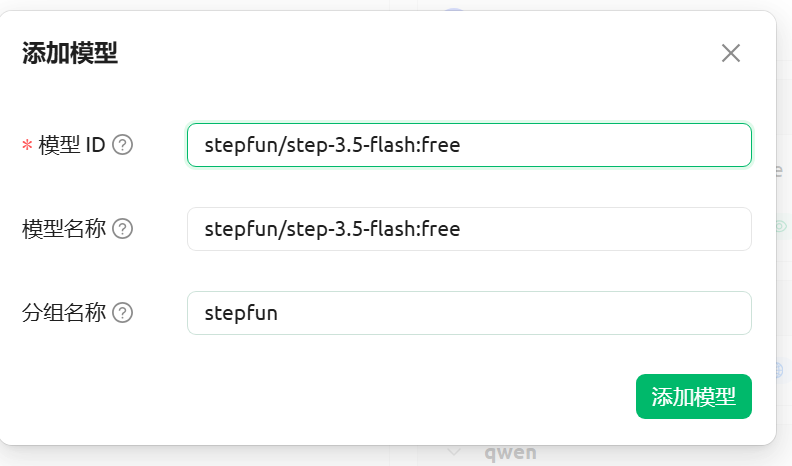
默认助手后面的模型选择配置好的模型
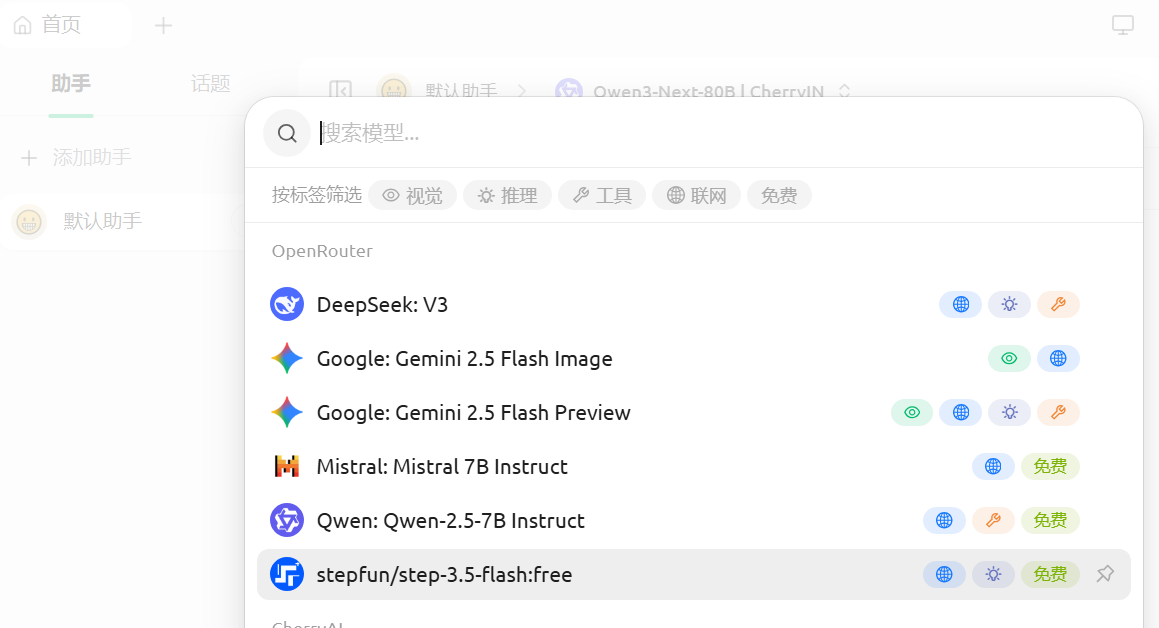
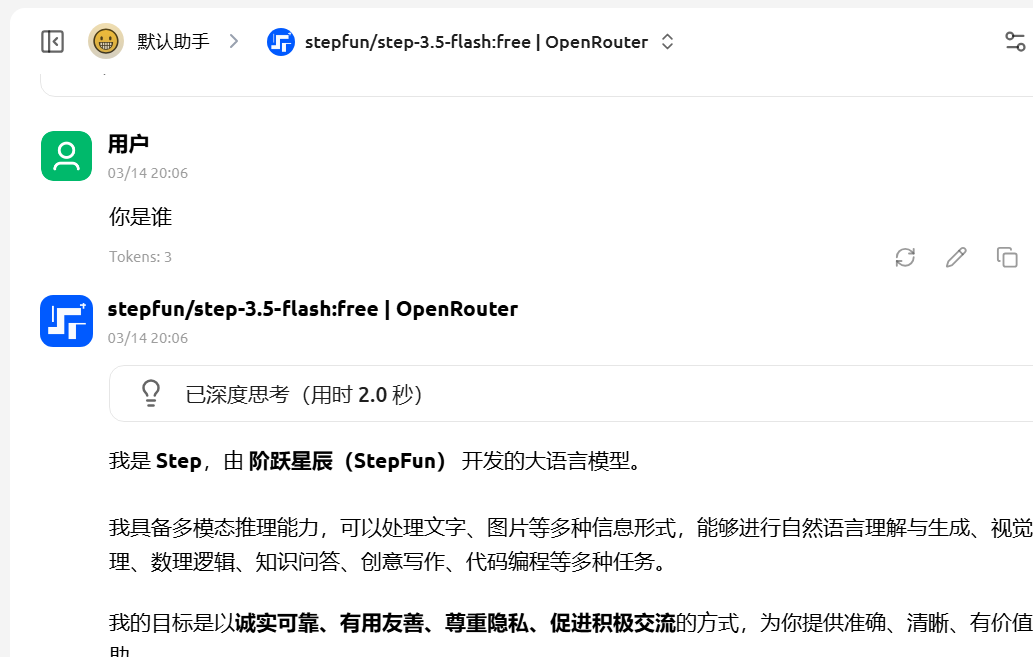
三、安装OpenClaw
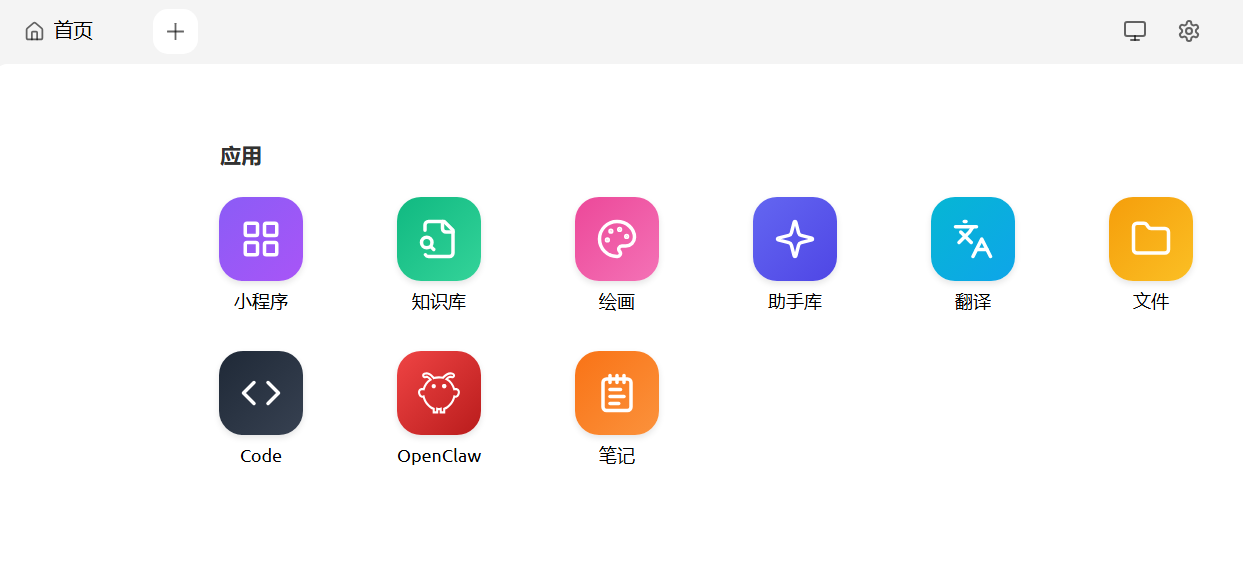
以次安装,Node.js--->Git--->OpenClaw
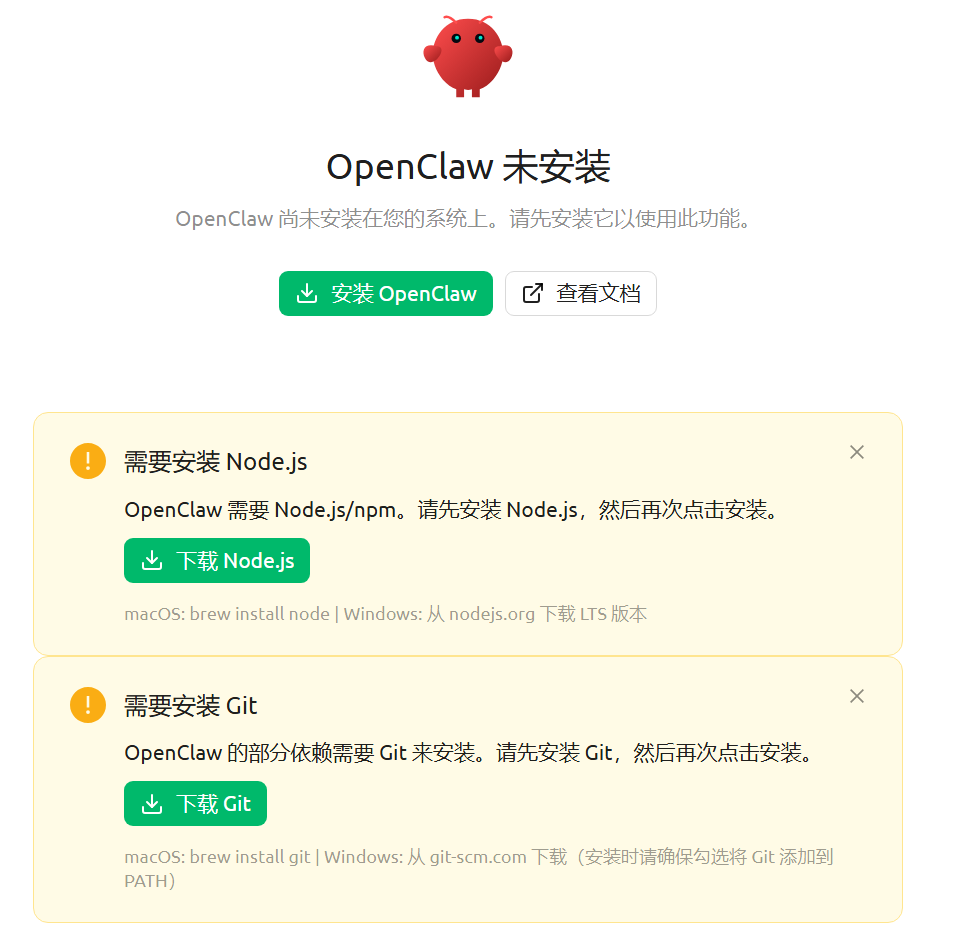
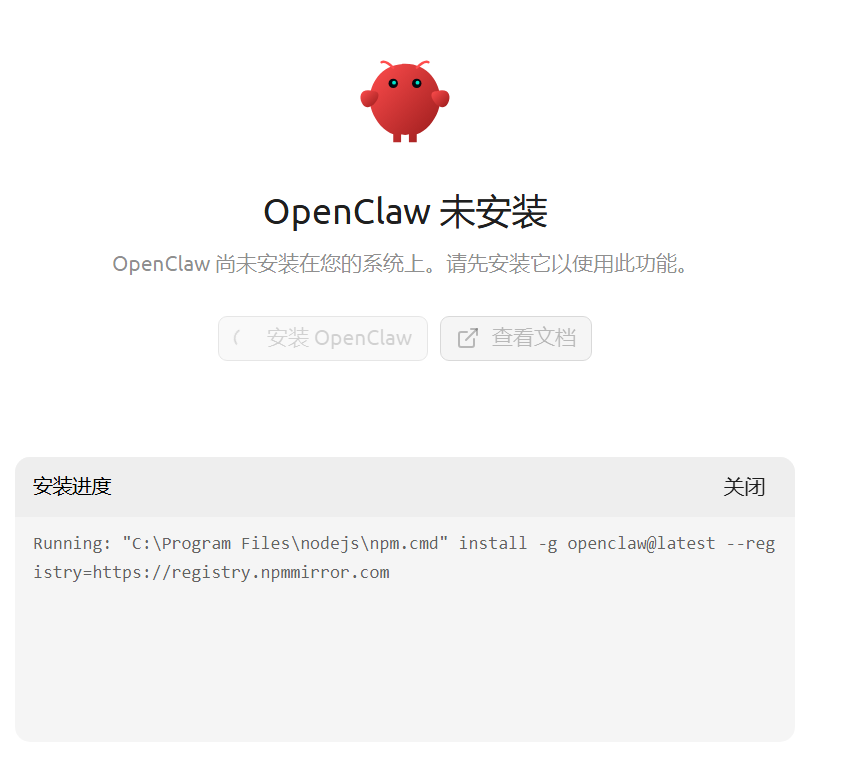
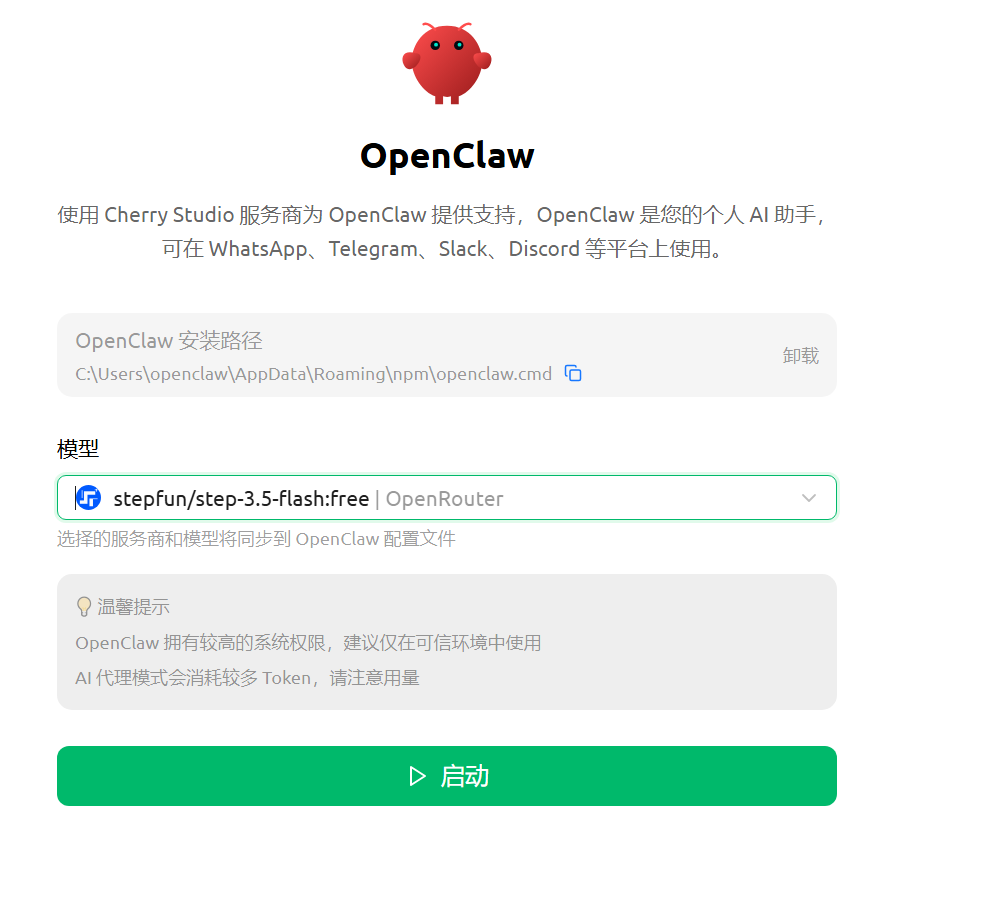
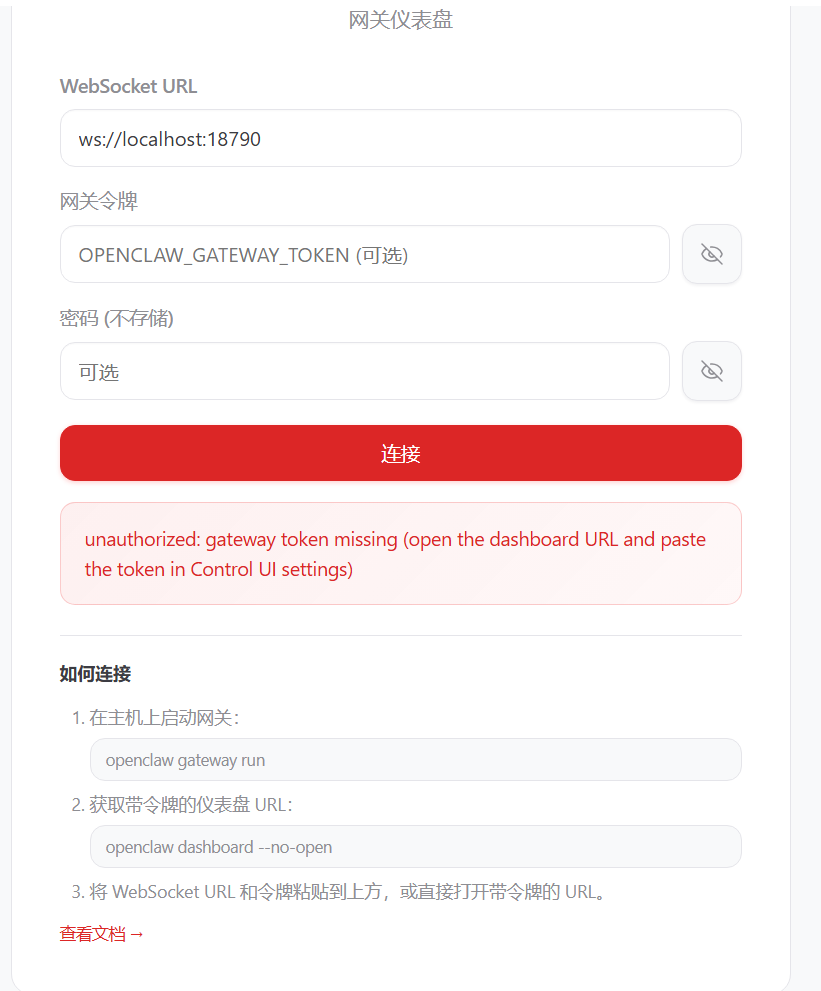
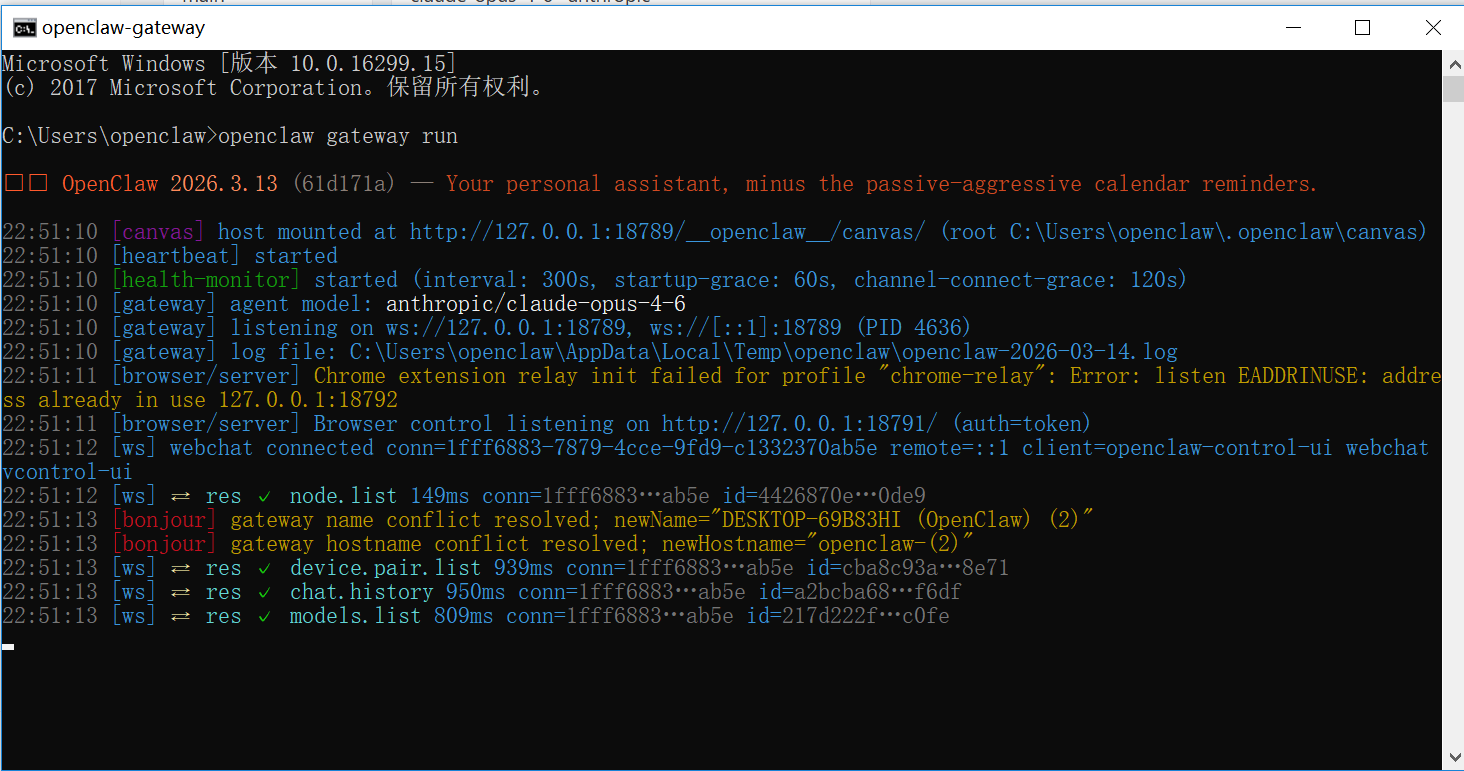
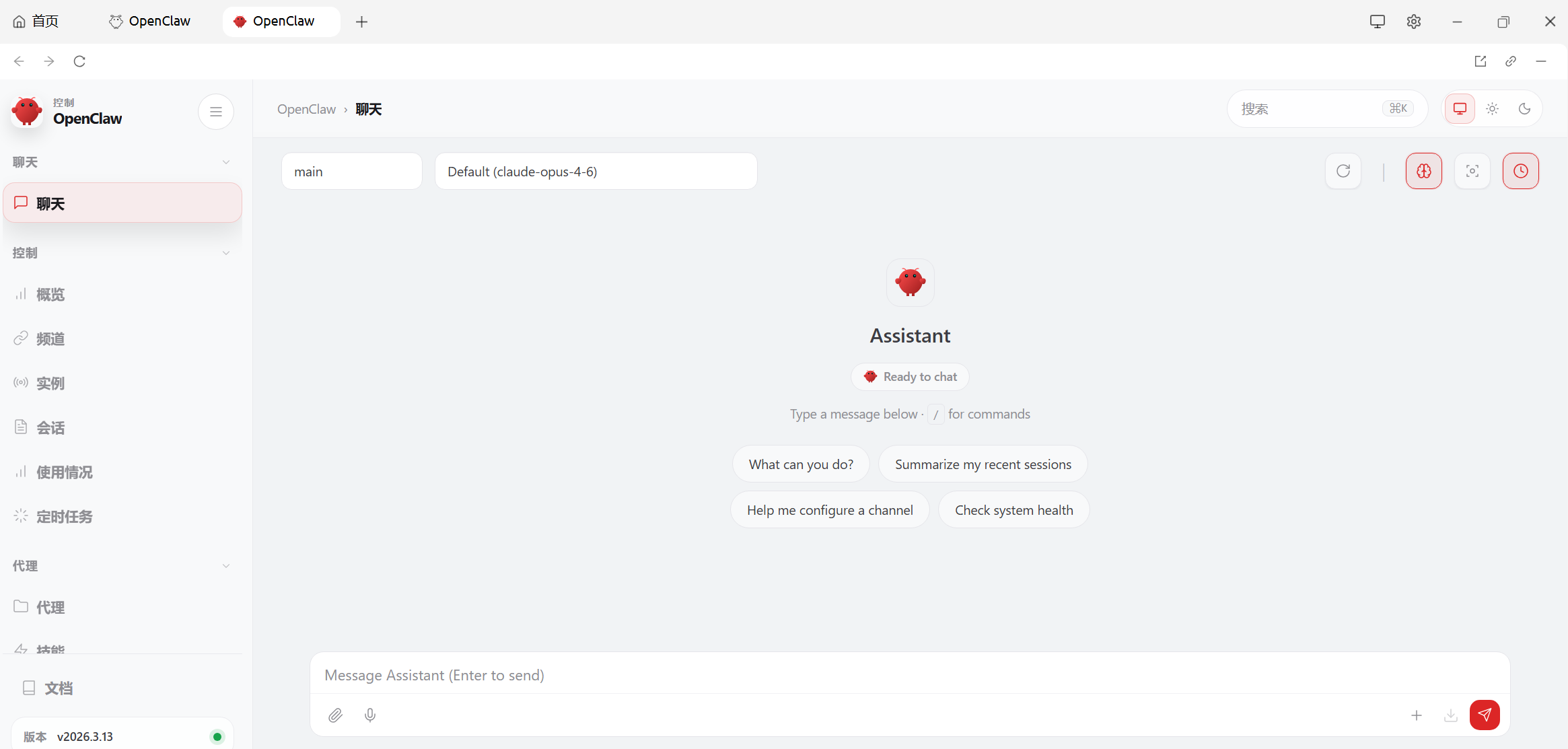
报错
无法下载openclaw
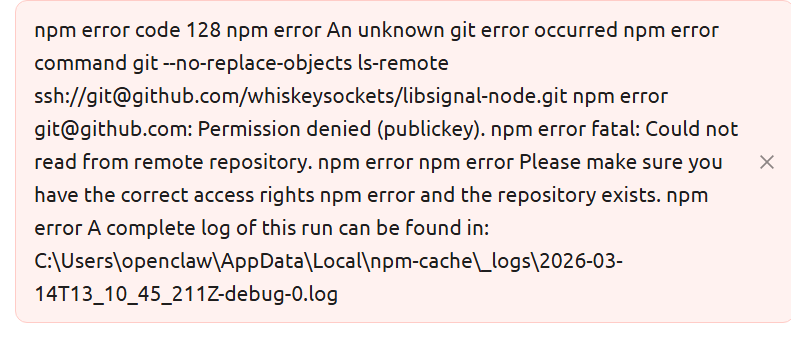
解决方法:
- 看log中存的报错原因,其中提到无法打开文件openclaw.json
- 打开文件夹路径,发现只有openclaw.cherry.json文件
- 将文件名改为openclaw.json
- 解决
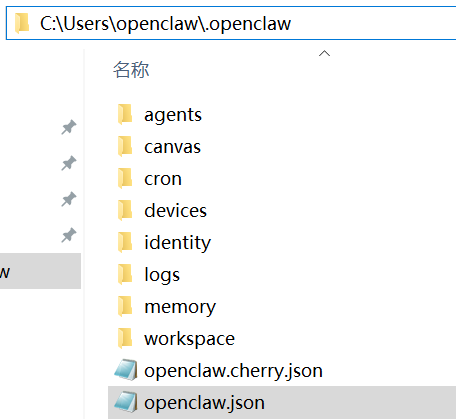
process exited with code 1
解决方法一:
- 可以去看源码
解决方法二:
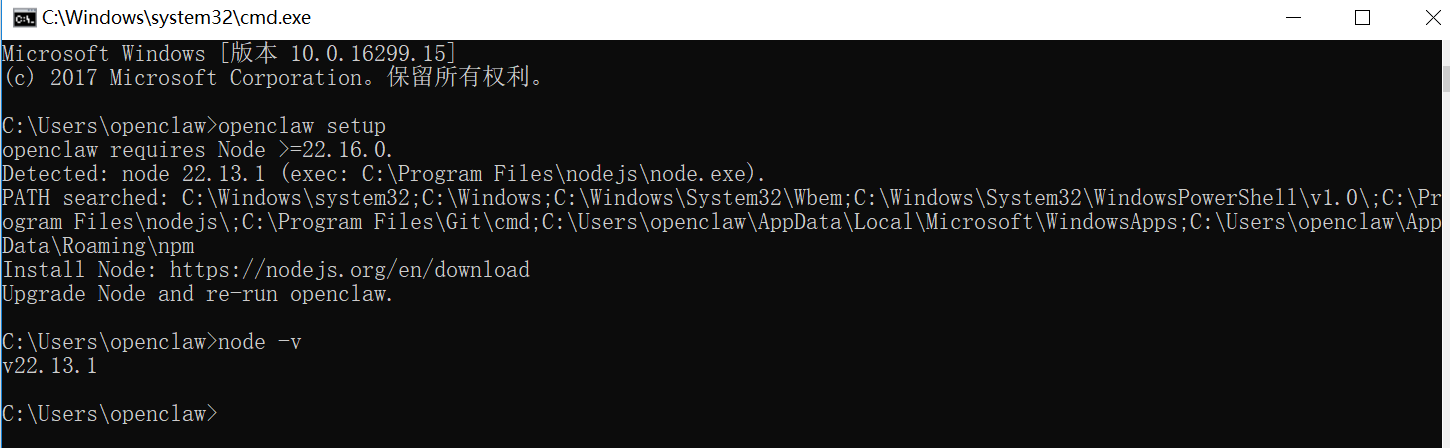
- 输入openclaw setup,输出显示要求node.js的版本大于22.16,我安装好的版本是22.13
- 从node.js的官方网站下载最新版安装
- 解决
Gateway failed to start
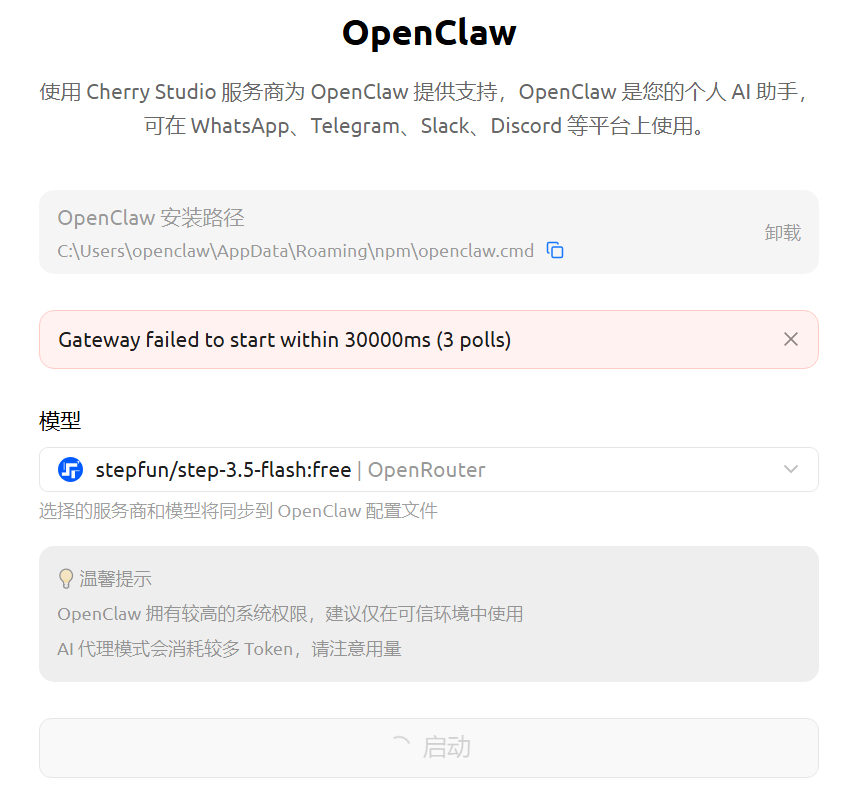
解决方法:
- 先在cmd中输入openclaw gateway run,运行
- 再点击启动
no api key found for provider'anthropic'
回复消息聊天报错:⚠️ Agent failed before reply: No API key found for provider "anthropic". Auth store: C:\Users\71013.openclaw\agents\main\agent\auth-profiles.json (agentDir: C:\Users\71013.openclaw\agents\main\agent). Configure auth for this agent (openclaw agents add ) or copy auth-profiles.json from the main agentDir.
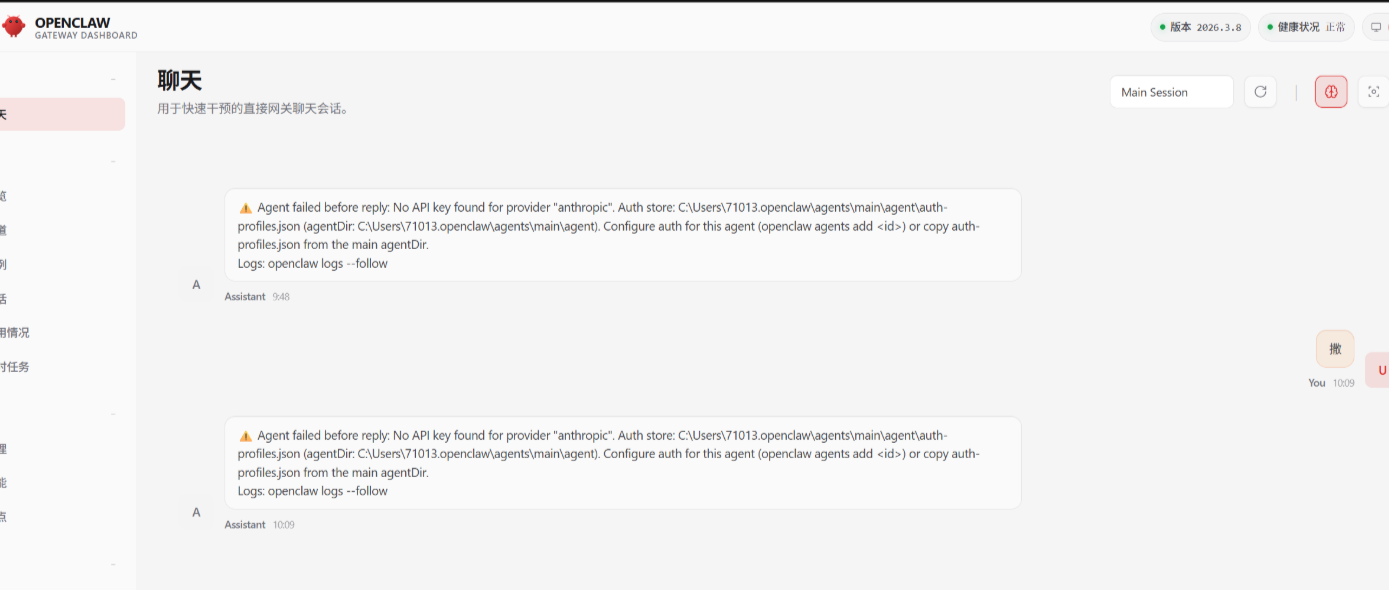
解决方法:安装时,你选择的模型,与现在使用的模型不一致。或未配置模型。
- 打开cmd。输入openclaw config set agent.model "openrouter/stepfun/step-3.5-flash:free"

- 运行命令openclaw agents add main, 为 agent 设置 OpenRouter API Key

然后按照提示输入:
powershell
PS F:\60. ToolDesigner\OpenClaw>

🦞 OpenClaw 2026.3.8 (3caab92) --- I'm not saying your workflow is chaotic... I'm just bringing a linter and a helmet.

|
o  Doctor warnings ------------------------------------------------------+
|                                                                                            |
|  - channels.telegram.groupPolicy is "allowlist" but groupAllowFrom (and allowFrom) is      |
|    empty --- all group messages will be silently dropped. Add sender IDs to                  |
|    channels.telegram.groupAllowFrom or channels.telegram.allowFrom, or set groupPolicy to  |
|    "open".                                                                                 |
|                                                                                            |
+------------------------------------------------------------------------+
T  Add OpenClaw agent
|
o  Workspace directory
|  C:\Users\71013\.openclaw\workspace
|
o  Configure model/auth for this agent now?
|  Yes                                     [选择:Yes]
|
o  Model/auth provider
|  OpenRouter                              [选择:你的大模型,这里我选择的是OpenRouter]
|
o  How do you want to provide this API key?
|  Paste API key now                       [选择:输入你的密钥]
|
o  Enter OpenRouter API key
|  sk-or-v1-d52cde838xxxxxxxx              [选择:按照提示输入你的密钥]
|
o  Model configured ---------------------------------------+
|                                                          |
|  Default model set to openrouter/auto for agent "main".  |
|                                                          |
+----------------------------------------------------------+
|
o  Channel status ----------------------------+
|                                             |
|  Telegram: configured                       |
|  WhatsApp (default): not linked             |
|  Discord: needs token                       |
|  Slack: needs tokens                        |
|  Signal: needs setup                        |
|  signal-cli: missing (signal-cli)           |
|  iMessage: needs setup                      |
|  imsg: missing (imsg)                       |
|  IRC: not configured                        |
|  Google Chat: not configured                |
|  LINE: not configured                       |
|  Feishu: install plugin to enable           |
|  Google Chat: install plugin to enable      |
|  Nostr: install plugin to enable            |
|  Microsoft Teams: install plugin to enable  |
|  Mattermost: install plugin to enable       |
|  Nextcloud Talk: install plugin to enable   |
|  Matrix: install plugin to enable           |
|  BlueBubbles: install plugin to enable      |
|  LINE: install plugin to enable             |
|  Zalo: install plugin to enable             |
|  Zalo Personal: install plugin to enable    |
|  Synology Chat: install plugin to enable    |
|  Tlon: install plugin to enable             |
|                                             |
+---------------------------------------------+
|
o  Configure chat channels now?
|  Yes                                           [选择:Yes]
|
o  How channels work ---------------------------------------------------------+
|                                                                                           |
|  DM security: default is pairing; unknown DMs get a pairing code.                         |
|  Approve with: openclaw pairing approve <channel> <code>                                  |
|  Public DMs require dmPolicy="open" + allowFrom=["*"].                                    |
|  Multi-user DMs: run: openclaw config set session.dmScope "per-channel-peer" (or          |
|  "per-account-channel-peer" for multi-account channels) to isolate sessions.              |
|  Docs: channels/pairing              |
|                                                                                           |
|  Telegram: simplest way to get started --- register a bot with @BotFather and get going.    |
|  WhatsApp: works with your own number; recommend a separate phone + eSIM.                 |
|  Discord: very well supported right now.                                                  |
|  IRC: classic IRC networks with DM/channel routing and pairing controls.                  |
|  Google Chat: Google Workspace Chat app with HTTP webhook.                                |
|  Slack: supported (Socket Mode).                                                          |
|  Signal: signal-cli linked device; more setup (David Reagans: "Hop on Discord.").         |
|  iMessage: this is still a work in progress.                                              |
|  LINE: LINE Messaging API webhook bot.                                                    |
|  Feishu: 飞书/Lark enterprise messaging with doc/wiki/drive tools.                        |
|  Nostr: Decentralized protocol; encrypted DMs via NIP-04.                                 |
|  Microsoft Teams: Bot Framework; enterprise support.                                      |
|  Mattermost: self-hosted Slack-style chat; install the plugin to enable.                  |
|  Nextcloud Talk: Self-hosted chat via Nextcloud Talk webhook bots.                        |
|  Matrix: open protocol; install the plugin to enable.                                     |
|  BlueBubbles: iMessage via the BlueBubbles mac app + REST API.                            |
|  Zalo: Vietnam-focused messaging platform with Bot API.                                   |
|  Zalo Personal: Zalo personal account via QR code login.                                  |
|  Synology Chat: Connect your Synology NAS Chat to OpenClaw with full agent capabilities.  |
|  Tlon: decentralized messaging on Urbit; install the plugin to enable.                    |
|                                                                                           |
+---------------------------------------------------------------------+
|
o  Select a channel
|  Finished
Config overwrite: C:\Users\71013\.openclaw\openclaw.json (sha256 b88e9a4bff0d9dd67f2b206eefb6dd759ef94a378fc3e0e79ada776a5cf38218 -> 2f5d9cb91d6d1df47c7b970f42514a25cc2f0c7a991f98aadc422eac48ba819b, backup=C:\Users\71013\.openclaw\openclaw.json.bak)
Updated ~\.openclaw\openclaw.json
Workspace OK: ~\.openclaw\workspace
Sessions OK: ~\.openclaw\agents\main\sessions
|
--- Agent "main" ready.- 刷新OpenClaw页面,在页面中输入,可正常聊天
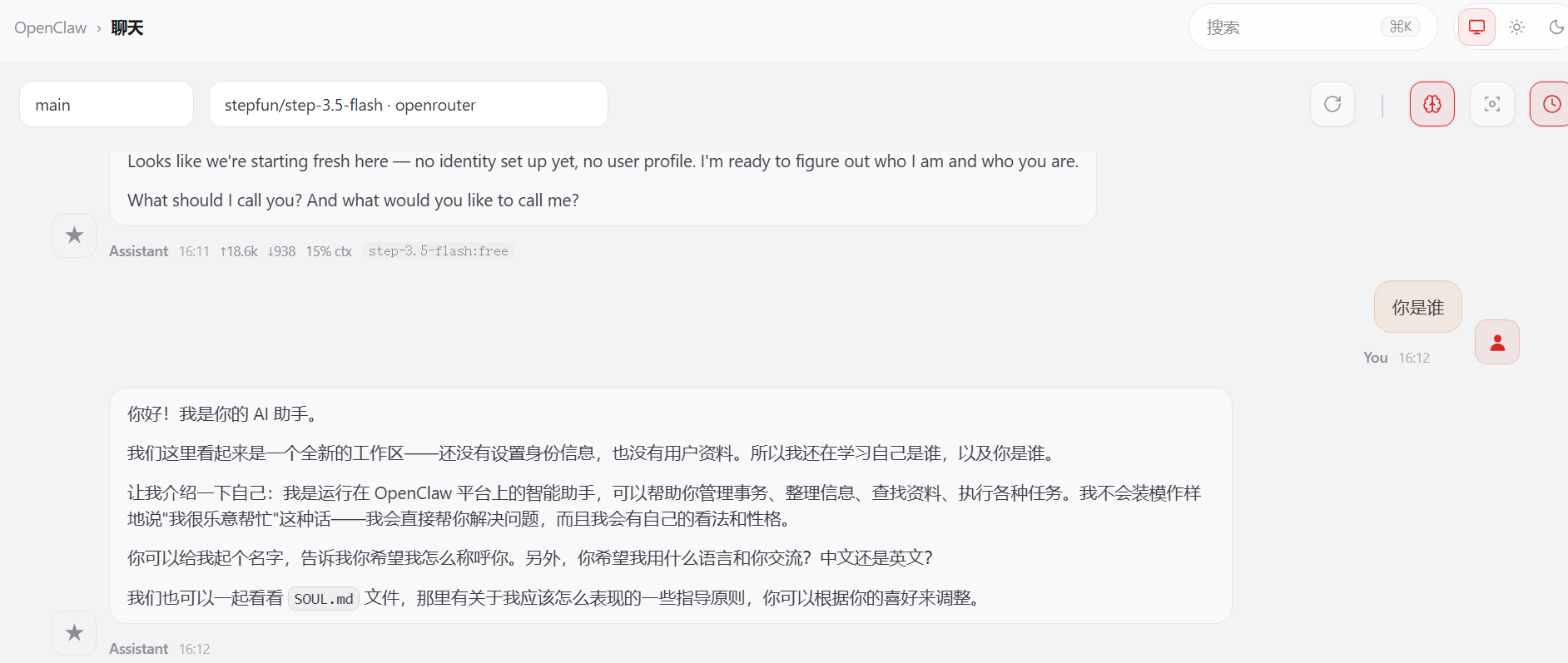
模型选择没有stepfun ,HTTP401: User not found
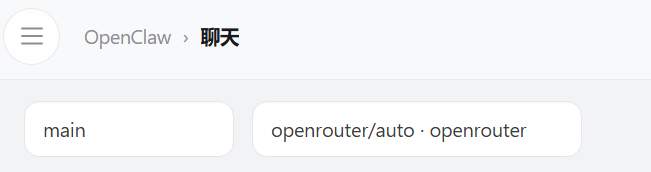
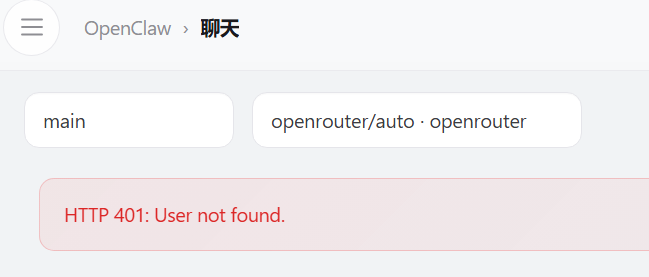
解决方法:
- 为了打开openclaw,新增了一个openclaw.json,因为配置文件写在openclaw.json
- 但是配置更新在文件openclaw.cherry.json
- 把openclaw.cherry.json内容复制给openclaw.json,重启openclaw
- 解决
正常运行的openclaw.cherry.json存档
powershell
{
  "gateway": {
    "mode": "local",
    "port": 18790,
    "auth": {
      "token": "rhcLHBGd9_fJJlcpa_4g7zIMjrn8LqRG"
    }
  },
  "models": {
    "mode": "merge",
    "providers": {
      "cherry-openrouter": {
        "baseUrl": "https://openrouter.ai/api/v1",
        "apiKey": "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",
        "api": "openai-completions",
        "models": [
          {
            "id": "google/gemini-2.5-flash-image-preview",
            "name": "Google: Gemini 2.5 Flash Image",
            "contextWindow": 128000
          },
          {
            "id": "google/gemini-2.5-flash-preview",
            "name": "Google: Gemini 2.5 Flash Preview",
            "contextWindow": 128000
          },
          {
            "id": "qwen/qwen-2.5-7b-instruct:free",
            "name": "Qwen: Qwen-2.5-7B Instruct",
            "contextWindow": 128000
          },
          {
            "id": "deepseek/deepseek-chat",
            "name": "DeepSeek: V3",
            "contextWindow": 128000
          },
          {
            "id": "mistralai/mistral-7b-instruct:free",
            "name": "Mistral: Mistral 7B Instruct",
            "contextWindow": 128000
          },
          {
            "id": "stepfun/step-3.5-flash:free",
            "name": "stepfun/step-3.5-flash:free",
            "contextWindow": 128000
          }
        ]
      }
    }
  },
  "agents": {
    "defaults": {
      "model": {
        "primary": "cherry-openrouter/stepfun/step-3.5-flash:free"
      }
    }
  }
}
API rate limit reached
通常是由于API调用频率超过了服务商设定的速率限制。
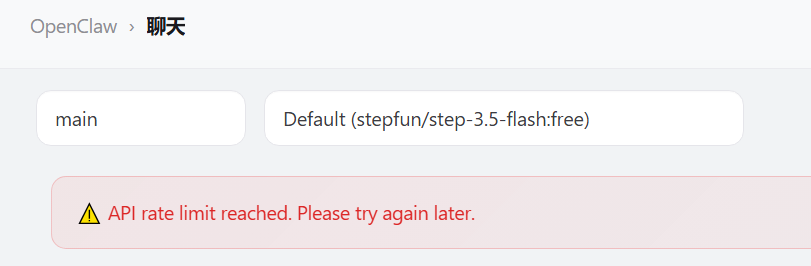
解决方法:
- token付费
- 部署其他好用的模型
对话排队

总结常用命令
powershell
openclaw setup # 启动openclaw

openclaw gateway run
openclaw gateway stop

openclaw agents add main(任一agent id名)# 为 agent 设置 OpenRouter API Key

openclaw config set agent.model "openrouter/stepfun/step-3.5-flash:free"# 配置模型

openclaw config get gateway.auth.token#查看是否存在gatewat token
openclaw doctor --generate-gateway-token#获取