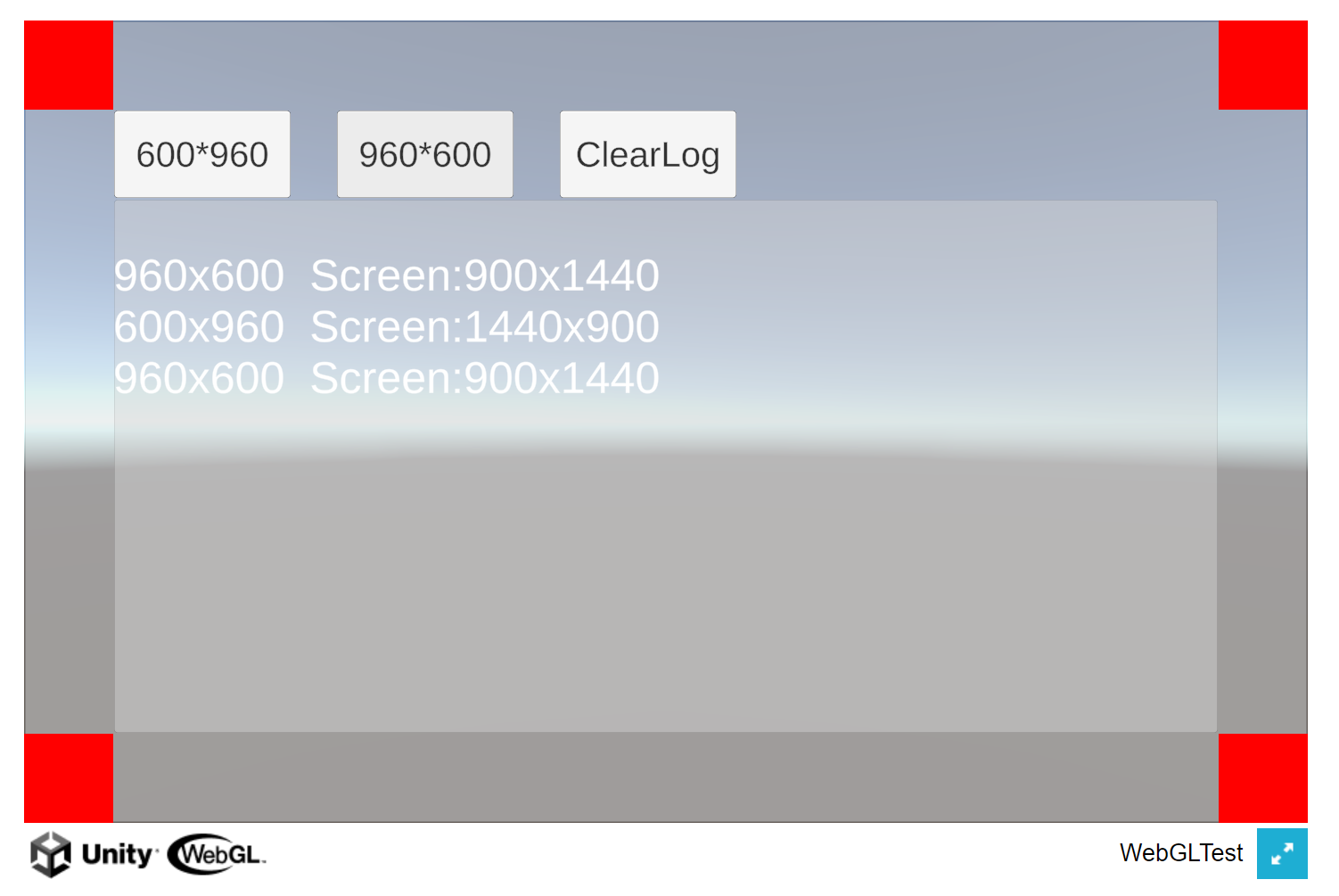
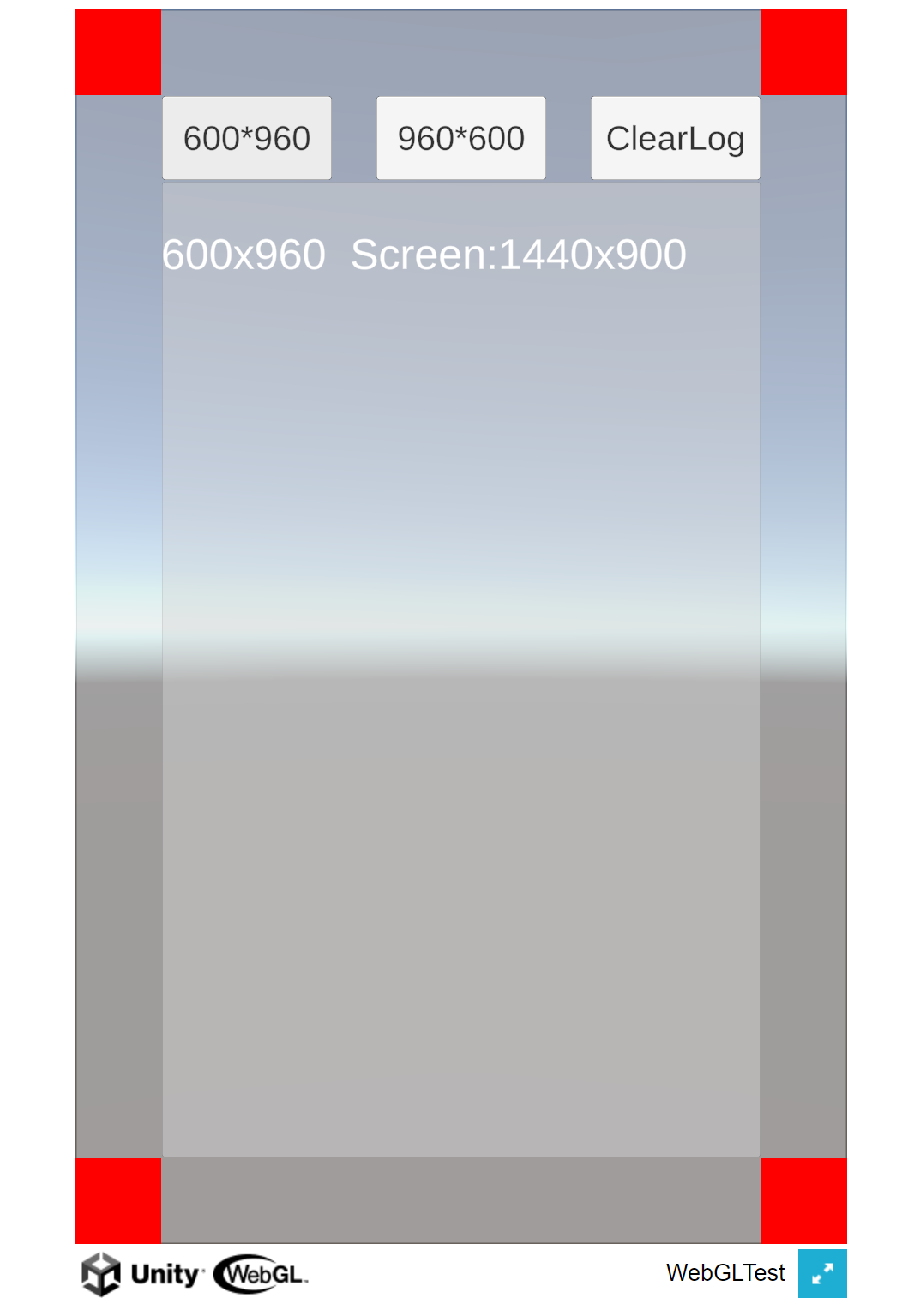
1.静态设置
发布之前在Player Setting/Resolution and Presentation设置
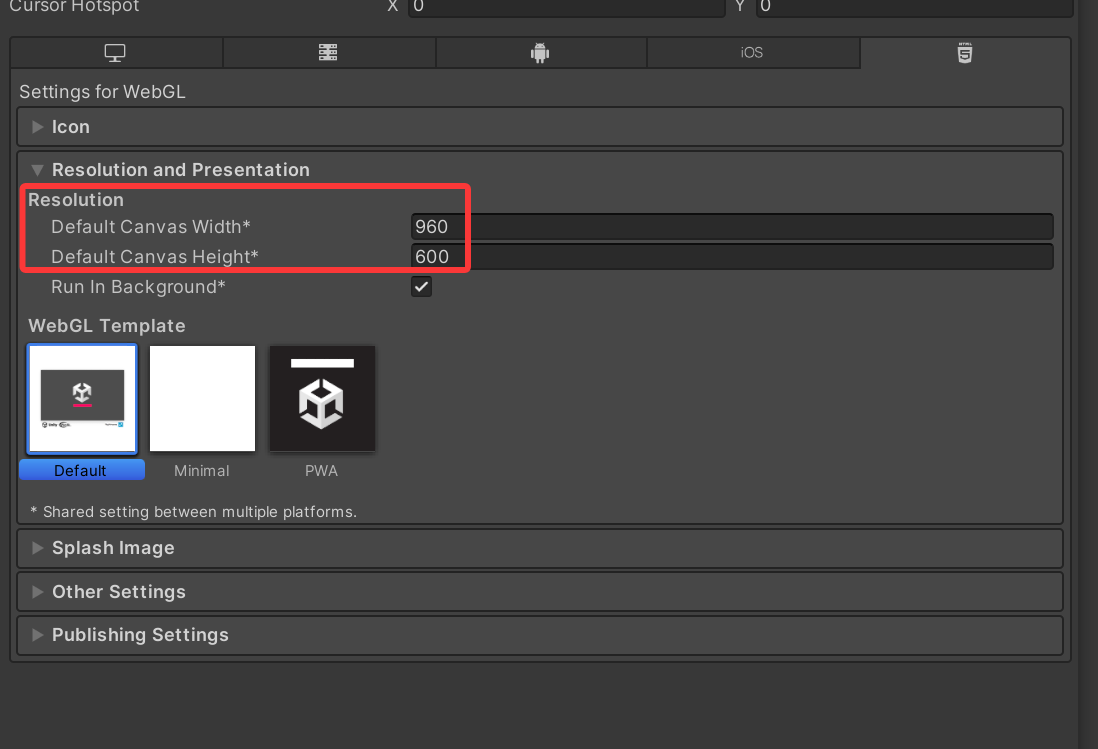
2.动态设置
经过测试在WebGL平台打包后,Screen.SetResolution设置分辨率是不生效的
需要写js脚本
1.新建脚本WebGLResize.jslib,放在Plugins\WebGL下面
javascript
mergeInto(LibraryManager.library, {
    ResetCanvasSize: function(width, height) {
        // 获取Unity canvas元素
        var canvas = document.querySelector("#unity-canvas");
        if (!canvas) {
            console.warn("无法找到Unity canvas元素");
            return;
        }

        // 设置canvas的新尺寸
        canvas.style.width = width + "px";
        canvas.style.height = height + "px";

        // 如果存在Unity实例,通知其resize
        if (Module) {
            Module.canvas.width = width;
            Module.canvas.height = height;

            // 触发Unity内部的resize事件
            if (typeof Module.onResize === 'function') {
                Module.onResize(width, height);
            }
        }

        // 调整容器大小(如果有父容器)
        var parent = canvas.parentElement;
        if (parent) {
            parent.style.width = width + "px";
            parent.style.height = height + "px";
        }

        console.log("画布已调整为: " + width + "x" + height);
    }
});
2.C#调用
完整代码:
cs
using System.Collections;
using System.Collections.Generic;
using System.Runtime.InteropServices;
using TMPro;
using UnityEngine;

public class WebTest : MonoBehaviour
{
    public TextMeshProUGUI logText;

    public void Set600_960()
    {
        SetCustomCanvasSize(600, 960);
    }

    public void Set960_600()
    {
        SetCustomCanvasSize(960, 600);
    }

    public void ClearLog()
    {
        logText.text = "";
    }


#if UNITY_WEBGL && !UNITY_EDITOR
        [DllImport("__Internal")]
        private static extern void ResetCanvasSize(int width, int height);
#endif
// 设置自定义分辨率
    private void SetCustomCanvasSize(int width, int height)
    {
#if UNITY_WEBGL && !UNITY_EDITOR
            ResetCanvasSize(width, height);
#endif
        string msg = $"{width}x{height}  Screen:{Screen.width}x{Screen.height}";
        AppendLogText(msg);
        Debug.LogWarning(msg);
    }

    void AppendLogText(string msg)
    {
        logText.text = logText.text + "\n" + msg;
    }
}
3.效果展示