一、FastAPI 支持的常见响应类型
|-------------------|-------------------|------------------------------------|-----|
| 响应类型 | 用途 | 示例 | 备注 |
| JSONResponse | 默认响应,返回JSON数据 | return {"key": "value"} | 最常见 |
| HTMLResponse | 返回HTML内容 | return HTMLResponse(html_ content) | 最常见 |
| PlainTextResponse | 返回纯文本 | return PlainTextResponse("text") | |
| FileResponse | 返回文件下载 | return FileResponse(path) | |
| StreamingResponse | 流式响应 | 生成器函数返回数据 | |
| RedirectResponse | 重定向 | return RedirectResponse(url) | |
[FastAPI 支持的常见响应类型]
其中,JSON、HTML 和 File 是此次重点学习的响应类型。
当服务器收到了我们的请求后,FastAPI 在默认情况下会自动将路径操作函数返回的 Python 对象(字典、列表、Pydantic模型等),经由 jsonable_encoder 转换为 JSON 兼容格式,并包装为 JSONResponse 返回。这省去了手动序列化的步骤,让开发者更专注于业务逻辑。
python
@app.get("/")
async def root():
    return {"message": "hello world"}
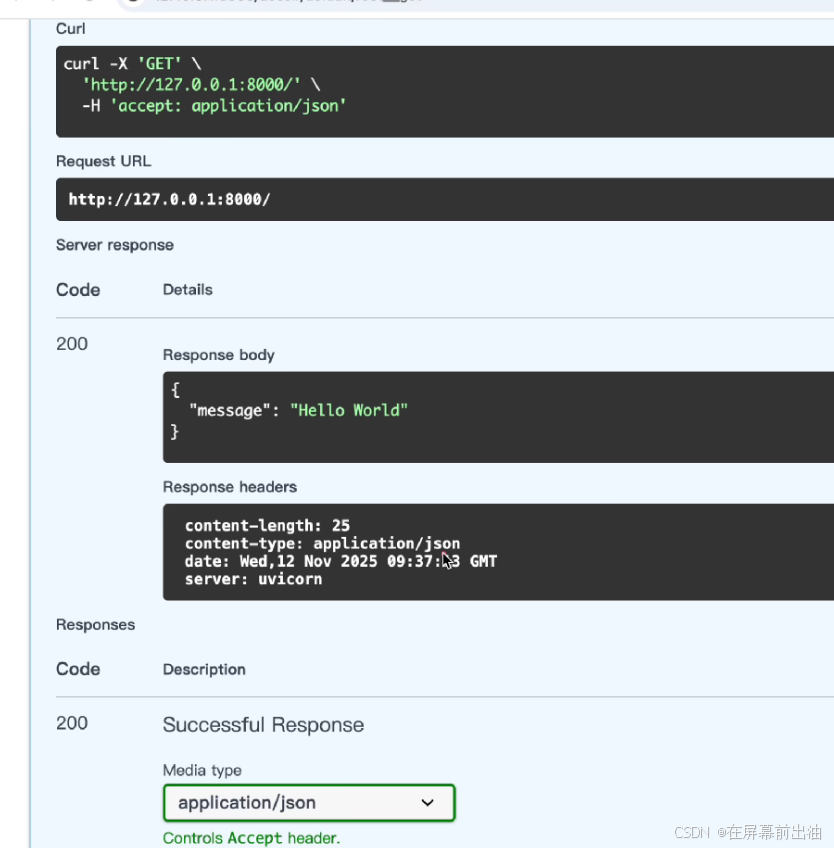
所以,FastAPI 的默认响应类型是 JSON(如上述代码中的 root 函数的返回值会默认转换为 JSON 格式返回给客户端)。
二、如何查看响应类型
Response header 中的 content-type 中会注明 application/json 这样的字段。
三、指定响应类型的两种方式
如果需要 FastAPI 返回除 JSON 以外的响应类型,如:HTML 和文件流等,通常需要手动设置。而常用的设置方法有两种:1、装饰器中指定响应类型(常用于返回类型相对固定的接口,如:HTML和纯文本等);2、在 return 中写出返回类型(常用于响应类型不固定的接口,如:文件下载、图片和流式响应等)。
1、在装饰器中指定响应类型
以 html 响应类型为例,需要先从 fastapi.responses 导入 HTMLResponse。代码:
python
from fastapi import FastAPI
from fastapi.responses import HTMLResponse    # 导入HTMLResponse

app = FastAPI()

@app.get("/")
async def root():
    return {"message": "hello world"}

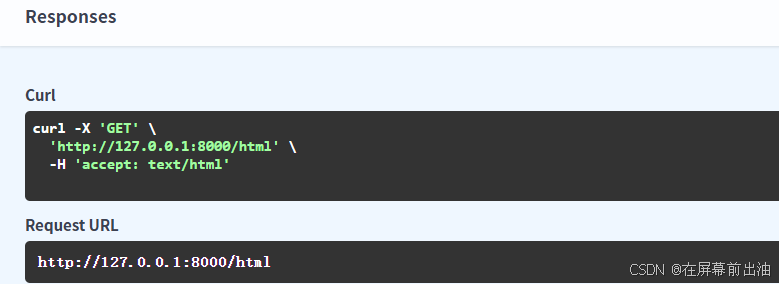
@app.get("/html", response_class = HTMLResponse)    # 在装饰器处设置好相应类型
async def practice():
    return "<h1>这是一级标题</h1>"    # <h1></h1>中间的内容在前端展示效果为一级标题
代码效果:

2、在处理函数的返回值中指定响应类型
以文件响应类型为例。FileResponse 是 FastAPI 提供的专门用于高效返回文件内容(如图片、PDF、Excel 和音频视频等)的相应类。它能够智能处理文件路径、媒体类型推断、范围请求和缓存头部,是服务静态文件的推荐方式。
代码:需要加深对最后一行代码的理解
python
from fastapi import FastAPI
from fastapi.responses import FileResponse    # 导入FileResponse

app = FastAPI()

@app.get("/")
async def root():
    return {"message": "hello world"}

@app.get("/file")
async def practice():
    path = "./files/fastapi.png"    # 本地图片存放的路径
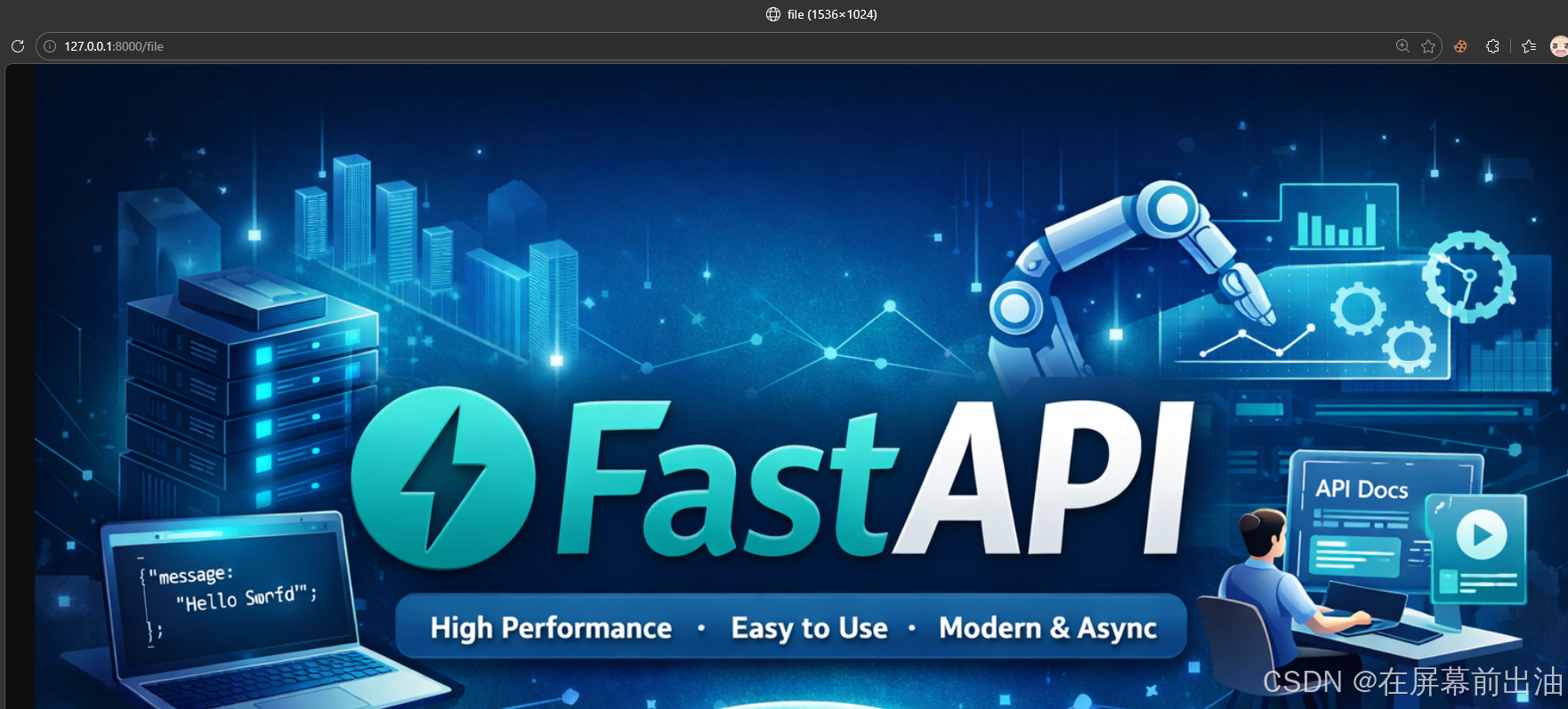
    return FileResponse(path)       # FileResponse() 把 path 这个路径对应的文件发送给浏览器
运行效果:
四、自定义响应数据格式
response_model 是路径操作装饰器(@app.get或@app.post)的关键参数,它通过一个pydantic 模型来严格定义和约束API端点的输出格式。这一机制在提供自动数据验证和序列化的同时,更是保障数据安全性的第一道防线。
代码:
python
from fastapi import FastAPI
from pydantic import BaseModel

app = FastAPI()

class News(BaseModel):    # 自定义的数据格式,但是必须是BaseModel的子类
    id: int
    title: str
    content: str

@app.get("/")
async def root():
    return {"message": "hello world"}

@app.get("/news/{id}", response_model=News)    # 设定了response_model为News
async def practice(id: int):
    return {                                   # 这里的数据格式必须跟News的定义一样,否则报错
        "id": id,
        "title": "黄金暴跌",
        "content": "纳斯达克也支楞不起来"
        }
运行效果:
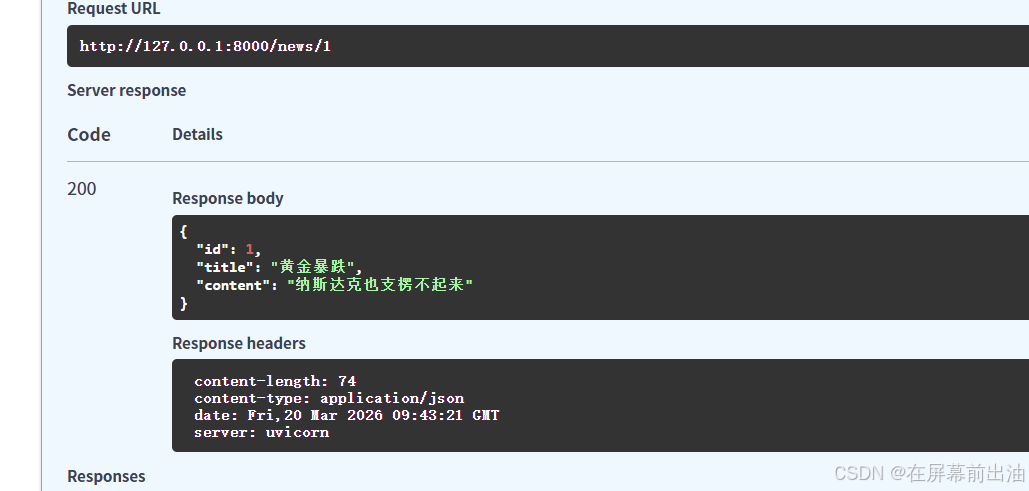
如果 return 中的数据格式跟预定义的 News 的格式不一样,比如把 return 中的
python
"content": "纳斯达克也支楞不起来"删掉,没按照约定返回响应时,则会报错:
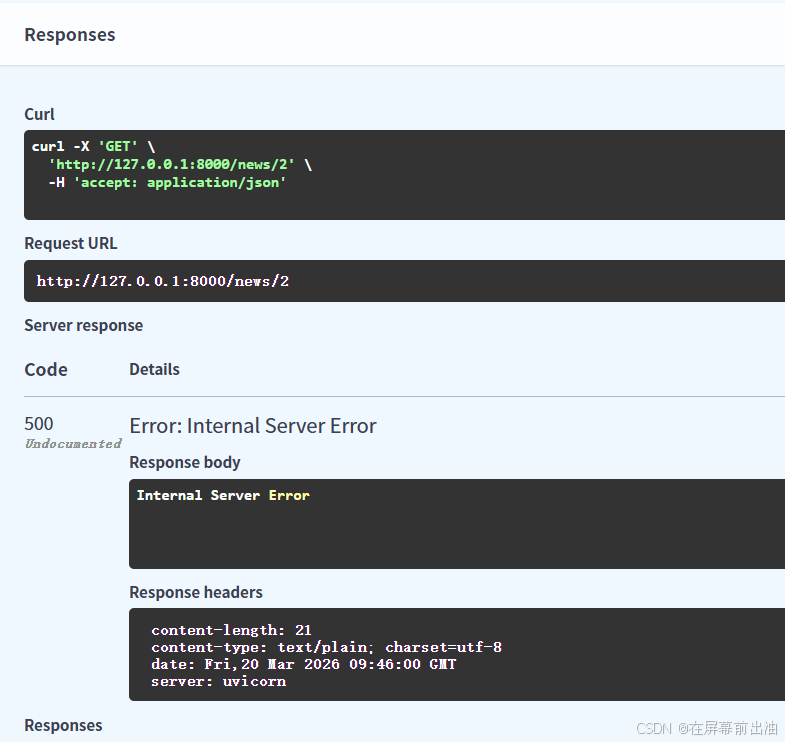
Pycharm的terminal会提示:
