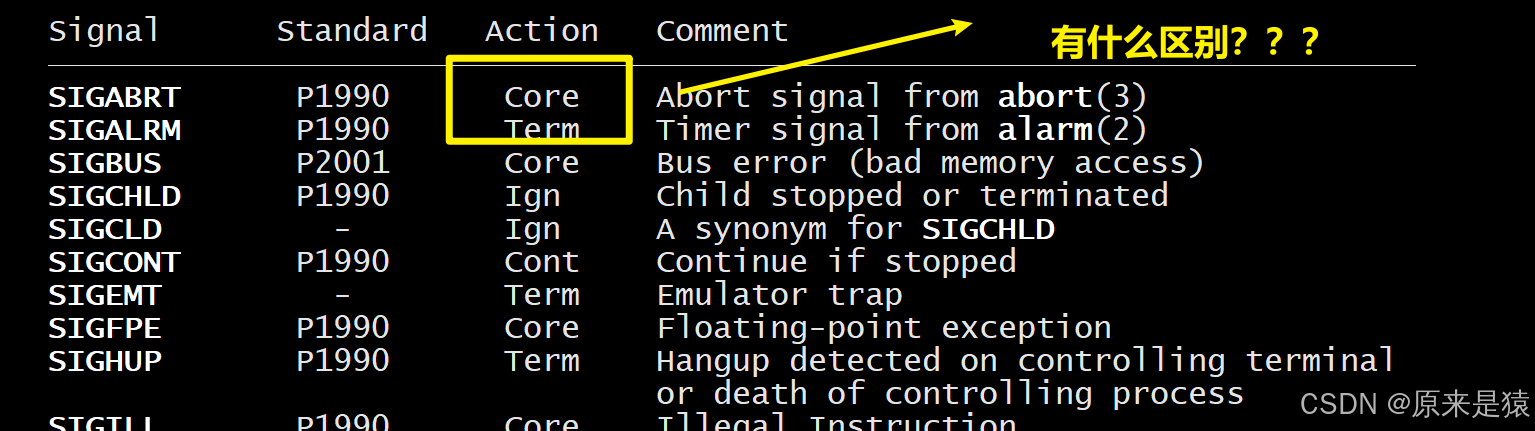
一、信号core 与 Trem
| 动作类型 | 缩写 | 含义 | 典型信号 |
|---|---|---|---|
| 终止 + 核心转储 | Core | 进程终止,并生成 core dump 文件 | SIGQUIT, SIGILL, SIGABRT, SIGFPE, SIGSEGV |
| 仅终止 | Term | 进程直接终止,不生成 core 文件 | SIGHUP, SIGINT, SIGKILL, SIGTERM, SIGPIPE |
二、Core Dump
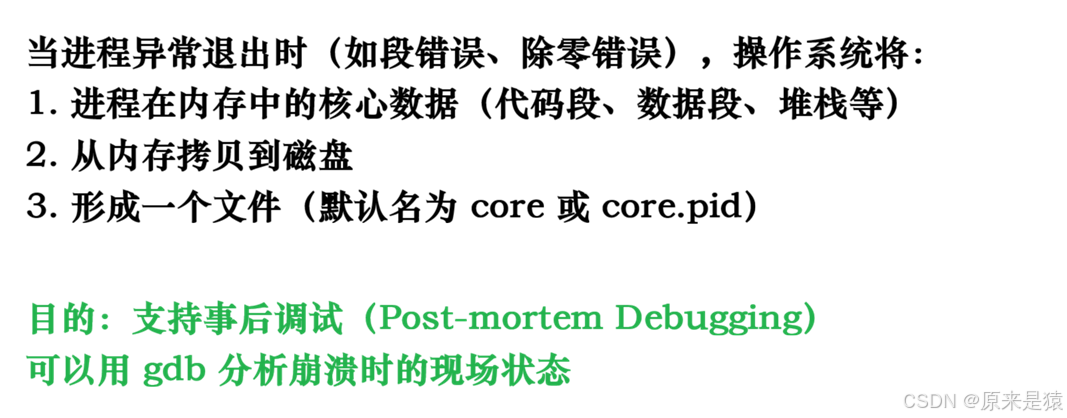
2.1 什么是 Core Dump?
Core Dump = 核心转储 = 进程内存的"现场快照"
2.2 为什么"没见过" Core 文件?
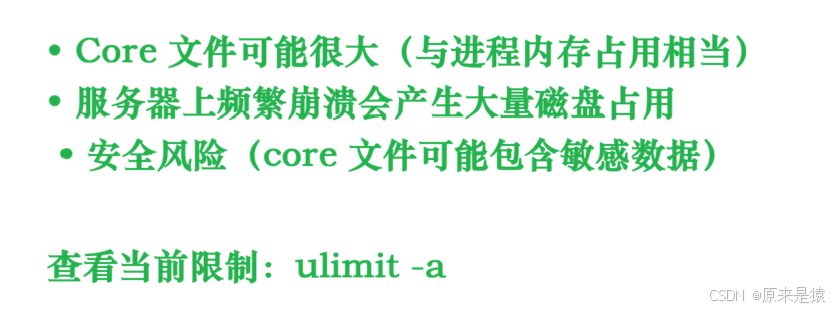
云服务器上,core dump 功能是被禁止掉的!
2.3 如何开启 Core Dump?
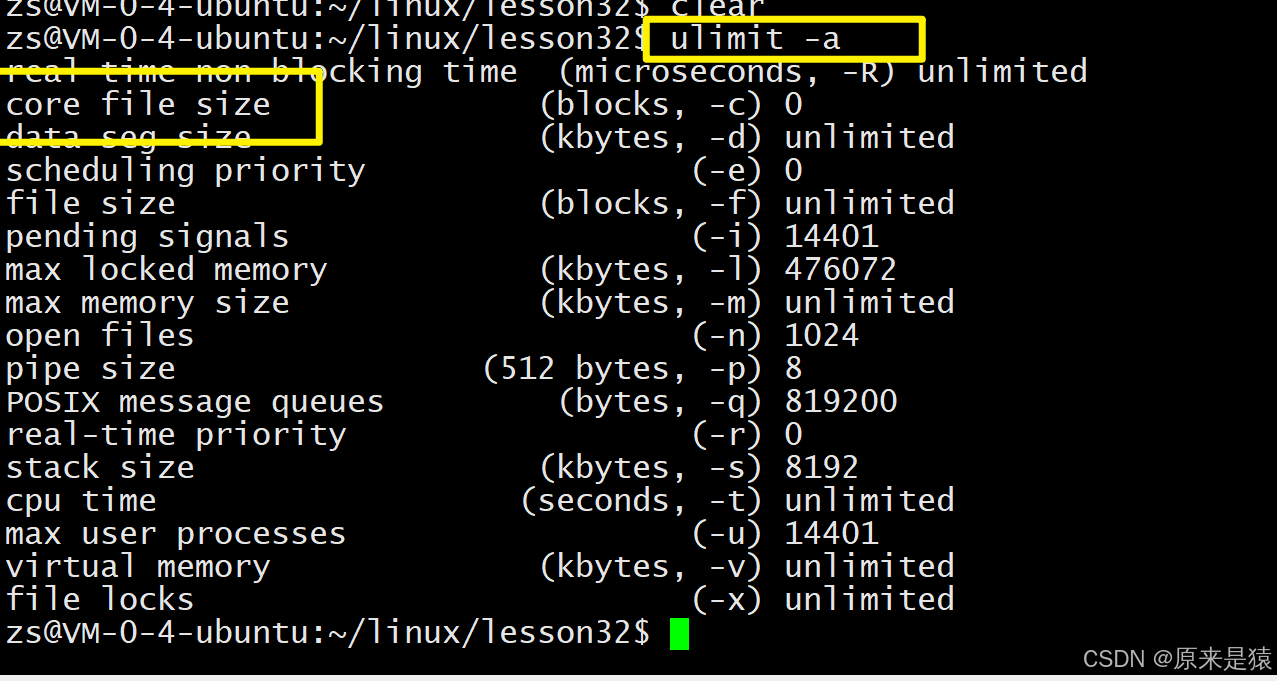
# 1. 查看当前限制
$ ulimit -a | grep core
core file size          (blocks, -c) 0

# 2. 临时开启(当前 shell 有效)
$ ulimit -c unlimited        # 不限制大小
$ ulimit -c 40960           # 限制 40960 blocks(约 20MB)

# 3. 验证设置
$ ulimit -a | grep core
core file size          (blocks, -c) 40960

# 4. 永久开启(写入配置文件)
$ echo "ulimit -c unlimited" >> ~/.bashrc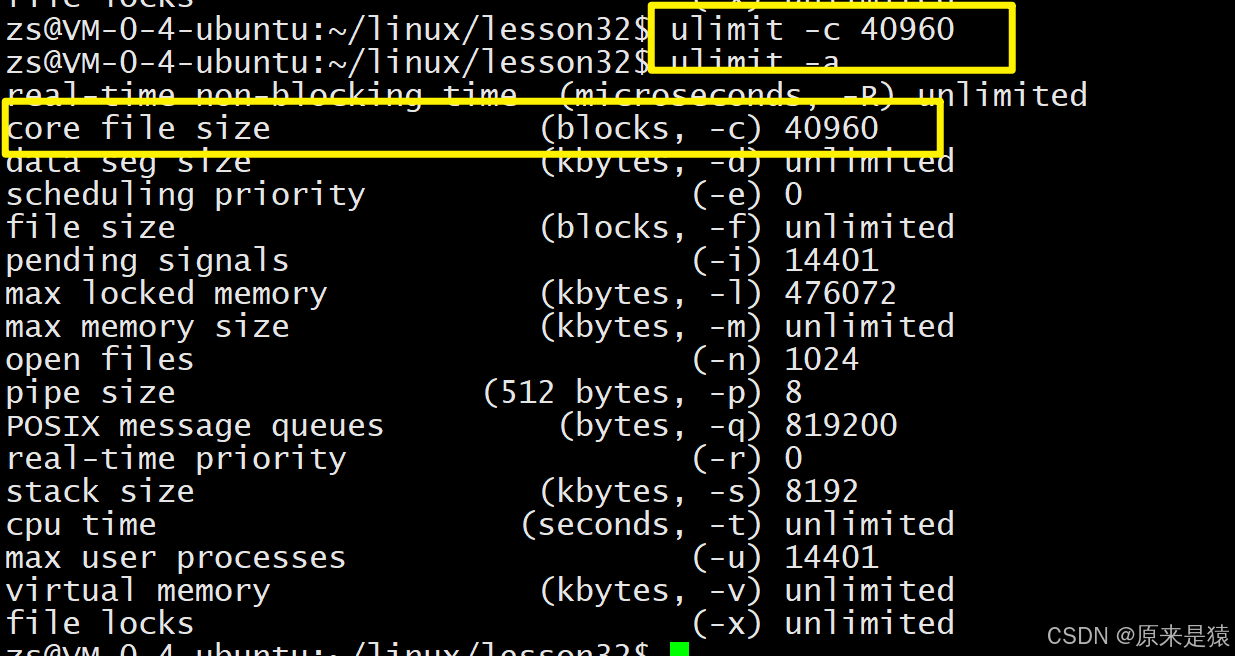
生成并分析 Core 文件
# 测试程序:触发除零错误
$ cat > test_sig.c << 'EOF'
#include <stdio.h>

int main() {
    int a = 10;
    int b = 0;
    int c = a / b;  // SIGFPE
    printf("%d\n", c);
    return 0;
}
EOF

$ gcc -o test_sig test_sig.c -g  # -g 保留调试信息

# 运行,生成 core 文件
$ ./test_sig
Floating point exception (core dumped)

# 查看生成的 core 文件
$ ls -lh core*
-rw------- 1 user user 2.3M Apr  6 10:30 core.1234

# 使用 gdb 分析
$ gdb ./test_sig core.1234
(gdb) bt          # 查看调用栈
(gdb) info locals # 查看局部变量
(gdb) list        # 查看源代码
三、为什么会核心转储
支持debug !
开启 core dump , 直接运行崩溃 , gdb , core - file core ,直接帮助我们定位到出错行!
#include <iostream>
#include <unistd.h>
#include <signal.h>
#include <sys/types.h>
#include <functional>
#include <vector>
#include <cstdio>
#include <sys/wait.h>

int main()
{
    pid_t id = fork();
    if (id == 0)
    {
        sleep(2);
        printf("hello world!\n");
        printf("hello world!\n");
        printf("hello world!\n");
        printf("hello world!\n");
        printf("hello world!\n");
        int a = 0;
        a /= 0;
        printf("go home!\n");
        exit(1);
    }
    int status = 0;
    waitpid(id, &status, 0);
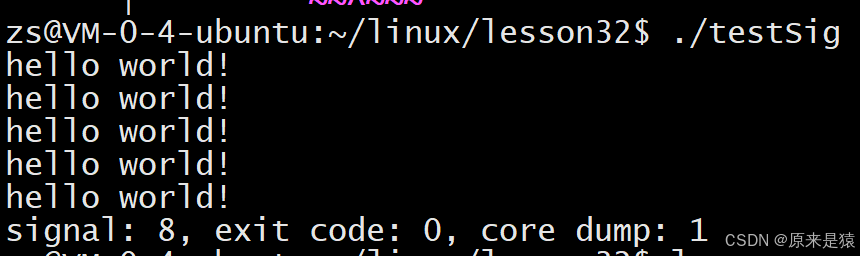
    printf("signal: %d, exit code: %d, core dump: %d\n", (status & 0x7F),
           (status >> 8) & 0xFF, (status >> 7) & 0x1);
    return 0;
}
总结:
| 要点 | 一句话总结 |
|---|---|
| Core 是调试工具 | 程序崩溃时的内存快照,用于事后分析 |
| Term 是干净退出 | 外部干预时的正常终止,不保留现场 |
| 云服务器默认禁 Core | 通过 ulimit -c 0 限制,防止磁盘爆满 |
| Core 文件可能很大 | 与进程 RSS 相当,大进程可能产生 GB 级 core |
| 必须用 -g 编译 | 没有调试信息,gdb 无法定位源代码行 |
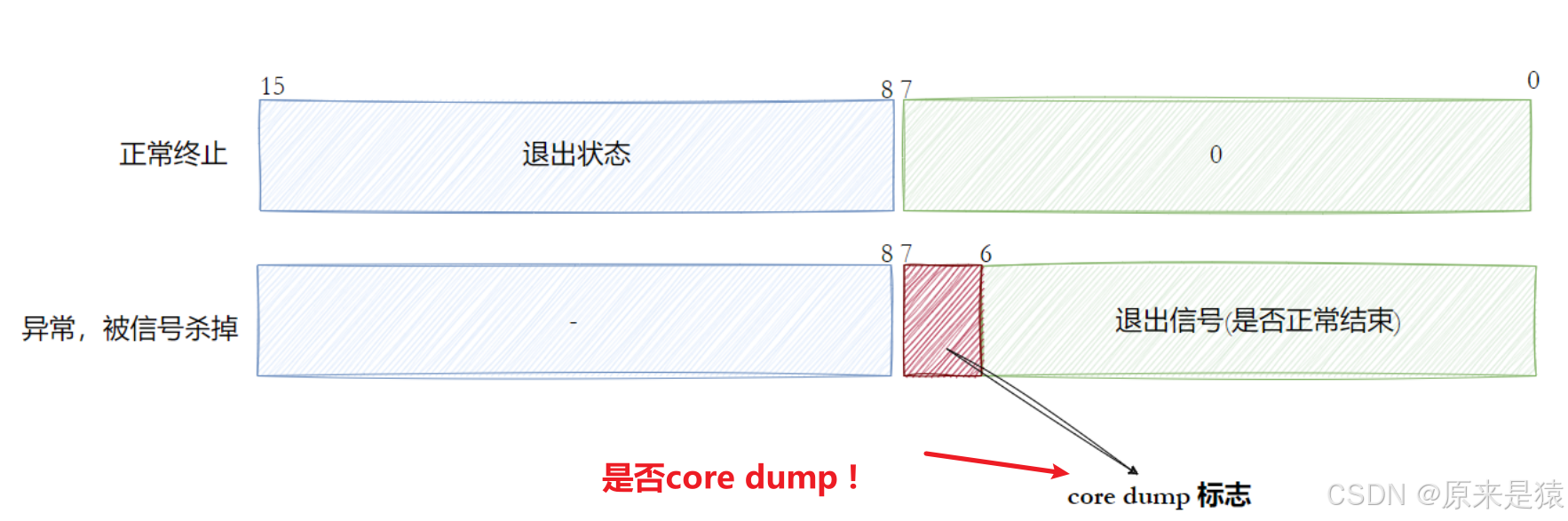
| 信号编号看低7位 | status & 0x7F 得到终止信号 |
| Core 标志看第8位 | (status >> 7) & 1 表示是否产生 core |