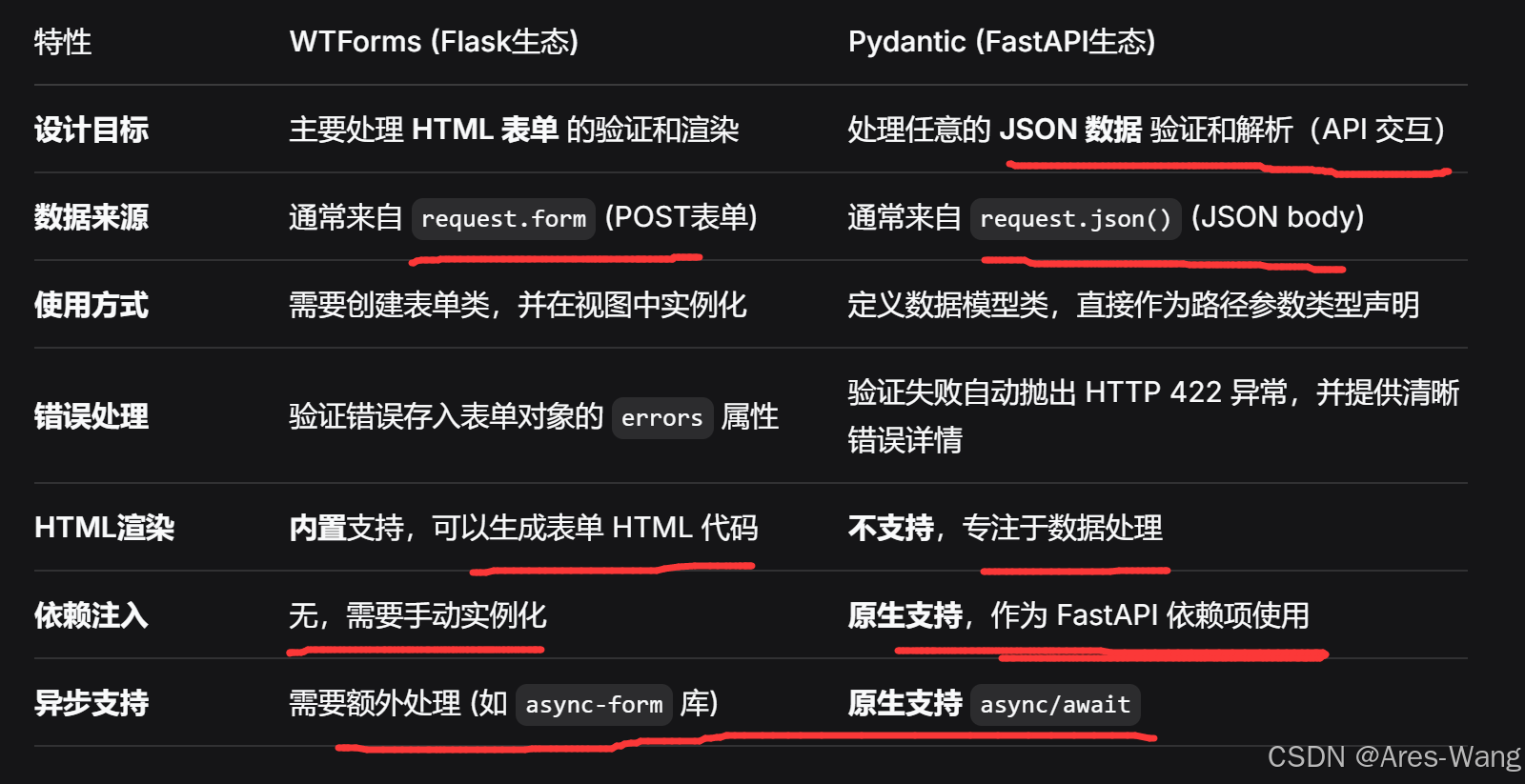
使用 Flask + WTForms
python
from flask import Flask, render_template, request
from wtforms import Form, StringField, validators

app = Flask(__name__)

# 1. 定义表单类
class RegistrationForm(Form):
    username = StringField('用户名', [
        validators.Length(min=4, max=25, message='长度需在4-25之间'),
        validators.DataRequired(message='用户名不能为空')
    ])
    email = StringField('邮箱', [
        validators.Email(message='请输入有效的邮箱地址'),
        validators.DataRequired(message='邮箱不能为空')
    ])

@app.route('/register', methods=['GET', 'POST'])
def register():
    form = RegistrationForm(request.form)  # 2. 手动绑定请求数据
    if request.method == 'POST' and form.validate():  # 3. 手动验证
        # 4. 验证通过,获取数据
        username = form.username.data
        email = form.email.data
        return f'用户 {username} 注册成功!'

    # 5. 渲染表单和错误信息
    return render_template('register.html', form=form)
使用 FastAPI + Pydantic
python
from fastapi import FastAPI
from pydantic import BaseModel, EmailStr, Field

app = FastAPI()

# 1. 定义数据模型
class UserRegistration(BaseModel):
    username: str = Field(..., min_length=4, max_length=25, description='用户名')
    email: EmailStr = Field(..., description='邮箱地址')

# 2. 在路径操作函数中直接声明模型类型
@app.post('/register')
async def register(user: UserRegistration):  # FastAPI 自动完成绑定、解析和验证
    # 3. 验证通过,直接使用
    return {'message': f'用户 {user.username} 注册成功!'}