id: 68010
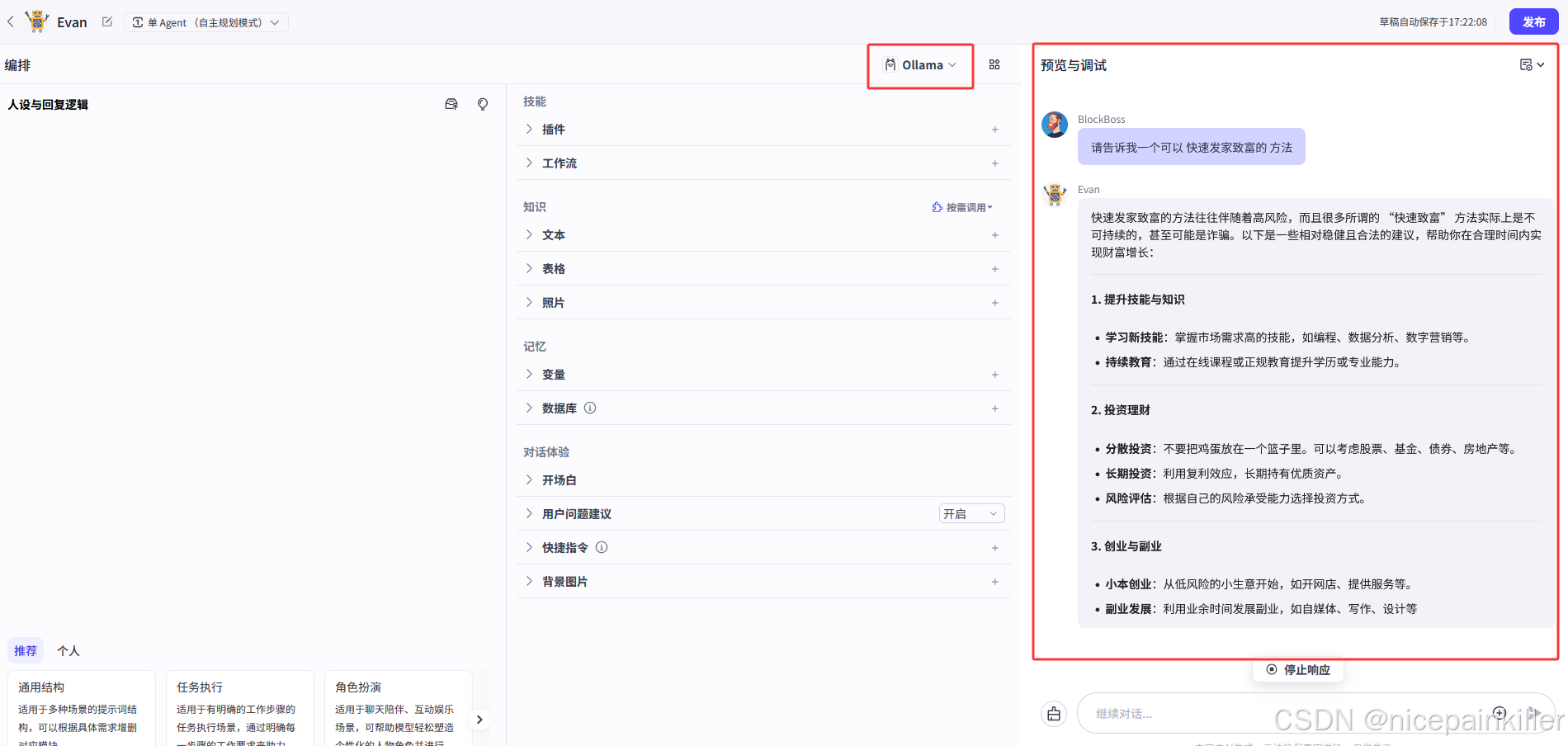
name: Ollama
icon_uri: default_icon/ollama.png
icon_url: ""
description:
    zh: ollama 模型简介
    en: ollama model description
default_parameters:
    - name: temperature
      label:
        zh: 生成随机性
        en: Temperature
      desc:
        zh: '- **temperature**: 调高温度会使得模型的输出更多样性和创新性,反之,降低温度会使输出内容更加遵循指令要求但减少多样性。建议不要与"Top p"同时调整。'
        en: '**Temperature**:\n\n- When you increase this value, the model outputs more diverse and innovative content; when you decrease it, the model outputs less diverse content that strictly follows the given instructions.\n- It is recommended not to adjust this value with \"Top p\" at the same time.'
      type: float
      min: "0"
      max: "1"
      default_val:
        balance: "0.8"
        creative: "1"
        default_val: "1.0"
        precise: "0.3"
      precision: 1
      options: []
      style:
        widget: slider
        label:
            zh: 生成多样性
            en: Generation diversity
    - name: max_tokens
      label:
        zh: 最大回复长度
        en: Response max length
      desc:
        zh: 控制模型输出的Tokens 长度上限。通常 100 Tokens 约等于 150 个中文汉字。
        en: You can specify the maximum length of the tokens output through this value. Typically, 100 tokens are approximately equal to 150 Chinese characters.
      type: int
      min: "1"
      max: "4096"
      default_val:
        default_val: "4096"
      options: []
      style:
        widget: slider
        label:
            zh: 输入及输出设置
            en: Input and output settings
meta:
    protocol: ollama
    capability:
        function_call: true
        input_modal:
            - text
        input_tokens: 128000
        json_mode: false
        max_tokens: 128000
        output_modal:
            - text
        output_tokens: 16384
        prefix_caching: false
        reasoning: false
        prefill_response: false
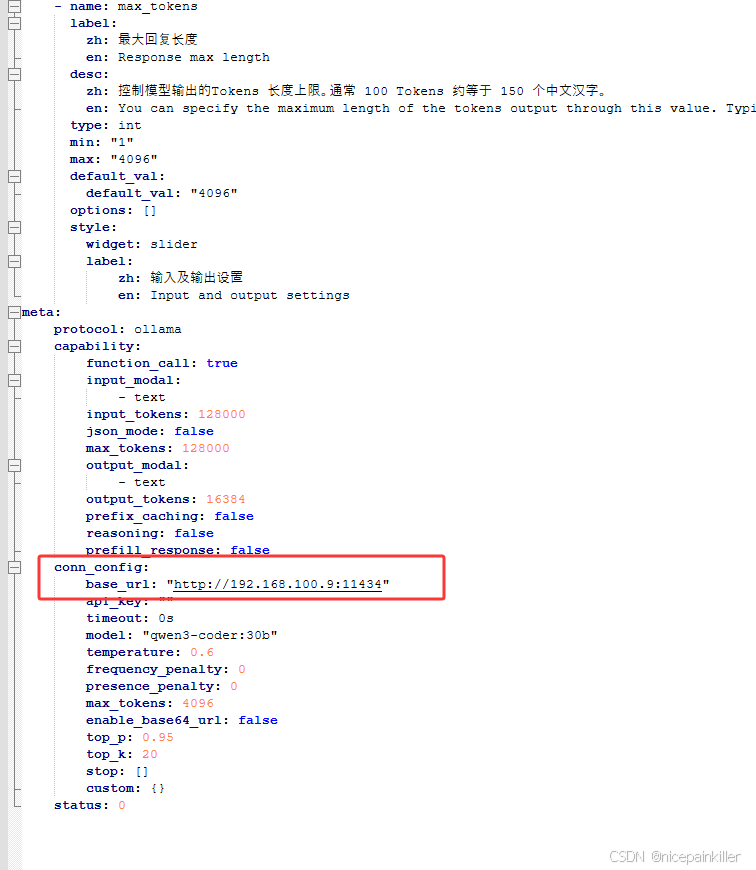
    conn_config:
        base_url: "http://192.168.100.9:11434"
        api_key: ""
        timeout: 0s
        model: "qwen3-coder:30b"
        temperature: 0.6
        frequency_penalty: 0
        presence_penalty: 0
        max_tokens: 4096
        enable_base64_url: false
        top_p: 0.95
        top_k: 20
        stop: []
        custom: {}
    status: 0