1.阿里百炼CosyVoice
官网地址添加链接描述
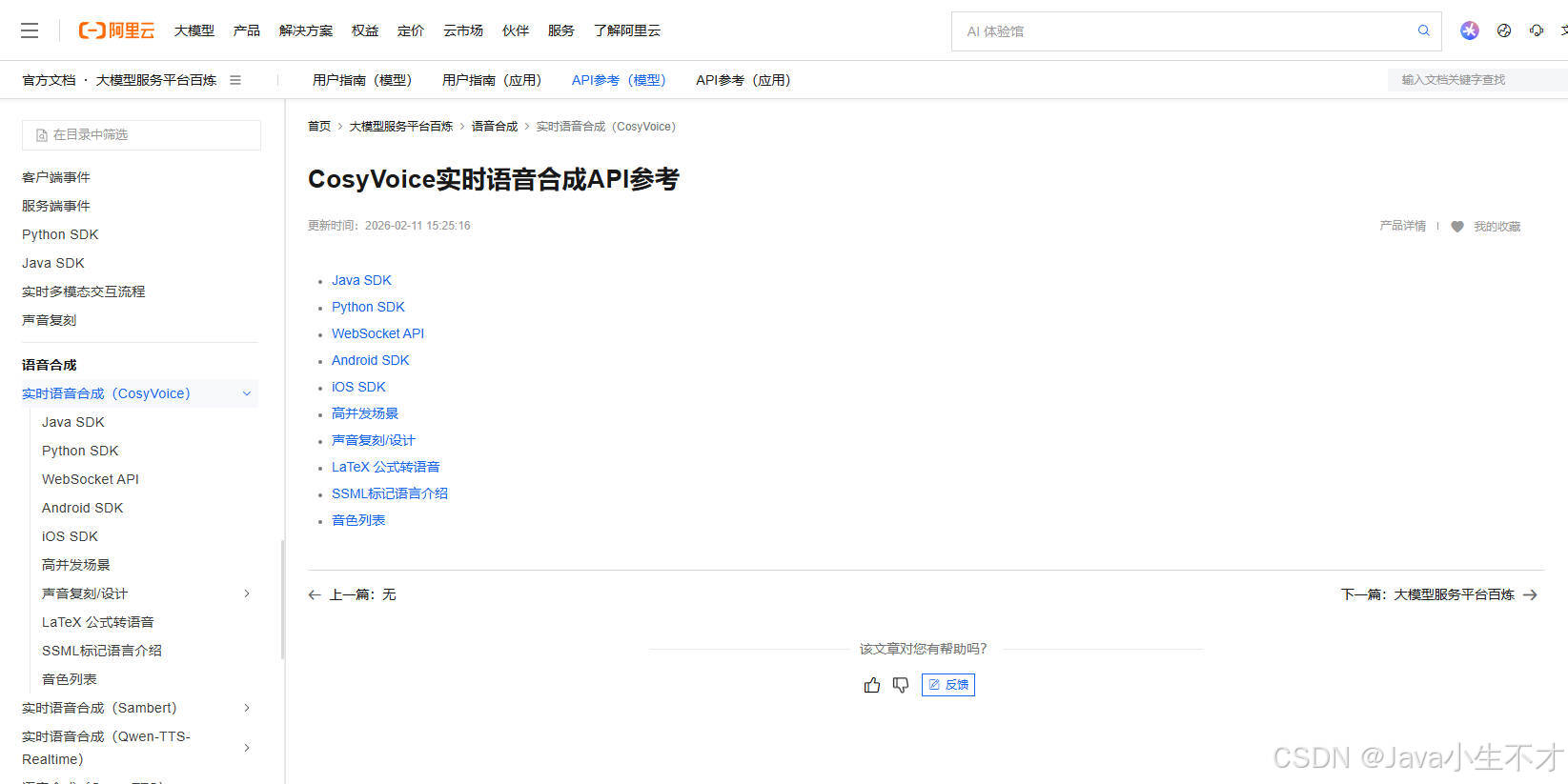
2.语音合成CosyVoice Java SDK
官网地址添加链接描述
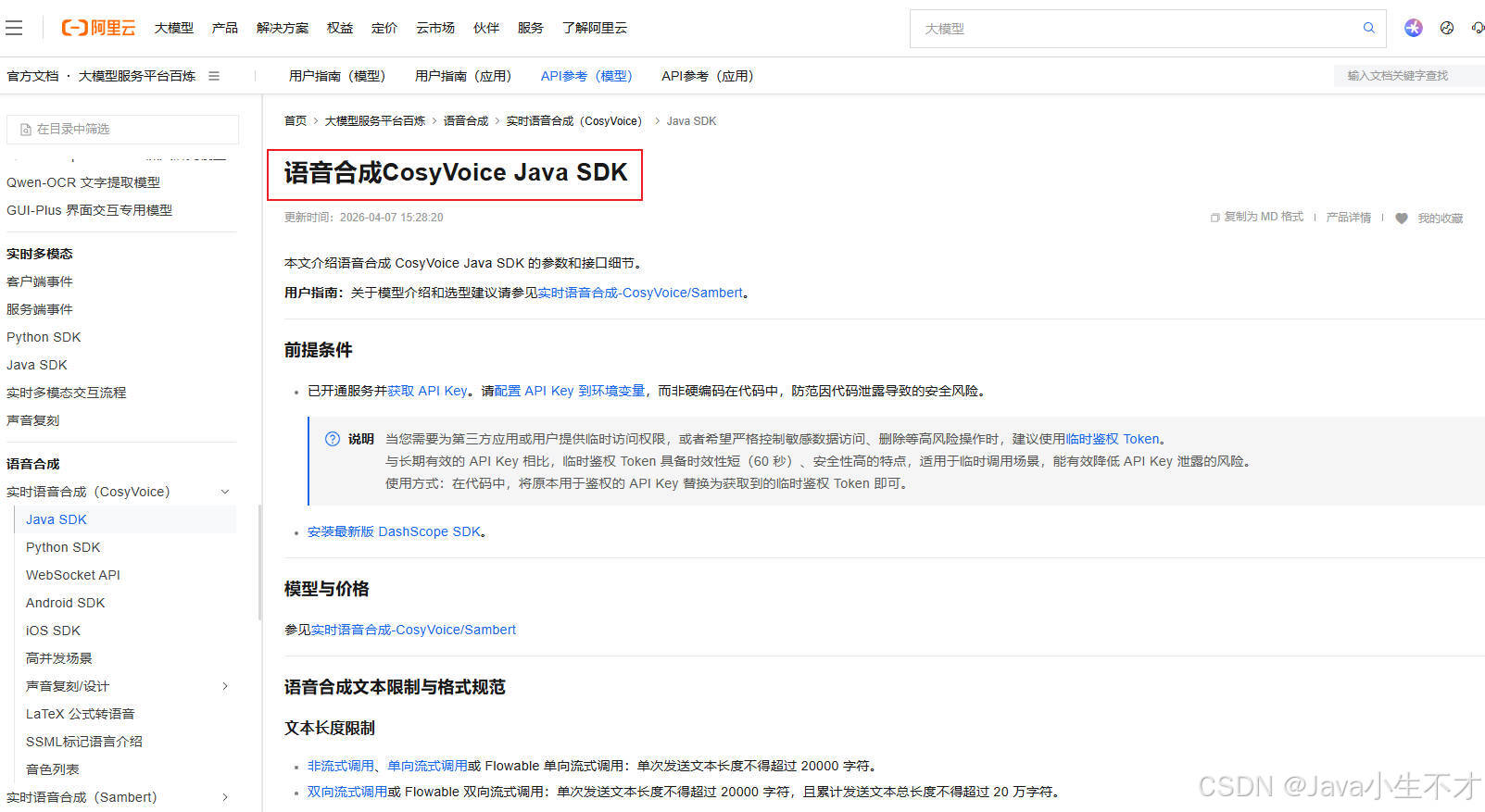
3. 前置知识
3.1. 使用说明
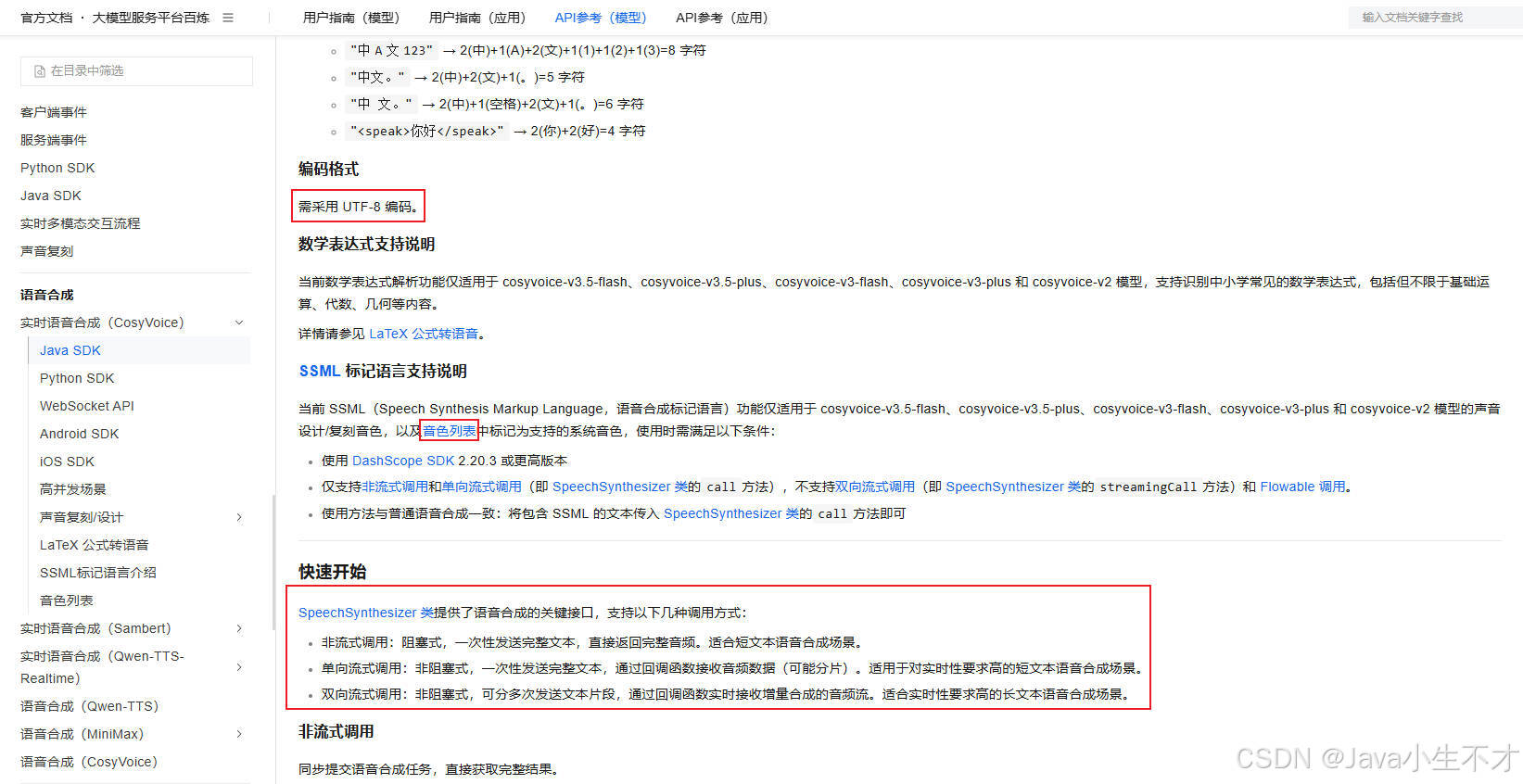
3.2. CosyVoice音色列表
官网地址添加链接描述
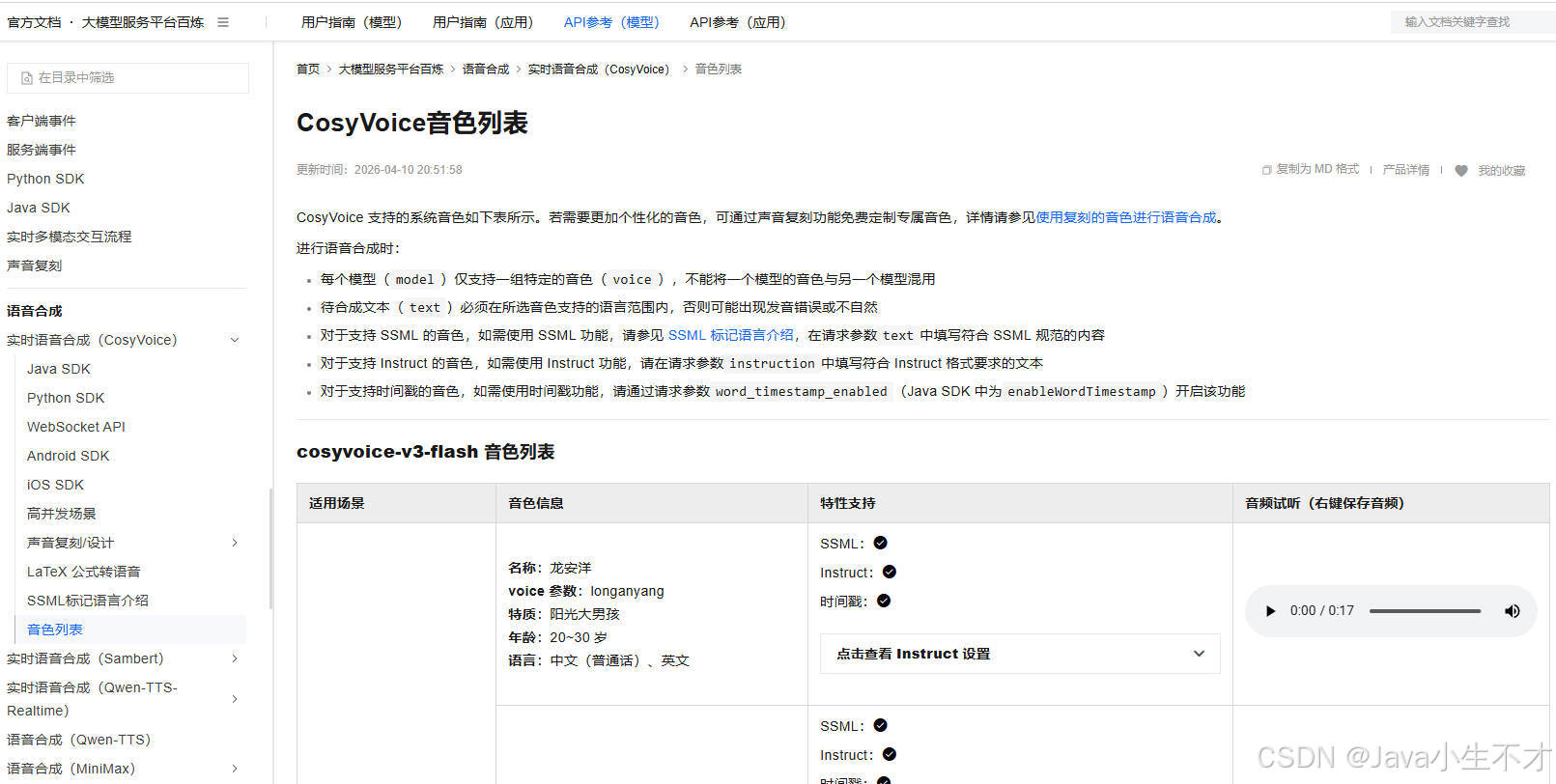
3.3. 模型
官网地址添加链接描述
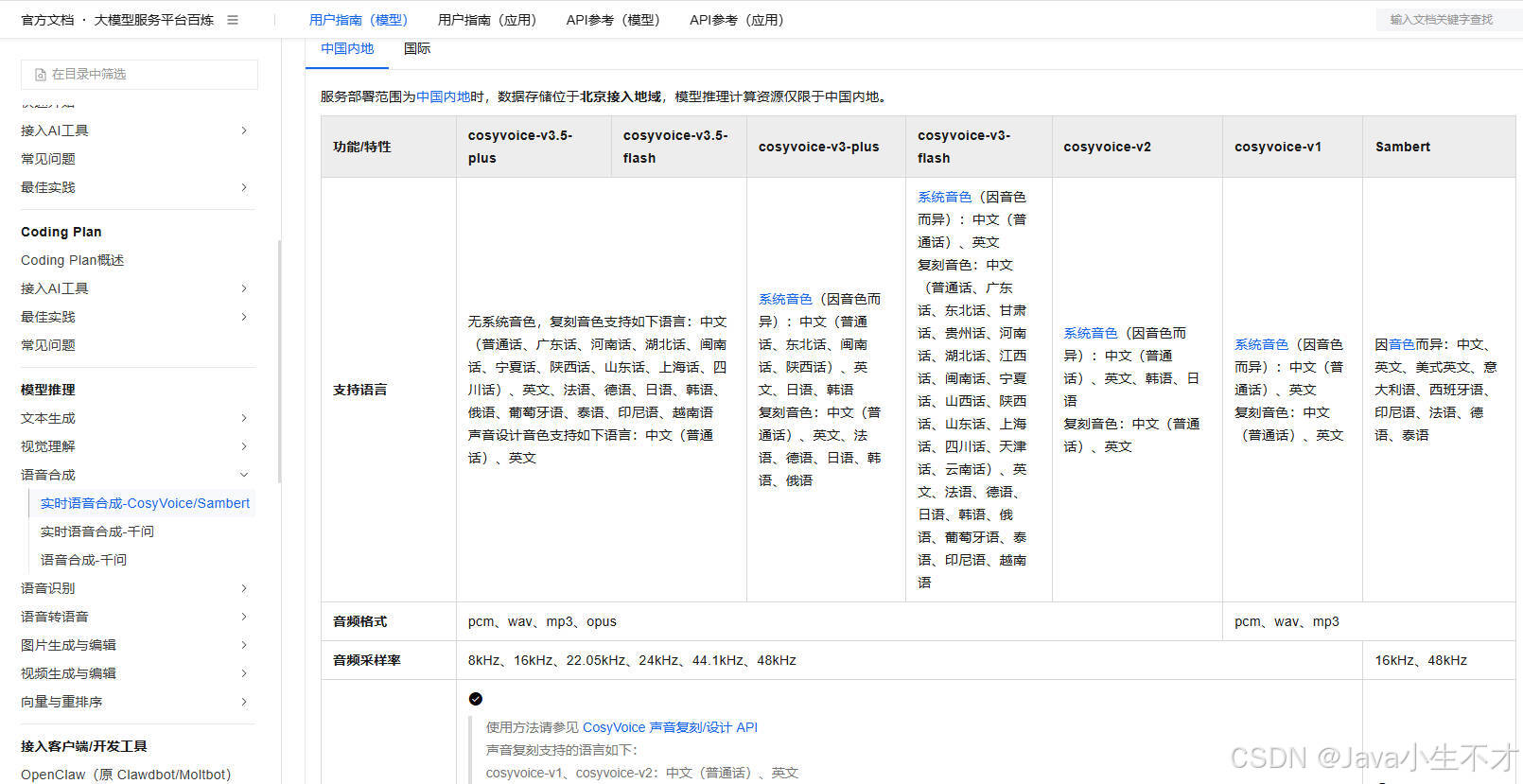
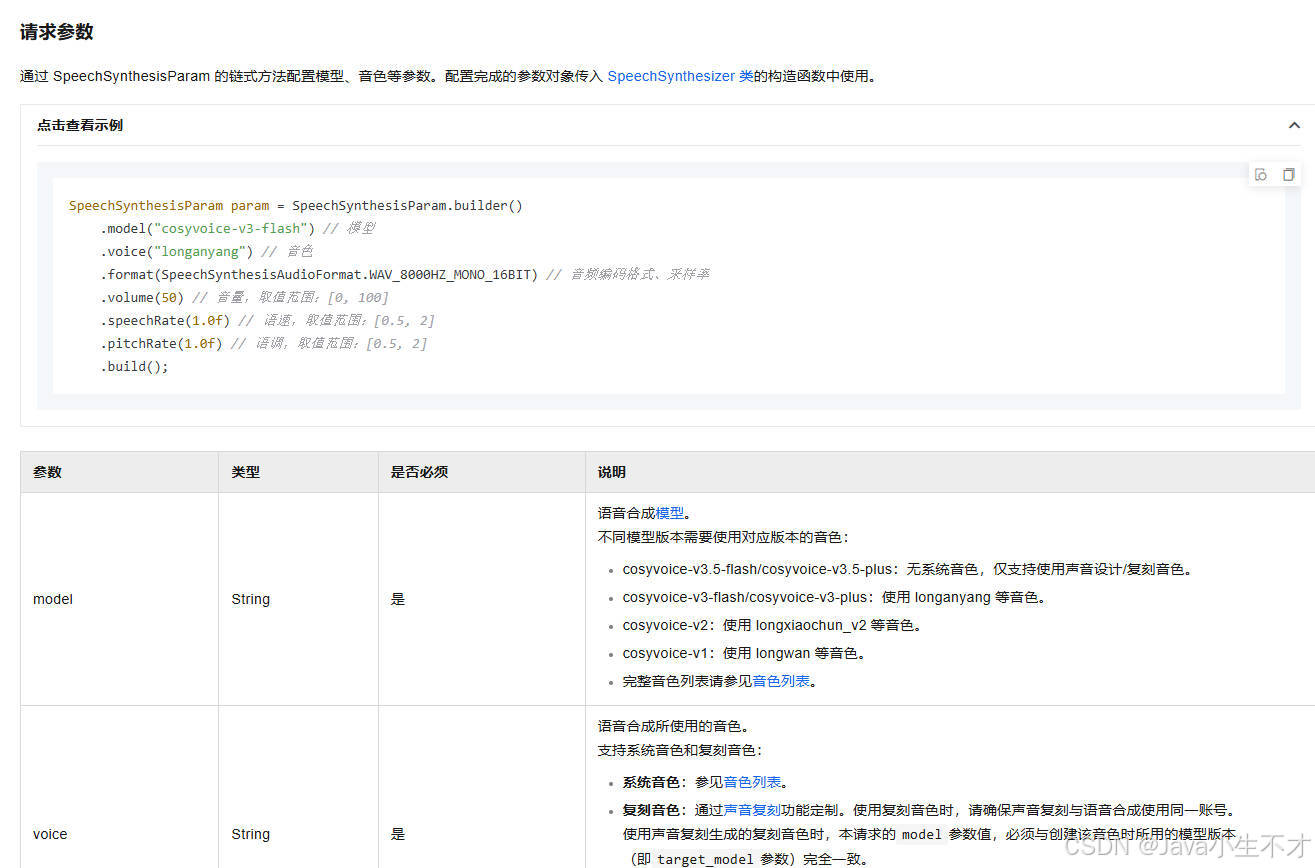
3.4.SpeechSynthesizer类
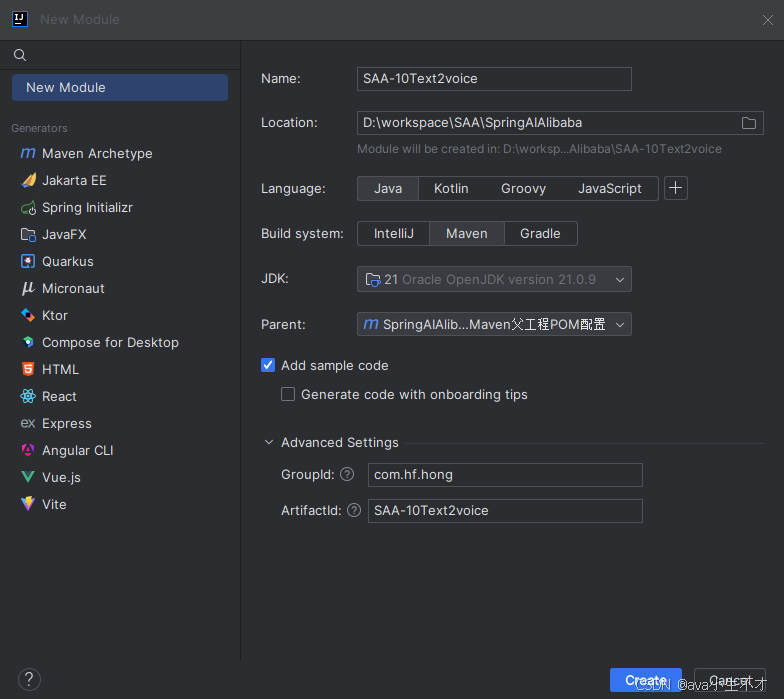
4.新建子模块 SAA-10Text2voice
4.1.pom文件
xml
<?xml version="1.0" encoding="UTF-8"?>
<project xmlns="http://maven.apache.org/POM/4.0.0"
         xmlns:xsi="http://www.w3.org/2001/XMLSchema-instance"
         xsi:schemaLocation="http://maven.apache.org/POM/4.0.0 http://maven.apache.org/xsd/maven-4.0.0.xsd">
    <modelVersion>4.0.0</modelVersion>
    <parent>
        <groupId>com.hf.hong</groupId>
        <artifactId>SpringAIAlibaba-v1</artifactId>
        <version>1.0-SNAPSHOT</version>
    </parent>

    <artifactId>SAA-10Text2voice</artifactId>

    <properties>
        <maven.compiler.source>21</maven.compiler.source>
        <maven.compiler.target>21</maven.compiler.target>
        <project.build.sourceEncoding>UTF-8</project.build.sourceEncoding>
    </properties>

    <dependencies>
        <dependency>
            <groupId>org.springframework.boot</groupId>
            <artifactId>spring-boot-starter-web</artifactId>
        </dependency>
        <!--spring-ai-alibaba dashscope-->
        <dependency>
            <groupId>com.alibaba.cloud.ai</groupId>
            <artifactId>spring-ai-alibaba-starter-dashscope</artifactId>
        </dependency>
        <!--lombok-->
        <dependency>
            <groupId>org.projectlombok</groupId>
            <artifactId>lombok</artifactId>
            <version>1.18.38</version>
        </dependency>
        <!--hutool-->
        <dependency>
            <groupId>cn.hutool</groupId>
            <artifactId>hutool-all</artifactId>
            <version>5.8.22</version>
        </dependency>
        <dependency>
            <groupId>org.springframework.boot</groupId>
            <artifactId>spring-boot-starter-test</artifactId>
            <scope>test</scope>
        </dependency>
    </dependencies>

    <build>
        <plugins>
            <plugin>
                <groupId>org.springframework.boot</groupId>
                <artifactId>spring-boot-maven-plugin</artifactId>
            </plugin>
            <plugin>
                <groupId>org.apache.maven.plugins</groupId>
                <artifactId>maven-compiler-plugin</artifactId>
                <version>3.11.0</version>
                <configuration>
                    <compilerArgs>
                        <arg>-parameters</arg>
                    </compilerArgs>
                    <source>21</source>
                    <target>21</target>
                </configuration>
            </plugin>
        </plugins>
    </build>

    <repositories>
        <repository>
            <id>spring-milestones</id>
            <name>Spring Milestones</name>
            <url>https://repo.spring.io/milestone</url>
            <snapshots>
                <enabled>false</enabled>
            </snapshots>
        </repository>
    </repositories>


</project>
4.2. application.properties
yaml
server.port=8010

#大模型对话中文乱码UTF8编码处理
server.servlet.encoding.enabled=true
server.servlet.encoding.force=true
server.servlet.encoding.charset=UTF-8

spring.application.name=SAA-10Text2voice

# ====SpringAIAlibaba Config=============
spring.ai.dashscope.api-key=${aliQwen-api}
4.3. Text2VoiceController
java
package com.hf.hong.controller;

import com.alibaba.cloud.ai.dashscope.audio.DashScopeSpeechSynthesisOptions;
import com.alibaba.cloud.ai.dashscope.audio.synthesis.SpeechSynthesisModel;
import com.alibaba.cloud.ai.dashscope.audio.synthesis.SpeechSynthesisPrompt;
import com.alibaba.cloud.ai.dashscope.audio.synthesis.SpeechSynthesisResponse;
import jakarta.annotation.Resource;
import org.springframework.web.bind.annotation.GetMapping;
import org.springframework.web.bind.annotation.RequestParam;
import org.springframework.web.bind.annotation.RestController;
import reactor.core.publisher.Flux;

import java.io.FileOutputStream;
import java.io.IOException;
import java.io.OutputStream;
import java.nio.ByteBuffer;
import java.util.UUID;

/**
 *
 * @author admin
 * @date 2026/4/28 20:48
 * @description: SPRING AI 文生音
 */

@RestController
public class Text2VoiceController {

    @Resource
    private SpeechSynthesisModel speechSynthesisModel;

    // voice model
    public static final String BAILIAN_VOICE_MODEL = "cosyvoice-v3-flash";
    //音色  龙婉
    public static final String BAILIAN_VOICE_TIMBER = "longwan_v3";


    /**
     * 非流式调用-同步调用
     * @param msg
     * @return
     */
    @GetMapping("/t2v/voice")
    public String voice(@RequestParam(name = "msg",defaultValue = "支付宝到账999999元") String msg) {
        String filePath = "E:\\" + UUID.randomUUID() + ".mp3";

        //1 语音参数设置
        DashScopeSpeechSynthesisOptions options = DashScopeSpeechSynthesisOptions.builder()
                .model(BAILIAN_VOICE_MODEL)
                .voice(BAILIAN_VOICE_TIMBER)
                .build();

        //2 调用大模型语音生成对象
        SpeechSynthesisResponse response = speechSynthesisModel.call(new SpeechSynthesisPrompt(msg, options));

        //3 字节流语音转换
        ByteBuffer byteBuffer = response.getResult().getOutput().getAudio();

        //4 文件生成
        try (FileOutputStream fileOutputStream = new FileOutputStream(filePath))
        {
            fileOutputStream.write(byteBuffer.array());
        } catch (Exception e) {
            System.out.println(e.getMessage());
        }
        //5 生成路径OK
        return filePath;
    }


    /**
     * 单向流式
     * 订阅回调 逐帧接收音频文件分片 所有分片按序写入
     * @param msg
     * @return
     */
    @GetMapping("/t2v/voice2")
    public String voice2(@RequestParam(name = "msg",defaultValue = "支付宝到账999999元,支付宝到账100元,支付宝到账500元")String[] msg) {
        StringBuilder voiceStringBuilder = new StringBuilder();
        for(String text : msg){
            if(text != null && !text.isBlank()){
                voiceStringBuilder.append(text.trim()).append(",");
            }
        }
        String voiceText = voiceStringBuilder.toString();

        String filePath = "E:\\" + UUID.randomUUID() + ".mp3";

        //1 语音参数设置
        DashScopeSpeechSynthesisOptions options = DashScopeSpeechSynthesisOptions.builder()
                .model(BAILIAN_VOICE_MODEL)
                .voice(BAILIAN_VOICE_TIMBER)
                .build();

        //2 单向流式 逐段返回音频数据
        Flux<SpeechSynthesisResponse> flux = speechSynthesisModel.stream(new SpeechSynthesisPrompt(voiceText,options));


        /**
        * 使用了 try-with-resources 语法来管理 FileOutputStream。当主线程执行到 flux.subscribe(...) 时,它并没有阻塞等待流式处理完成,而是直接触发订阅,然后立刻向下执行。
         * 紧接着,try 代码块结束,触发了隐式的 os.close(),把文件输出流给关闭了。
         * 而在后台,Reactor 的异步线程还在不断接收音频分片,当它尝试调用 os.write(chunk) 时,因为流已经关闭,所以写入失败(或者被吞掉了),最终导致生成的 MP3 文件是空的(0字节
        * **/
//        try(OutputStream os = new FileOutputStream(filePath)){
//            flux.subscribe(
//                    response -> {
//                        ByteBuffer audioBuffer = response.getResult().getOutput().getAudio();
//                        byte[] chunk = new byte[audioBuffer.remaining()];
//                        audioBuffer.get(chunk);
//                        try{
//                            //写入同一文件
//                            os.write(chunk);
//                            os.flush();
//                        }catch (Exception e){
//                            throw new RuntimeException("当前写入音频分片数据失败",e);
//                        }
//                    },
//
//                    //异常回调
//                    error ->{
//                        System.err.println("流式语音合成失败"+error.getMessage());
//                    },
//
//                    //全部分片接收完成 回调
//                    () ->{
//                        System.out.println("流式语音合成OK,请查收语音文件");
//                    }
//
//            );
//
//        }catch (Exception e){
//            e.printStackTrace();
//            return "出错啦";
//        }
//        return filePath;

        try {
            // 注意:这里绝对不能用 try-with-resources (不能写成 try(OutputStream os = ...))
            // 必须手动 new,因为我们需要把 os 传给异步线程去使用
            OutputStream os = new FileOutputStream(filePath);

            flux.subscribe(
                    // 数据回调:每收到一帧音频分片
                    response -> {
                        ByteBuffer audioBuffer = response.getResult().getOutput().getAudio();
                        byte[] chunk = new byte[audioBuffer.remaining()];
                        audioBuffer.get(chunk);
                        try {
                            os.write(chunk);
                        } catch (IOException e) {
                            throw new RuntimeException("当前写入音频分片数据失败", e);
                        }
                    },

                    // 异常回调:发生错误时关闭流,防止内存泄漏
                    error -> {
                        System.err.println("流式语音合成失败: " + error.getMessage());
                        try {
                            os.close();
                        } catch (IOException e) {
                            e.printStackTrace();
                        }
                    },

                    // 完成回调:所有分片接收完毕后,关闭流,此时 MP3 文件才算真正生成完毕
                    () -> {
                        System.out.println("流式语音合成OK,文件写入完成: " + filePath);
                        try {
                            os.close();
                        } catch (IOException e) {
                            e.printStackTrace();
                        }
                    }
            );

        } catch (Exception e) {
           e.printStackTrace();
            return "出错啦";
        }

        // 4 主线程直接瞬间返回,不会等待上面的 subscribe 里面的逻辑执行完
        return "后台语音合成任务已提交,生成路径为:" + filePath;
    }


}
5.测试
bash
http://localhost:8010/t2v/voice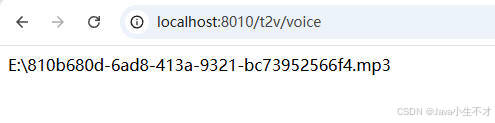

之后打开文件进行试听