文章目录
简介
内网穿透:让外网设备能够访问你家或公司局域网内部的设备
ngrok:把本地电脑上的服务,如 API 接口安全地暴露到公网的工具。在没有公网 IP、无法配置路由器的情况下,也能让外网访问到本地服务
ngrok 工作原理:由内网主动建立一个到公网服务器的加密隧道,所有外部流量都通过这个隧道转发到本地服务
还可以使用 Cloudflare Tunnel
安装
解压到某目录下,添加环境变量 Path
shell
ngrok config add-authtoken xxx初试
python
import uvicorn
from fastapi import FastAPI

app = FastAPI()


@app.get("/")
def index():
    return {"Hello": "World"}


if __name__ == "__main__":
    uvicorn.run("main:app")
暴露 8000 端口
shell
ngrok http 8000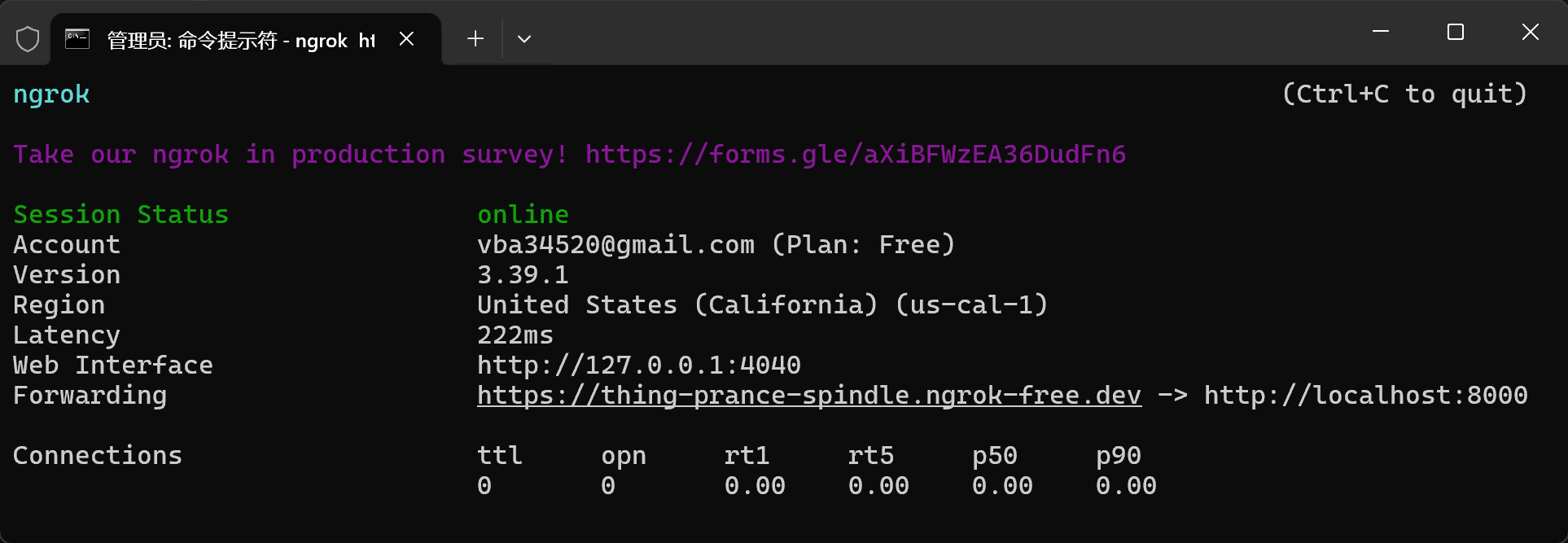
访问 Forwarding 的链接
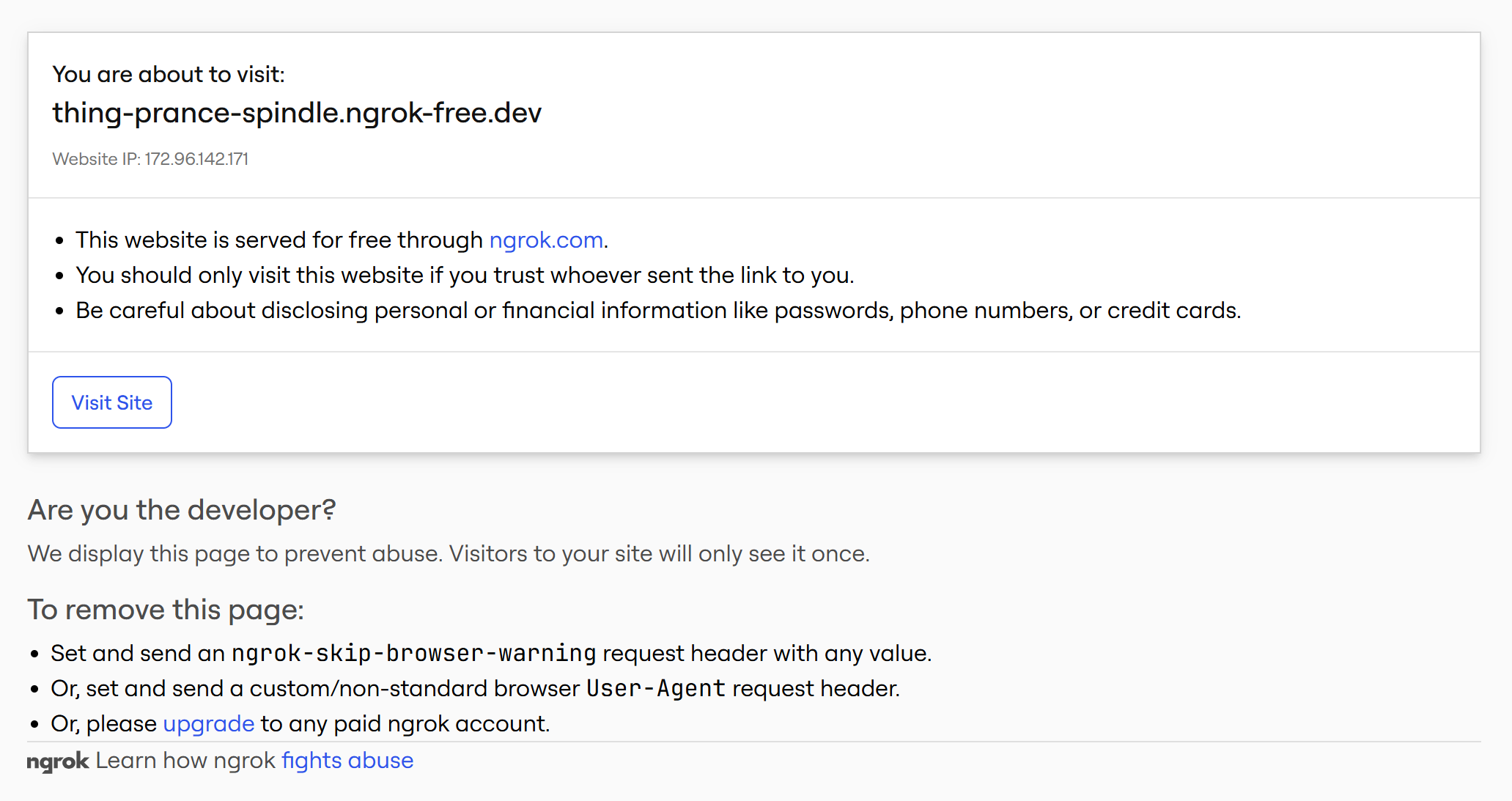
点 Visit Site
查看请求日志
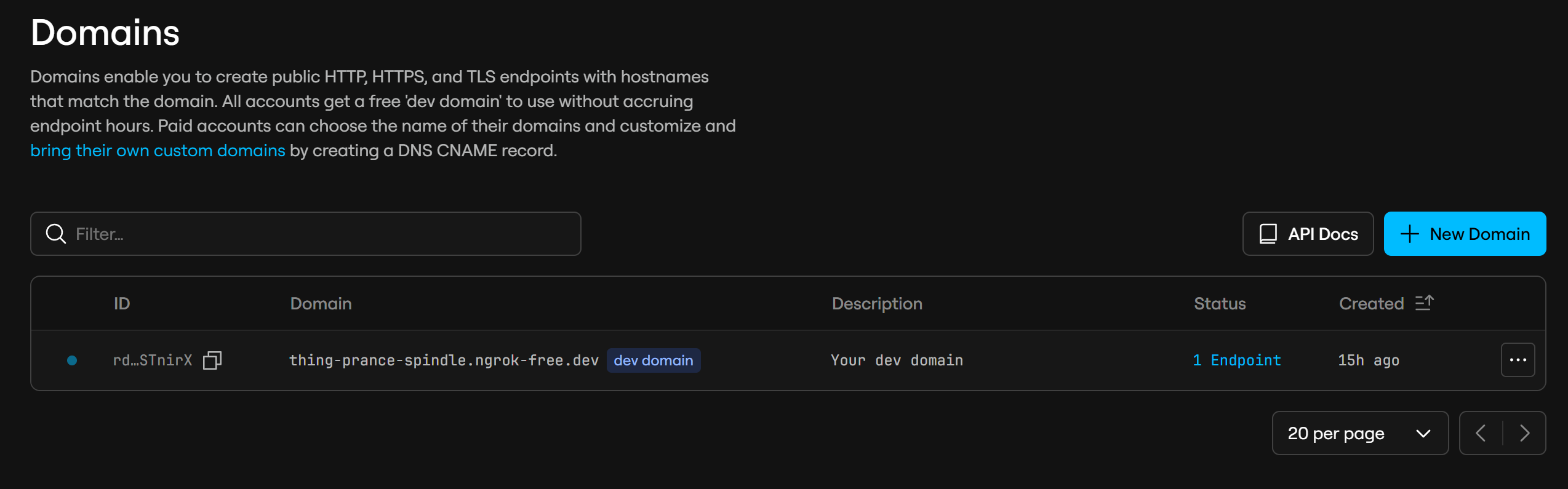
设置静态域
免费版只能 1 个静态随机域名
前后端分离
frontend.html
html
<!doctype html>
<html>
<head><meta charset="utf-8"><title>demo</title></head>
<body>
  <button id="btn">调后端</button>
  <pre id="out"></pre>

  <script>
    const API = "https://thing-prance-spindle.ngrok-free.dev";

    document.getElementById("btn").onclick = async () => {
      const r = await fetch(API + "/hello", {
        headers: { "ngrok-skip-browser-warning": "1" }
      });
      const data = await r.json();
      document.getElementById("out").textContent = JSON.stringify(data, null, 2);
    };
  </script>
</body>
</html>
python
from fastapi import FastAPI
from fastapi.middleware.cors import CORSMiddleware
from fastapi.staticfiles import StaticFiles

app = FastAPI()

app.add_middleware(
    CORSMiddleware,
    allow_origins=["*"],
    allow_methods=["*"],
    allow_headers=["*"],
    allow_credentials=True,
)


@app.get("/hello")
def hello():
    return {"msg": "hello"}


app.mount("/", StaticFiles(directory=".", html=True), name="static")


if __name__ == "__main__":
    import uvicorn

    uvicorn.run(app, host="0.0.0.0", port=8000)
启动
shell
python backend.py映射
shell
ngrok http 8000访问 https://thing-prance-spindle.ngrok-free.dev/frontend.html
TODO:多隧道
免费版并发隧道可以 3 条
python
启动
shell
python backend.pyfrontend.html
html
启动
shell
python -m http.server 3000修改 %USERPROFILE%\AppData\Local\ngrok\ngrok.yml
yaml
version: "3"
agent:
    authtoken: 你的token

tunnels:
  backend:
    proto: http
    addr: 8000
    domain: 你的domain(如thing-prance-spindle.ngrok-free.dev)

  frontend:
    proto: http
    addr: 3000
启动
shell
ngrok start backend frontend

ngrok start --all