当你不再害怕"从头再来",你就拥有了不可阻挡的力量。
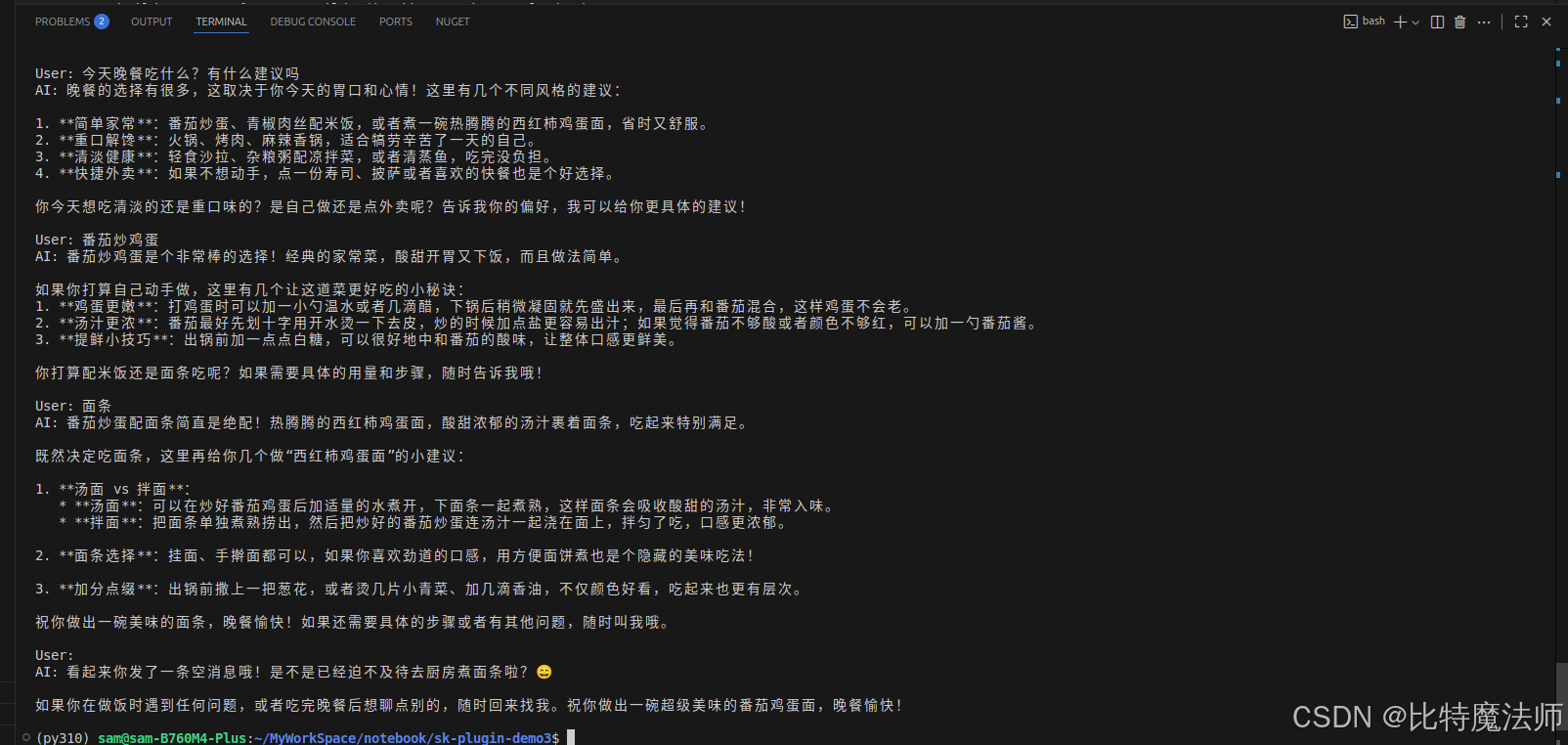
效果预览
一、食用指南
本文介绍了如何通过请求发送和更新参数来构建一个简单的聊天机器人。
示例代码引入了 Kernel Arguments 对象,在此演示中,它的作用类似于一个键值存储库,可以在运行内核时使用。
在这个聊天场景中,随着用户与机器人来回对话,参数会逐渐填充对话历史。在每次重新运行内核时,这些参数将连同内容一起提供给 AI。
二、创建项目
创建控制台项目:
bash
dotnet new console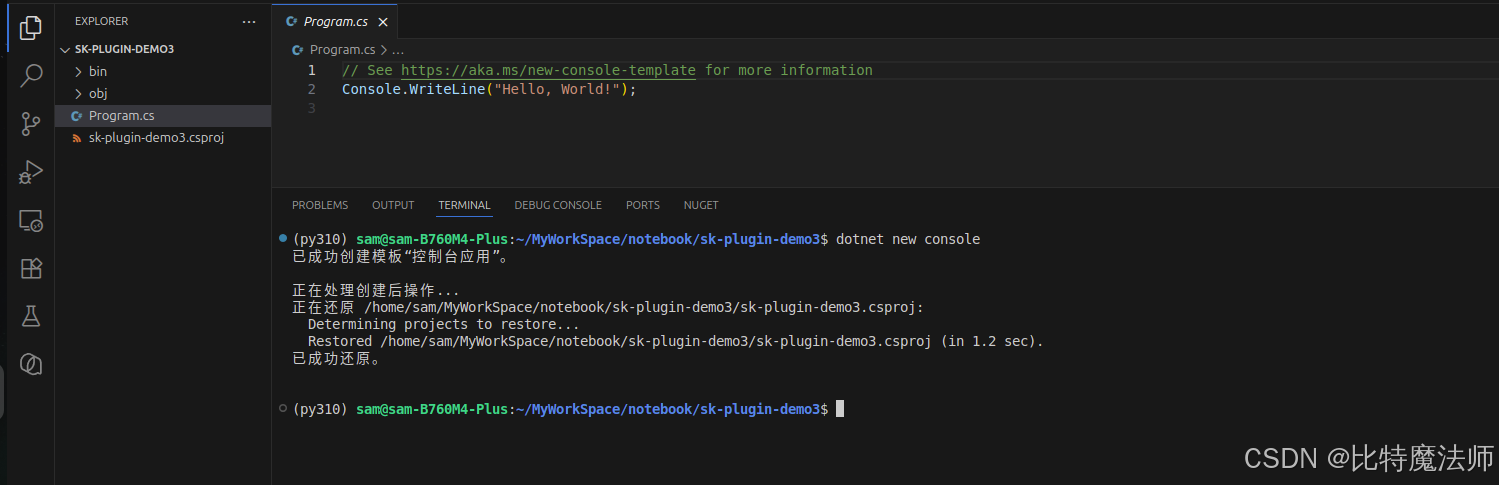
三、安装依赖
核心依赖:
bash
dotnet add package Microsoft.SemanticKernel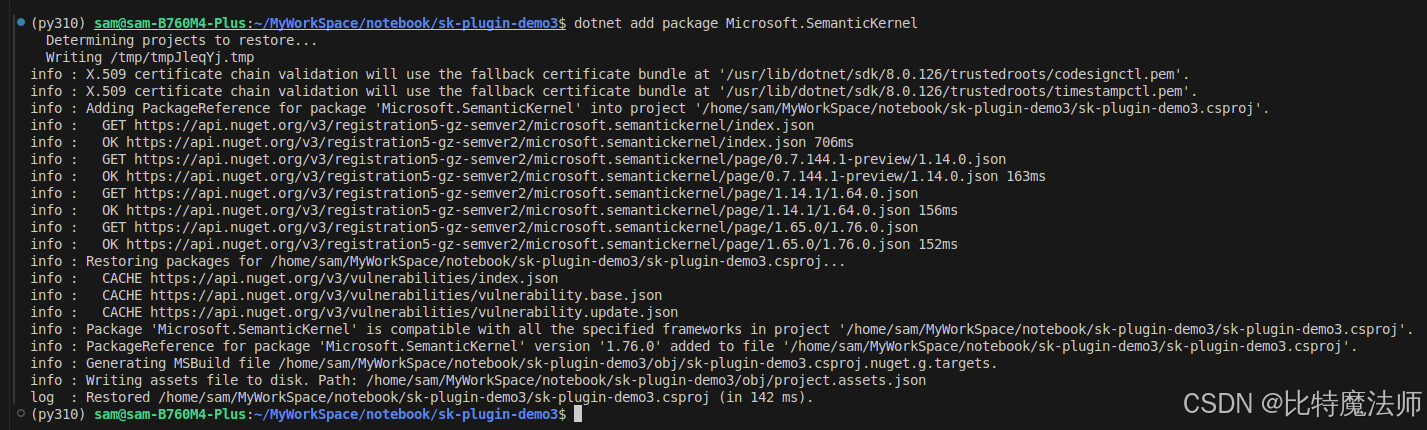
日志依赖:
bash
dotnet add package Microsoft.Extensions.Logging
dotnet add package Microsoft.Extensions.Logging.Console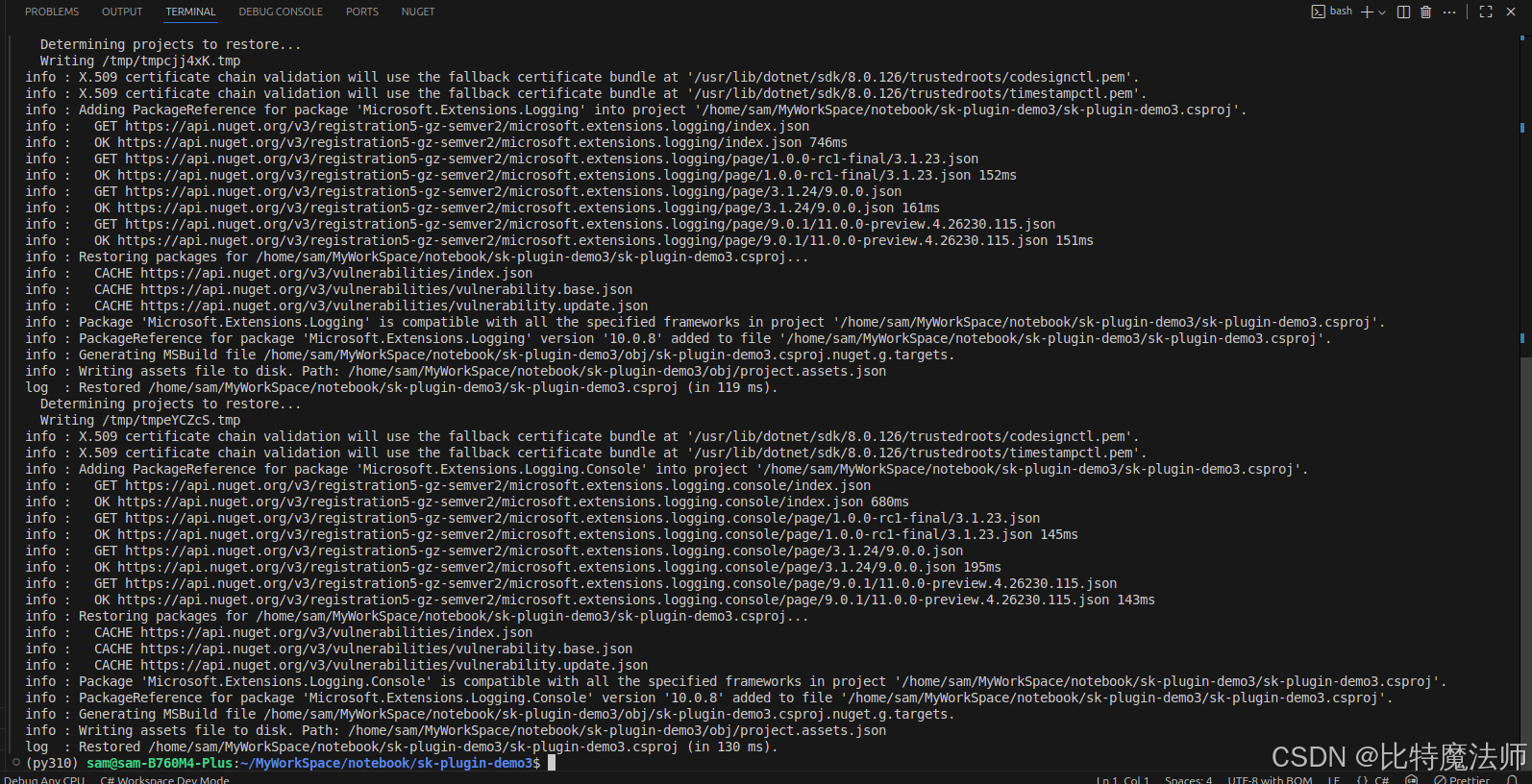
四、模型配置
这里使用硅基流动 + GLM-5.1:
csharp
var modelId = "Pro/zai-org/GLM-5.1";
var endpoint = new Uri("https://api.siliconflow.cn/v1");
var apiKey = "sk-xxx";

var builder = Kernel.CreateBuilder().AddOpenAIChatCompletion(
    modelId: modelId,
    endpoint: endpoint,
    apiKey: apiKey,
    serviceId: "SiliconFlow"
);
五、构建语义内核
csharp
Kernel kernel = builder.Build();六、提示词设计
csharp
const string skPrompt = @"
聊天机器人可以与你就任何话题进行对话。如果它没有答案,它可以给出明确的指示或说"我不知道"。

{{$history}}
User: {{$userInput}}
ChatBot:";

var executionSettings = new OpenAIPromptExecutionSettings
{
    MaxTokens = 2000,
    Temperature = 0.7,
    TopP = 0.5
};
七、注册语义函数
csharp
var chatFunction = kernel.CreateFunctionFromPrompt(skPrompt, executionSettings);八、初始化参数
csharp
var history = "";
var arguments = new KernelArguments()
{
    ["history"] = history
};
九、首次对话
csharp
var userInput = "今天晚餐吃什么?有什么建议吗";
arguments["userInput"] = userInput;

var bot_answer = await chatFunction.InvokeAsync(kernel, arguments);
十、对话历史
用输出更新历史记录,并将其设置为下一个请求的新输入值:
csharp
history += $"\nUser: {userInput}\nAI: {bot_answer}\n";
arguments["history"] = history;

Console.WriteLine(history);
十一、多轮对话
csharp
Func<string, Task> Chat = async (string input) => {
    // Save new message in the arguments
    arguments["userInput"] = input;

    // Process the user message and get an answer
    var answer = await chatFunction.InvokeAsync(kernel, arguments);

    // Append the new interaction to the chat history
    var result = $"\nUser: {input}\nAI: {answer}\n";
    history += result;

    arguments["history"] = history;

    // Show the response
    Console.WriteLine(result);
};
csharp
while (true)
{
    Console.Write("You: ");
    string input = Console.ReadLine();

    if (input?.ToLower() == "quit")
        break;

    await Chat(input);
}
十二、效果演示
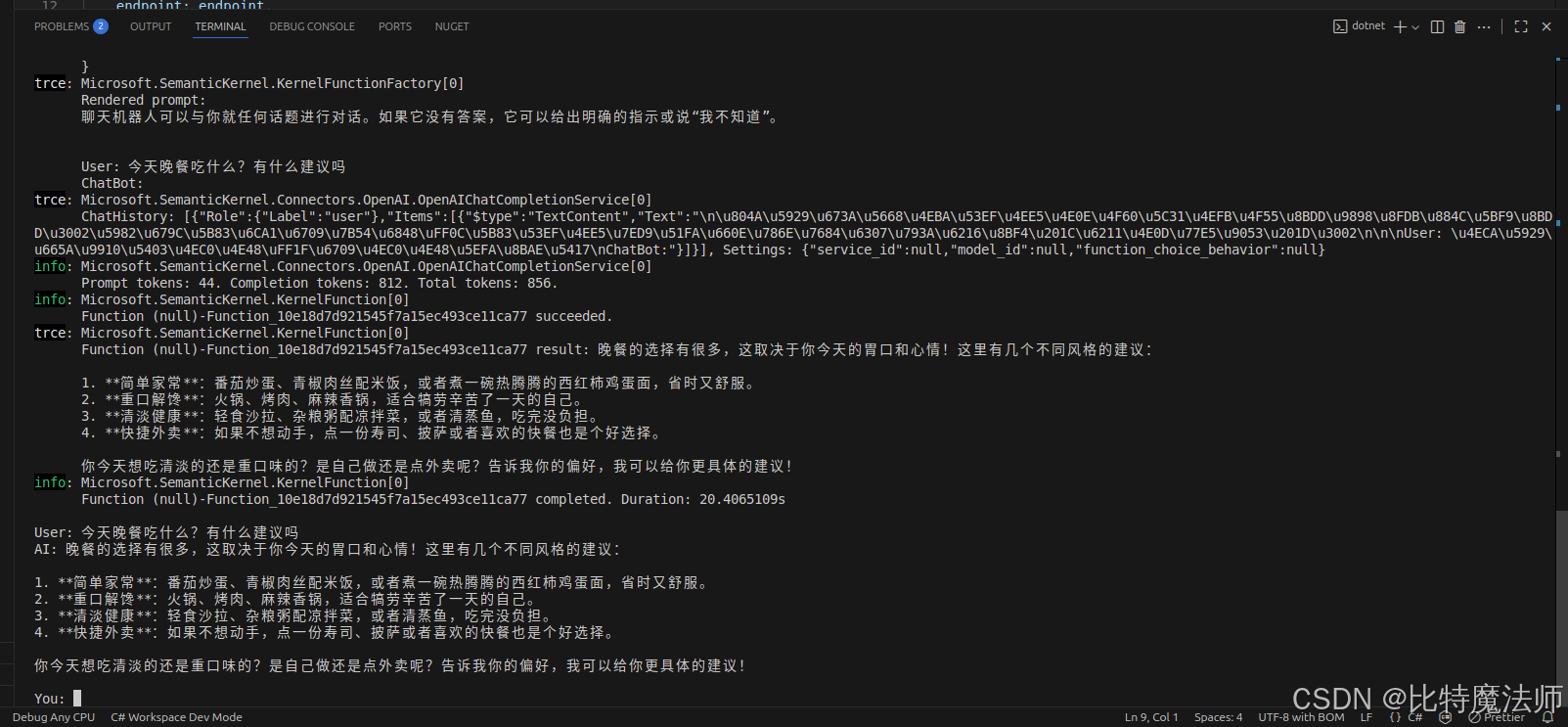

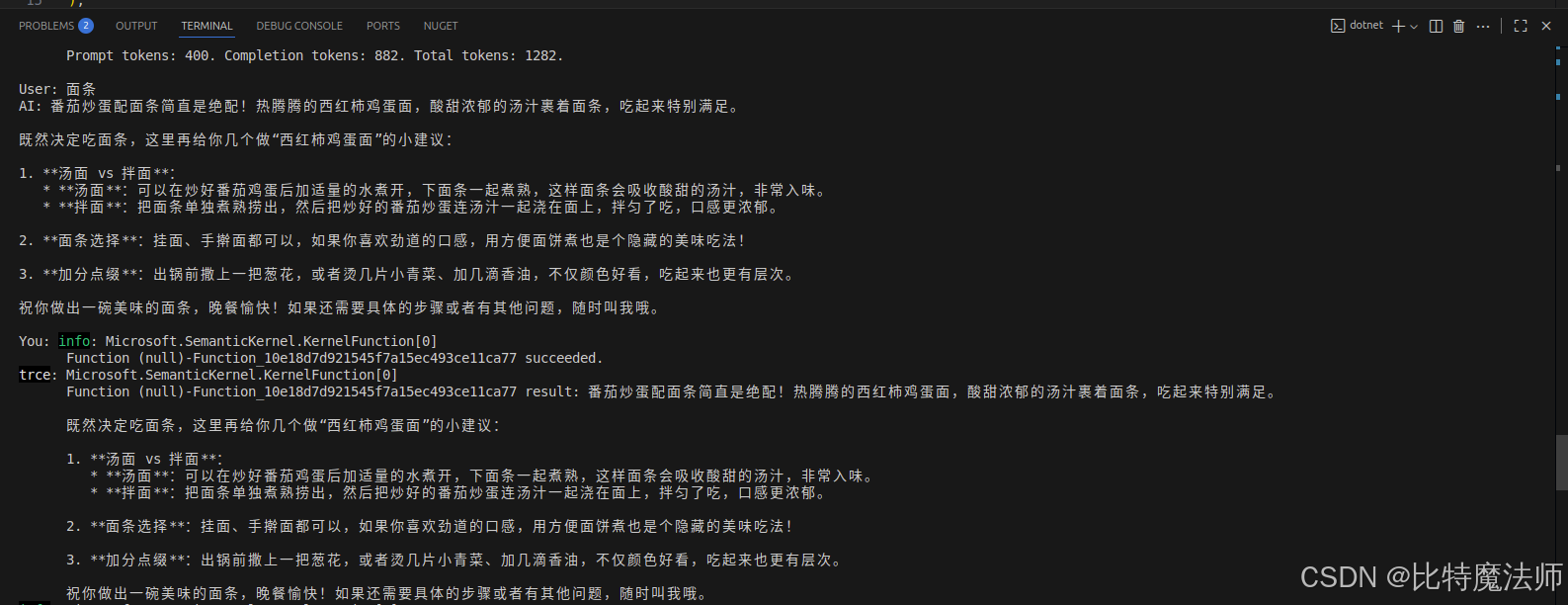
十三、查看对话历史
csharp
Console.WriteLine(history);十四、完整代码
csharp
using Microsoft.Extensions.DependencyInjection;
using Microsoft.Extensions.Logging;
using Microsoft.SemanticKernel;
using Microsoft.SemanticKernel.Connectors.OpenAI;

var modelId = "Pro/zai-org/GLM-5.1";
var endpoint = new Uri("https://api.siliconflow.cn/v1");
var apiKey = Environment.GetEnvironmentVariable("SILICON_FLOW_KEY") ?? "sk-xxx";

var builder = Kernel.CreateBuilder().AddOpenAIChatCompletion(
    modelId: modelId,
    endpoint: endpoint,
    apiKey: apiKey,
    serviceId: "SiliconFlow"
);

builder.Services.AddLogging(services => services.AddConsole().SetMinimumLevel(LogLevel.Trace));

Kernel kernel = builder.Build();

const string skPrompt = @"
聊天机器人可以与你就任何话题进行对话。如果它没有答案,它可以给出明确的指示或说"我不知道"。

{{$history}}
User: {{$userInput}}
ChatBot:";

var executionSettings = new OpenAIPromptExecutionSettings
{
    MaxTokens = 2000,
    Temperature = 0.7,
    TopP = 0.5
};

var chatFunction = kernel.CreateFunctionFromPrompt(skPrompt, executionSettings);

var history = "";
var arguments = new KernelArguments()
{
    ["history"] = history
};

var userInput = "今天晚餐吃什么?有什么建议吗";
arguments["userInput"] = userInput;

var bot_answer = await chatFunction.InvokeAsync(kernel, arguments);

history += $"\nUser: {userInput}\nAI: {bot_answer}\n";
arguments["history"] = history;

Console.WriteLine(history);

Func<string, Task> Chat = async (string input) => {
    // Save new message in the arguments
    arguments["userInput"] = input;

    // Process the user message and get an answer
    var answer = await chatFunction.InvokeAsync(kernel, arguments);

    // Append the new interaction to the chat history
    var result = $"\nUser: {input}\nAI: {answer}\n";
    history += result;

    arguments["history"] = history;

    // Show the response
    Console.WriteLine(result);
};

while (true)
{
    Console.Write("You: ");
    string input = Console.ReadLine();

    if (input?.ToLower() == "quit")
        break;

    await Chat(input);
}

Console.WriteLine(history);
十五、相关文章
十六、拓展阅读
爱,需要翻译------解读《爱的五种语言》
《爱的五种语言》是美国婚姻辅导专家盖瑞·查普曼的经典之作。这本书的核心洞见朴素却深刻:每个人都有自己最在意的"爱的语言",如果伴侣之间讲着不同的爱之方言,就像一个人用中文倾诉深情,另一个只懂法语,再浓烈的爱意也可能被误解、被错过。
查普曼将人们表达和接收爱的方式归纳为五种基本语言:
肯定的言辞------通过鼓励、赞美、感谢和温柔的话语来传递爱。对这类人而言,"我爱你"三个字很重要,但更重要的是具体而真诚的肯定:"今天你为家里做的晚餐,让我特别感动。"
精心的时刻------把专注的注意力给到对方。不是两个人同在一个房间却各自看手机,而是眼神相对、认真倾听、共同经历。高质量的陪伴,胜过千言万语。
接受礼物------礼物是爱的可视象征。对以礼物为主要爱语的人而言,不在于贵重,而在于"你懂我"和"你在乎我"。一朵路边的野花,一本想到对方会喜欢的书,都是心意的载体。
服务的行动------用行动做实事来表达爱:洗碗、修车、帮忙分担家务。对这类人来说,言语可能显得轻飘,踏实的付出才是爱的证明。
身体的接触------拥抱、牵手、轻拍肩膀。身体的温暖与安全感,是最直接的爱之语言,尤其在痛苦或喜悦的时刻,一个拥抱胜过千言万语。
这本书最核心的主题是:爱一个人,要用对方能听懂的语言去表达,而不是只说自己的母语。很多关系的冲突,并非不爱,而是爱的方式错位。一方拼命做服务行动,另一方却渴望精心的时刻;一方不断送出礼物,另一方最需要的却是肯定的言辞。彼此都委屈,却都不知道问题出在哪里。
查普曼给出的解决方案是:了解自己的主要爱语,同时学习识别并主动使用伴侣的主要爱语。这需要观察、倾听和尝试。当我们愿意走出自己熟悉的方式,去学习对方的语言时,爱就从"我以为"走向了"你需要"。
更深一层,这本书也在提醒我们:爱不是一种模糊的感觉,而是一种可以学习的能力。真正的爱,不是以自我为中心的付出,而是以对方为中心的看见。当我们愿意说对方的爱语,哪怕那不是自己最自然的方式,爱便在这份调整和努力中,变得具体、可感、有力。