一.修改主机名
临时修改,hostname 新主机名
永久修改,hostnamectl set-hostname abc

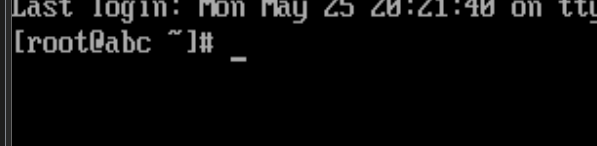
已经变成abc了
二.文件传输服务,
ftp file transfer protocal用于文件的上传和下载
1.安装服务器 yum -y install vsftpd #very safe ftp demon
如果yum源不行
-
下载正确的 CentOS 7 仓库配置文件
使用国内镜像源(如阿里云、清华源等),例如阿里云:
bash
bashcurl -o /etc/yum.repos.d/CentOS-Base.repo http://mirrors.aliyun.com/repo/Centos-7.repo或者使用官方源(可能较慢):
bash
bashcurl -o /etc/yum.repos.d/CentOS-Base.repo http://mirror.centos.org/centos/7/os/x86_64/CentOS-Base.repo
2.启动服务 systemctl start vsftpd
3.开机启动 systemctl enable vsftpd
4.启动状态 systemctl status vsftpd
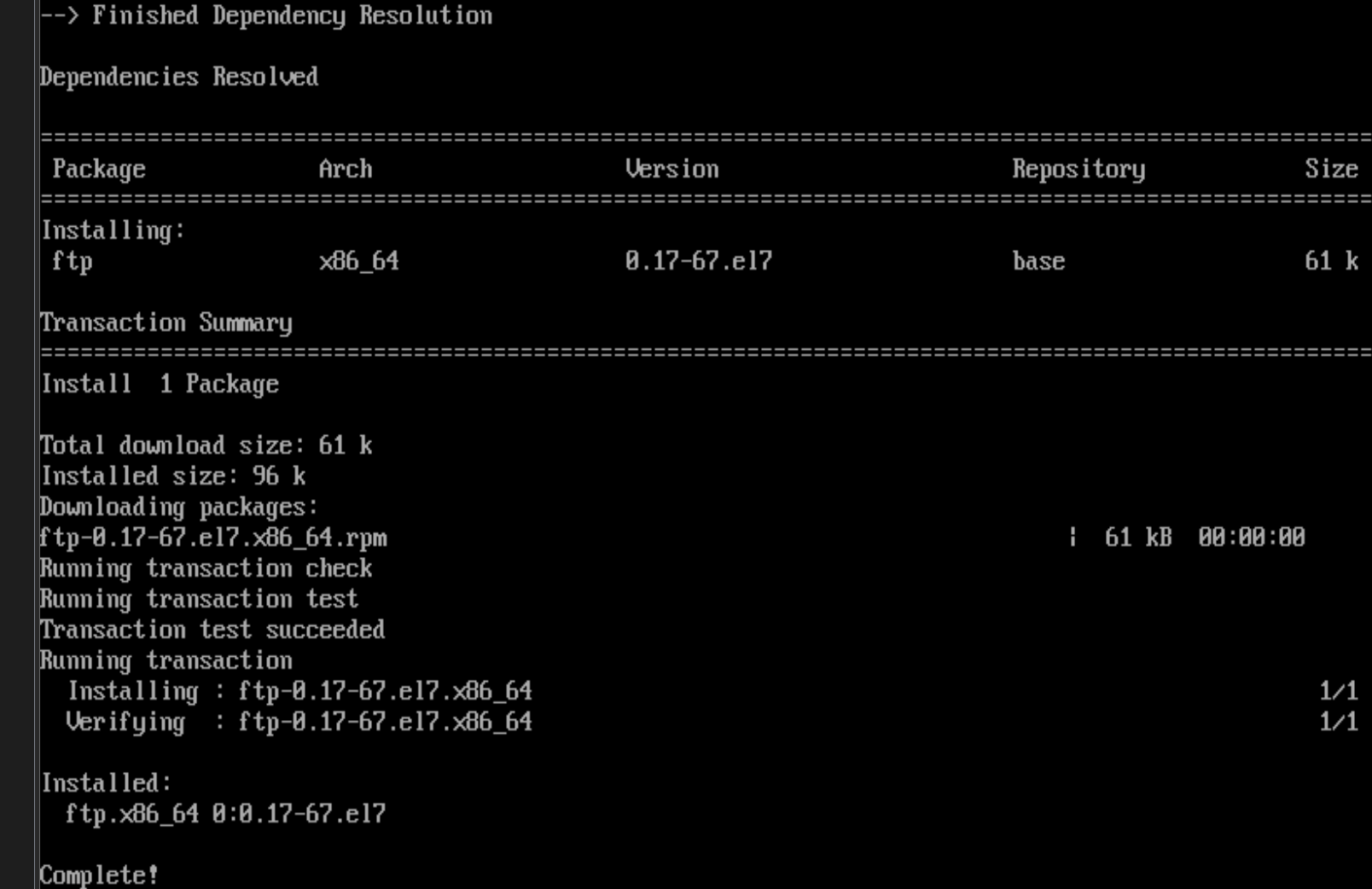
5.下载客户端,yum -y install ftp
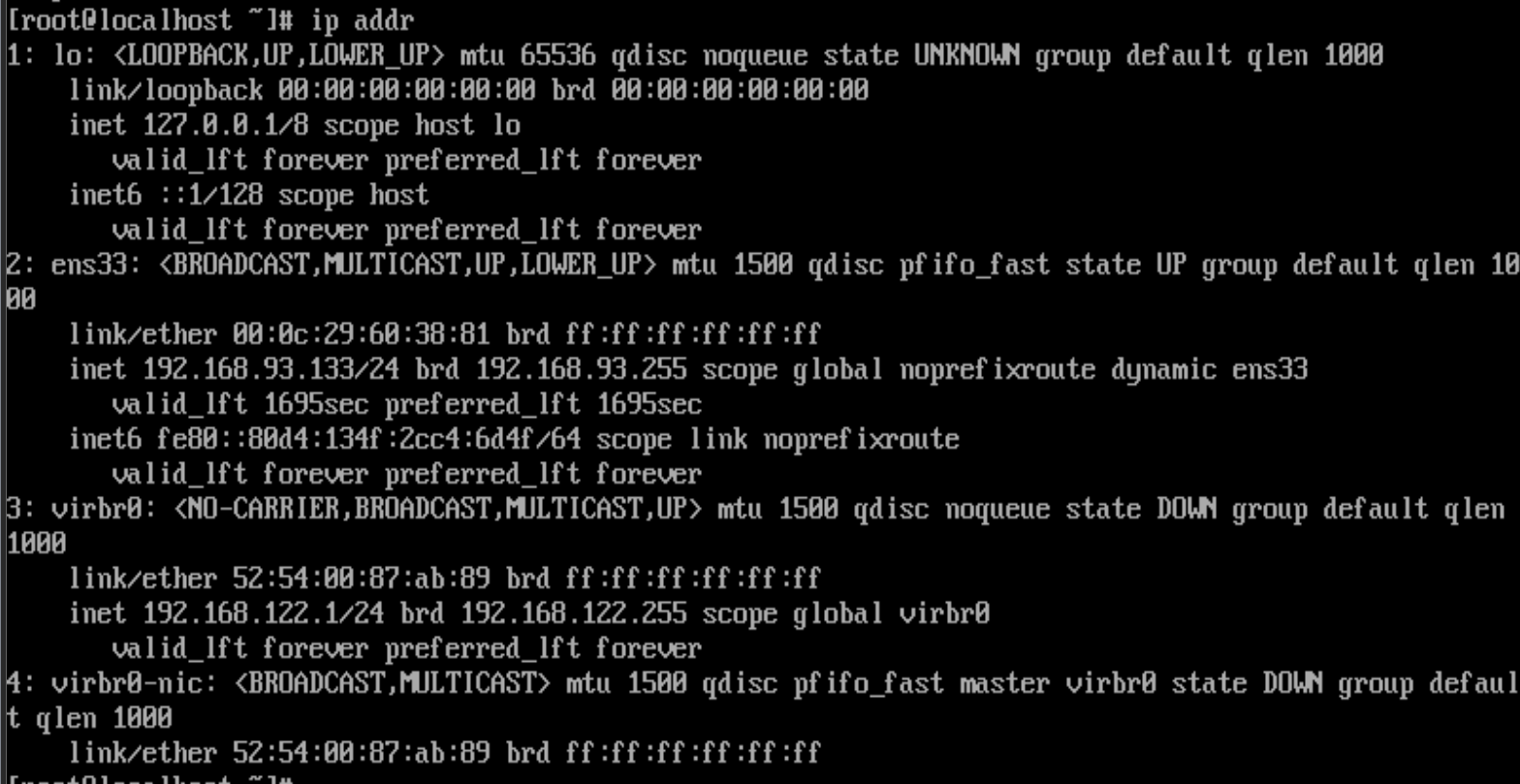
6.ip addr查看ip地址
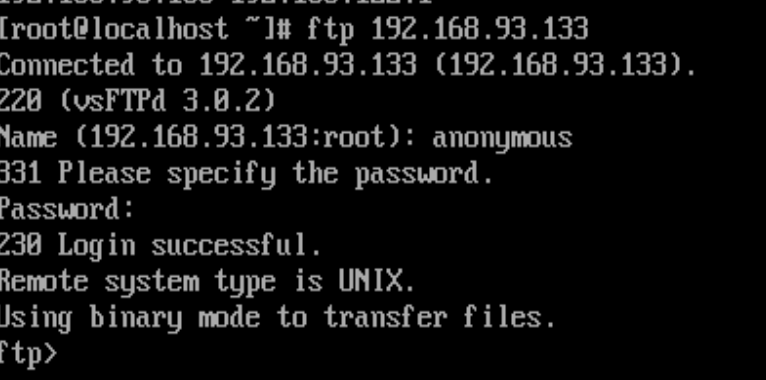
7.打开客户端登录ftp服务器:
ftp 服务器的ip,自己的ip地址

用户名:anonymous
密码:直接回车
ftp>
退出ftp登录:bye
三.总结
1 配置网络 /etc/sysconfig/network-scripts/ifcfg-ens33文件中配置 项目: BOOTPROTO="dhcp" ONBOOT="yes"
2 ping www.baidu.com 能 ping 通,ok 不能 ping 通:大概原因 NetworkManager 和 network 两个网络管理冲突,停止 NetworkManager 即可 停止服务:systemctl stop NetworkManager 开机不启动:systemctl disable NetworkManager 启动网络:systemctl start network 查看状态:systemctl status network → active 启动 ok
3 更新 yum 源(国内 yum 源)
bash
运行
curl -o /etc/yum.repos.d/CentOS-Base.repo http://mirrors.aliyun.com/repo/Centos-7.repo
yum clean all
yum list
4 就可以安装软件
yum -y install 软件名#安装软件yum -y remove 软件名/yum -y erase 软件名#卸载软件yum -y install tree#安装 tree 命令软件
5 主机名
- 查看主机名:
hostname - 临时修改(重启后无效):
hostname 新名 - 永久修改(重启后也有效):
hostnamectl set-hostname 新名
6 安装 ftp 服务 安装服务器:yum -y install vsftpd
- 查看服务状态:
systemctl status vsftpd#一般服务未启动 - 启动服务:
systemctl start vsftpd - 设置开机启动:
systemctl enable vsftpd
7 安装 ftp 客户机并测试链接
-
安装客户端:
yum -y install ftp -
查看本机 IP:
ip addr#查看本机 IP ens33 -
打开客户端登录 ftp 服务器: bash
运行
ftp 服务器的ip
用户名:anonymous
密码:直接回车
ftp>
退出ftp登录:bye