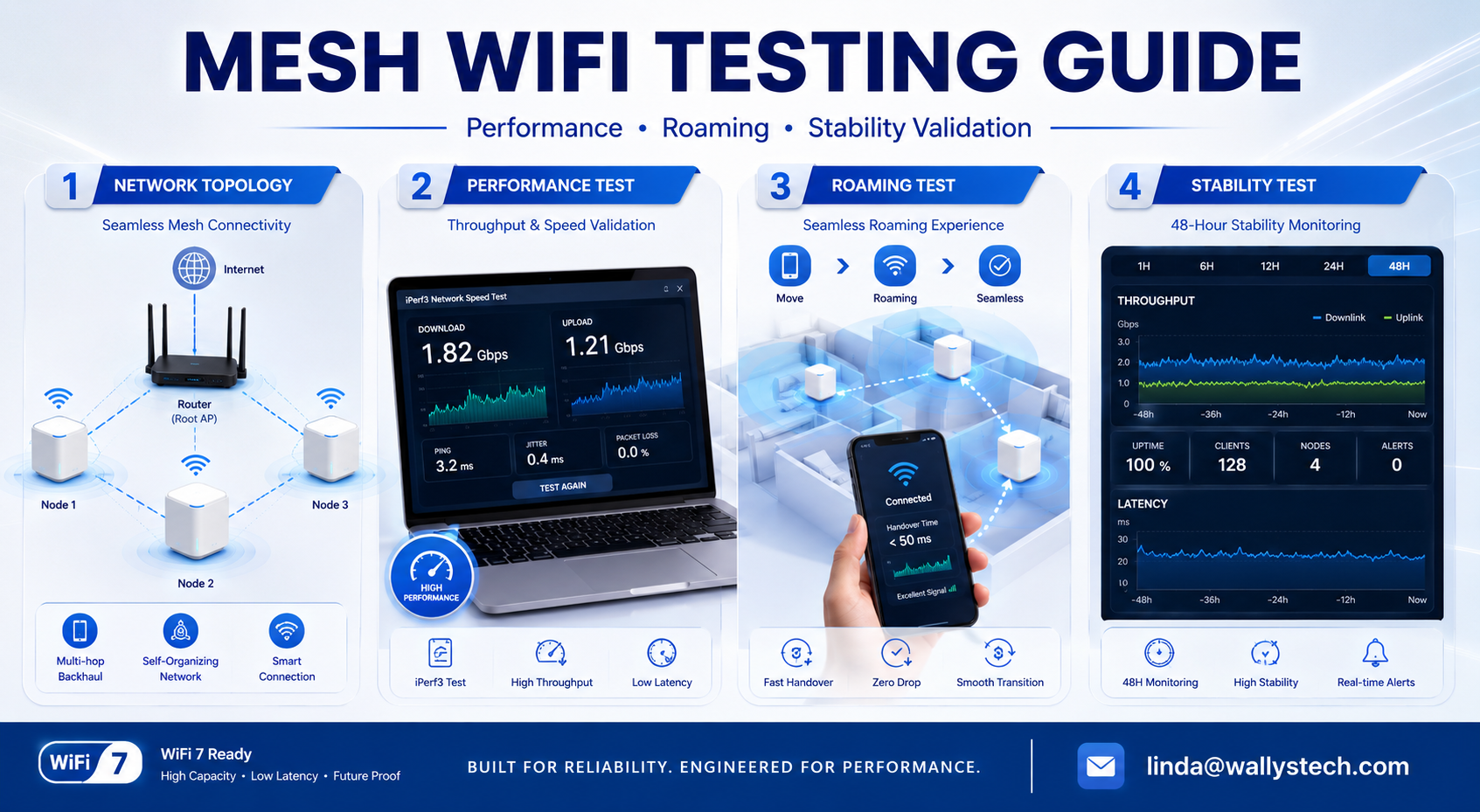
In modern wireless networking, Mesh WiFi has become a mainstream solution for enterprise coverage, industrial deployment, and large-home connectivity.
However, a production-ready Mesh system is not just about "connecting nodes" --- it requires a full set of performance, stability, and roaming validations.
This article introduces a practical engineering test workflow commonly used in real-world Mesh WiFi development and validation.
🧪 1. Mesh Network Setup (Baseline Topology)
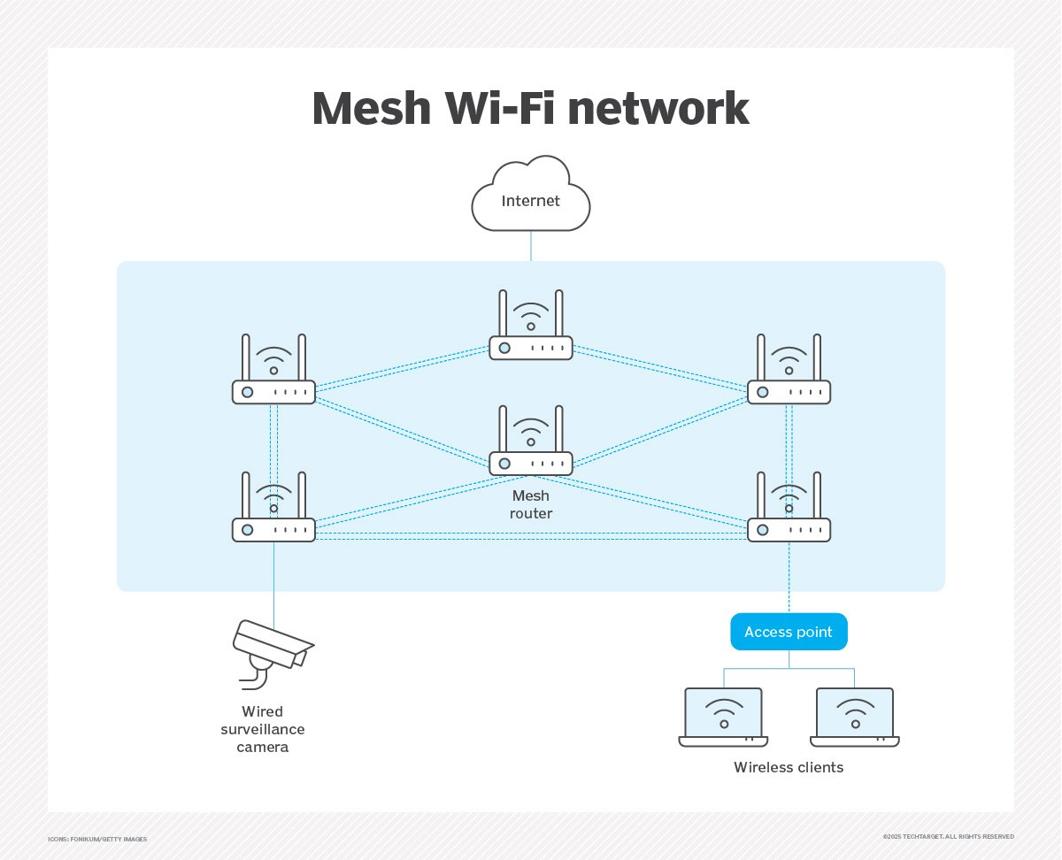
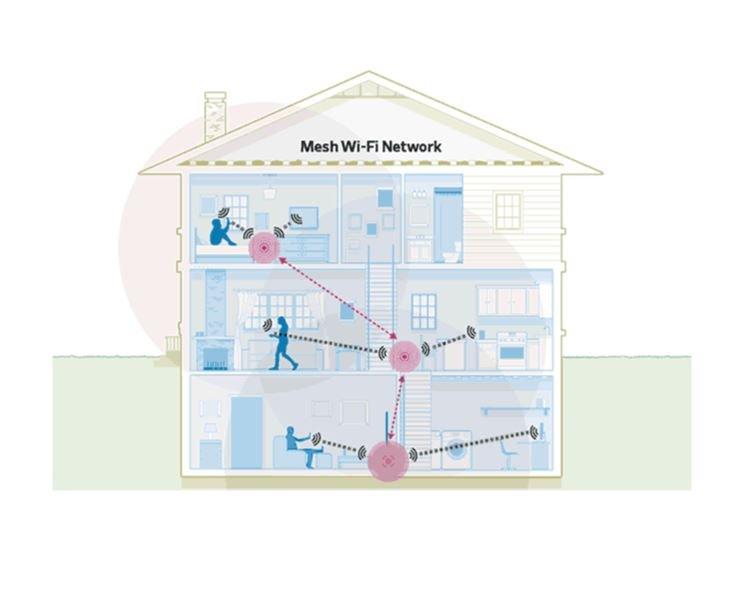
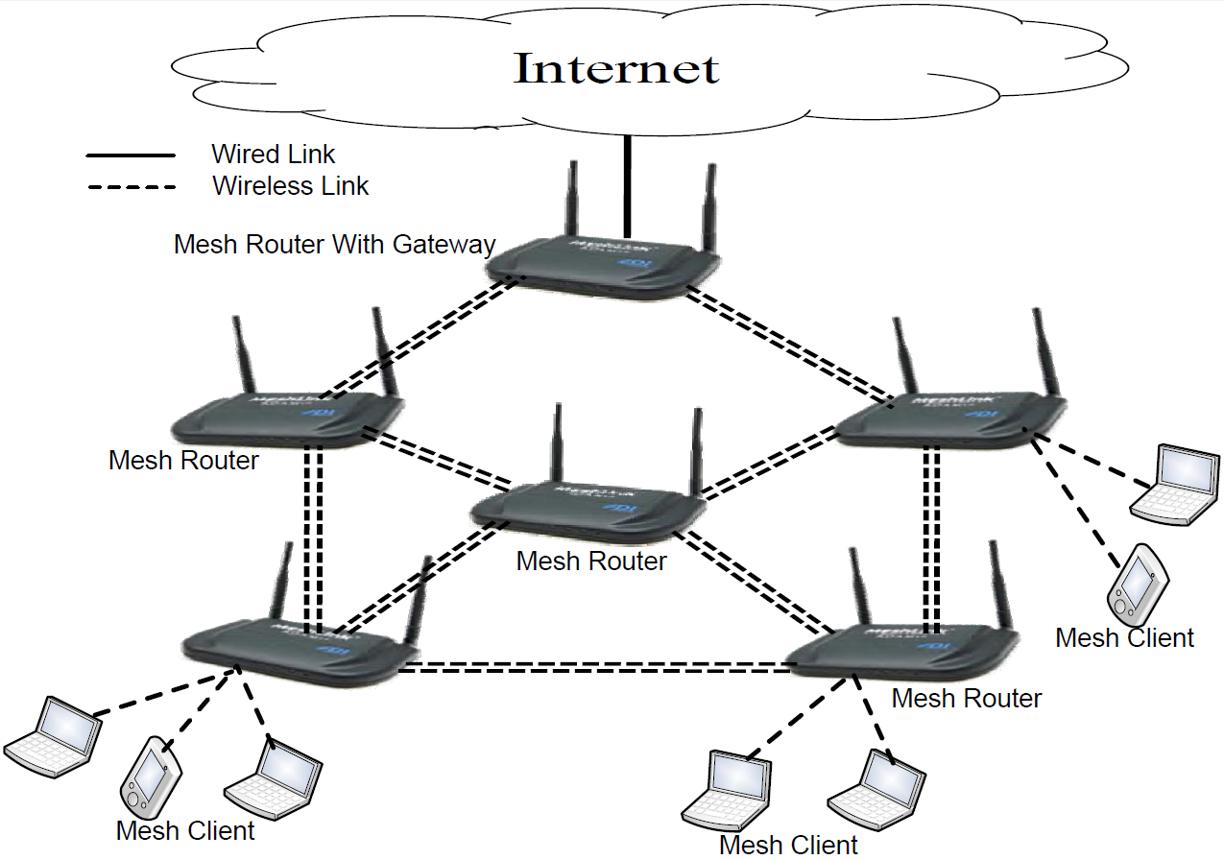
Before testing begins, a standard Mesh topology must be established:
- 1 Root AP (main router)
- Multiple Mesh Nodes (sub-nodes)
- Support for 2.4GHz / 5GHz / 6GHz (WiFi 6 / WiFi 7 systems)
- Wired or wireless backhaul enabled (Auto Backhaul recommended)
6
👉 Goal: Ensure all nodes can automatically form a stable mesh topology.
⚙️ 2. Mesh Provisioning & Network Validation
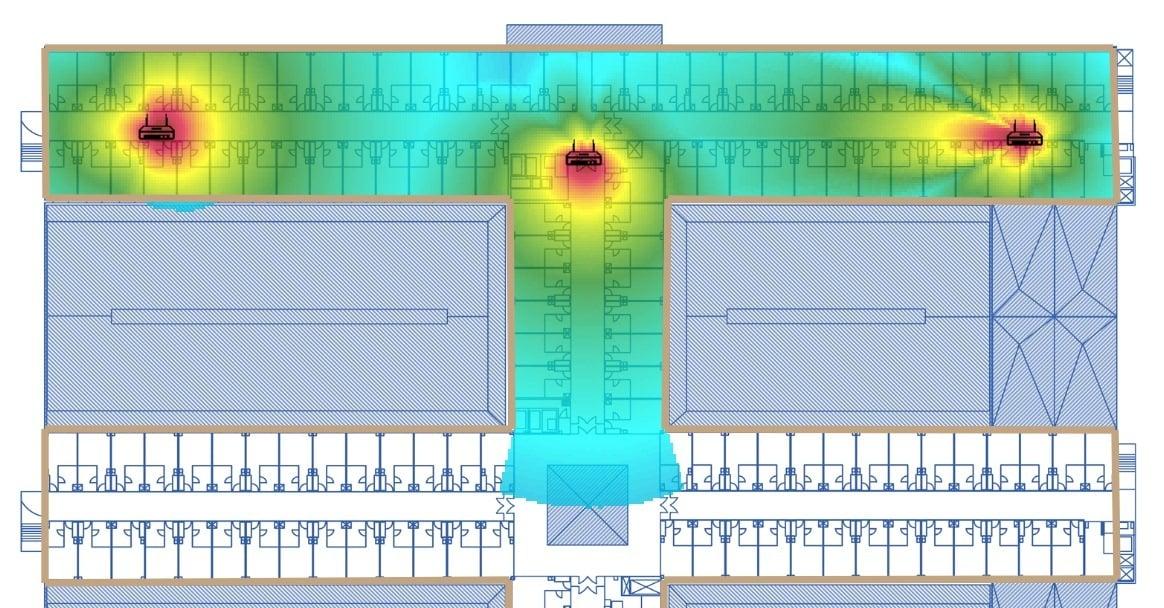
This stage verifies whether the system can properly form and maintain the mesh network.
✔ Auto-Discovery
- Nodes should be automatically detected by the Root AP
- Devices should join the mesh without manual configuration
✔ Topology Stability
- Node join/leave behavior
- Automatic recovery after disconnection
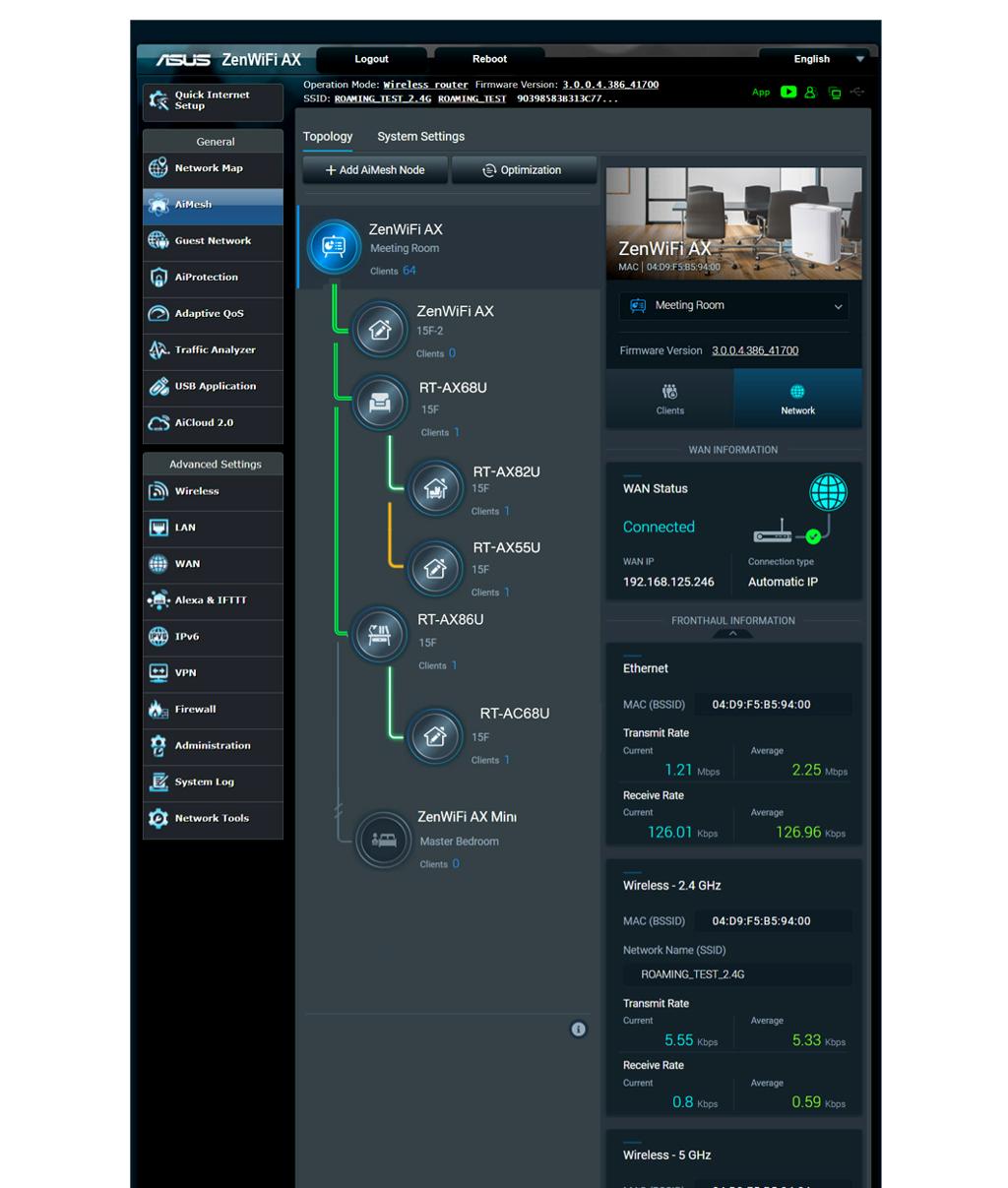
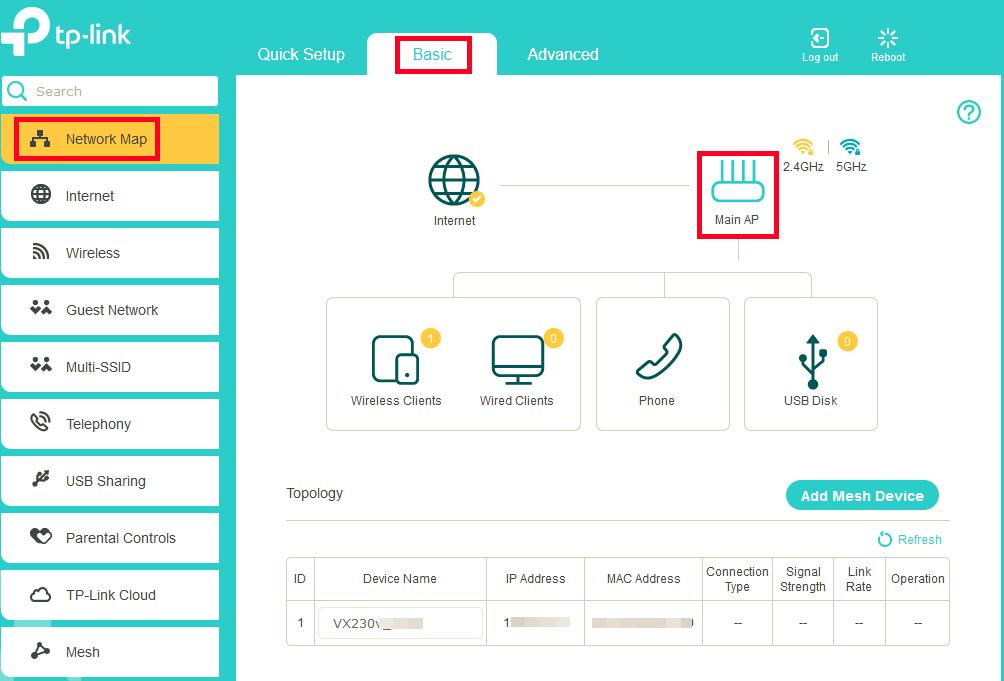
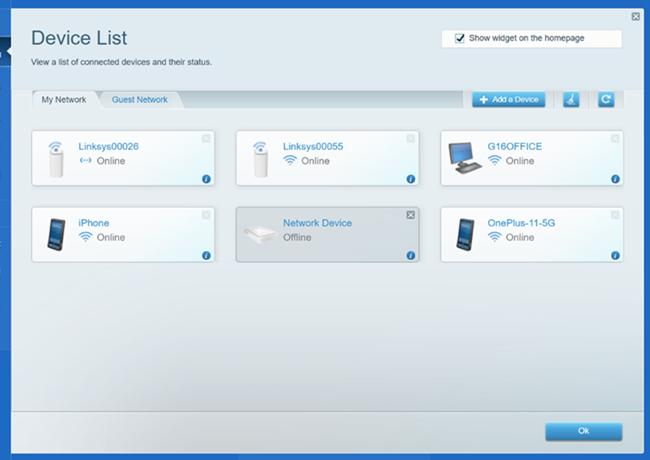
✔ Web UI Verification
5
👉 Key check:
- All nodes must show Connected / Online
- Backhaul link must remain stable (wired or wireless)
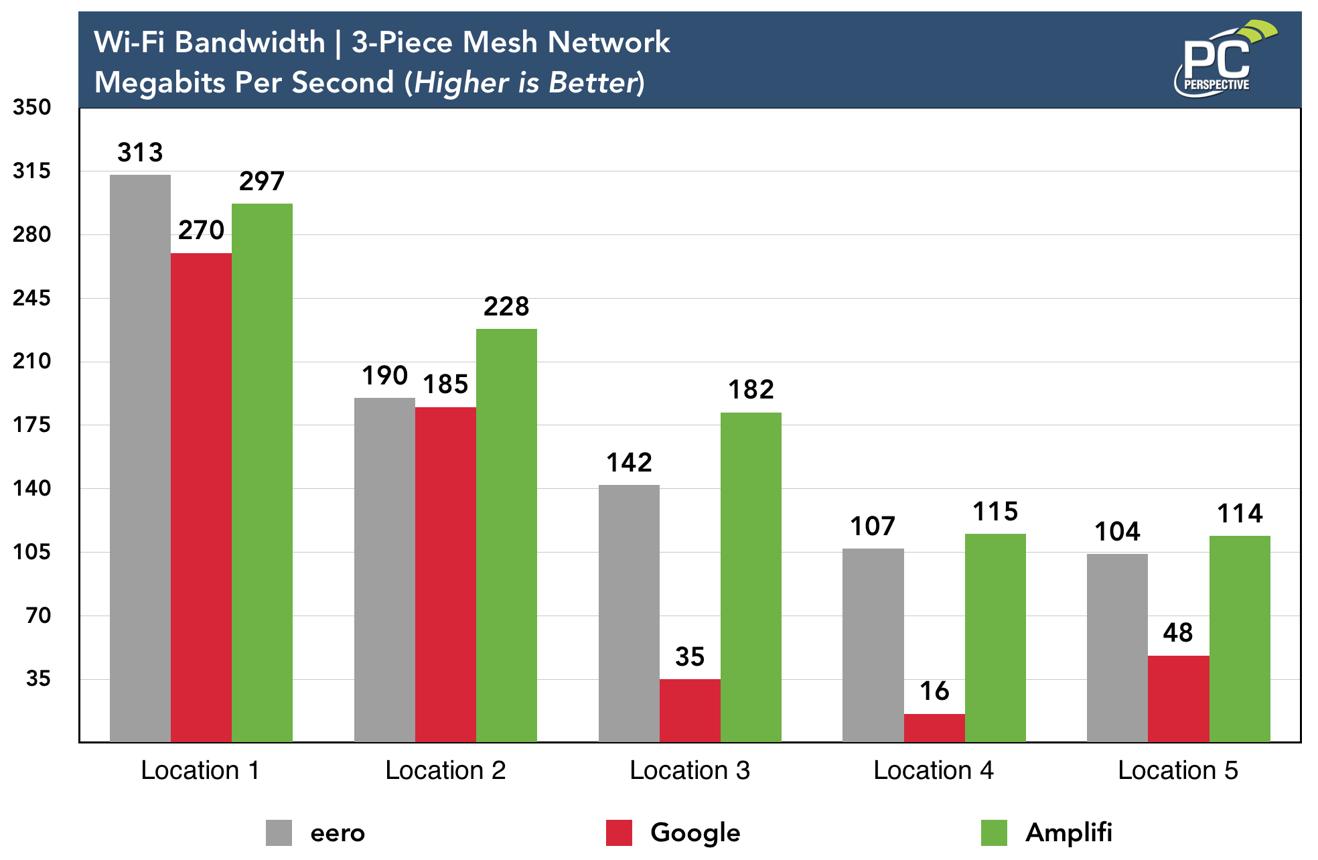
📶 3. Throughput Testing (Performance Benchmark)
This is one of the most critical parts of Mesh validation.
Common Methods:
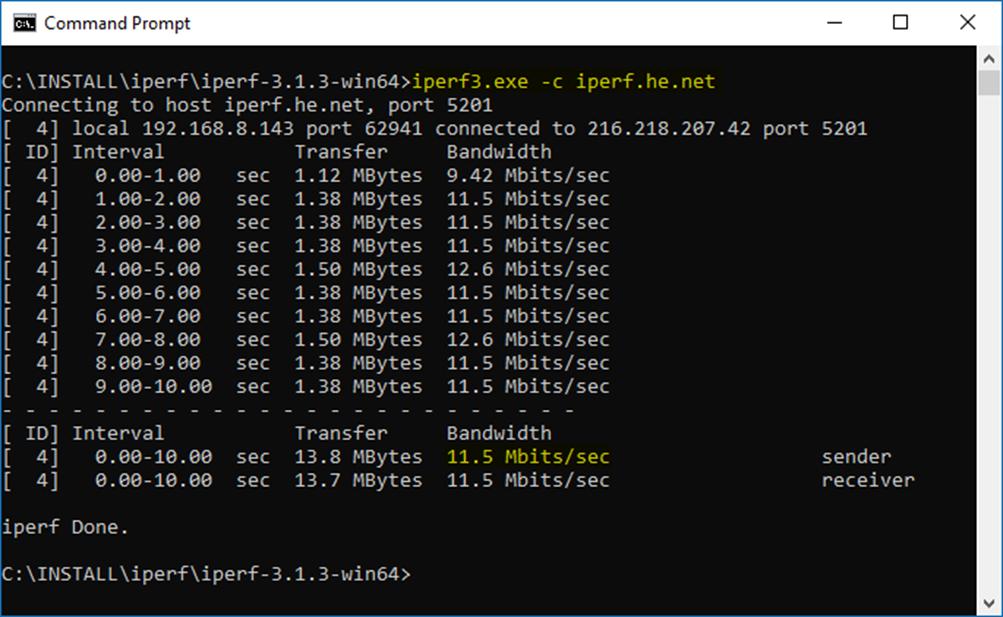
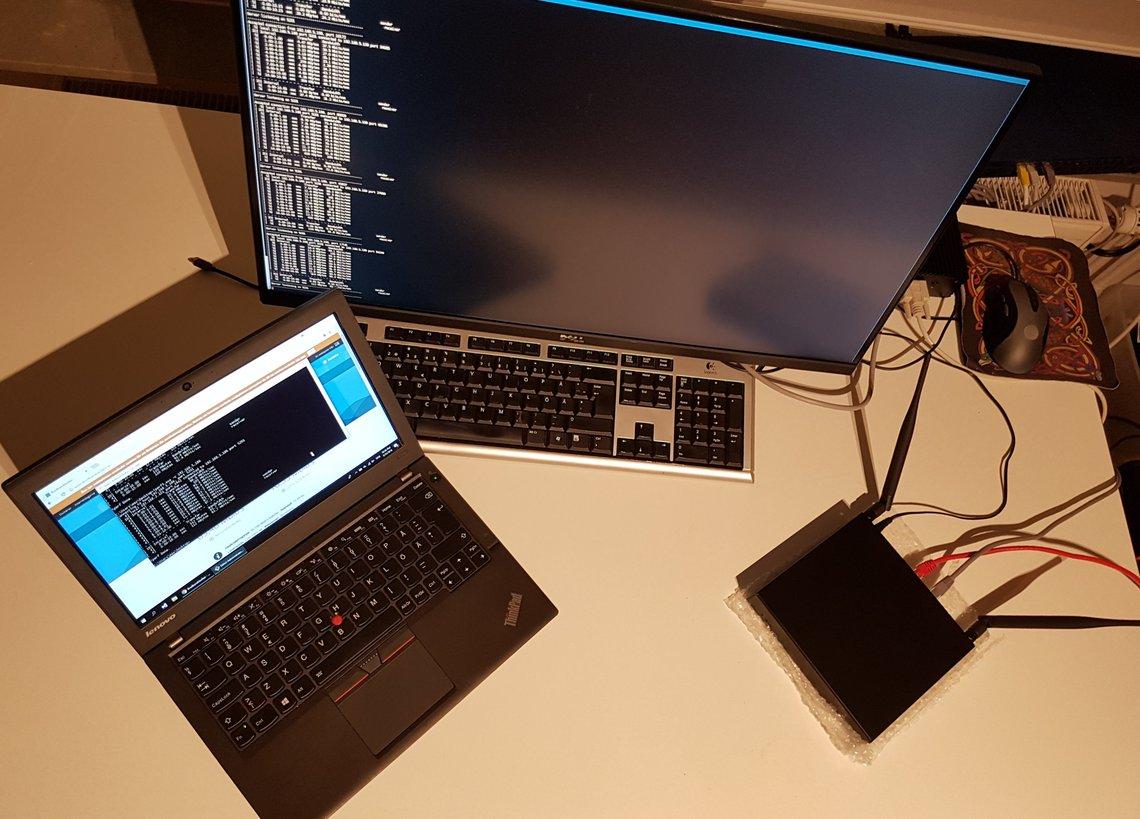
1️⃣ iPerf3 Testing
- Server: Root AP or wired node
- Client: Device connected through Mesh node
2️⃣ TCP / UDP Testing
- Measure latency
- Measure packet loss
- Measure peak throughput
3️⃣ Multi-node Stress Testing
5
👉 Key metrics:
- Single-hop throughput
- Multi-hop performance degradation
- Concurrent client stability
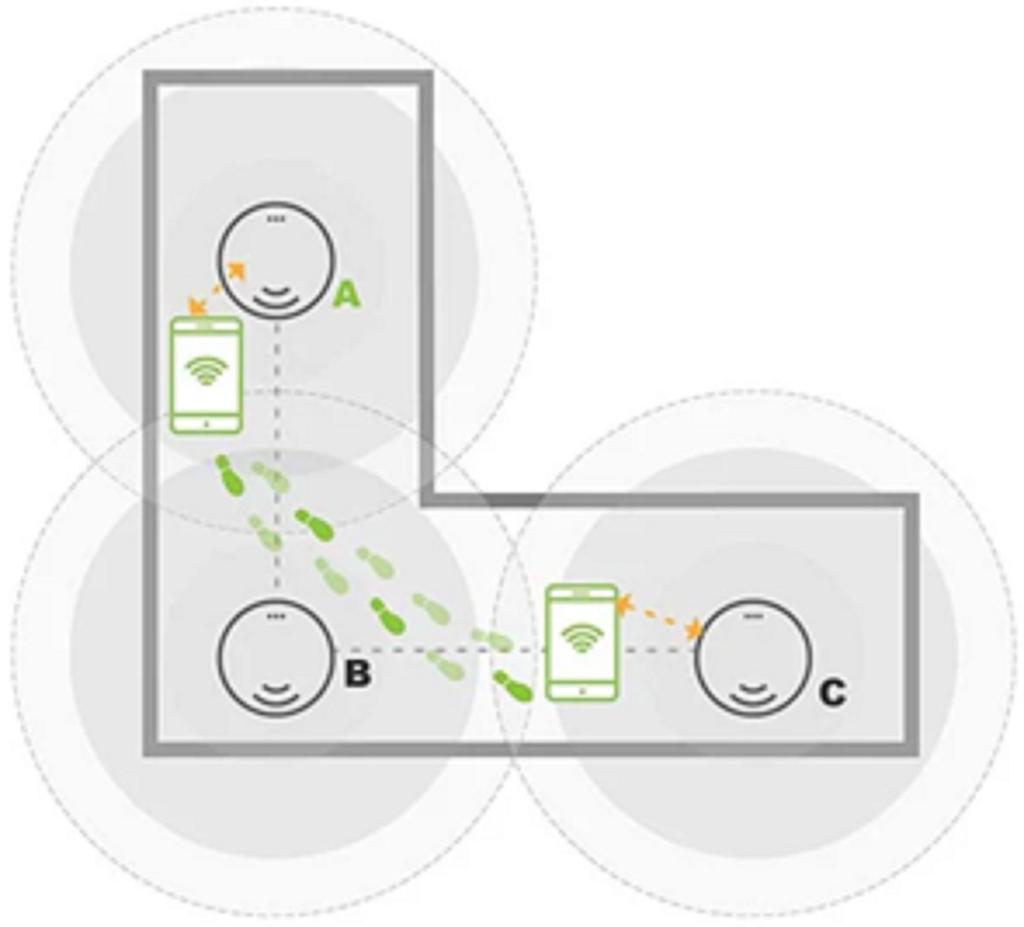
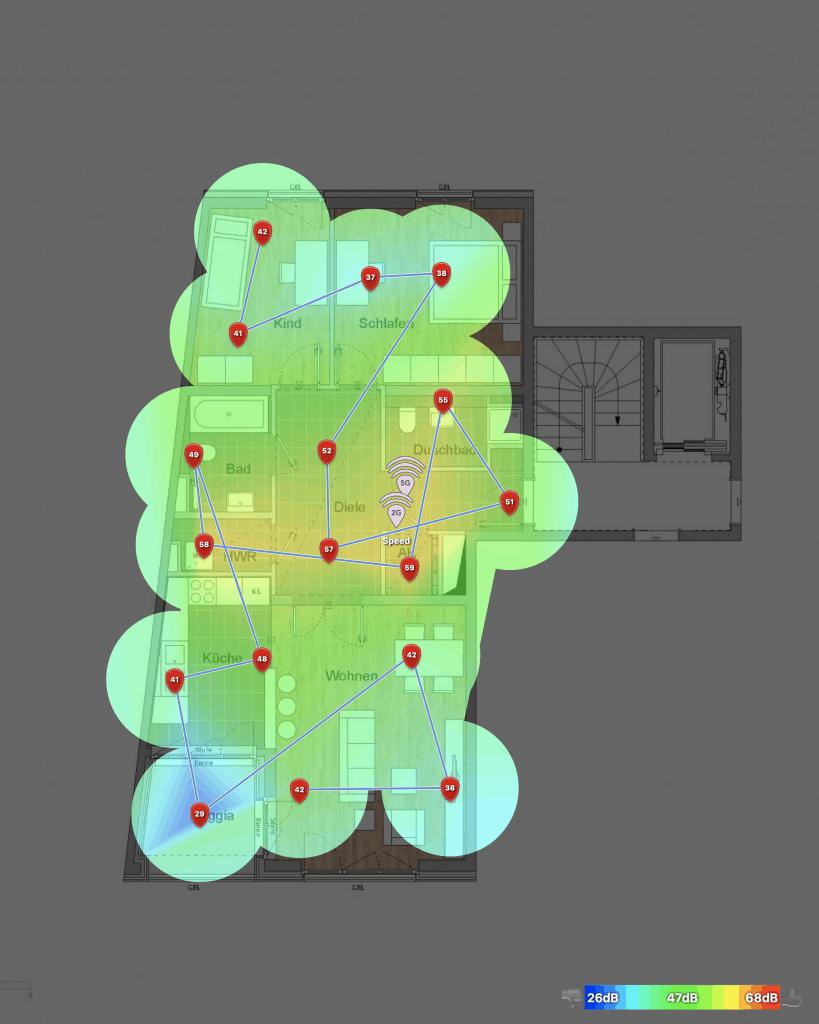
🚶 4. Roaming Test (Most Critical User Experience)
Mesh systems are defined by seamless roaming.
Test Method:
- Continuous video streaming on a mobile device
- Move across coverage areas (Node A → Node B → Node C)
- Capture roaming logs
Validation Points:
- Handover time (<50ms / <100ms target)
- Packet loss during switching
- Service interruption 여부
8
👉 A well-designed Mesh system should provide zero noticeable switching to the user.
🔥 5. Stress & Stability Testing
Used to verify long-term reliability under real-world load.
Test Scenarios:
- 48--72 hours continuous operation
- 50--200+ concurrent clients
- Mixed traffic: video streaming + downloads + browsing
- CPU / memory monitoring
What to check:
- Node crash or reboot
- Backhaul instability
- Throughput degradation over time
💡 6. Summary: What Makes a Good Mesh System?
✔ Stable auto-formation
✔ Seamless roaming experience
✔ Controlled multi-hop throughput loss
✔ Long-term stability under load
✔ Clear and visible management interface
🚀 Advantages in Wallys-Based Mesh Solutions
In WiFi 6 / WiFi 7 platforms (such as Qualcomm IPQ-based designs), Mesh performance can be significantly enhanced:
- Higher backhaul capacity (especially with 6GHz)
- Lower roaming latency
- Better multi-node scheduling efficiency
- Improved high-density client handling
📩 Contact us for more technical details, reference designs, or evaluation boards.