HarmonyOS 图片列表滑动卡顿怎么办:中式美食菜谱封面怎么做占位、缓存和失败兜底
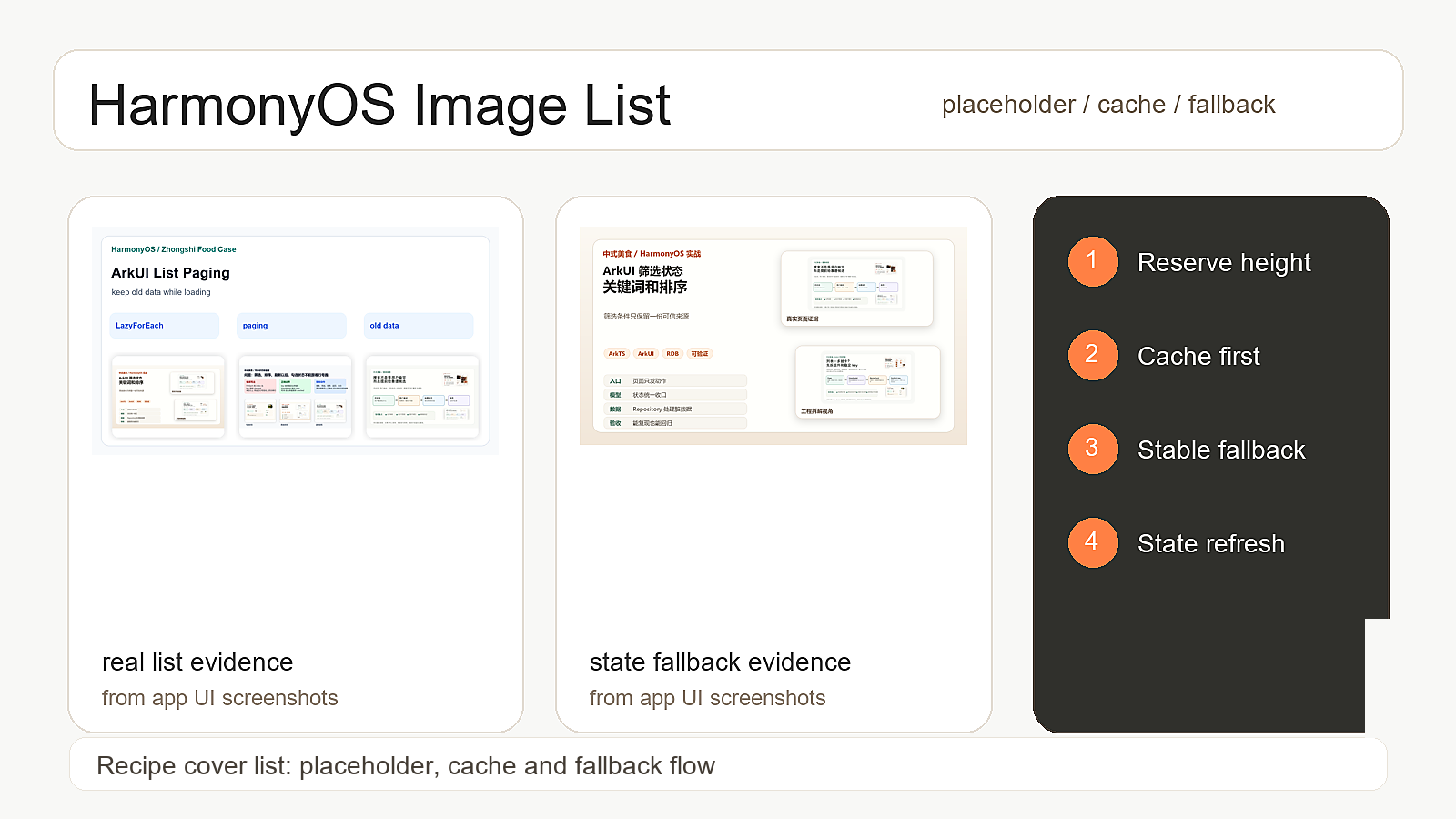
中式美食的菜谱列表里,封面图不是装饰,它会直接影响用户愿不愿意继续往下滑。最常见的问题不是图片完全加载不出来,而是列表先出现一块空白,过一会儿图片突然顶出来,卡片高度跟着变;再差一点就是网络图失败以后,用一张尺寸不稳定的兜底图把整行挤乱。这个体验看起来像页面卡,实际上很多时候是图片占位、缓存 key 和失败状态没有管住。
我会把这件事拆成四个动作:卡片先固定高度,封面先走缓存,失败图保持同样尺寸,滚动过程中只刷新必要状态。这样写出来的列表没有那么"炫",但用户滑起来会稳,开发者排查起来也有明确入口。
本文导读
| 问题 | 处理方式 |
|---|---|
| 图片没回来时卡片高度跳 | 先给封面区域固定比例和占位背景 |
| 同一张封面重复解码 | 用 recipeId + coverUrl 生成稳定缓存 key |
| 图片失败后列表变形 | 失败图复用同一尺寸,不让布局重新计算 |
| 滚动时状态反复刷新 | 图片状态放到卡片内部,列表数据不跟着重排 |
环境和文件边界
| 项目 | 内容 |
|---|---|
| 开发工具 | DevEco Studio |
| HarmonyOS SDK | API 12,Stage 模型 |
| 页面入口 | entry/src/main/ets/features/home/RecipeListPage.ets |
| 卡片组件 | entry/src/main/ets/components/RecipeCard.ets |
| 图片状态 | entry/src/main/ets/components/CachedRecipeCover.ets |
| 数据来源 | entry/src/main/ets/data/repository/RecipeRepository.ets |
先说一个错误写法:图片回来再撑开卡片
ts
@Component
export struct RecipeCard {
  @Prop recipe: RecipeCardModel

  build() {
    Column() {
      Image(this.recipe.coverUrl)
        .width('100%')
        .objectFit(ImageFit.Cover)

      Text(this.recipe.title)
        .fontSize(16)
        .fontWeight(FontWeight.Medium)
    }
  }
}
这段代码看着很自然,但列表里会出问题。图片没加载回来时,封面区域没有稳定高度;图片一回来,卡片突然变高,下面的内容就会被顶一下。用户看到的不是"图片加载成功",而是"列表抖了一下"。
封面区域先固定住
ts
@Component
export struct RecipeCard {
  @Prop recipe: RecipeCardModel

  build() {
    Column() {
      CachedRecipeCover({
        recipeId: this.recipe.id,
        coverUrl: this.recipe.coverUrl,
        title: this.recipe.title
      })
        .width('100%')
        .aspectRatio(1.32)

      Text(this.recipe.title)
        .fontSize(16)
        .fontWeight(FontWeight.Medium)
        .margin({ top: 8 })
    }
    .borderRadius(12)
    .backgroundColor('#FFFFFF')
    .clip(true)
  }
}
我这里不让 Image 自己决定高度,而是把封面区域交给 CachedRecipeCover,外层先定好宽高比例。图片回来之前、回来之后、失败以后,这块区域都不变。列表稳定性的第一步就是:不要让图片加载结果重新决定卡片高度。
CachedRecipeCover 只处理图片状态
ts
type CoverState = 'loading' | 'success' | 'failed'

@Component
export struct CachedRecipeCover {
  @Prop recipeId: string
  @Prop coverUrl: string
  @Prop title: string
  @State state: CoverState = 'loading'

  build() {
    Stack() {
      if (this.state === 'loading') {
        CoverPlaceholder({ title: this.title })
      }

      Image(this.coverUrl)
        .width('100%')
        .height('100%')
        .objectFit(ImageFit.Cover)
        .onComplete(() => {
          this.state = 'success'
        })
        .onError(() => {
          this.state = 'failed'
        })

      if (this.state === 'failed') {
        CoverFallback({ title: this.title })
      }
    }
    .width('100%')
    .height('100%')
    .backgroundColor('#F7F1E8')
  }
}
图片状态不要塞回整个列表的 ViewModel。列表只关心有哪些菜谱,卡片内部才关心封面是加载中、成功还是失败。这样做的好处很直接:某一张图片失败了,只重绘那张卡片的封面区域,不会把整条列表数据再刷新一遍。
缓存 key 不要只用文件名
ts
export class RecipeCoverCache {
  private memory: Map<string, string> = new Map()

  buildKey(recipeId: string, coverUrl: string): string {
    const urlPart = coverUrl.trim()
    return `${recipeId}:${urlPart}`
  }

  get(recipeId: string, coverUrl: string): string | undefined {
    return this.memory.get(this.buildKey(recipeId, coverUrl))
  }

  put(recipeId: string, coverUrl: string, localPath: string): void {
    this.memory.set(this.buildKey(recipeId, coverUrl), localPath)
  }
}
这里不要偷懒只取图片文件名。很多菜谱图可能来自同一个默认图、同一个 CDN 路径规则,文件名撞了以后就会出现"鱼香肉丝显示成红烧肉封面"的问题。中式美食这里我更愿意用 recipeId + coverUrl,哪怕 key 长一点,也比错图强。
有缓存就先用缓存
ts
export class RecipeCoverResolver {
  constructor(private cache: RecipeCoverCache) {}

  resolve(recipe: RecipeCardModel): string {
    const cached = this.cache.get(recipe.id, recipe.coverUrl)
    if (cached) {
      return cached
    }

    return recipe.coverUrl
  }
}
缓存不是为了让代码看起来高级,而是为了减少列表滚动时重复下载、重复解码。用户上下滑动时,同一批菜谱会反复进入可视区域。如果每次都重新走网络图,列表就容易抖,也更容易掉帧。
失败兜底也要固定尺寸
ts
@Component
export struct CoverFallback {
  @Prop title: string

  build() {
    Column() {
      Text('封面暂时不可用')
        .fontSize(13)
        .fontColor('#8A5A3B')

      Text(this.title)
        .fontSize(15)
        .fontWeight(FontWeight.Medium)
        .fontColor('#2F2A24')
        .maxLines(2)
        .textOverflow({ overflow: TextOverflow.Ellipsis })
        .margin({ top: 6 })
    }
    .justifyContent(FlexAlign.Center)
    .alignItems(HorizontalAlign.Center)
    .width('100%')
    .height('100%')
    .padding(12)
    .backgroundColor('#F7E7D6')
  }
}
失败图不要另起一个高矮不一样的区域。它应该和真实封面占同一块位置,只是内容换成兜底提示。这样就算某张图挂了,也不会把瀑布流或列表排版带乱。
列表层只做数据分发
ts
@Component
export struct RecipeListPage {
  @State recipes: RecipeCardModel[] = []

  build() {
    List({ space: 12 }) {
      ForEach(this.recipes, (item: RecipeCardModel) => {
        ListItem() {
          RecipeCard({ recipe: item })
        }
      }, (item: RecipeCardModel) => item.id)
    }
    .cachedCount(8)
  }
}
列表层最容易犯的错,是把图片加载状态也放进 recipes 里。这样一张图状态变化,整个列表数据都像被改了一次。我的习惯是:列表数据保持干净,图片状态下沉到卡片组件;ForEach 的 key 用菜谱 id,避免滚动复用时错位。
验收记录
| 步骤 | 操作 | 预期 |
|---|---|---|
| 1 | 首次打开菜谱列表 | 图片出来前卡片高度不跳 |
| 2 | 快速向下滑动再滑回来 | 已经出现过的封面尽量直接展示 |
| 3 | 断网或让某张封面地址失败 | 失败兜底不撑乱列表 |
| 4 | 更新某个菜谱标题 | 只刷新对应卡片,不影响其他封面 |
| 5 | 切换分类后回到首页 | 封面缓存 key 不串图 |
排查顺序
| 顺序 | 先看什么 | 原因 |
|---|---|---|
| 1 | 封面区域有没有固定比例 | 没有固定高度就一定会跳 |
| 2 | ForEach key 是否稳定 |
key 不稳定会导致卡片复用错位 |
| 3 | 失败兜底是否同尺寸 | 兜底图变高会直接挤乱列表 |
| 4 | 图片状态是否污染列表数据 | 状态上浮会让整页跟着刷新 |
边界和风险
| 场景 | 处理方式 |
|---|---|
| 本地缓存路径失效 | 回退到远程 coverUrl,不直接显示坏路径 |
| 封面比例差异很大 | 统一 ImageFit.Cover,让卡片稳定优先 |
| 网络图加载很慢 | 保持占位,不让用户看到空白抖动 |
| 低端设备滑动掉帧 | 减少整页状态刷新,优先观察图片解码次数 |
小结
图片列表卡顿,很多时候不是某一行 Image 写错了,而是几个小问题叠在一起:没有占位、缓存 key 不稳、失败图尺寸不一致、图片状态又反过来刷新整个列表。中式美食的菜谱列表我会先把封面区域固定住,再让缓存和失败兜底都服从这个尺寸,最后把图片状态留在卡片内部。
这样做的结果很朴素:用户滑动时列表不跳,失败时不乱,开发者排查时也知道先看高度、key、兜底图和状态边界。封面图做好了,菜谱列表才像一个稳定的产品页面,而不是一堆图片慢慢补出来的临时界面。