Three.js 实例非常丰富,下面按入门基础、材质灯光、粒子特效、模型加载、物理交互、可视化/游戏/高级特效七大模块,整理可直接运行的代码片段与在线 Demo 链接,覆盖从入门到生产级的完整案例。
一、入门基础(核心三板斧)
1. 旋转立方体(最小示例)
js
// 场景、相机、渲染器
const scene = new THREE.Scene();
const camera = new THREE.PerspectiveCamera(75, innerWidth/innerHeight, 0.1, 1000);
const renderer = new THREE.WebGLRenderer();
renderer.setSize(innerWidth, innerHeight);
document.body.appendChild(renderer.domElement);

// 立方体
const geo = new THREE.BoxGeometry();
const mat = new THREE.MeshBasicMaterial({ color: 0x00ff00, wireframe: true });
const cube = new THREE.Mesh(geo, mat);
scene.add(cube);
camera.position.z = 5;

// 动画
function animate() {
  requestAnimationFrame(animate);
  cube.rotation.x += 0.01;
  cube.rotation.y += 0.01;
  renderer.render(scene, camera);
}
animate();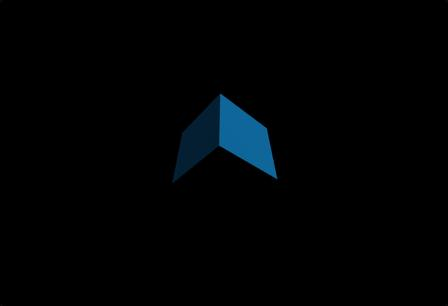
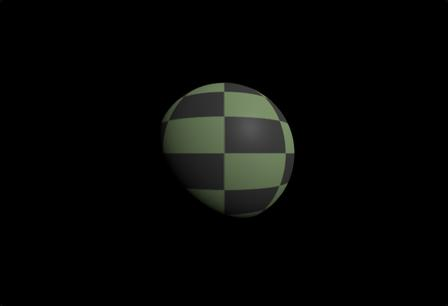
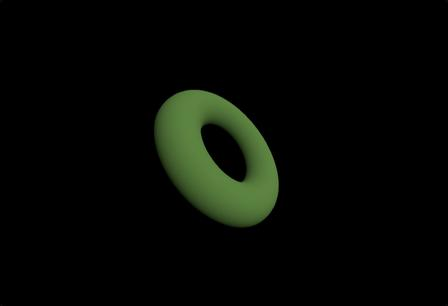
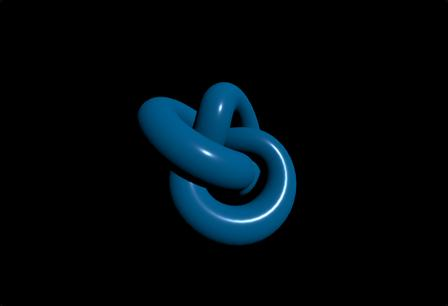
2. 基础几何体合集(球体/圆环/扭结)
js
// 球体
const sphere = new THREE.Mesh(
  new THREE.SphereGeometry(2, 32, 32),
  new THREE.MeshNormalMaterial()
);
// 圆环
const torus = new THREE.Mesh(
  new THREE.TorusGeometry(2, 0.5, 16, 100),
  new THREE.MeshNormalMaterial()
);
// 圆环扭结
const knot = new THREE.Mesh(
  new THREE.TorusKnotGeometry(2, 0.5, 100, 16),
  new THREE.MeshNormalMaterial()
);
3. 轨道控制器(可拖拽缩放)
js
import { OrbitControls } from 'three/addons/controls/OrbitControls.js';
const controls = new OrbitControls(camera, renderer.domElement);
controls.enableDamping = true; // 平滑阻尼

function animate() {
  requestAnimationFrame(animate);
  controls.update(); // 必须更新
  renderer.render(scene, camera);
}
二、材质与灯光(真实感核心)
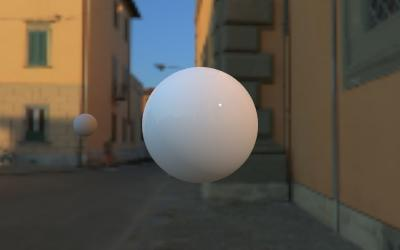
1. PBR 物理材质(金属/粗糙度)
js
const mat = new THREE.MeshStandardMaterial({
  color: 0xffffff,
  metalness: 0.8, // 金属度
  roughness: 0.2, // 粗糙度
  envMap: cubeTexture, // 环境贴图
});
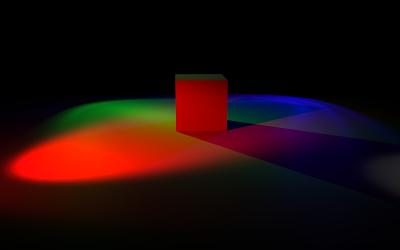
2. 多光源组合(点光/聚光/环境光)
js
// 环境光
const ambient = new THREE.AmbientLight(0x404040, 0.5);
scene.add(ambient);

// 点光源
const pointLight = new THREE.PointLight(0xff0000, 1);
pointLight.position.set(5, 5, 5);
scene.add(pointLight);

// 聚光灯
const spotLight = new THREE.SpotLight(0x00ffff, 1);
spotLight.position.set(-5, 5, 5);
scene.add(spotLight);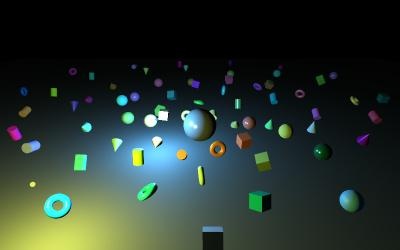
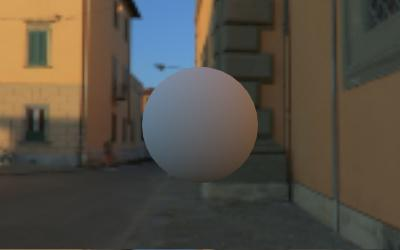
3. 透明/折射/自发光
js
// 透明玻璃
const glassMat = new THREE.MeshPhysicalMaterial({
  transparent: true,
  opacity: 0.5,
  transmission: 0.9, // 折射
  thickness: 0.5,
});

// 自发光
const emissiveMat = new THREE.MeshBasicMaterial({
  color: 0xff0000,
  emissive: 0xff0000,
  emissiveIntensity: 1,
});
三、粒子系统(星空/雨雪/烟花)
1. 十万粒子星空(BufferGeometry 高性能)
js
const count = 100000;
const positions = new Float32Array(count * 3);
const colors = new Float32Array(count * 3);

for (let i = 0; i < count; i++) {
  // 球坐标分布
  const r = Math.pow(Math.random(), 2) * 100;
  const theta = Math.random() * Math.PI * 2;
  const phi = Math.acos(2 * Math.random() - 1);
  positions[i*3] = r * Math.sin(phi) * Math.cos(theta);
  positions[i*3+1] = r * Math.sin(phi) * Math.sin(theta);
  positions[i*3+2] = r * Math.cos(phi);
  // 白色
  colors[i*3] = colors[i*3+1] = colors[i*3+2] = 1;
}

const geo = new THREE.BufferGeometry();
geo.setAttribute('position', new THREE.BufferAttribute(positions, 3));
geo.setAttribute('color', new THREE.BufferAttribute(colors, 3));

const mat = new THREE.PointsMaterial({
  size: 0.1,
  vertexColors: true,
  transparent: true,
  opacity: 0.8,
});

const points = new THREE.Points(geo, mat);
scene.add(points);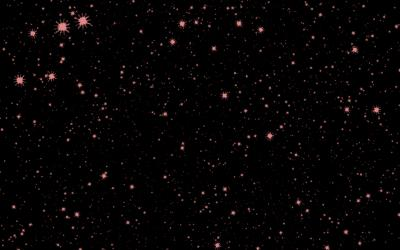
2. 雪花飘落(实例化 + 动画)
js
const snowCount = 1000;
const instancedMesh = new THREE.InstancedMesh(
  new THREE.SphereGeometry(0.1),
  new THREE.MeshBasicMaterial({ color: 0xffffff }),
  snowCount
);

const matrix = new THREE.Matrix4();
const position = new THREE.Vector3();
const randomPos = [];

for (let i = 0; i < snowCount; i++) {
  position.set(
    (Math.random() - 0.5) * 100,
    Math.random() * 100,
    (Math.random() - 0.5) * 100
  );
  matrix.setPosition(position);
  instancedMesh.setMatrixAt(i, matrix);
  randomPos.push({ y: position.y, speed: Math.random() * 0.1 + 0.05 });
}

scene.add(instancedMesh);

// 动画下落
function animate() {
  requestAnimationFrame(animate);
  randomPos.forEach((pos, i) => {
    pos.y -= pos.speed;
    if (pos.y < 0) pos.y = 100;
    matrix.setPosition(pos.x, pos.y, pos.z);
    instancedMesh.setMatrixAt(i, matrix);
  });
  renderer.render(scene, camera);
}
四、3D模型加载(GLB/GLTF/OBJ)
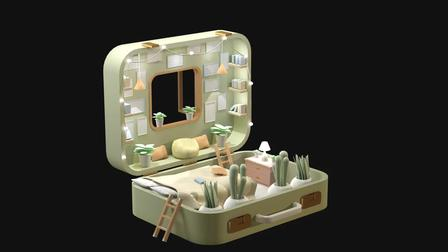
1. 加载 GLB 模型(带 Draco 压缩)
js
import { GLTFLoader } from 'three/addons/loaders/GLTFLoader.js';
import { DRACOLoader } from 'three/addons/loaders/DRACOLoader.js';

const dracoLoader = new DRACOLoader();
dracoLoader.setDecoderPath('/draco/'); // 解码器路径

const loader = new GLTFLoader();
loader.setDRACOLoader(dracoLoader);

loader.load(
  '/model.glb',
  (gltf) => {
    const model = gltf.scene;
    model.traverse((node) => {
      if (node.isMesh) {
        node.castShadow = true;
        node.receiveShadow = true;
      }
    });
    scene.add(model);
  },
  (progress) => console.log('加载进度:', (progress.loaded/progress.total*100).toFixed(1)),
  (error) => console.error('加载失败:', error)
);
2. 加载 OBJ + MTL 材质
js
import { OBJLoader } from 'three/addons/loaders/OBJLoader.js';
import { MTLLoader } from 'three/addons/loaders/MTLLoader.js';

const mtlLoader = new MTLLoader();
mtlLoader.load('/model.mtl', (materials) => {
  materials.preload();
  const objLoader = new OBJLoader();
  objLoader.setMaterials(materials);
  objLoader.load('/model.obj', (obj) => {
    scene.add(obj);
  });
});
五、物理交互(碰撞/重力/拖拽)
1. 立方体落地碰撞(Cannon.js)
js
import * as CANNON from 'cannon-es';

// 物理世界
const world = new CANNON.World();
world.gravity.set(0, -9.82, 0);

// 地面物理体
const groundShape = new CANNON.Plane();
const groundBody = new CANNON.Body({ mass: 0 });
groundBody.addShape(groundShape);
groundBody.quaternion.setFromAxisAngle(new CANNON.Vec3(1,0,0), -Math.PI/2);
world.addBody(groundBody);

// 立方体物理体 + 网格
const cubeShape = new CANNON.Box(new CANNON.Vec3(1,1,1));
const cubeBody = new CANNON.Body({ mass: 1 });
cubeBody.addShape(cubeShape);
cubeBody.position.set(0, 5, 0);
world.addBody(cubeBody);

const cubeMesh = new THREE.Mesh(
  new THREE.BoxGeometry(2,2,2),
  new THREE.MeshNormalMaterial()
);
scene.add(cubeMesh);

// 同步物理与渲染
function animate() {
  requestAnimationFrame(animate);
  world.step(1/60);
  cubeMesh.position.copy(cubeBody.position);
  cubeMesh.quaternion.copy(cubeBody.quaternion);
  renderer.render(scene, camera);
}
六、可视化与游戏案例
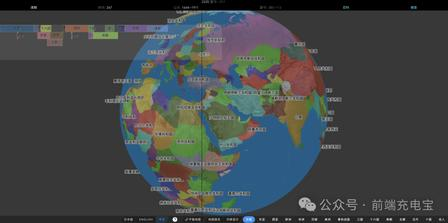
1. 3D 地球(带云层/自转)
js
// 地球
const earth = new THREE.Mesh(
  new THREE.SphereGeometry(5, 64, 64),
  new THREE.MeshPhongMaterial({
    map: new THREE.TextureLoader().load('/earth.jpg'),
    specularMap: new THREE.TextureLoader().load('/spec.jpg'),
    normalMap: new THREE.TextureLoader().load('/normal.jpg'),
  })
);
// 云层
const cloud = new THREE.Mesh(
  new THREE.SphereGeometry(5.1, 64, 64),
  new THREE.MeshPhongMaterial({
    map: new THREE.TextureLoader().load('/cloud.png'),
    transparent: true,
    opacity: 0.2,
  })
);
earth.add(cloud);
scene.add(earth);

// 自转
function animate() {
  requestAnimationFrame(animate);
  earth.rotation.y += 0.001;
  renderer.render(scene, camera);
}
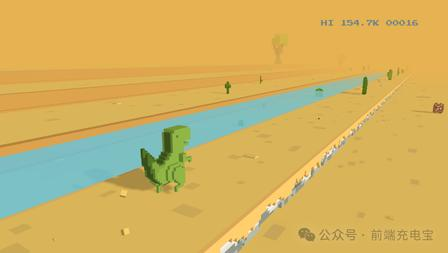
2. 跑酷小游戏(T-Rex 3D)
- 核心:地面无限生成、角色跳跃、碰撞检测
- 技术:
InstancedMesh地面、Raycaster碰撞、AnimationMixer角色动画
七、高级特效(着色器/后期/自然现象)
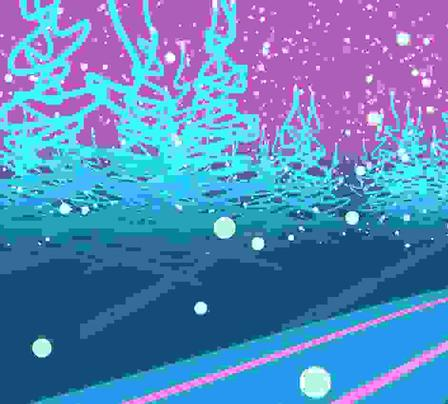
1. 海洋着色器(波动+反光)
js
// 顶点着色器
const vertexShader = `
  uniform float time;
  void main() {
    vec3 pos = position;
    pos.y += sin(pos.x * 2.0 + time) * 0.5;
    pos.y += cos(pos.z * 2.0 + time) * 0.5;
    gl_Position = projectionMatrix * modelViewMatrix * vec4(pos, 1.0);
  }
`;
// 片元着色器
const fragmentShader = `
  void main() {
    gl_FragColor = vec4(0.2, 0.5, 1.0, 1.0);
  }
`;

const seaGeo = new THREE.PlaneGeometry(100, 100, 128, 128);
const seaMat = new THREE.ShaderMaterial({
  vertexShader,
  fragmentShader,
  uniforms: { time: { value: 0 } },
});
const sea = new THREE.Mesh(seaGeo, seaMat);
sea.rotation.x = -Math.PI / 2;
scene.add(sea);

// 动画更新时间
function animate() {
  requestAnimationFrame(animate);
  seaMat.uniforms.time.value += 0.01;
  renderer.render(scene, camera);
}
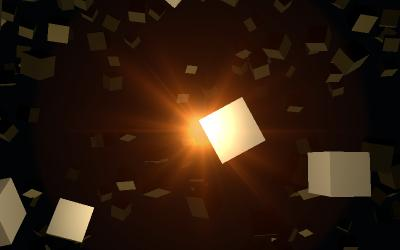
2. 后期处理(辉光/模糊/描边)
js
import { EffectComposer } from 'three/addons/postprocessing/EffectComposer.js';
import { RenderPass } from 'three/addons/postprocessing/RenderPass.js';
import { UnrealBloomPass } from 'three/addons/postprocessing/UnrealBloomPass.js';

const composer = new EffectComposer(renderer);
composer.addPass(new RenderPass(scene, camera));
// 辉光
composer.addPass(new UnrealBloomPass(new THREE.Vector2(innerWidth, innerHeight), 1.5, 0.4, 0.85));

function animate() {
  requestAnimationFrame(animate);
  composer.render(); // 用 composer 替代 renderer
}
八、官方与优质资源汇总
- Three.js 官方示例(最全)
https://threejs.org/examples/ - Three.js Demos(精选可运行)
https://threejsdemos.com/ - FreeFrontend(160+ 开源案例)
https://freefrontend.com/three-js/ - ThreeLab(中文着色器/自然现象)
https://www.threelab.cn/