文章目录
前言
我之前做过一个出海项目,App 在国内跑得好好的,一到海外就各种问题------日期格式不对、货币符号乱了、阿拉伯语界面直接崩了。这些问题都归到"国际化适配"这个大坑里。HarmonyOS7 的 i18n 工具链其实做得挺完善,关键是你要知道怎么用。今天就来系统聊聊。
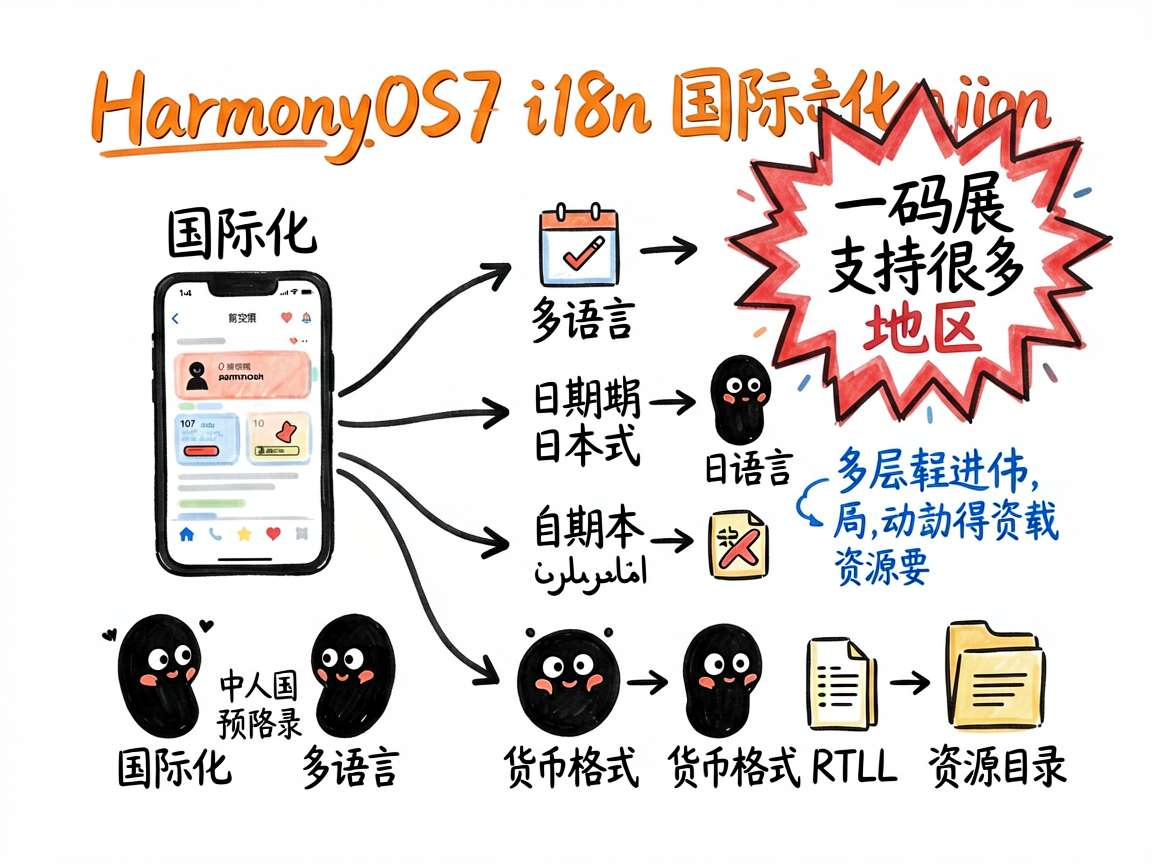
国际化不只是"翻译字符串"那么简单。日期、货币、数字格式、排版方向------每个地区都有自己的习惯。i18n 的目标就是让同一套代码在不同地区都能正常工作。HarmonyOS7 提供了 @kit.LocalizationKit,里面集成了语言检测、格式化、RTL 适配等一整套能力。
i18n 能力概览
HarmonyOS7 的国际化能力主要分这几块:
| 能力 | 模块 | 用途 |
|---|---|---|
| 语言/区域检测 | i18n.System |
获取系统语言、区域、Locale |
| 偏好语言设置 | i18n.System |
为应用单独设置语言 |
| 日期时间格式化 | Intl.DateTimeFormat |
按地区格式化日期时间 |
| 数字/货币格式化 | Intl.NumberFormat |
按地区格式化数字和货币 |
| 相对时间格式化 | Intl.RelativeTimeFormat |
"3分钟前"这类相对时间 |
| 资源加载 | 资源限定词目录 | 自动匹配当前语言的字符串资源 |
资源文件组织
先搭好目录结构,这是国际化的基础:
resources/
├── base/
│   └── element/
│       └── string.json          ← 默认语言(英文)
├── zh-Hans/
│   └── element/
│       └── string.json          ← 简体中文
├── zh-Hant/
│   └── element/
│       └── string.json          ← 繁体中文
├── ja/
│   └── element/
│       └── string.json          ← 日文
└── ar/
    └── element/
        └── string.json          ← 阿拉伯文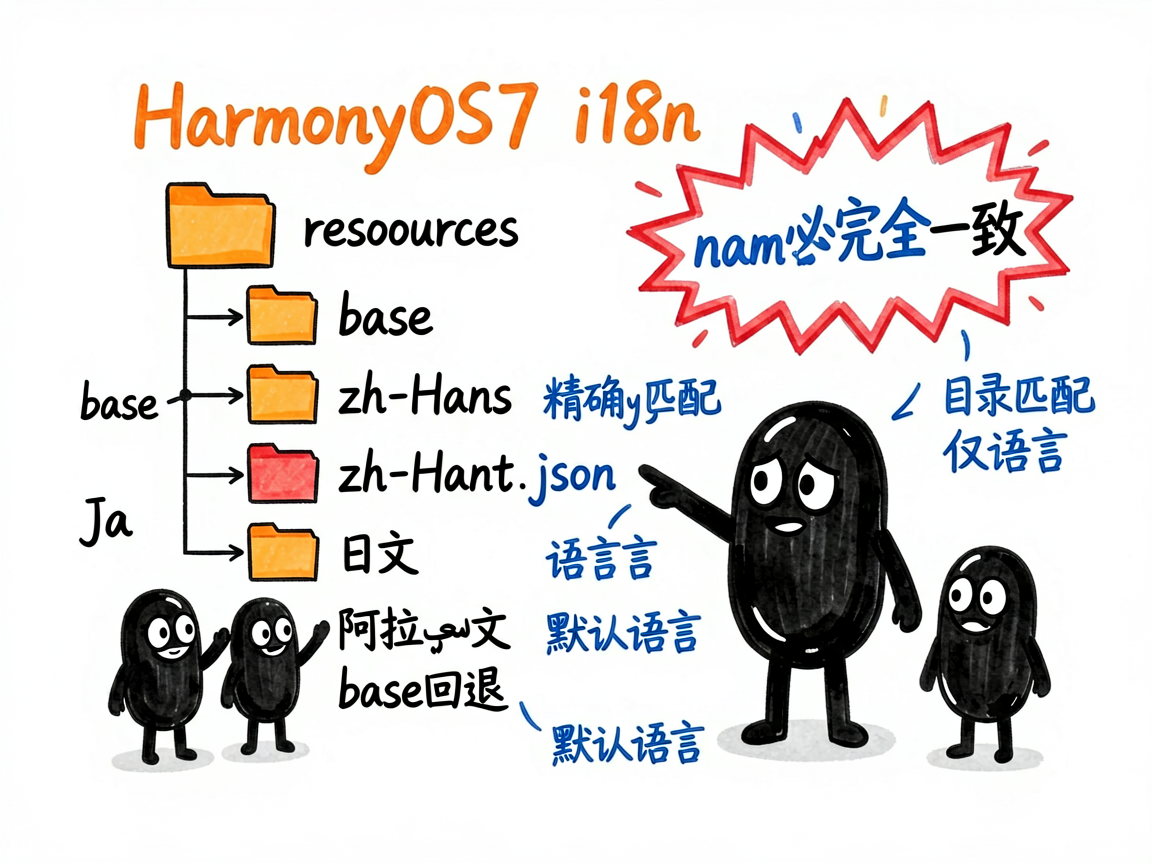
目录命名规则是 语言[-脚本][-地区],比如 zh-Hans-CN。系统会按优先级匹配:精确匹配 > 语言+脚本 > 仅语言 > base(默认)。
默认 string.json(base/element/string.json)
json
{
  "string": [
    { "name": "app_name", "value": "MyApp" },
    { "name": "greeting", "value": "Hello" },
    { "name": "settings", "value": "Settings" },
    { "name": "confirm", "value": "OK" }
  ]
}
中文 string.json(zh-Hans/element/string.json)
json
{
  "string": [
    { "name": "app_name", "value": "我的应用" },
    { "name": "greeting", "value": "你好" },
    { "name": "settings", "value": "设置" },
    { "name": "confirm", "value": "确定" }
  ]
}
name 必须完全一致,系统根据当前 Locale 自动选择对应目录的 value。
字符串国际化
代码中使用字符串资源非常简单:
typescript
@Entry
@Component
struct I18nDemo {
  build() {
    Column() {
      Text($r('app.string.app_name'))
        .fontSize(24)
        .fontWeight(FontWeight.Bold)

      Text($r('app.string.greeting'))
        .fontSize(16)
        .margin({ top: 12 })

      Button($r('app.string.settings'))
        .margin({ top: 24 })
    }
    .width('100%')
    .height('100%')
    .justifyContent(FlexAlign.Center)
  }
}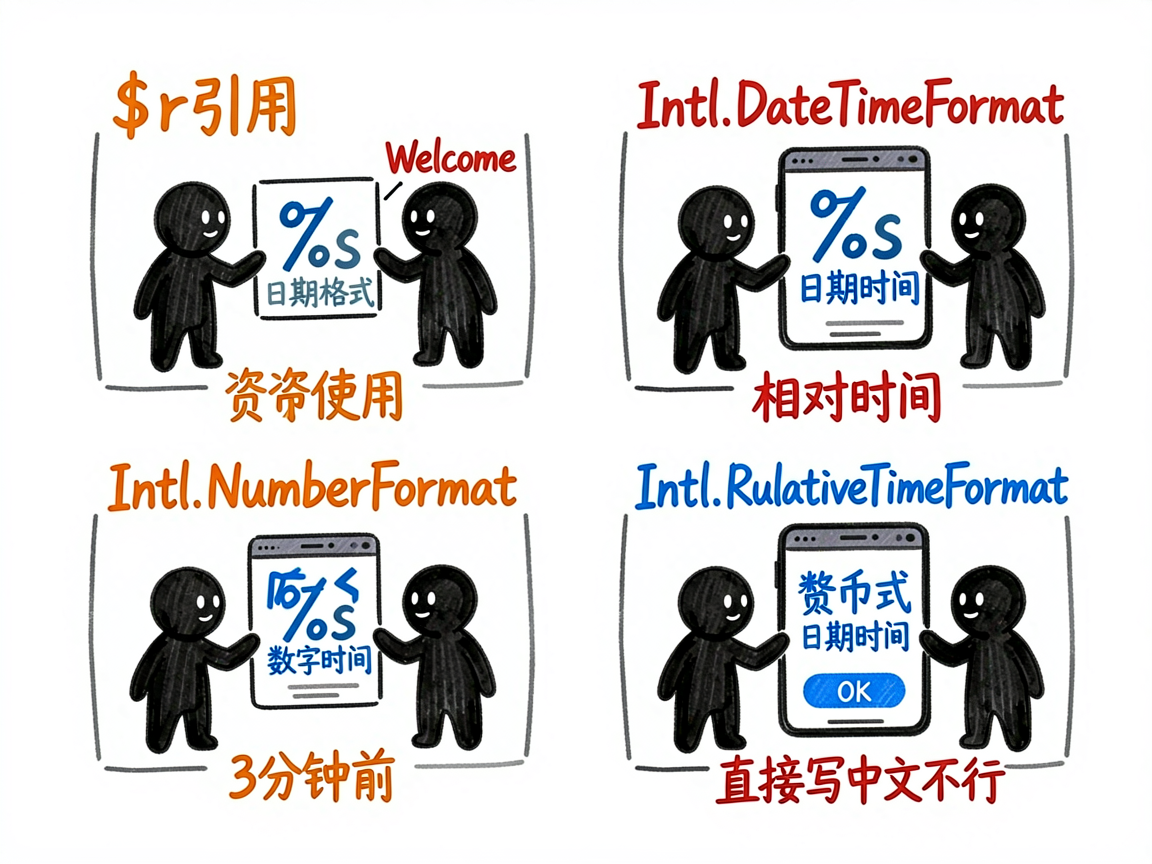
关键点 :用 $r('app.string.xxx') 引用字符串,别直接写中文字符串。系统会根据当前 Locale 自动加载对应的 string.json。如果找不到对应语言,就回退到 base 目录。
带参数的字符串也支持,在 string.json 里用 %s、%d 占位:
json
{ "name": "welcome_msg", "value": "Welcome, %s!" }日期与货币格式化
不同地区的日期和货币格式差异很大,手动处理容易出错。用 Intl 模块可以自动适配。
日期格式化
typescript
import Intl from '@ohos.intl'

let date = new Date(2026, 6, 10, 14, 30, 0)

// 中文格式
let zhFormat = new Intl.DateTimeFormat('zh-CN', {
  dateStyle: 'full',
  timeStyle: 'short'
})
let zhResult = zhFormat.format(date)
// 输出: 2026年7月10日星期五 14:30

// 英文格式
let enFormat = new Intl.DateTimeFormat('en-US', {
  dateStyle: 'short',
  timeStyle: 'short'
})
let enResult = enFormat.format(date)
// 输出: 7/10/26, 2:30 PM

// 德文格式
let deFormat = new Intl.DateTimeFormat('de-DE', {
  dateStyle: 'long',
  timeStyle: 'short'
})
let deResult = deFormat.format(date)
// 输出: 10. Juli 2026, 14:30
讲解 :DateTimeFormat 的构造函数接收两个参数------Locale 和格式选项。dateStyle 和 timeStyle 控制 granularity:full 最详细(含星期),short 最精简。同一个 Date 对象,不同 Locale 输出完全不同的格式。
货币格式化
typescript
let priceFormat = new Intl.NumberFormat('zh-CN', {
  style: 'currency',
  currency: 'CNY'
})
let price = priceFormat.format(99.9)
// 输出: ¥99.90

let usdFormat = new Intl.NumberFormat('en-US', {
  style: 'currency',
  currency: 'USD'
})
let usdPrice = usdFormat.format(99.9)
// 输出: $99.90

let yenFormat = new Intl.NumberFormat('ja-JP', {
  style: 'currency',
  currency: 'JPY'
})
let yenPrice = yenFormat.format(1000)
// 输出: ¥1,000
讲解 :style: 'currency' 表示货币格式,currency 指定货币代码(ISO 4217)。日元没有小数位,格式化时自动省略------这事儿手动处理很容易忘,用 NumberFormat 就不会出错。
运行时切换语言
有些 App 需要内置语言切换功能,不用跟着系统走。i18n.System 提供了接口:
typescript
import { i18n } from '@kit.LocalizationKit'

@Entry
@Component
struct LanguageSwitchDemo {
  @State currentLang: string = i18n.System.getAppPreferredLanguage()

  switchLanguage(lang: string) {
    try {
      i18n.System.setAppPreferredLanguage(lang)
      this.currentLang = lang
    } catch (error) {
      console.error(`语言切换失败: ${error}`)
    }
  }

  build() {
    Column() {
      Text(`当前语言: ${this.currentLang}`)
        .fontSize(16)
        .margin({ bottom: 20 })

      Row() {
        Button('中文')
          .onClick(() => this.switchLanguage('zh-Hans'))
          .margin({ right: 12 })

        Button('English')
          .onClick(() => this.switchLanguage('en'))

        Button('日本語')
          .onClick(() => this.switchLanguage('ja'))
          .margin({ left: 12 })
      }
    }
    .width('100%')
    .height('100%')
    .justifyContent(FlexAlign.Center)
  }
}
注意 :setAppPreferredLanguage 只影响当前 App,不会改系统语言。设置后 App 需要重新加载资源才能生效------通常的做法是回到首页或重启 Activity。
RTL 布局适配
阿拉伯语、希伯来语是从右往左写的(RTL),布局方向要反转。HarmonyOS7 提供了自动 RTL 适配能力:
typescript
import { i18n } from '@kit.LocalizationKit'

@Entry
@Component
struct RtlDemo {
  isRtl: boolean = i18n.System.isRTL(i18n.System.getSystemLocale())

  build() {
    Row() {
      Text('标题')
        .fontSize(16)
      Blank()
      Text('详情')
        .fontSize(14)
    }
    .width('100%')
    .direction(this.isRtl ? Direction.Rtl : Direction.Ltr)
    .padding(16)
  }
}
讲解 :i18n.System.isRTL() 判断当前 Locale 是否是 RTL 语言。Row 和 Column 组件支持 direction 属性,设为 Rtl 后子组件从右往左排列。
RTL 适配的坑:
- 图标方向可能需要镜像(比如"返回"箭头要翻转)
- 数字始终从左往右,不要镜像
margin和padding的left/right在 RTL 下会自动对调,用start/end更安全
真香警告 :用资源限定词目录的方式,字符串自动匹配;用
direction属性,布局自动反转。HarmonyOS7 的 RTL 适配已经帮你处理了大部分情况。
写在最后
国际化这件事,越早做越好。等项目做大了再回来加多语言支持,那叫一个痛苦------到处是硬编码的中文字符串,改起来没完没了。
我的建议是:项目第一天就建好 base 和 zh-Hans 两个资源目录,所有字符串都走 $r() 引用。后面加新语言只是往目录里加 string.json 的事,代码一行不用改。
货币和日期格式化同理,从一开始就用 Intl 模块,别手动拼字符串。这两种格式的地区差异比你想象的大得多,靠人肉处理迟早翻车。