Python操作文本、图片、xml
(1)Python读写文本
(2)Python读取、显示图片
(3)Python读写Xml
1.Python读写文本
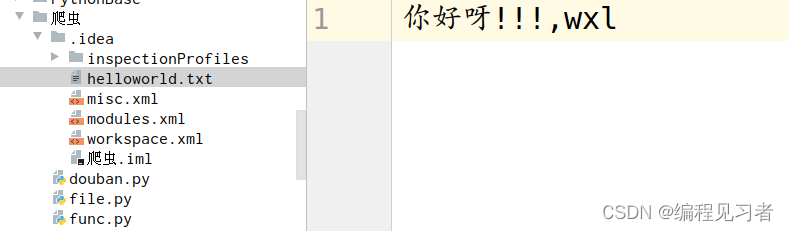
新建helloworld.txt,创建file.py文件用于读写helloworld.txt。
1.1文本读取
1.在helloworld.txt中写入内容"你好呀!!!,wxl"。在file.py中编写程序读取helloworld.txt中内容。
cpp
f = open("helloworld.txt",mode="r")
data = f.read()
print(data)
2.运行结果:
cpp
Traceback (most recent call last):
  File "/home/tarena/PycharmProjects/爬虫/file.py", line 1, in <module>
    f = open("helloworld.txt",mode="r")
FileNotFoundError: [Errno 2] No such file or directory: 'helloworld.txt'
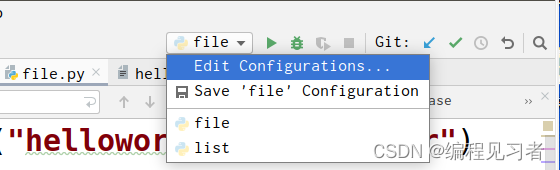
3.在右上交选择file->Edit Configurations,修改工作路径(working directory)到当前文件夹:
4.运行结果:
cpp
你好呀!!!,wxl

Process finished with exit code 0
1.2文本写入
cpp
f = open("helloworld.txt",mode="w")
f.write("我们朋友!!!")
f.close()

f = open("helloworld.txt",mode="r")
data = f.read()
print(data)
运行结果:
cpp
我们朋友!!!

Process finished with exit code 0
2.Python读取、显示图片
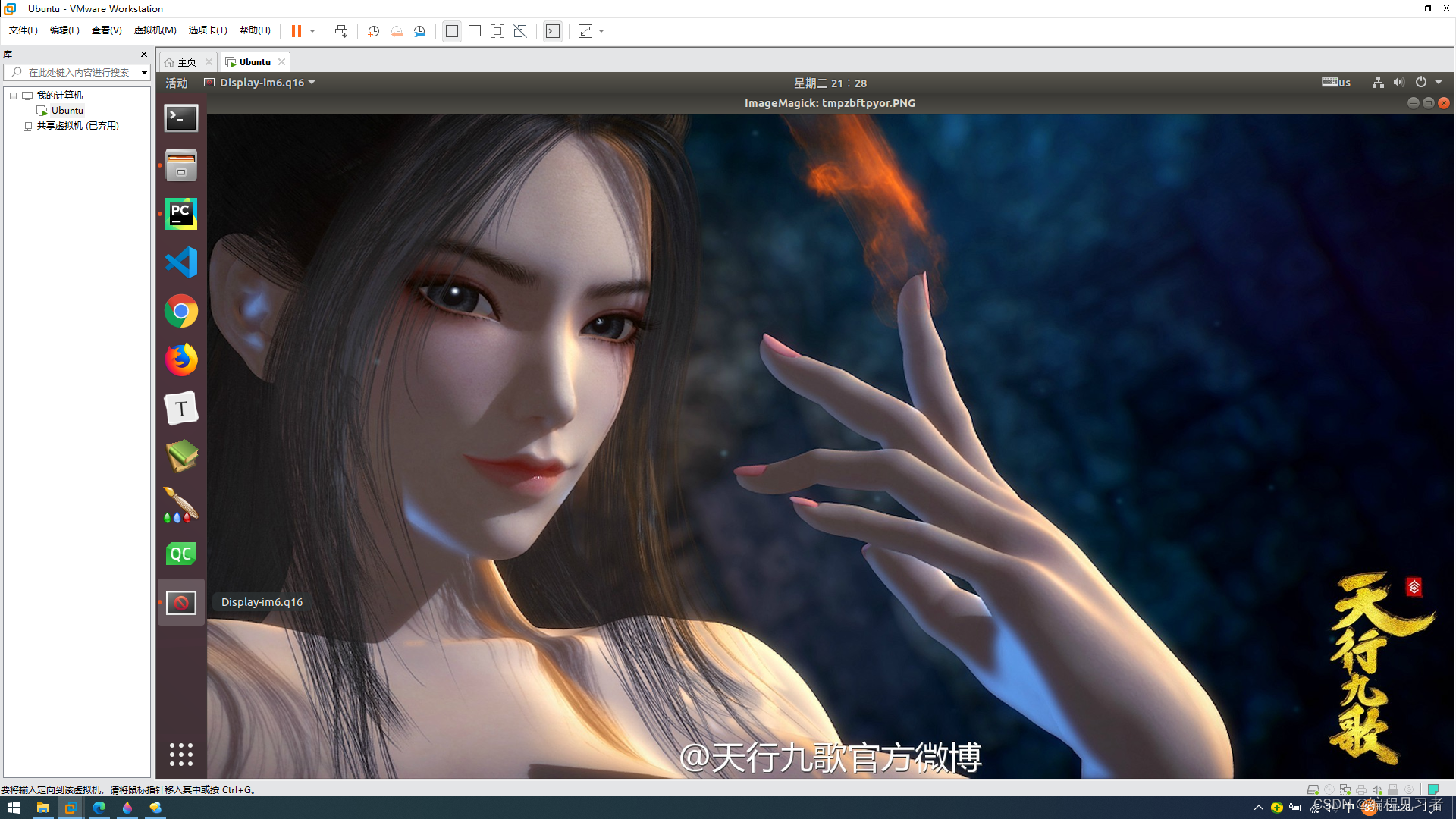
使用PIL家族读取图片。
cpp
from PIL import Image

img = Image.open("./5.jpg")
img.show()
显示效果:
3.Python读写Xml
cpp
from lxml import etree

#写入XML文件
# 创建根元素和子元素
root = etree.Element('root')
child1 = etree.SubElement(root, '学生1')
child1.set('年龄', '20')
child1.text = '小明'
child2 = etree.SubElement(root, '学生2')
child2.set('年龄', '25')
child2.text = '小王'

# 将元素写入文件
tree = etree.ElementTree(root)
tree.write('output.xml', encoding='utf-8', xml_declaration=True)

# 解析XML文件
tree = etree.parse('output.xml')
root = tree.getroot()  # 获取根元素
for child in root:  # 遍历子元素
    print(child.tag, child.attrib)
运行结果:
cpp
output.xml文件内容
<?xml version='1.0' encoding='UTF-8'?>
<root><学生1 年龄="20">小明</学生1><学生2 年龄="25">小王</学生2></root>
cpp
学生1 {'年龄': '20'}
学生2 {'年龄': '25'}

Process finished with exit code 0