一、引言
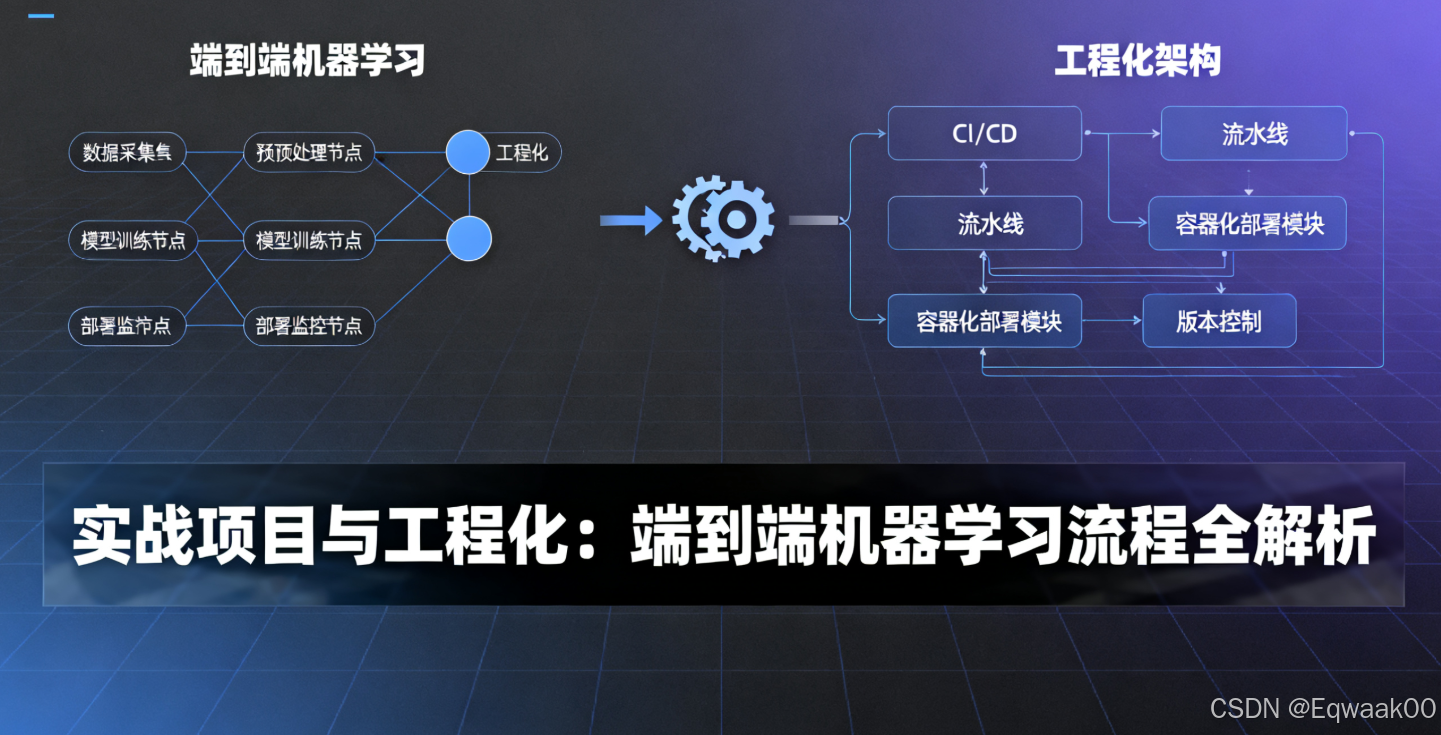
在机器学习项目中,从数据到部署的端到端流程 是核心能力。本文将以一个房价预测项目为例,系统讲解完整工程化流程,涵盖数据准备、模型选择、训练调优、部署落地四大环节,并提供可落地的代码方案。
二、数据准备:清洗、特征工程与划分
2.1 数据清洗
2.1.1 缺失值处理
python
import pandas as pd

# 加载数据
data = pd.read_csv('house_prices.csv')

# 缺失值统计
missing = data.isnull().sum()
print("缺失值统计:\n", missing[missing > 0])

# 策略1:删除缺失列(缺失率>50%)
threshold = 0.5
cols_to_drop = [col for col in data.columns if data[col].isnull().mean() > threshold]
data = data.drop(columns=cols_to_drop)

# 策略2:填充数值型缺失值(均值/中位数)
num_cols = data.select_dtypes(include=['int64', 'float64']).columns
for col in num_cols:
    data[col] = data[col].fillna(data[col].median())

# 策略3:填充类别型缺失值(众数)
cat_cols = data.select_dtypes(include=['object']).columns
for col in cat_cols:
    data[col] = data[col].fillna(data[col].mode()[0])
2.1.2 异常值检测
python
import numpy as np

# 使用IQR方法检测异常值
def detect_outliers(df, column):
    Q1 = df[column].quantile(0.25)
    Q3 = df[column].quantile(0.75)
    IQR = Q3 - Q1
    lower_bound = Q1 - 1.5 * IQR
    upper_bound = Q3 + 1.5 * IQR
    return df[(df[column] < lower_bound) | (df[column] > upper_bound)]

outliers = detect_outliers(data, 'SalePrice')
print(f"异常值数量: {len(outliers)}")

# 处理异常值(删除或替换)
data = data[~data.index.isin(outliers.index)]  # 删除异常值
2.2 特征工程
2.2.1 分箱(Binning)
python
# 将连续变量分箱(如房价按区间分组)
data['SalePrice_bin'] = pd.cut(data['SalePrice'], bins=[0, 100000, 200000, 300000], labels=['Low', 'Medium', 'High'])
2.2.2 编码(Encoding)
python
from sklearn.preprocessing import LabelEncoder, OneHotEncoder

# 标签编码(有序类别)
le = LabelEncoder()
data['OverallQual_encoded'] = le.fit_transform(data['OverallQual'])

# 独热编码(无序类别)
ohe = OneHotEncoder(sparse=False)
cat_cols = ['MSZoning', 'Street']
ohe_data = ohe.fit_transform(data[cat_cols])
ohe_df = pd.DataFrame(ohe_data, columns=ohe.get_feature_names_out(cat_cols))
data = pd.concat([data, ohe_df], axis=1)
2.3 数据划分
python
from sklearn.model_selection import train_test_split

# 划分训练集、验证集、测试集(60-20-20)
X = data.drop('SalePrice', axis=1)
y = data['SalePrice']

X_train, X_temp, y_train, y_temp = train_test_split(X, y, test_size=0.4, random_state=42)
X_val, X_test, y_val, y_test = train_test_split(X_temp, y_temp, test_size=0.5, random_state=42)

print(f"训练集: {X_train.shape}, 验证集: {X_val.shape}, 测试集: {X_test.shape}")
三、模型选择:分类与回归算法
3.1 任务类型判断
| 任务类型 | 目标变量类型 | 示例算法 |
|---|---|---|
| 分类 | 离散值(如类别) | 逻辑回归、随机森林、梯度提升 |
| 回归 | 连续值(如房价) | 线性回归、决策树、神经网络 |
3.2 算法选择指南
3.2.1 回归任务示例(房价预测)
python
from sklearn.linear_model import LinearRegression
from sklearn.ensemble import RandomForestRegressor
from xgboost import XGBRegressor

# 初始化模型
models = {
    'LinearRegression': LinearRegression(),
    'RandomForest': RandomForestRegressor(n_estimators=100, random_state=42),
    'XGBoost': XGBRegressor(n_estimators=100, learning_rate=0.1)
}
3.2.2 分类任务示例(客户流失预测)
python
from sklearn.linear_model import LogisticRegression
from sklearn.ensemble import GradientBoostingClassifier

models = {
    'LogisticRegression': LogisticRegression(max_iter=1000),
    'GradientBoosting': GradientBoostingClassifier(n_estimators=100)
}
四、训练与调优:交叉验证与Early Stopping
4.1 交叉验证
python
from sklearn.model_selection import cross_val_score

# 5折交叉验证评估模型
for name, model in models.items():
    scores = cross_val_score(model, X_train, y_train, cv=5, scoring='neg_mean_squared_error')
    rmse = np.sqrt(-scores.mean())
    print(f"{name} RMSE: {rmse:.2f}")
4.2 超参数调优
python
from sklearn.model_selection import GridSearchCV

# 随机森林参数网格
param_grid = {
    'n_estimators': [50, 100, 200],
    'max_depth': [None, 10, 20],
    'min_samples_split': [2, 5]
}

# 网格搜索
grid_search = GridSearchCV(RandomForestRegressor(), param_grid, cv=5, scoring='neg_mean_squared_error')
grid_search.fit(X_train, y_train)

print("最佳参数:", grid_search.best_params_)
4.3 Early Stopping(深度学习示例)
python
from tensorflow.keras.models import Sequential
from tensorflow.keras.layers import Dense
from tensorflow.keras.callbacks import EarlyStopping

# 构建模型
model = Sequential([
    Dense(64, activation='relu', input_shape=(X_train.shape[1],)),
    Dense(32, activation='relu'),
    Dense(1)
])

# 编译
model.compile(optimizer='adam', loss='mse')

# Early Stopping
early_stop = EarlyStopping(monitor='val_loss', patience=10, restore_best_weights=True)

# 训练
history = model.fit(
    X_train, y_train,
    validation_data=(X_val, y_val),
    epochs=100,
    batch_size=32,
    callbacks=[early_stop]
)
五、部署落地:序列化与API封装
5.1 模型序列化
5.1.1 Pickle保存
python
import pickle

# 保存模型
with open('random_forest_model.pkl', 'wb') as f:
    pickle.dump(grid_search.best_estimator_, f)

# 加载模型
with open('random_forest_model.pkl', 'rb') as f:
    loaded_model = pickle.load(f)
5.1.2 ONNX格式(跨平台)
python
from skl2onnx import convert_sklearn
from skl2onnx.common.data_types import FloatTensorType

# 转换模型为ONNX
initial_type = [('float_input', FloatTensorType([None, X_train.shape[1]]))]
onnx_model = convert_sklearn(grid_search.best_estimator_, initial_types=initial_type)

# 保存
with open("model.onnx", "wb") as f:
    f.write(onnx_model.SerializeToString())
5.2 Flask API封装
python
from flask import Flask, request, jsonify
import pickle
import numpy as np

app = Flask(__name__)

# 加载模型
with open('random_forest_model.pkl', 'rb') as f:
    model = pickle.load(f)

@app.route('/predict', methods=['POST'])
def predict():
    # 获取输入数据
    data = request.get_json()
    features = np.array(data['features']).reshape(1, -1)

    # 预测
    prediction = model.predict(features)

    return jsonify({'prediction': prediction.tolist()})

if __name__ == '__main__':
    app.run(host='0.0.0.0', port=5000)
5.3 部署测试
bash
# 启动API
python app.py

# 发送测试请求
curl -X POST http://localhost:5000/predict \
     -H "Content-Type: application/json" \
     -d '{"features": [0.1, 0.5, 1200, 3, ...]}'
六、完整项目流程图
bash
graph TD
    A[数据准备] --> B[模型选择]
    B --> C[训练与调优]
    C --> D[部署落地]
    A --> A1[清洗] --> A2[特征工程] --> A3[划分]
    B --> B1[分类] --> B2[回归]
    C --> C1[交叉验证] --> C2[超参数调优] --> C3[Early Stopping]
    D --> D1[序列化] --> D2[API封装]
七、总结
本文通过房价预测项目完整演示了端到端流程,核心要点:
-
数据准备:
- 缺失值处理(删除/填充)
- 特征工程(分箱/编码)
- 数据划分(Train/Val/Test)
-
模型选择:
- 回归任务:线性回归、随机森林、XGBoost
- 分类任务:逻辑回归、梯度提升
-
训练调优:
- 交叉验证评估稳定性
- 网格搜索优化超参数
- Early Stopping防止过拟合
-
部署落地:
- Pickle/ONNX序列化
- Flask构建REST API
掌握此流程,可快速将机器学习模型从实验转化为生产级应用。