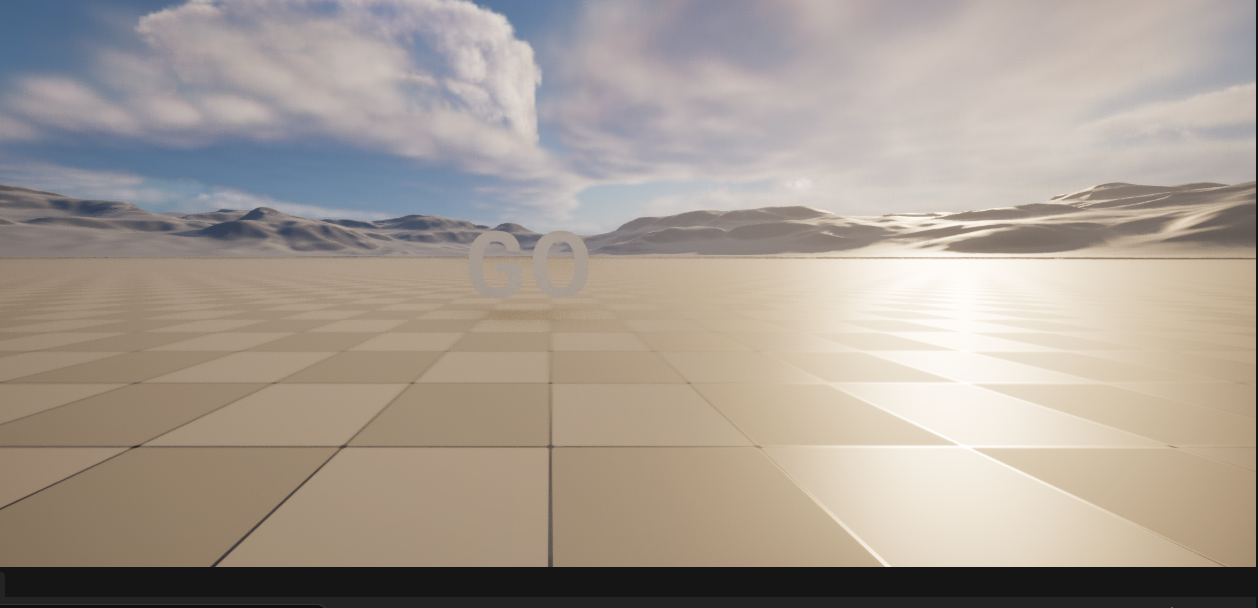
一.这里参照 官方案例
二.
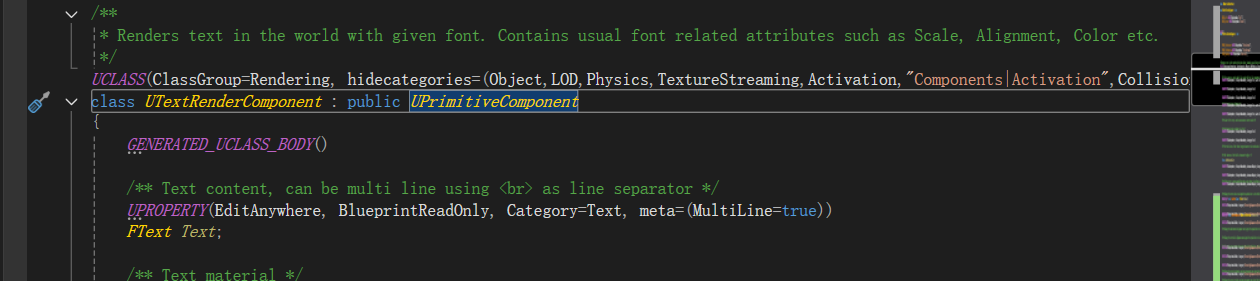
UPrimitiveComponent 是涉及渲染的组件,三角面的渲染几何等等。渲染线程它不能用U开头的东西,它会在这里把数据转换为F开头的结构体,把数据传递给渲染现场。
* PrimitiveComponents are SceneComponents that contain or generate some sort of geometry, generally to be rendered or used as collision data.。
cpp
// Fill out your copyright notice in the Description page of Project Settings.

#pragma once

#include "CoreMinimal.h"
#include "GameFramework/Actor.h"
#include "CountdownActor.generated.h"

UCLASS()
class THIRDLEARN_API ACountdownActor : public AActor
{
	GENERATED_BODY()

public:
	// Sets default values for this actor's properties
	ACountdownActor();
	class UTextRenderComponent* CountdownText;
protected:
	// Called when the game starts or when spawned
	virtual void BeginPlay() override;
	void UpdateTimeDisplay();
	void AdvanceTimer();
	void CountdownHasFinished();

public:
	// Called every frame
	virtual void Tick(float DeltaTime) override;
protected:
	int32 CountdonwTime = 3;
	FTimerHandle CountTimer;

};
UpdateTimeDisplay()更新,在BeginPlay一开始的时候就更新一次,并设置好定时器。
定时器,AdvanceTimer 减少计时,更新显示的位置。并判断是否要消除计时器,再最后清楚的时候,更新文本。
cpp
// Fill out your copyright notice in the Description page of Project Settings.


#include "CountdownActor.h"
#include "Components/TextRenderComponent.h"

// Sets default values
ACountdownActor::ACountdownActor()
{
	// Set this actor to call Tick() every frame.  You can turn this off to improve performance if you don't need it.
	PrimaryActorTick.bCanEverTick = false;
	CountdownText = CreateDefaultSubobject<UTextRenderComponent>("CountdownTime");
	CountdownText->SetHorizontalAlignment(EHTA_Center);
	CountdownText->SetWorldSize(150);
	RootComponent = CountdownText;
	CountdonwTime = 3;
}

// Called when the game starts or when spawned
void ACountdownActor::BeginPlay()
{
	Super::BeginPlay();
	UpdateTimeDisplay();
	GetWorldTimerManager().SetTimer(CountTimer, this, &ACountdownActor::AdvanceTimer, 1.0f, true);
}

// Called every frame
void ACountdownActor::Tick(float DeltaTime)
{
	Super::Tick(DeltaTime);

}

void ACountdownActor::UpdateTimeDisplay()
{
	CountdownText->SetText(FText::FromString(FString::FromInt(FMath::Max(CountdonwTime, 0))));
}

void ACountdownActor::AdvanceTimer()
{
	--CountdonwTime;
	UpdateTimeDisplay();
	if (CountdonwTime < 0)
	{
		GetWorldTimerManager().ClearTimer(CountTimer);
		CountdownHasFinished();
	}
}

void ACountdownActor::CountdownHasFinished()
{
	CountdownText->SetText(FText::FromString(TEXT("GO")));
}


// Called every frame
void ACountdownActor::Tick(float DeltaTime)
{
	Super::Tick(DeltaTime);

}

void ACountdownActor::UpdateTimeDisplay()
{
	CountdownText->SetText(FText::FromString(FString::FromInt(FMath::Max(CountdonwTime,0))));
}

void ACountdownActor::AdvanceTimer()
{
	--CountdonwTime;
}

void ACountdownActor::CountdownHasFinished()
{
	CountdownText->SetText(FText::FromString(TEXT("GO")));
}