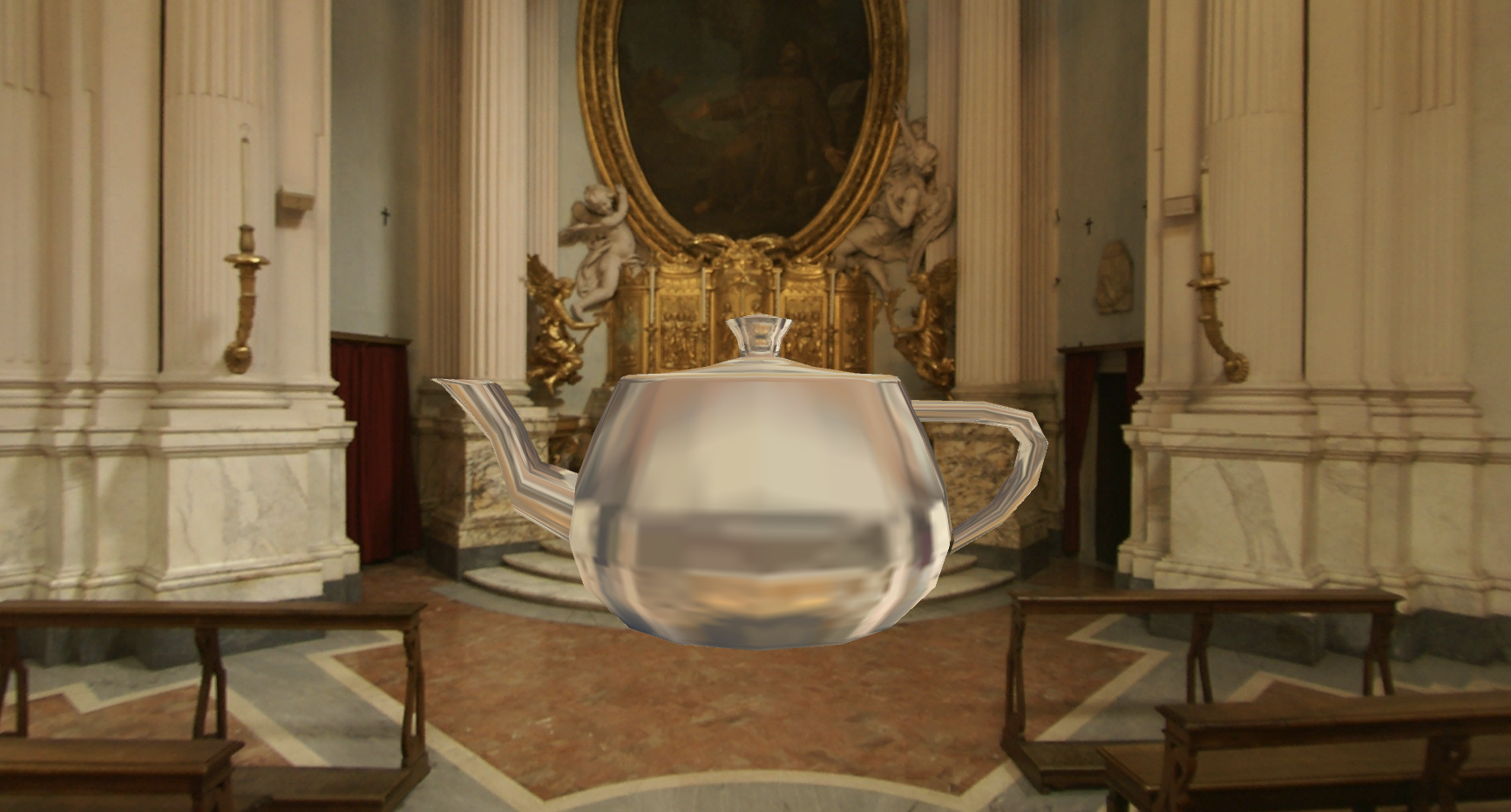
在学习完本节后,我们可以得到类似图10.9中的效果。
(1)新建一个场景,在本书资源中,该场景名为Scene_10_1_4。我们替换掉Unity 5中场景默认的天空盒子,而把10.1.1节中创建的天空盒子材质拖曳到Window → Lighting → Skybox选项中(当然,我们也可以为摄像机添加Skybox组件来覆盖默认的天空盒子)。
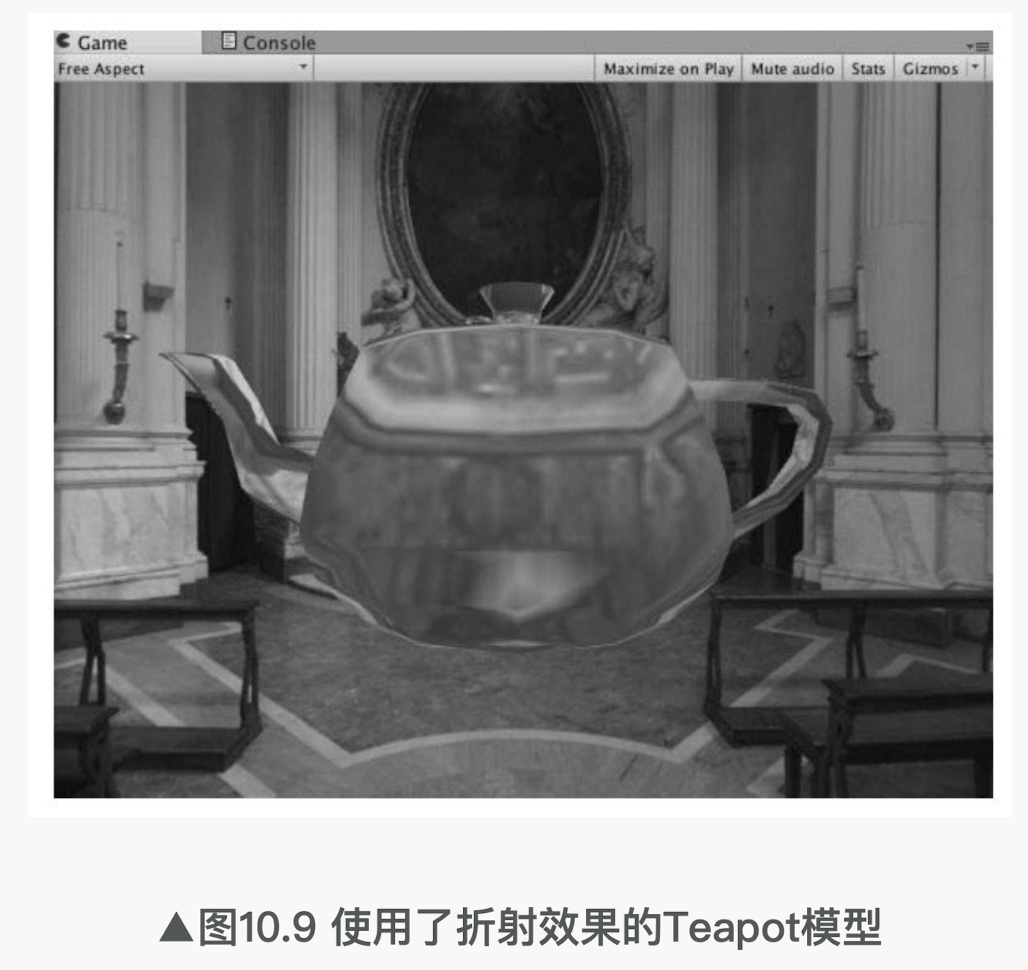
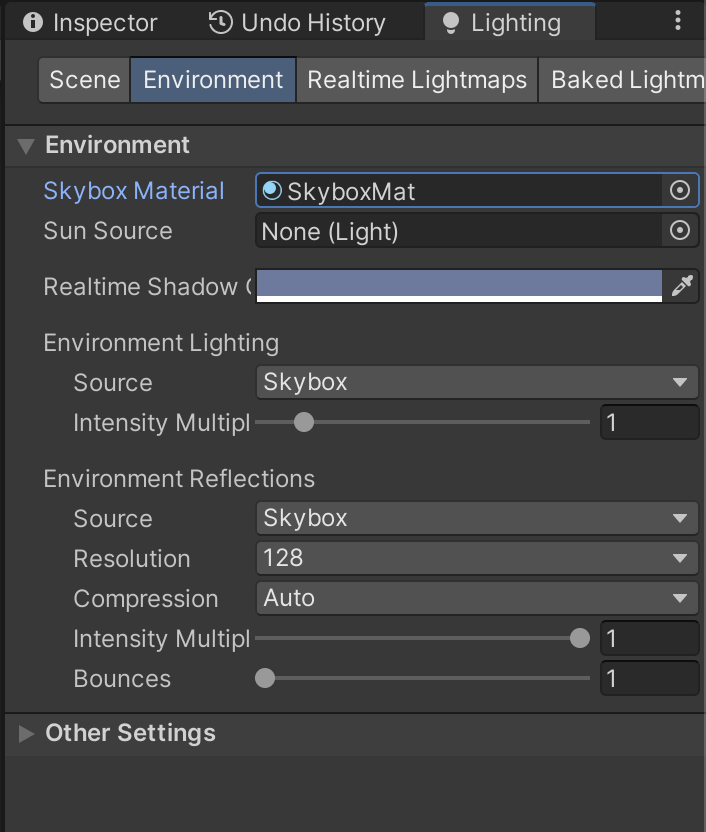
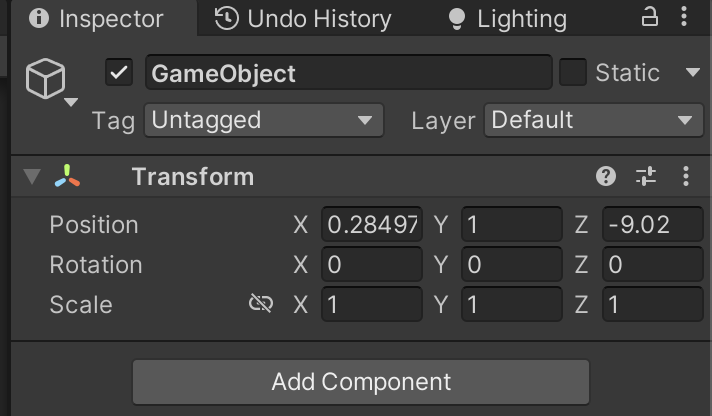
(2)向场景中拖曳一个Teapot模型,并调整它的位置。
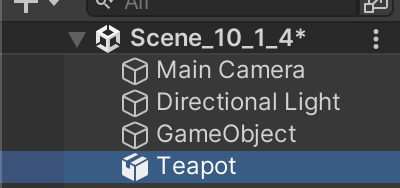
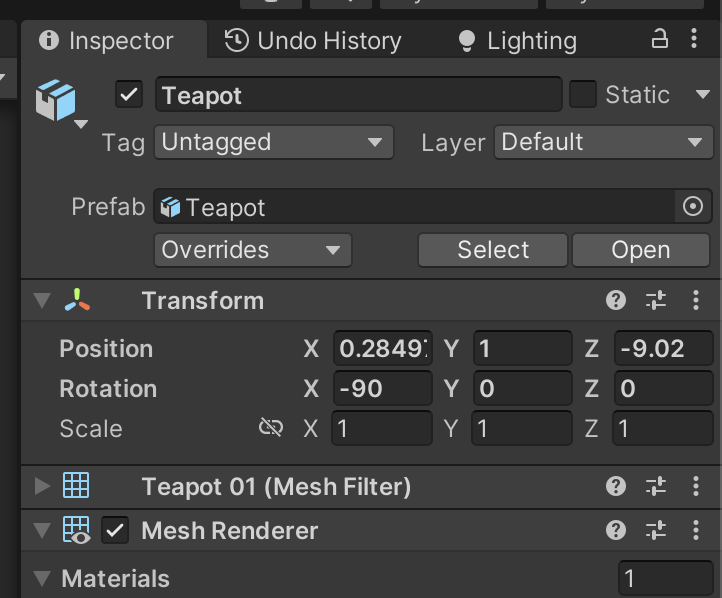
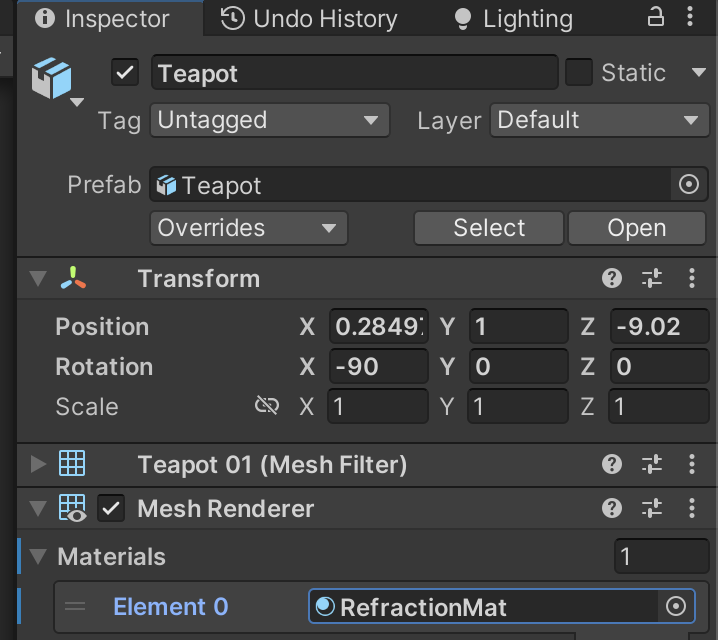
(3)新建一个材质,在本书资源中,该材质名为RefractionMat,把材质赋给第2步中创建的Teapot模型。

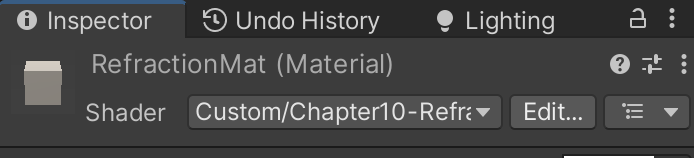
(4)新建一个Unity Shader,在本书资源中,该Shader名为Chapter10-Refraction。把Chapter10-Refraction赋给第3步中创建的材质。

折射效果的实现略微复杂一些。打开Chapter10-Refraction,删除原有的代码,进行如下关键修改。
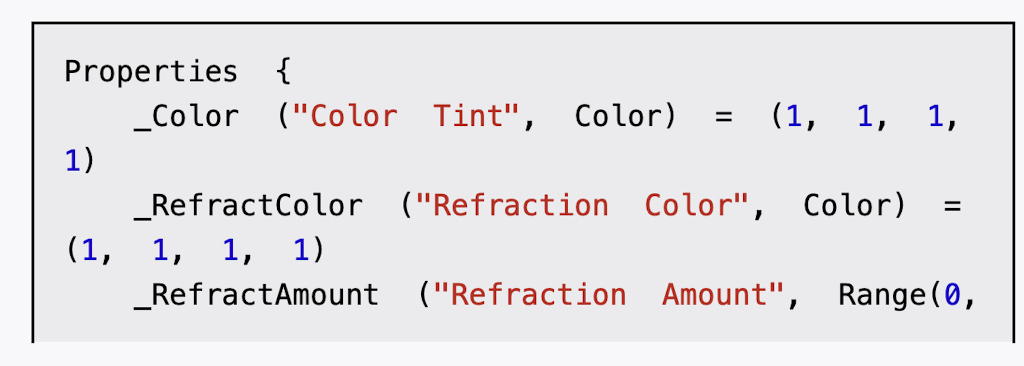
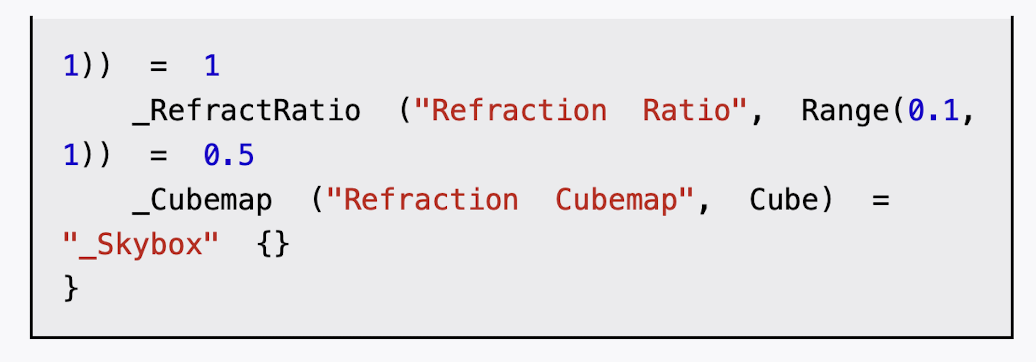
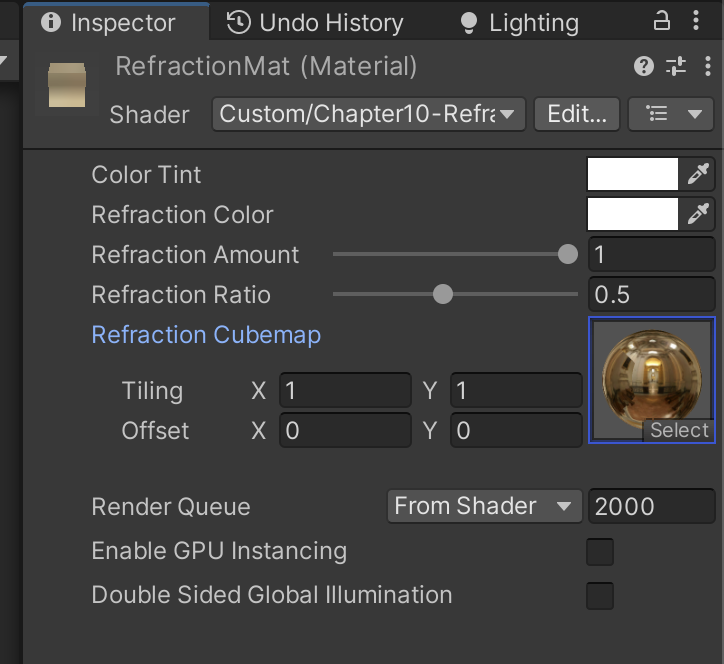
(1)首先,我们声明了4个新属性:
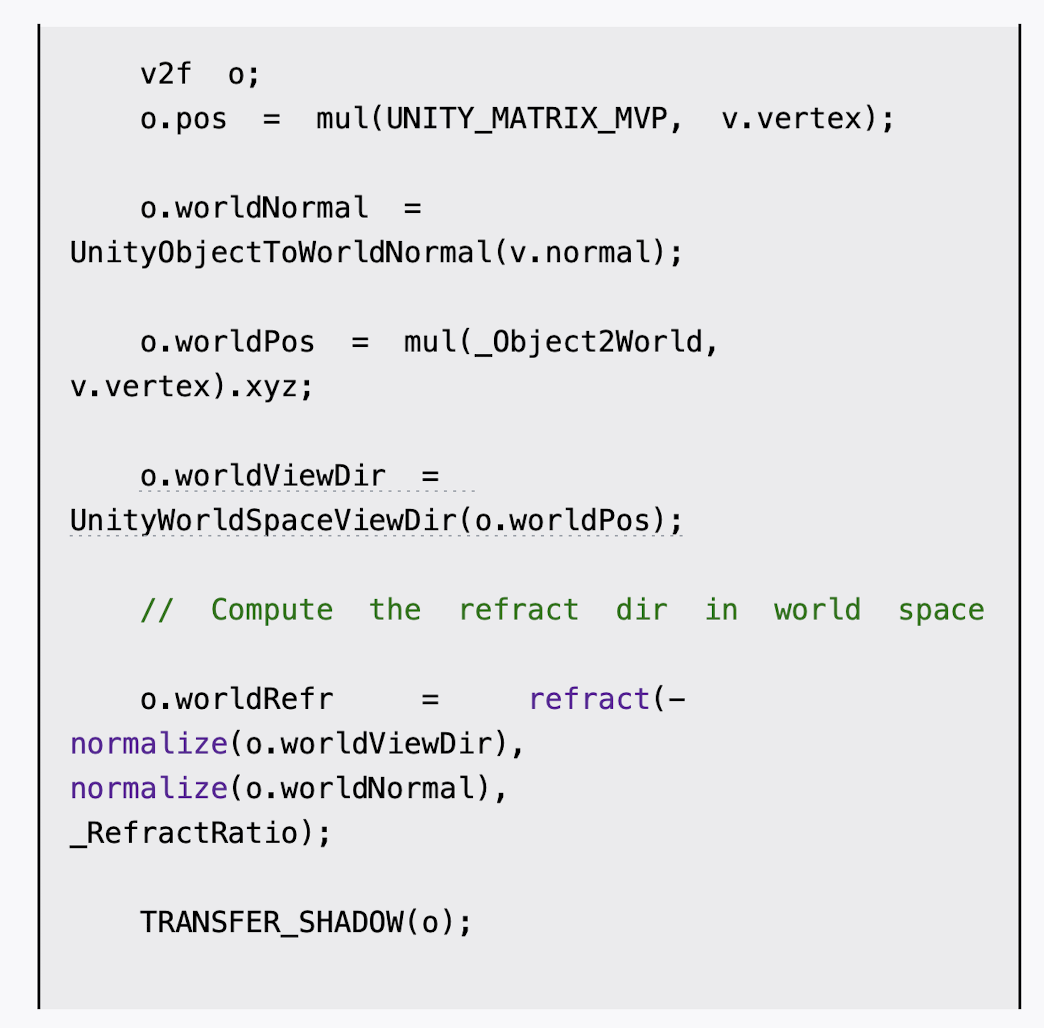
(2)在顶点着色器中,计算折射方向:
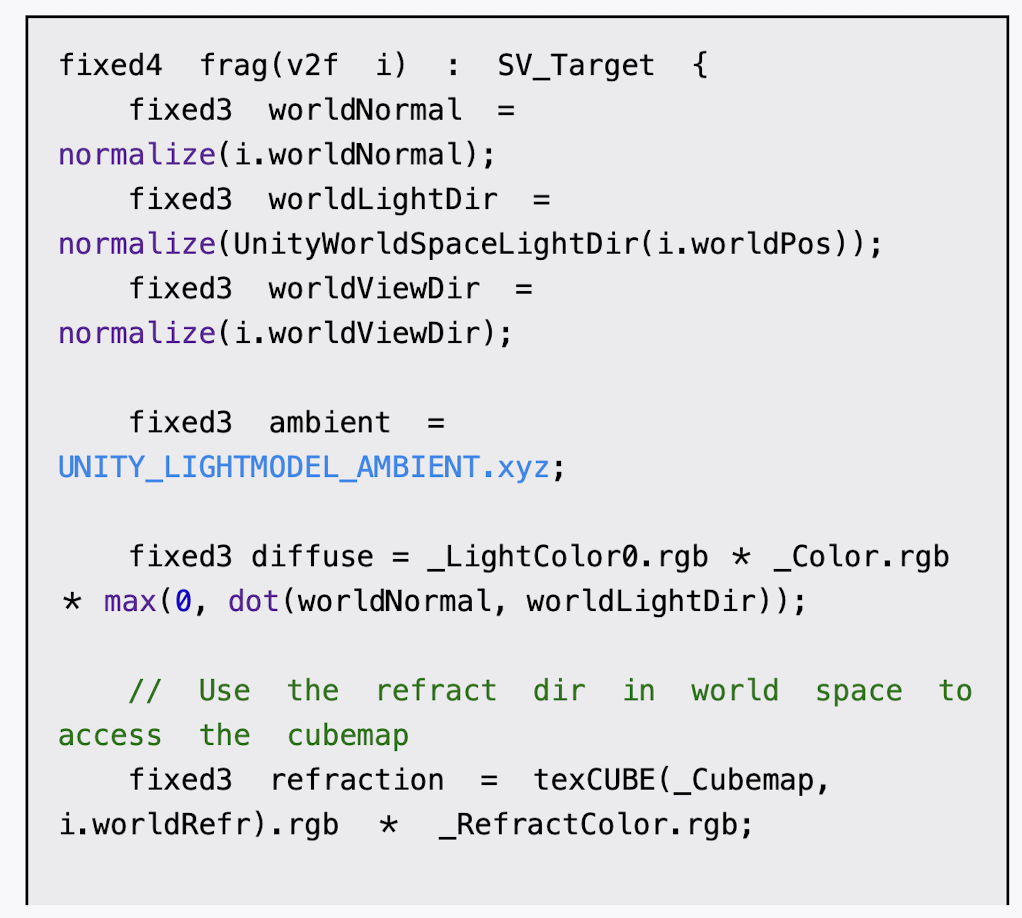
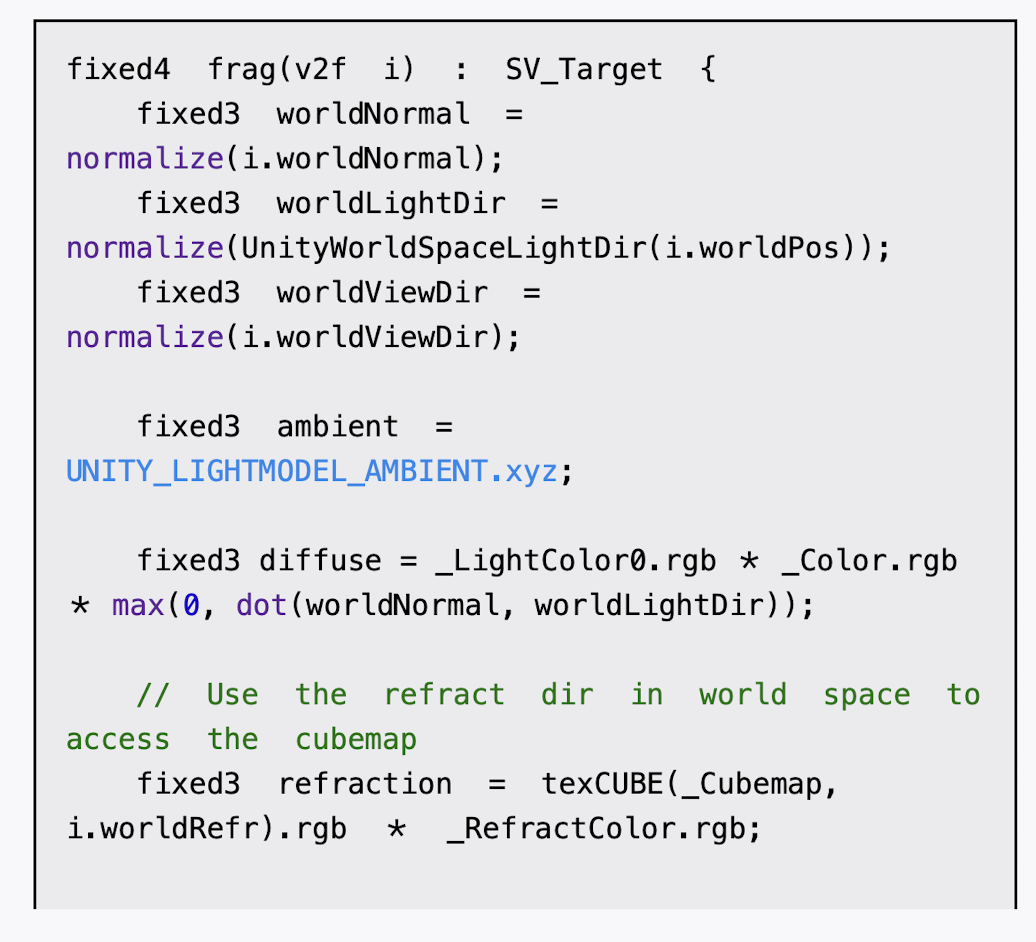
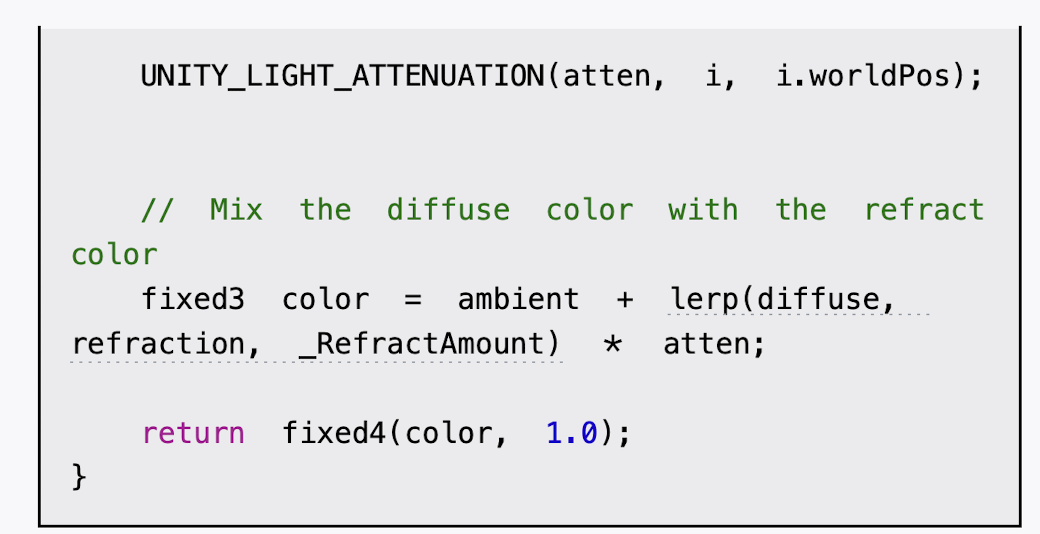
(3)然后,我们在片元着色器中使用折射方向对立方体纹理进行采样:
保存后返回场景,在材质面板中把Cubemap_0拖曳到Reflection Cubemap属性中,并调整其他参数,即可得到类似图10.9中的效果。


cs
Shader "Custom/Chapter10-Refraction"
{
    Properties {
        _Color ("Color Tint", Color) = (1, 1, 1, 1)
        _RefractColor ("Refraction Color", Color) = (1, 1, 1, 1)
        _RefractAmount ("Refraction Amount", Range(0, 1)) = 1
        _RefractRatio ("Refraction Ratio", Range(0.1, 1)) = 0.5 //_RefractRatio,我们需要使用该属性得到不同介质的透射比
        _Cubemap ("Refraction Cubemap", Cube) = "_Skybox" {}
    }

    SubShader {
        Tags { "RenderType"="Opaque" "Queue"="Geometry"}

        Pass {
            Tags { "LightMode"="ForwardBase" }
            CGPROGRAM
            #pragma multi_compile_fwdbase
            #pragma vertex vert
			#pragma fragment frag
            #include "Lighting.cginc"
            #include "AutoLight.cginc"

            fixed4 _Color;
            fixed4 _RefractColor;
            float _RefractAmount;
            fixed _RefractRatio;
            samplerCUBE _Cubemap;

            struct a2v {
                float4 vertex : POSITION;
                float3 normal : NORMAL;
            };

            struct v2f {
                float4 pos : SV_POSITION;
                float3 worldPos : TEXCOORD0;
                fixed3 worldNormal : TEXCOORD1;
                fixed3 worldViewDir : TEXCOORD2;
                fixed3 worldRefr : TEXCOORD3;
                SHADOW_COORDS(4) // 声明阴影坐标变量宏 - 用于阴影映射 相当于 float4 _ShadowCoord : TEXCOORD4;
            };

            v2f vert(a2v v) {
                v2f o;
                o.pos = mul(UNITY_MATRIX_MVP, v.vertex);
                o.worldNormal = UnityObjectToWorldNormal(v.normal);
                o.worldPos = mul(_Object2World, v.vertex).xyz;
                o.worldViewDir = UnityWorldSpaceViewDir(o.worldPos);
                // Compute the refract dir in world space
				o.worldRefr = refract(-normalize(o.worldViewDir), normalize(o.worldNormal), _RefractRatio);

                TRANSFER_SHADOW(o);
                return o;
            }

            fixed4 frag(v2f i) : SV_Target {
                fixed3 worldNormal = normalize(i.worldNormal);
                fixed3 worldLightDir = normalize(UnityWorldSpaceLightDir(i.worldPos));
                fixed3 worldViewDir = normalize(i.worldViewDir);
                fixed3 ambient = UNITY_LIGHTMODEL_AMBIENT.xyz;
                fixed3 diffuse = _LightColor0.rgb * _Color.rgb * max(0, dot(worldNormal, worldLightDir));
                // Use the refract dir in world space to access the cubemap
				fixed3 refraction = texCUBE(_Cubemap, i.worldRefr).rgb * _RefractColor.rgb;
                UNITY_LIGHT_ATTENUATION(atten, i, i.worldPos);
                // Mix the diffuse color with the refract color
				fixed3 color = ambient + lerp(diffuse, refraction, _RefractAmount) * atten;
                return fixed4(color, 1.0);
            }
            ENDCG
        }
    }
    FallBack "Reflective/VertexLit"
}
调整main camera位置和 teapot 大小