要下载 ActiveMQ 5.15.4 版本,可按照以下步骤操作:
访问官方下载页面:
打开浏览器,访问 ActiveMQ 官方下载存档页面。
解压缩pache-activemq-5.15.4-bin.zip,然后双击pache-activemq-5.15.4-bin\bin\win32\activemq.bat运行ActiveMQ程序。
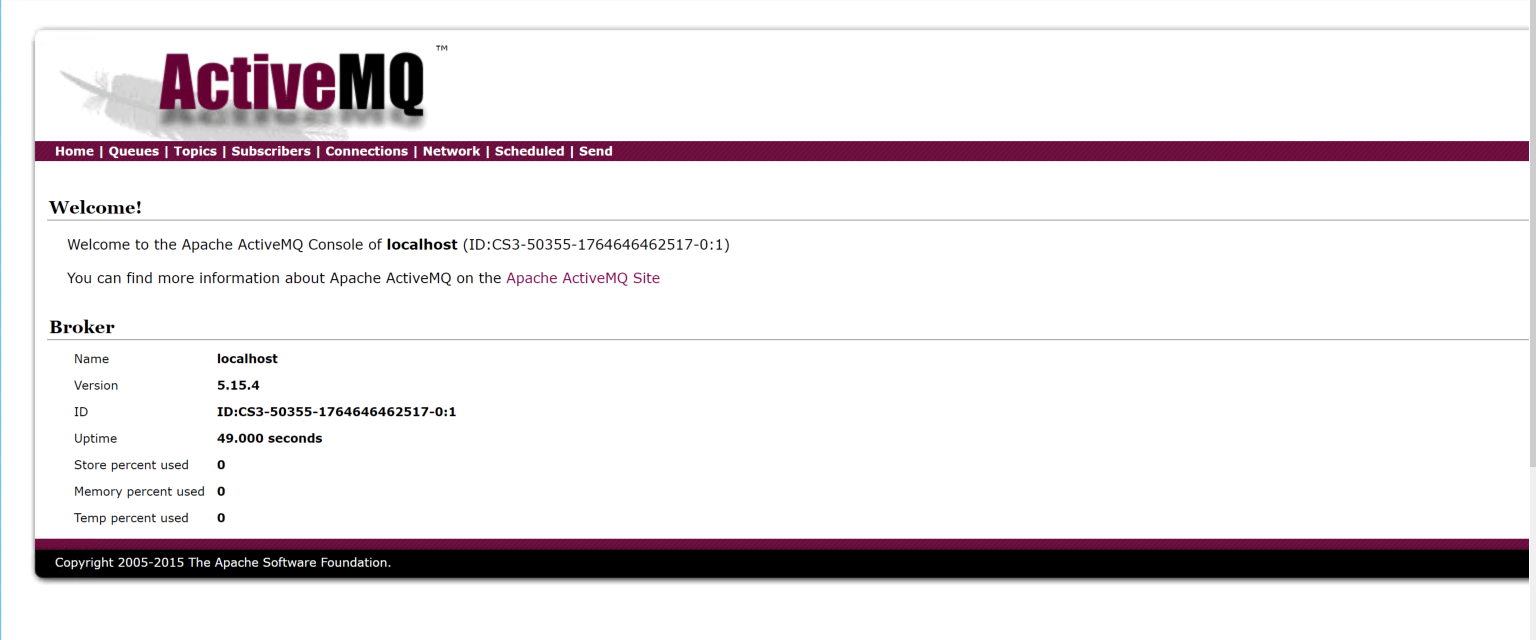
启动ActiveMQ以后,可以使用浏览器登陆:http://localhost:8161/admin/验证, 默认用户名是:admin 密码是:admin
(前提是配置好好JDK环境)
引入dll ,这两个dll的版本都是1.8
Apache.NMS.ActiveMQ.dll
Apache.NMS.dll
csharp
using System;
using Apache.NMS;
using Apache.NMS.ActiveMQ;
using Apache.NMS.ActiveMQ.Commands;

class Program
{
    static void Main(string[] args)
    {
     string userName = "adman";
    string Password = "123456";
        // 连接工厂,创建到ActiveMQ的连接
        ConnectionFactory factory = new ConnectionFactory("tcp://localhost:61616");
        factory.UserName = userName;
        factory.Password = Password;
        using (IConnection connection = factory.CreateConnection())
        using (ISession session = connection.CreateSession())
        {
            connection.Start();

            // 创建队列目的地
            IDestination destination = session.GetQueue("TestQueue");

            // 创建消息生产者
            using (IMessageProducer producer = session.CreateProducer(destination))
            {
                // 创建文本消息
                ITextMessage message = session.CreateTextMessage("Hello ActiveMQ from C#!");

                // 发送消息
                producer.Send(message);
                Console.WriteLine("消息发送成功: " + message.Text);
            }

            // 创建消息消费者
            using (IMessageConsumer consumer = session.CreateConsumer(destination))
            {
                // 同步接收消息(等待10秒)
                IMessage receivedMessage = consumer.Receive(TimeSpan.FromSeconds(10));

                if (receivedMessage is ITextMessage textMessage)
                {
                    Console.WriteLine("收到消息: " + textMessage.Text);
                }
                else
                {
                    Console.WriteLine("未收到消息或消息类型不正确");
                }
            }
        }
    }
}
在ActiveMQ的C#客户端中,alwaysSessionAsync的默认值为true
参考连接:
https://cloud.tencent.com/developer/article/2163298
(activemq设置用户名密码,提高安全访问)