1、安装环境
Ubuntu:25.04
GPU:RTX 4090
gcc:14
CUDA:12.8
torch:2.4
python安装
conda create -n Mr.DETR python=3.8 -y
conda activate Mr.DETR
安装pytorch
pip install torch==2.4.0 torchvision==0.19.0 torchaudio==2.4.0 --index-url https://download.pytorch.org/whl/cu1242、安装Mr.DETR和detectron2
git clone https://github.com/Visual-AI/Mr.DETR.git # 下载的文件中detectron2是空的
git submodule init
git submodule update # 对空的detectron2进行更新
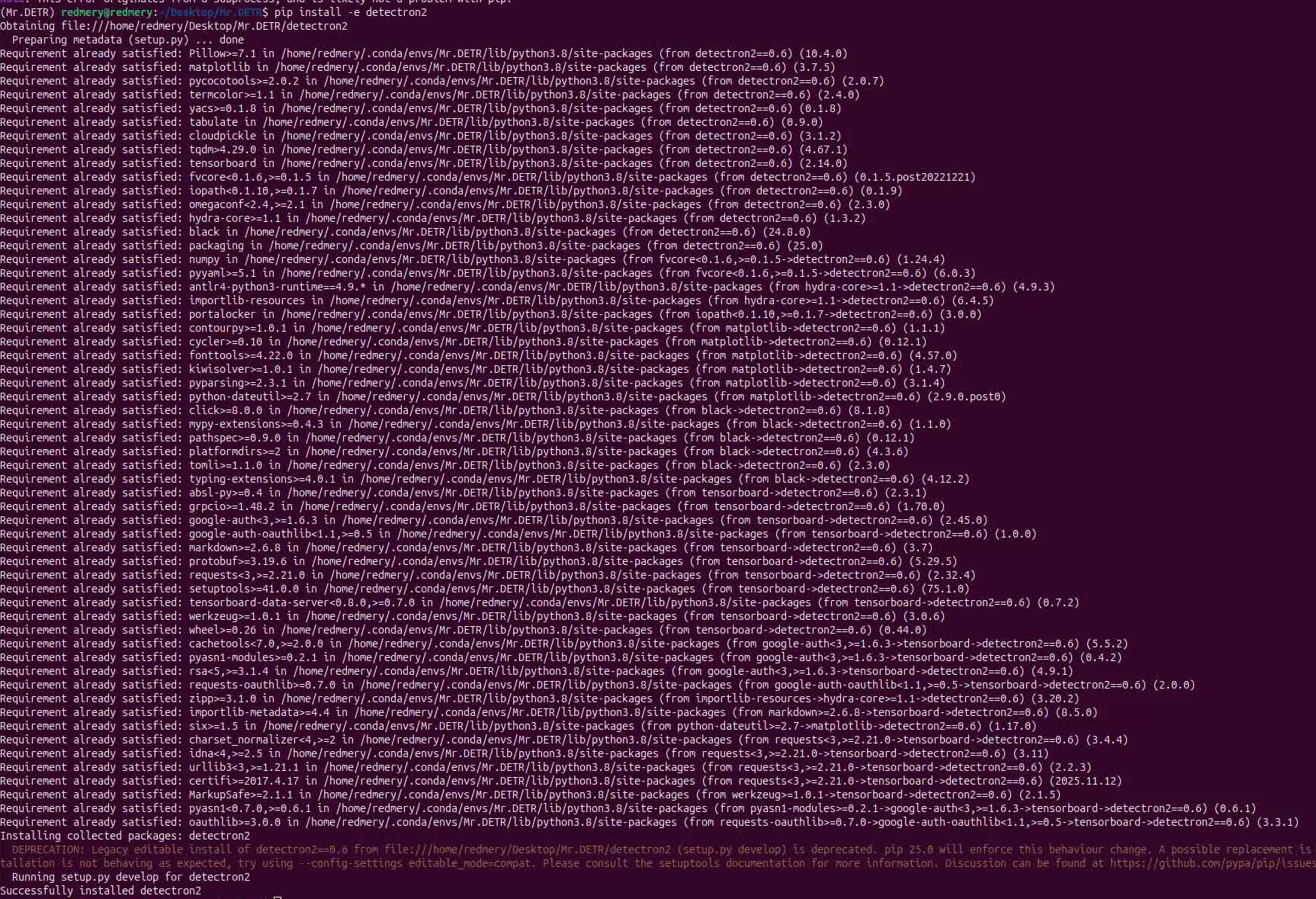
pip install -e detectron2
会报错
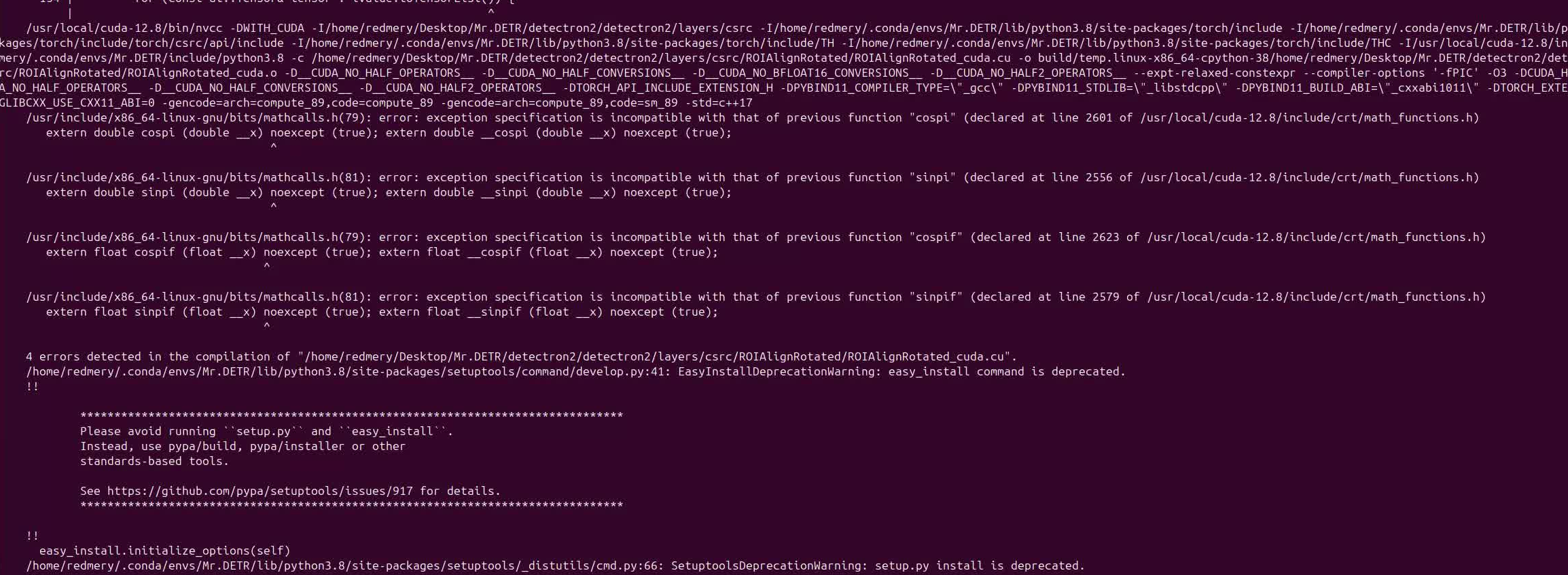
参考链接"error: exception specification is incompatible" for cospi/sinpi/cospif/sinpif with glibc-2.41需要cuda中路径为
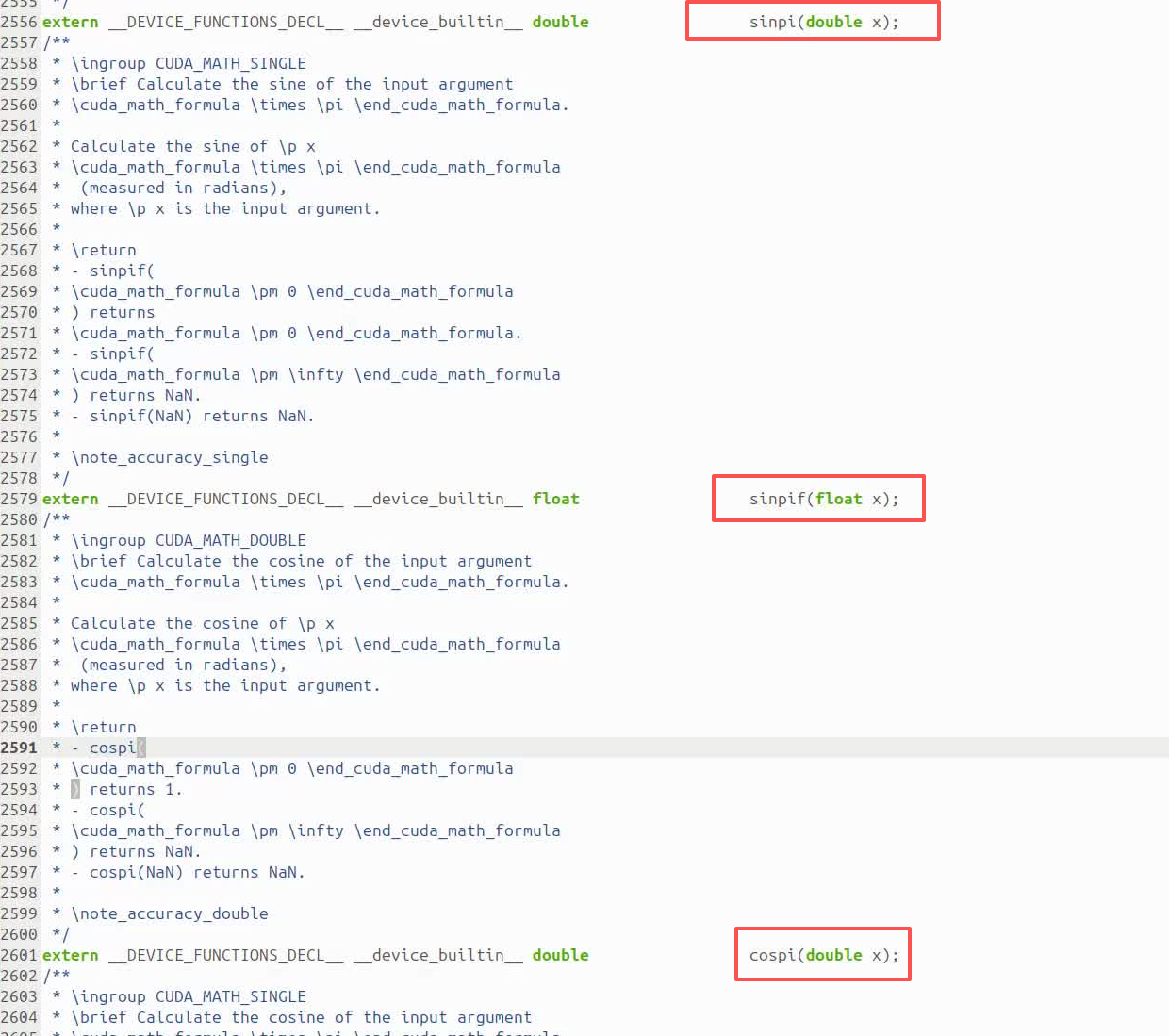
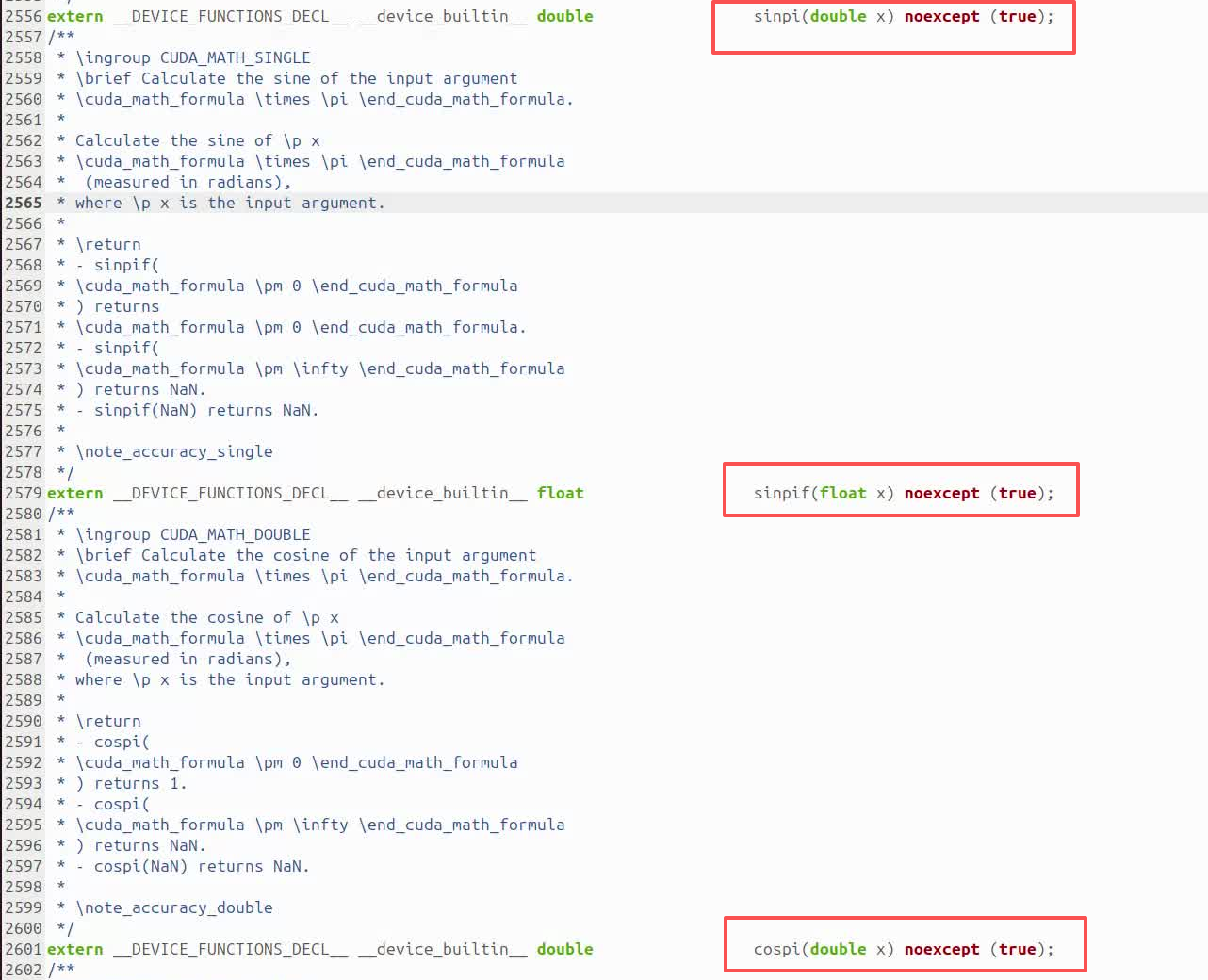
/usr/local/cuda-12.8/include/crt/math_functions.h文件进行修改,具体将其中的2556、2579、2601以及2623等四处行由下一图修改为下二图,在其后添加noexcept(true)
detectron2即安装完成
3、安装requirements.txt
pip install -r requirements.txt -i https://mirrors.aliyun.com/pypi/simple/4、安装detrex
pip install -e .报以下错误
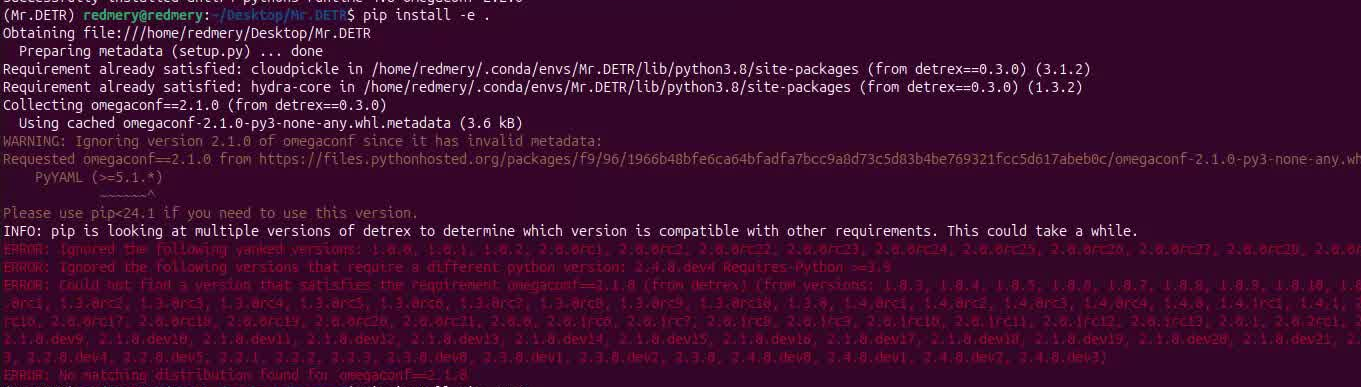
安装pip23.1
pip install pip==23.1继续安装
pip install -e .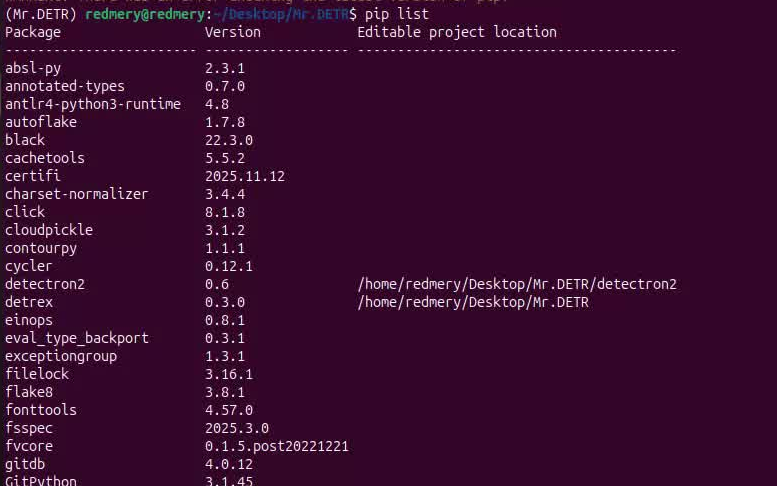
安装完成