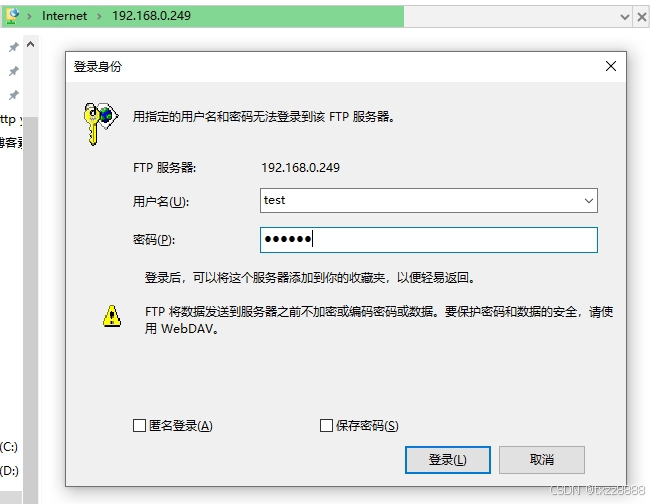
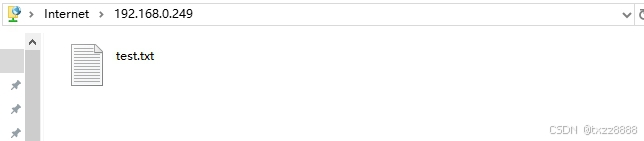
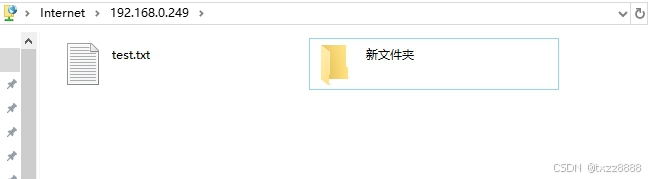
通过vsftp搭建ftp服务器。
1.安装vsftp。
bash
yum install vsftpd -y
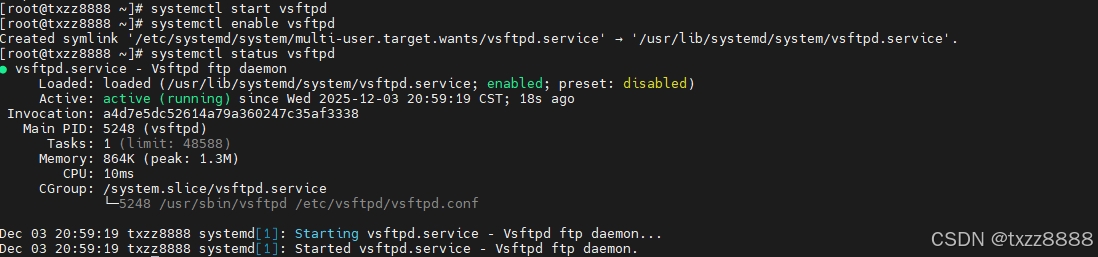
systemctl start vsftpd
systemctl enable vsftpd
systemctl status vsftpd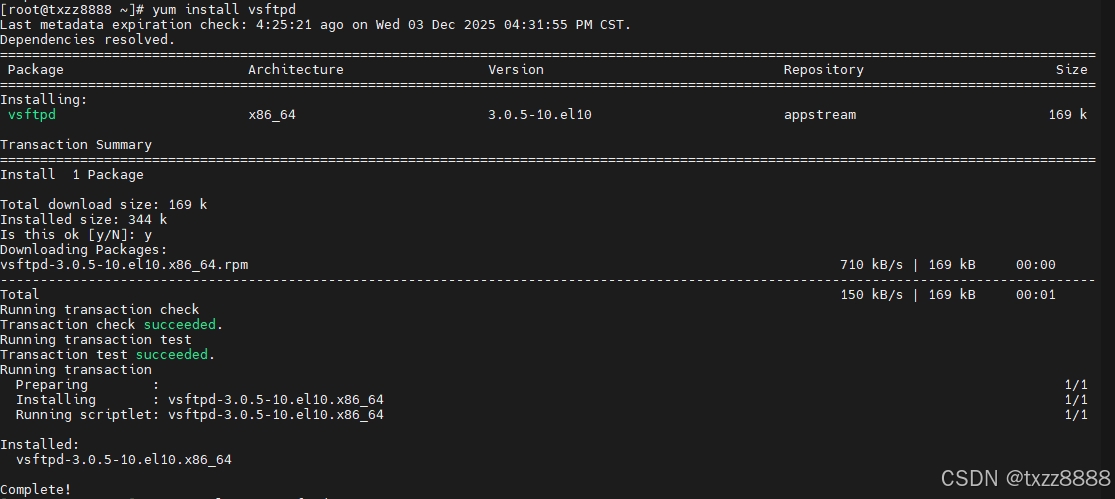
2.关掉selinux。
3.防火墙开放ftp服务器。
bash
firewall-cmd --add-service=ftp --permanent
firewall-cmd --reload
4./etc/vsftpd/vsftpd.conf为vsftp的配置目录。
bash
vim /etc/vsftpd/vsftpd.conf默认配置参数如下
bash
anonymous_enable=NO
local_enable=YES
write_enable=YES
local_umask=022
dirmessage_enable=YES
xferlog_enable=YES
connect_from_port_20=YES
xferlog_std_format=YES
listen=NO
listen_ipv6=YES
pam_service_name=vsftpd
userlist_enable=YES
5.创建系统账户。
bash
useradd test
passwd test
6.目录和文件。系统用户的存放文件位置为用户的家目录。
bash
cd /home/test/
touch test.txt
7.重启服务。
bash
systemctl restart vsftpd8.测试。