20251224给飞凌OK3588-C开发板适配Rockchip原厂的Buildroot【linux-6.1】系统时确认ssh服务【内置dropbear】
2025/12/24 10:25
缘起:给飞凌OK3588-C开发板适配Rockchip原厂的Buildroot【linux-6.1】后,需要配置ssh。
驱动调试的时候DEBUG口就足够了。最多再打开一个USB接口的adb功能。【有些时候需要多一个口^_】
但是产品给客户暴露的借口就是TF卡的卡槽和以太网接口了!【应用工程师需要的ssh功能】
想实测一下TF卡的读写速度。
4线USB2.0通过adb直接拿到电脑上的速度是:31.3 MB/s
写入TF卡的速度略微低于31.3 MB/s【大概为25.56MB/s】
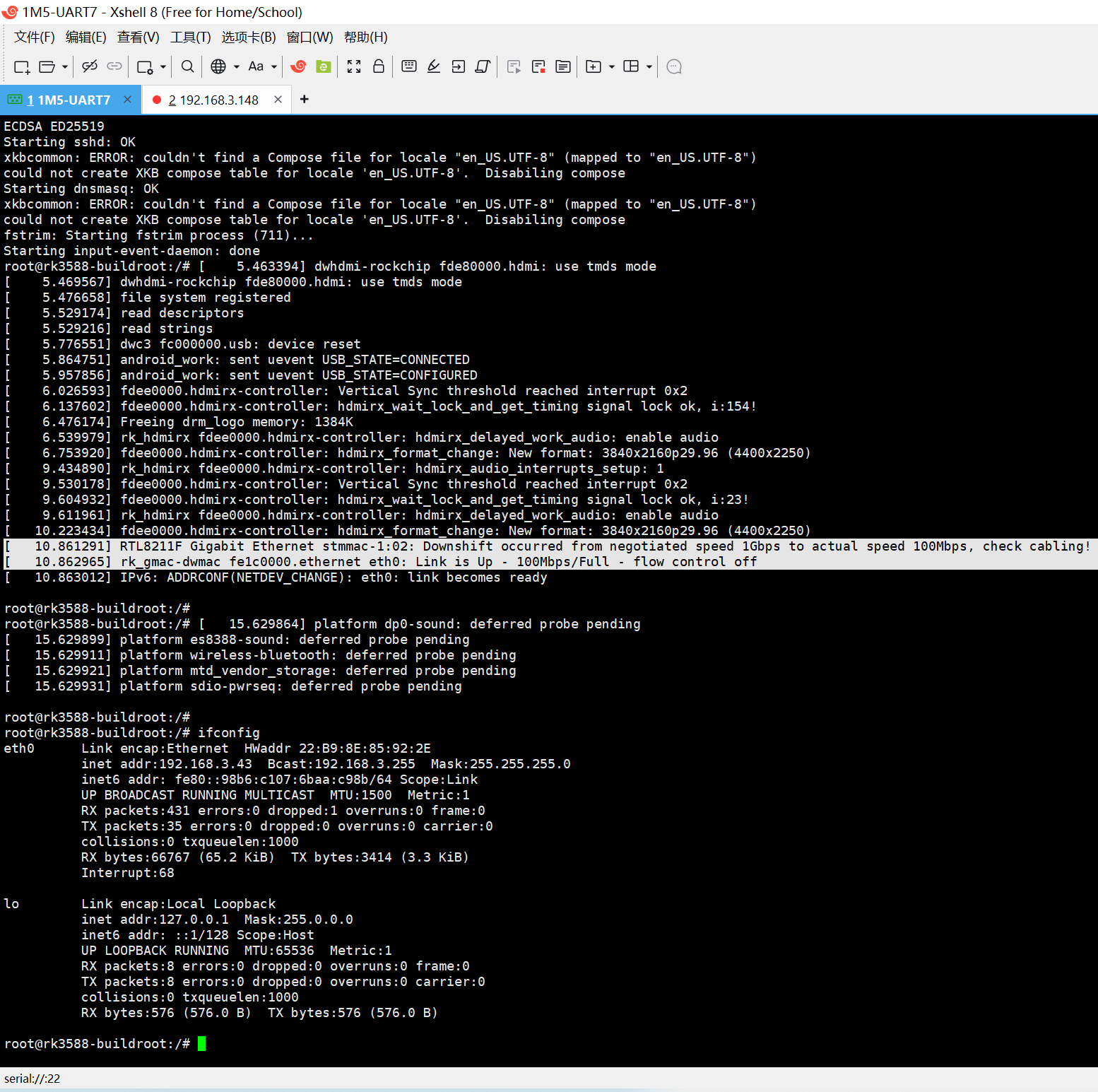
需要实测开发板丝印ETH1芯片RTL8211F-CG的网速。
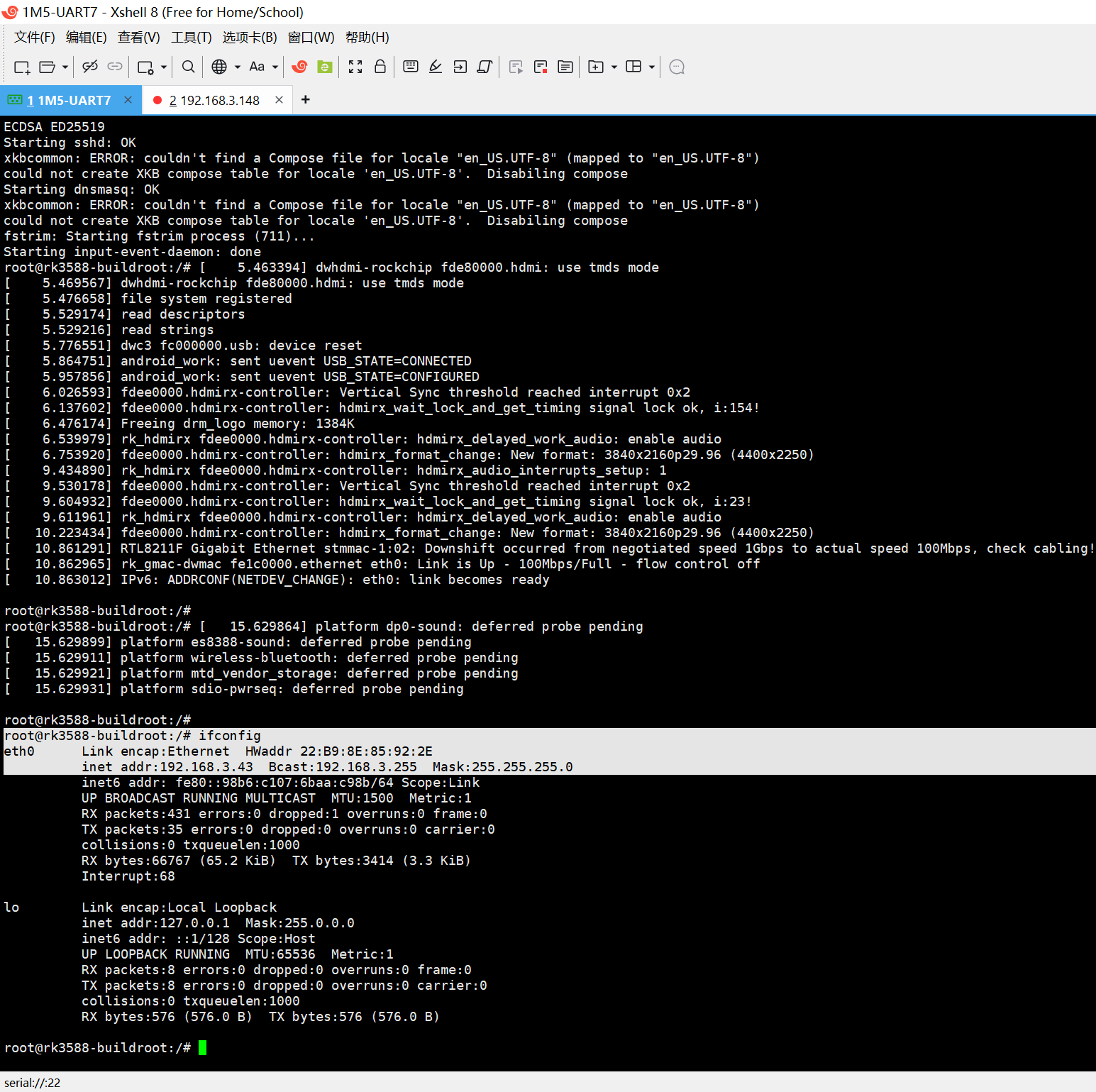
通过ifconfig确认为eth0。
需要使用ov5645的驱动框架来适配LVDS接口的105机芯。
按照以前的经验,首先关闭I2C的读写!
结果,肯定会出现某些地方遗漏的,只能通过编译器来检查问题了!
当你把荣品RD-RK3588开发板重新适配一把,就相当于从头做了一个项目:【荣品RD-RK3588开发板】。
当然,开发板的功能都是好的,你免除了调试的过程,也就没有解决相关硬件出错的经验/机会了!
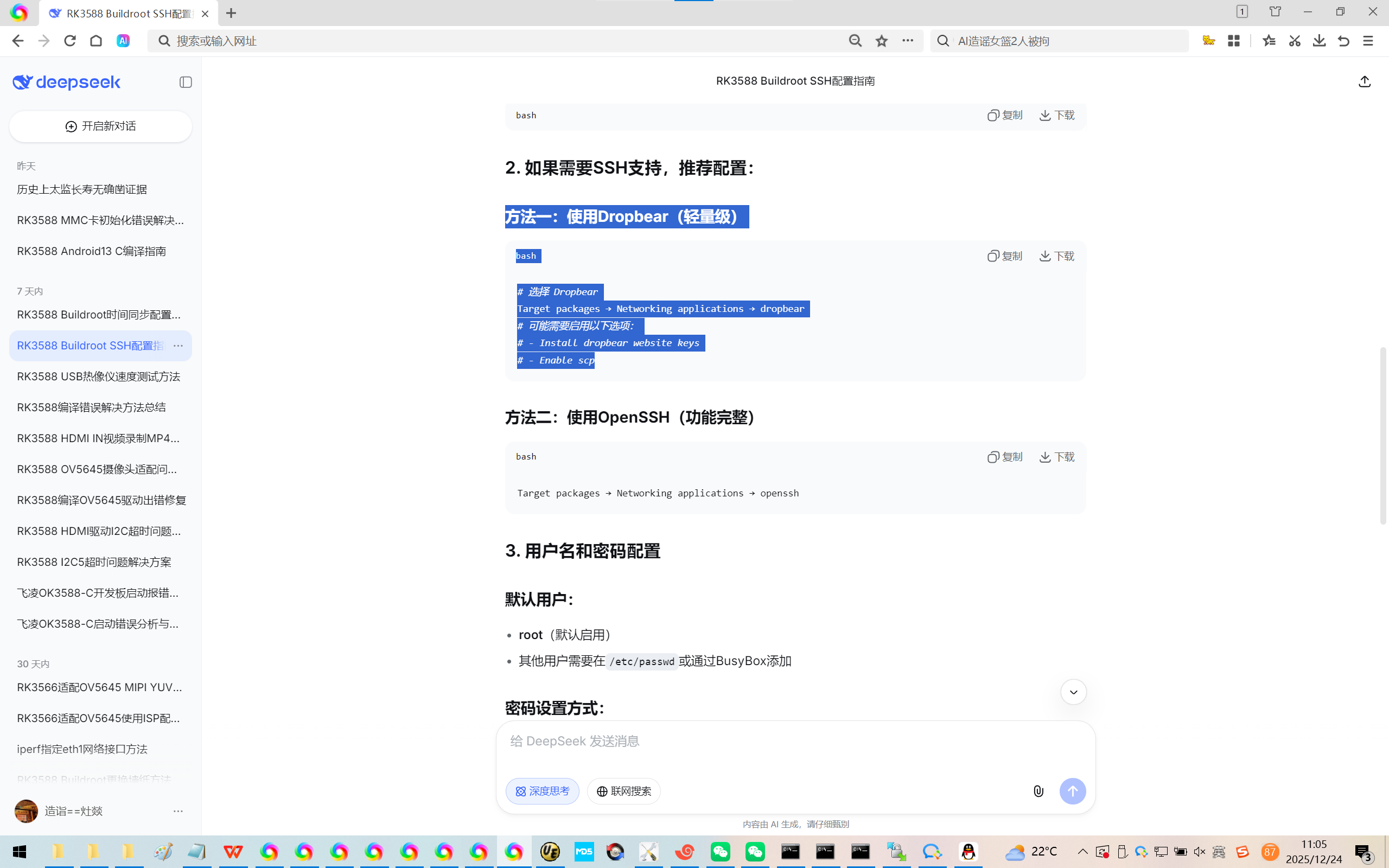
1、都去找DeepSeek咨询配置openSSH的方法了,没有想到 Rockchip原厂的Buildroot【linux-6.1】系统 默认集成轻量级的ssh服务器dropbear。
could not load cursor 'dnd-move'
could not load cursor 'dnd-copy'
could not load cursor 'dnd-none'
could not load cursor 'dnd-move'
could not load cursor 'dnd-copy'
could not load cursor 'dnd-none'
Fontconfig error: No writable cache directories
ECDSA ED25519
Starting sshd: OK
xkbcommon: ERROR: couldn't find a Compose file for locale "en_US.UTF-8" (mapped to "en_US.UTF-8")
could not create XKB compose table for locale 'en_US.UTF-8'. Disabiling compose
Starting dnsmasq: OK
xkbcommon: ERROR: couldn't find a Compose file for locale "en_US.UTF-8" (mapped to "en_US.UTF-8")
could not create XKB compose table for locale 'en_US.UTF-8'. Disabiling compose
fstrim: Starting fstrim process (711)...
Starting input-event-daemon: done
root@rk3588-buildroot:/# 5.463394 dwhdmi-rockchip fde80000.hdmi: use tmds mode
5.469567 dwhdmi-rockchip fde80000.hdmi: use tmds mode
5.476658 file system registered
5.529174 read descriptors
5.529216 read strings
5.776551 dwc3 fc000000.usb: device reset
5.864751 android_work: sent uevent USB_STATE=CONNECTED
5.957856 android_work: sent uevent USB_STATE=CONFIGURED
6.026593 fdee0000.hdmirx-controller: Vertical Sync threshold reached interrupt 0x2
6.137602 fdee0000.hdmirx-controller: hdmirx_wait_lock_and_get_timing signal lock ok, i:154!
6.476174 Freeing drm_logo memory: 1384K
6.539979 rk_hdmirx fdee0000.hdmirx-controller: hdmirx_delayed_work_audio: enable audio
6.753920 fdee0000.hdmirx-controller: hdmirx_format_change: New format: 3840x2160p29.96 (4400x2250)
9.434890 rk_hdmirx fdee0000.hdmirx-controller: hdmirx_audio_interrupts_setup: 1
9.530178 fdee0000.hdmirx-controller: Vertical Sync threshold reached interrupt 0x2
9.604932 fdee0000.hdmirx-controller: hdmirx_wait_lock_and_get_timing signal lock ok, i:23!
9.611961 rk_hdmirx fdee0000.hdmirx-controller: hdmirx_delayed_work_audio: enable audio
10.223434 fdee0000.hdmirx-controller: hdmirx_format_change: New format: 3840x2160p29.96 (4400x2250)
10.861291 RTL8211F Gigabit Ethernet stmmac-1:02: Downshift occurred from negotiated speed 1Gbps to actual speed 100Mbps, check cabling!
10.862965 rk_gmac-dwmac fe1c0000.ethernet eth0: Link is Up - 100Mbps/Full - flow control off
10.863012 IPv6: ADDRCONF(NETDEV_CHANGE): eth0: link becomes ready
root@rk3588-buildroot:/#
root@rk3588-buildroot:/# 15.629864 platform dp0-sound: deferred probe pending
15.629899 platform es8388-sound: deferred probe pending
15.629911 platform wireless-bluetooth: deferred probe pending
15.629921 platform mtd_vendor_storage: deferred probe pending
15.629931 platform sdio-pwrseq: deferred probe pending
root@rk3588-buildroot:/#
root@rk3588-buildroot:/# ifconfig
eth0 Link encap:Ethernet HWaddr 22:B9:8E:85:92:2E
inet addr:192.168.3.43 Bcast:192.168.3.255 Mask:255.255.255.0
inet6 addr: fe80::98b6:c107:6baa:c98b/64 Scope:Link
UP BROADCAST RUNNING MULTICAST MTU:1500 Metric:1
RX packets:431 errors:0 dropped:1 overruns:0 frame:0
TX packets:35 errors:0 dropped:0 overruns:0 carrier:0
collisions:0 txqueuelen:1000
RX bytes:66767 (65.2 KiB) TX bytes:3414 (3.3 KiB)
Interrupt:68
lo Link encap:Local Loopback
inet addr:127.0.0.1 Mask:255.0.0.0
inet6 addr: ::1/128 Scope:Host
UP LOOPBACK RUNNING MTU:65536 Metric:1
RX packets:8 errors:0 dropped:0 overruns:0 frame:0
TX packets:8 errors:0 dropped:0 overruns:0 carrier:0
collisions:0 txqueuelen:1000
RX bytes:576 (576.0 B) TX bytes:576 (576.0 B)
root@rk3588-buildroot:/#
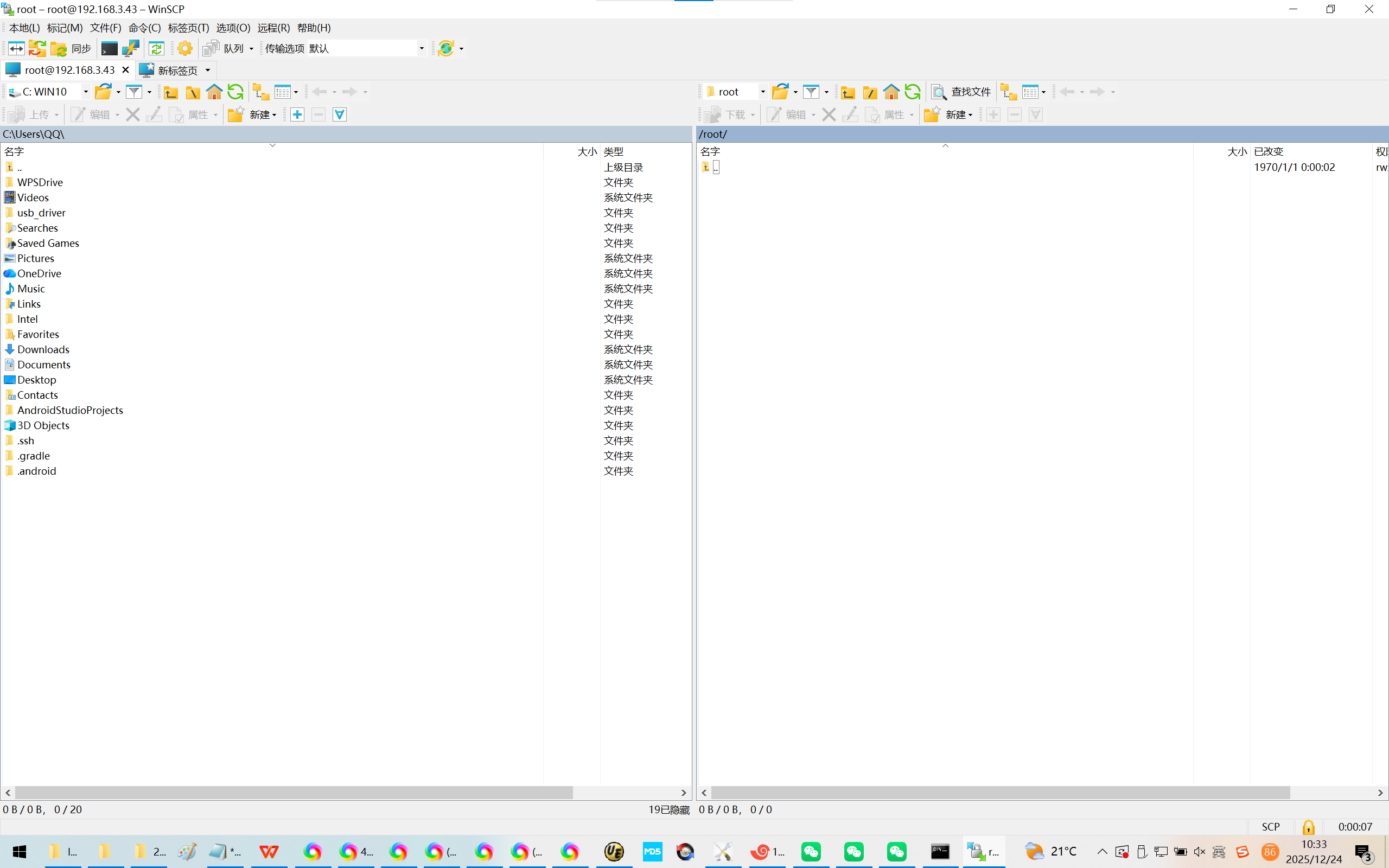
2、通过winSCP链接飞凌OK3588-C开发板:必须配置/设置密码:
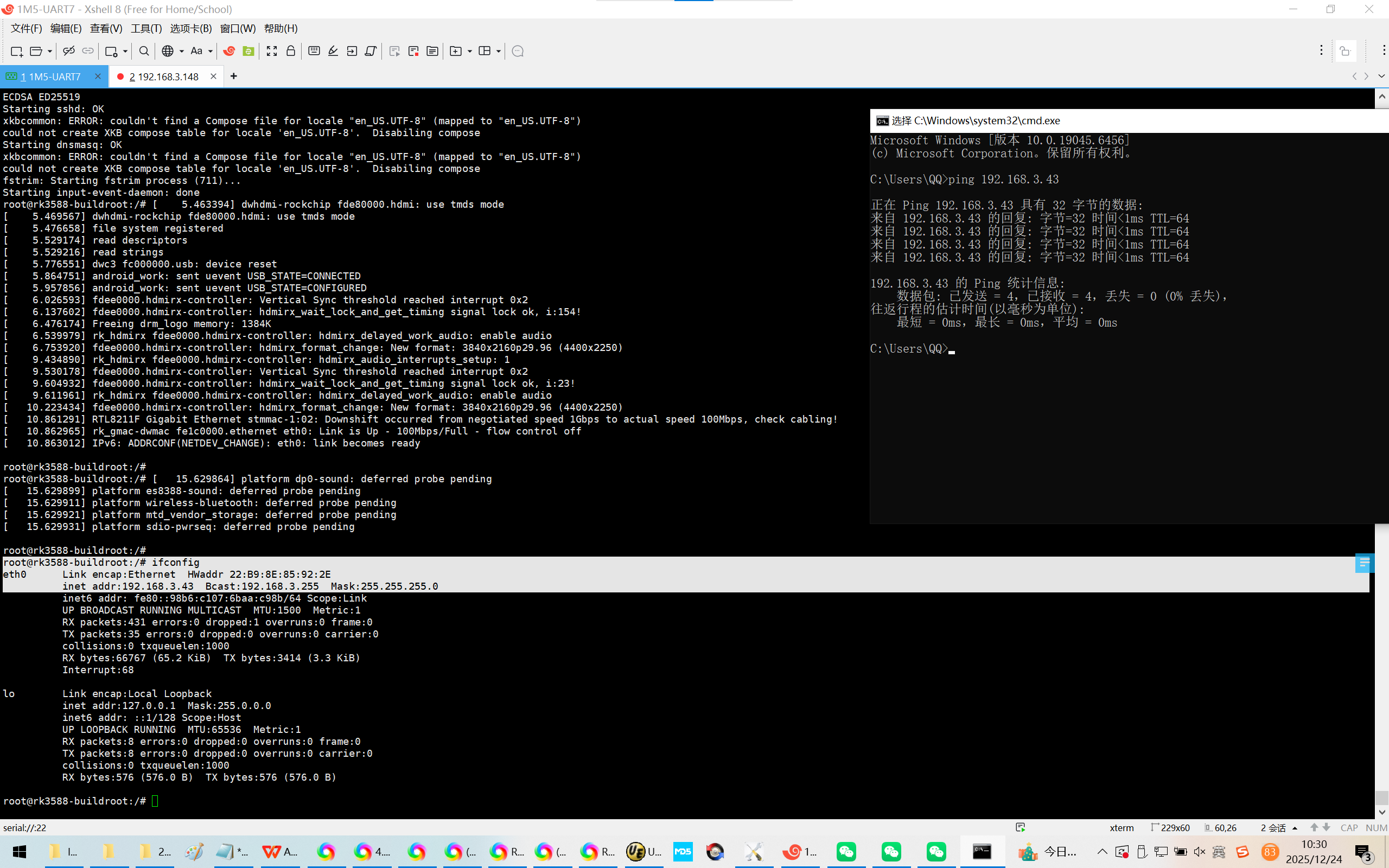
Microsoft Windows 版本 10.0.19045.6456
(c) Microsoft Corporation。保留所有权利。
C:\Users\QQ>ping 192.168.3.43
正在 Ping 192.168.3.43 具有 32 字节的数据:
来自 192.168.3.43 的回复: 字节=32 时间<1ms TTL=64
来自 192.168.3.43 的回复: 字节=32 时间<1ms TTL=64
来自 192.168.3.43 的回复: 字节=32 时间<1ms TTL=64
来自 192.168.3.43 的回复: 字节=32 时间<1ms TTL=64
192.168.3.43 的 Ping 统计信息:
数据包: 已发送 = 4,已接收 = 4,丢失 = 0 (0% 丢失),
往返行程的估计时间(以毫秒为单位):
最短 = 0ms,最长 = 0ms,平均 = 0ms
C:\Users\QQ>
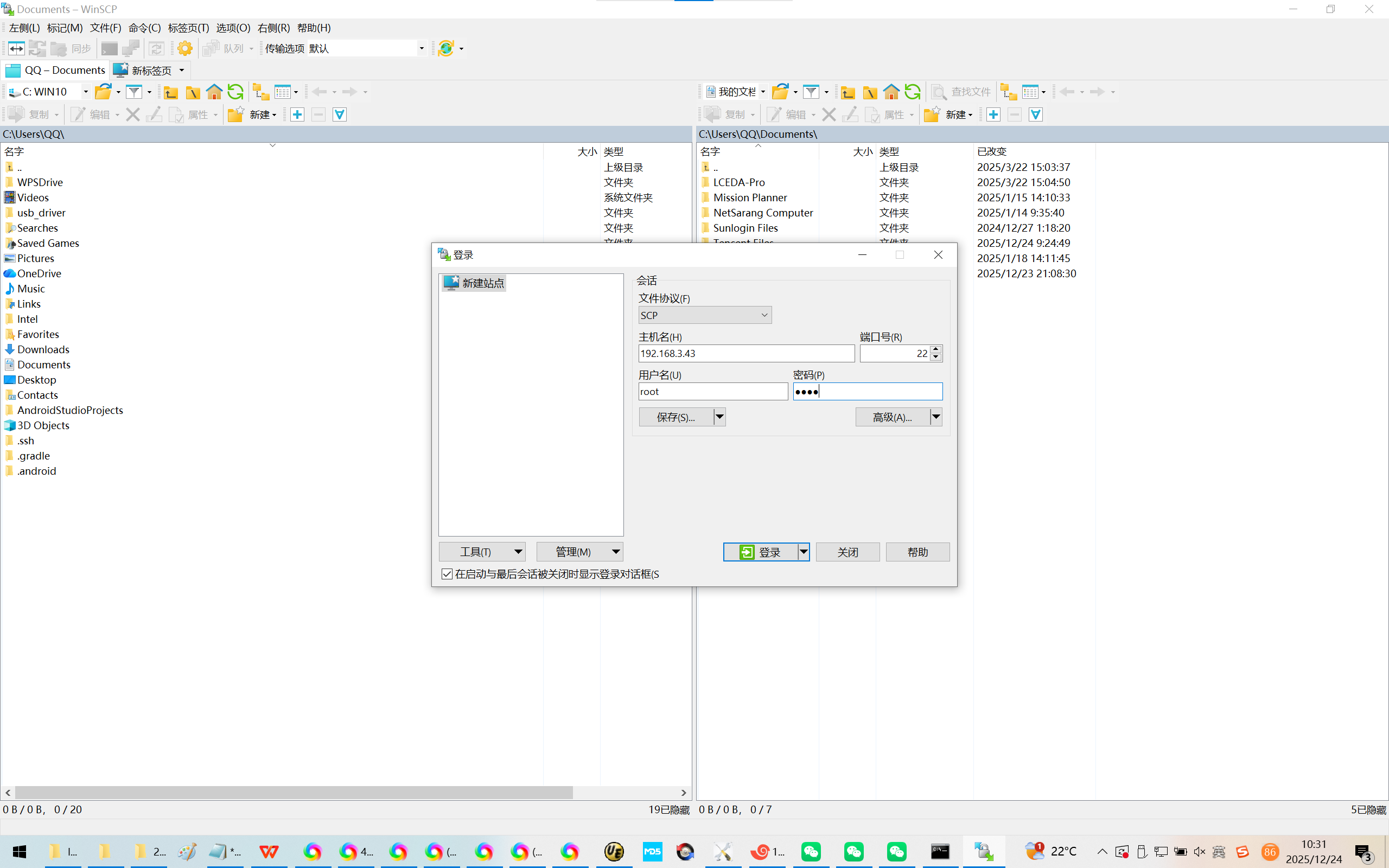
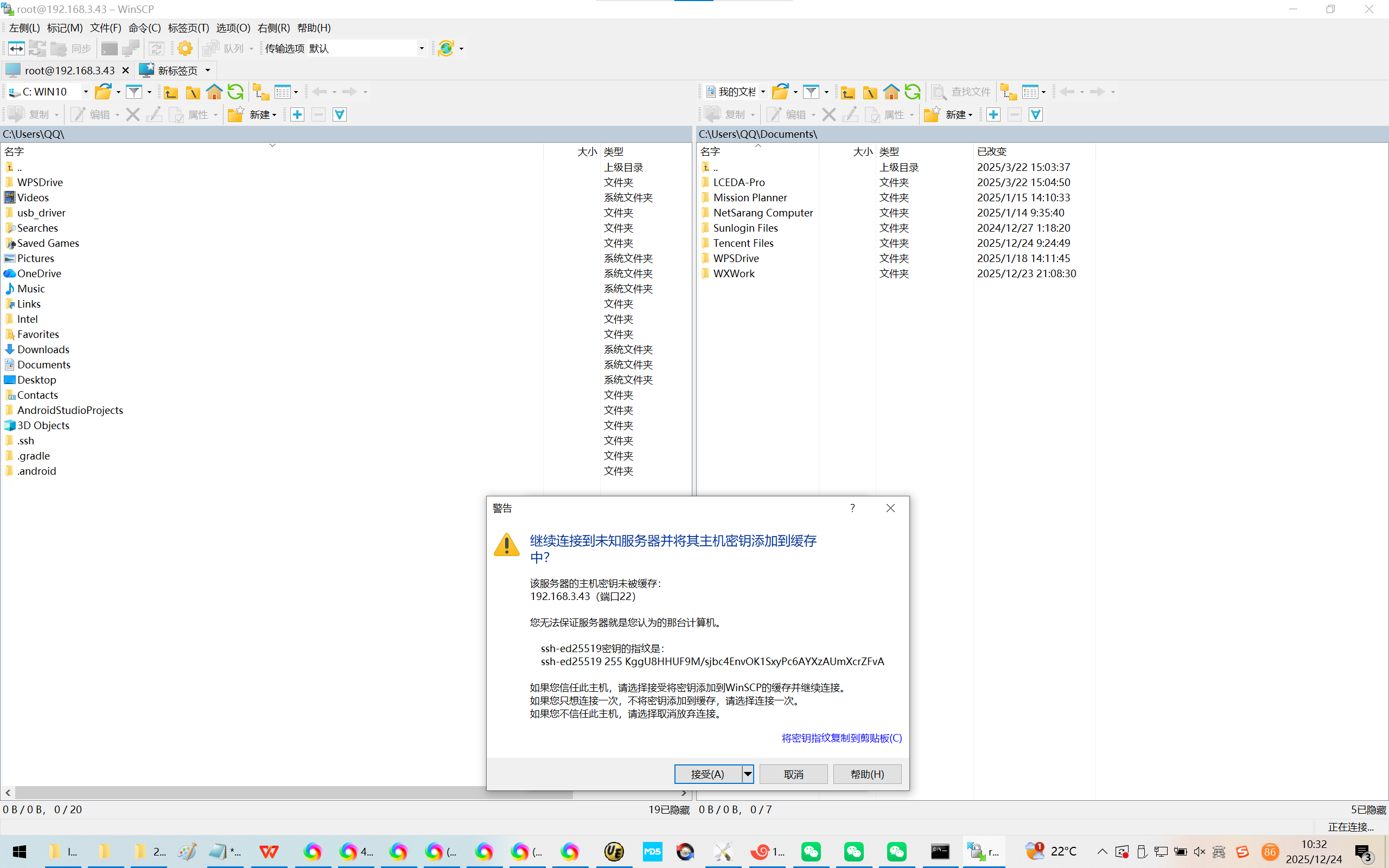
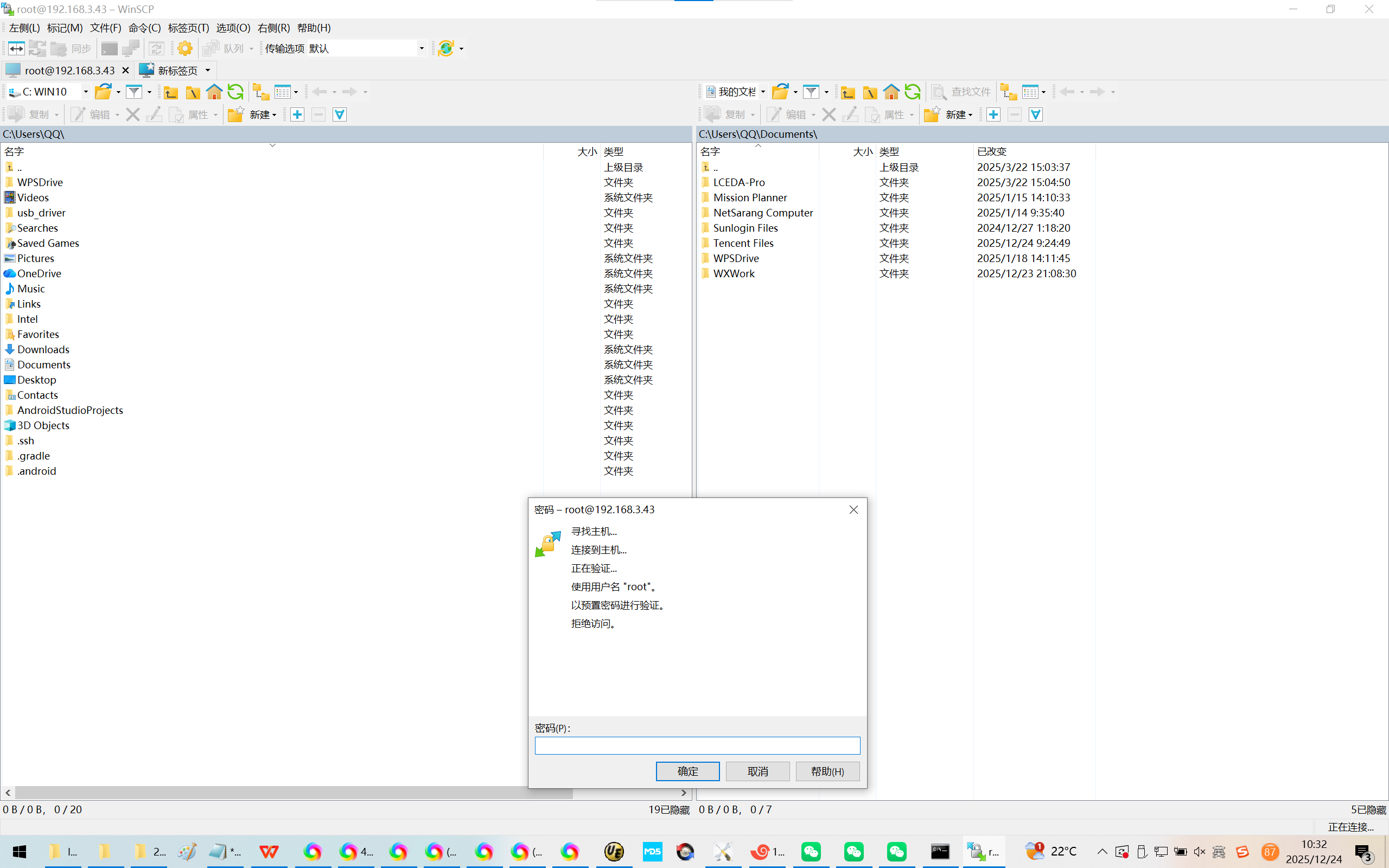
root@rk3588-buildroot:/#
root@rk3588-buildroot:/#
root@rk3588-buildroot:/# ps -e | grep ssh
root@rk3588-buildroot:/# ps -e | grep SSH
root@rk3588-buildroot:/#
root@rk3588-buildroot:/# ps -e | grep dropbear
650 ? 00:00:00 dropbear
root@rk3588-buildroot:/#
root@rk3588-buildroot:/#
root@rk3588-buildroot:/# passwd
Changing password for root
New password:
Bad password: too short
Retype password:
passwd: password for root changed by root
root@rk3588-buildroot:/#
root@rk3588-buildroot:/#
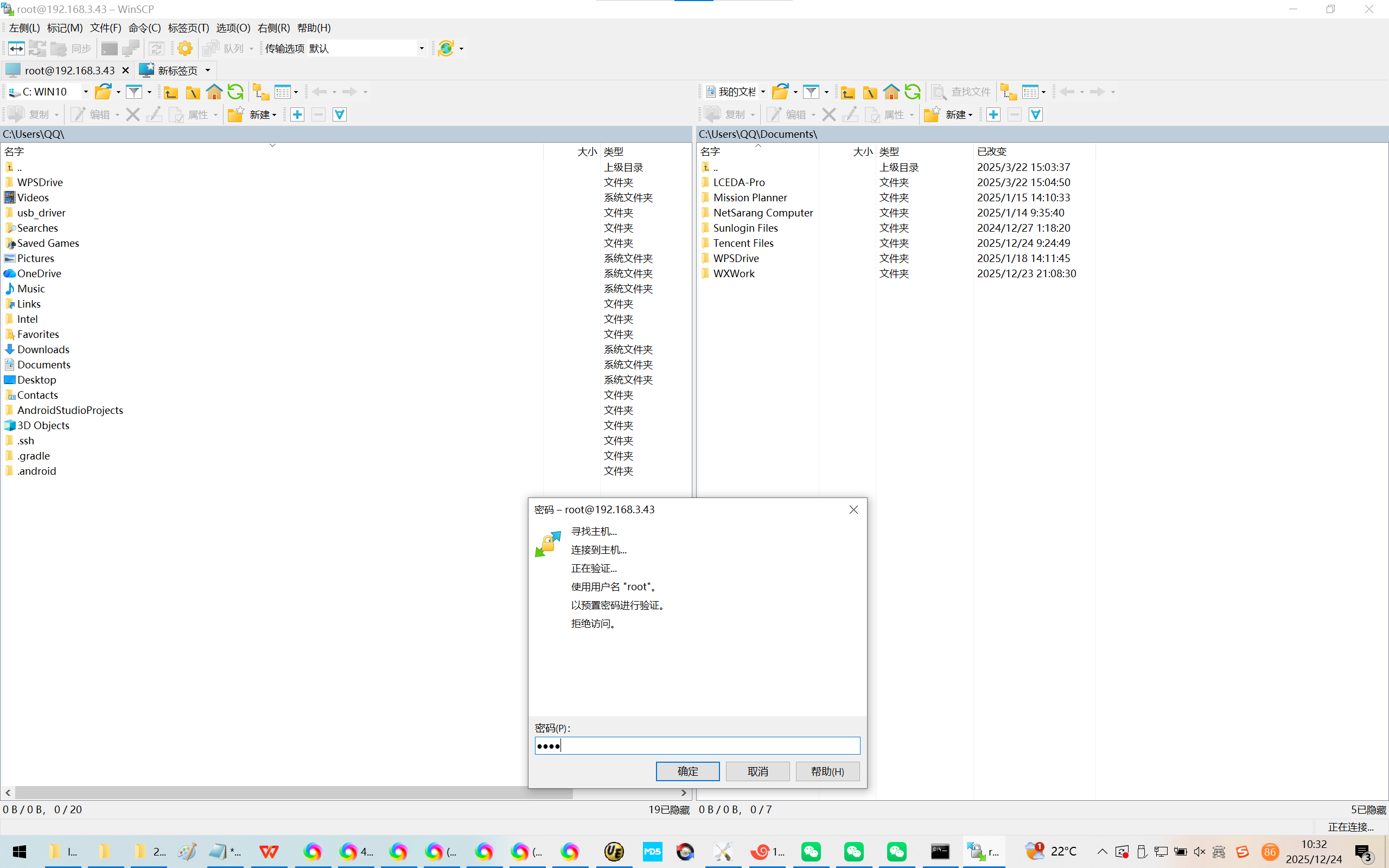
就算你设置密码了,winSCP也是链接不进来的。
必须退出winSCP之后,再次链接了!^_

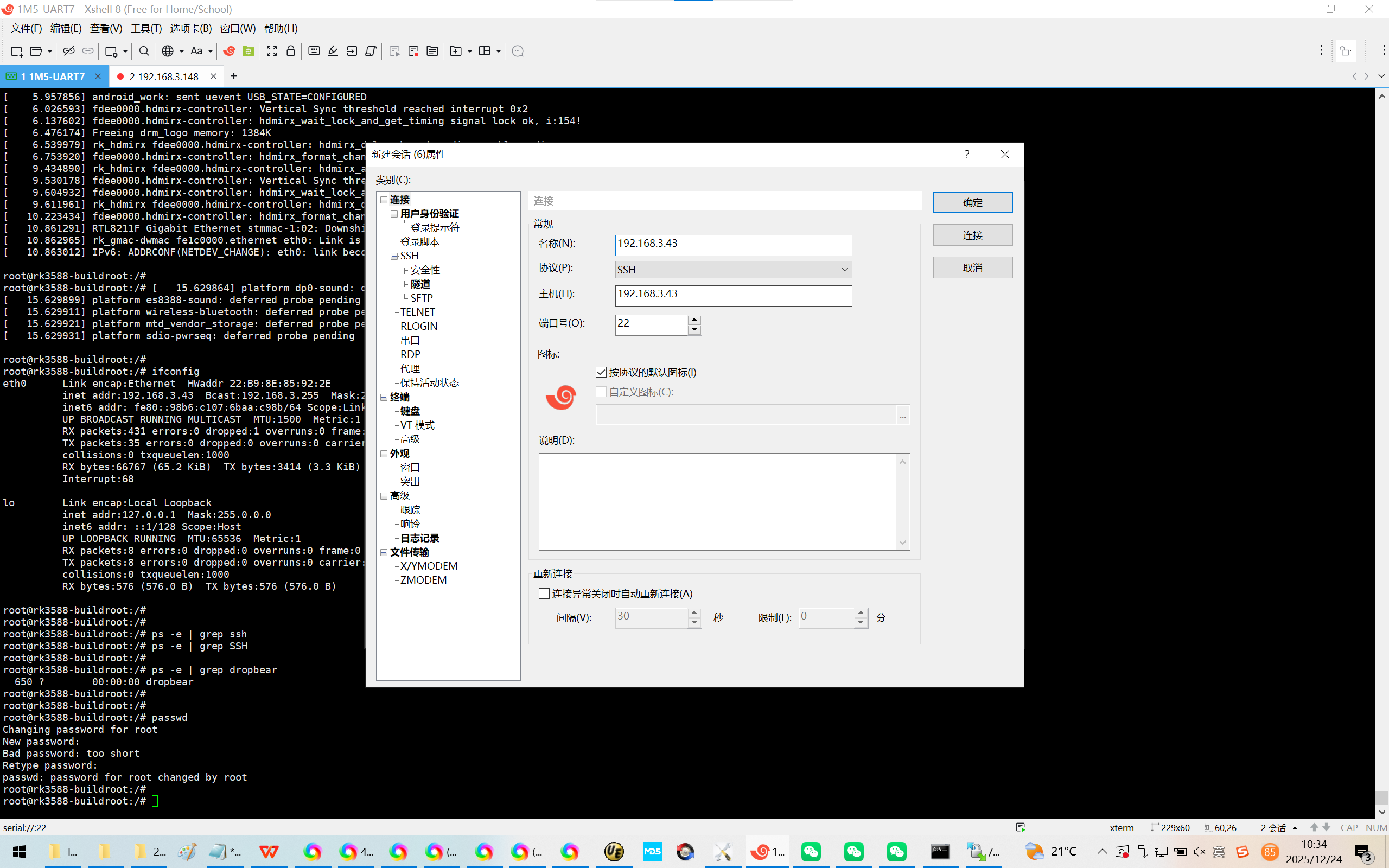
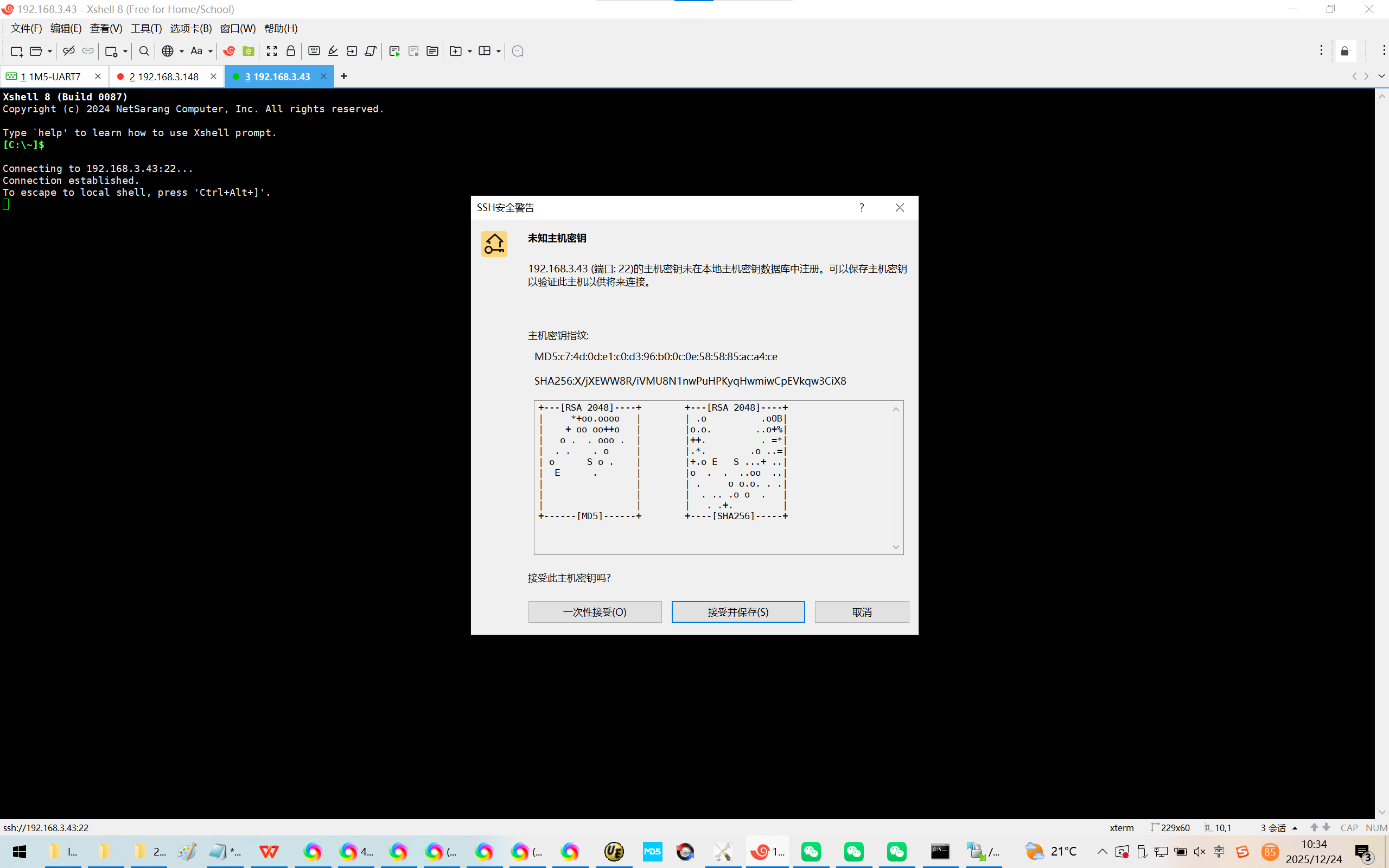
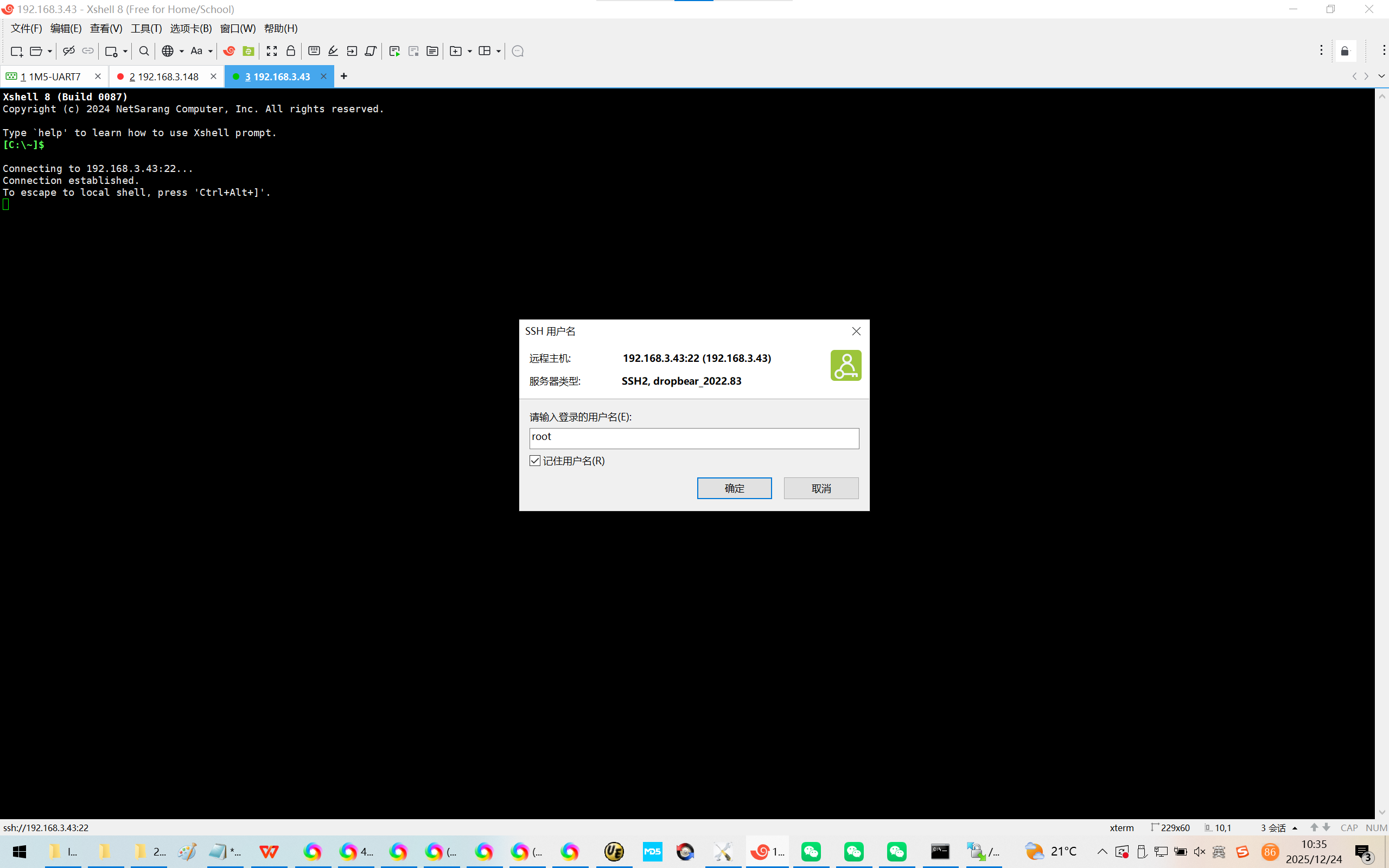
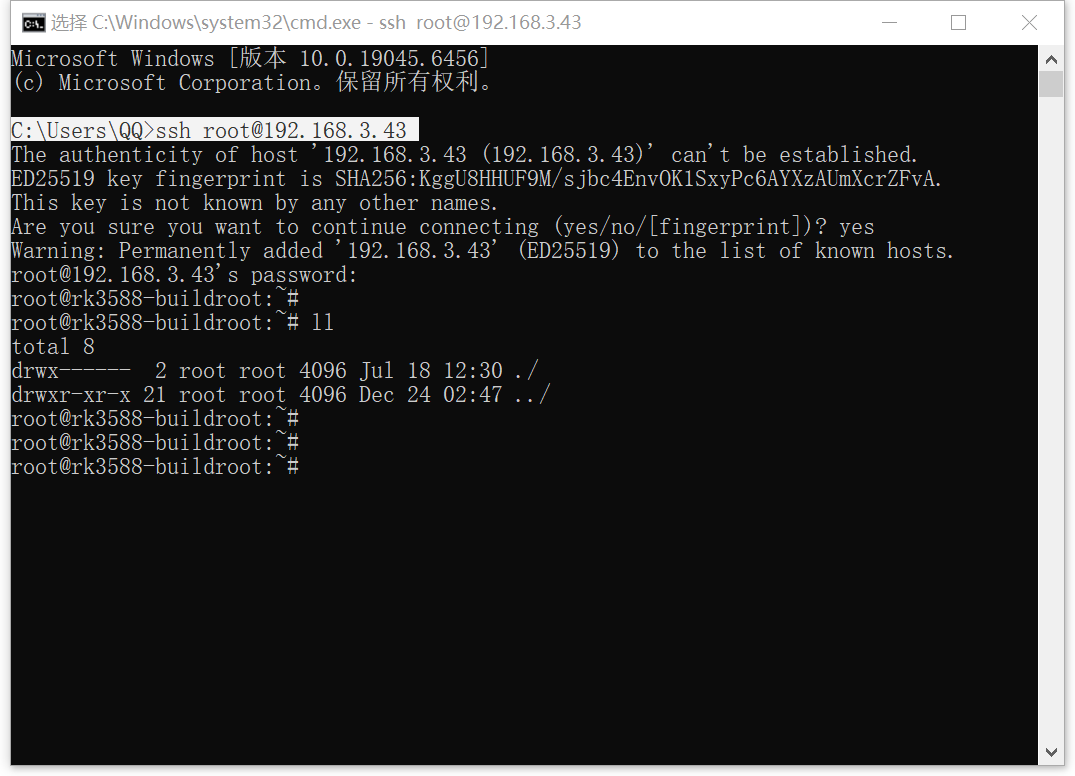
3、SSH链接:
Xshell 8 (Build 0087)
Copyright (c) 2024 NetSarang Computer, Inc. All rights reserved.
Type `help' to learn how to use Xshell prompt.
C:\\\~$
Connecting to 192.168.3.43:22...
Connection established.
To escape to local shell, press 'Ctrl+Alt+]'.
WARNING! The remote SSH server rejected X11 forwarding request.
root@rk3588-buildroot:~#
root@rk3588-buildroot:~# ll
total 8
drwx------ 2 root root 4096 Jul 18 12:30 ./
drwxr-xr-x 20 root root 4096 Jan 1 1970 ../
root@rk3588-buildroot:~#
root@rk3588-buildroot:~# cd ..
root@rk3588-buildroot:/#
root@rk3588-buildroot:/# ll
total 76
drwxr-xr-x 20 root root 4096 Jan 1 1970 ./
drwxr-xr-x 20 root root 4096 Jan 1 1970 ../
-rw-r--r-- 1 root root 0 Jan 1 1970 .resized
-rw-r--r-- 1 root root 0 Jul 18 12:30 .skip_fsck
lrwxrwxrwx 1 root root 7 Dec 23 13:17 bin -> usr/bin/
-rw-r--r-- 1 root root 489 Jul 18 12:30 busybox.fragment
lrwxrwxrwx 1 root root 8 Dec 24 01:35 data -> userdata/
drwxr-xr-x 14 root root 3920 Jan 1 1970 dev/
drwxr-xr-x 26 root root 4096 Dec 24 02:32 etc/
drwxr-xr-x 2 root root 4096 Dec 24 01:35 info/
lrwxrwxrwx 1 root root 7 Dec 23 13:17 lib -> usr/lib/
lrwxrwxrwx 1 root root 3 Dec 23 13:17 lib64 -> lib/
lrwxrwxrwx 1 root root 11 Dec 23 13:26 linuxrc -> bin/busybox*
drwx------ 2 root root 16384 Dec 24 01:36 lost+found/
drwxr-xr-x 11 root root 4096 Dec 23 13:36 media/
drwxr-xr-x 5 root root 4096 Dec 24 01:35 mnt/
drwxr-xr-x 3 root root 4096 Jan 1 1970 oem/
drwxr-xr-x 3 root root 4096 Dec 23 13:36 opt/
dr-xr-xr-x 257 root root 0 Jan 1 1970 proc/
drwxr-xr-x 17 root root 4096 Dec 24 01:35 rockchip-test/
drwx------ 2 root root 4096 Jul 18 12:30 root/
drwxr-xr-x 11 root root 540 Jan 1 1970 run/
lrwxrwxrwx 1 root root 8 Dec 23 13:17 sbin -> usr/sbin/
lrwxrwxrwx 1 root root 10 Dec 24 01:35 sdcard -> mnt/sdcard/
dr-xr-xr-x 14 root root 0 Jan 1 1970 sys/
drwxr-xr-x 3 root root 4096 Dec 24 01:35 system/
drwxrwxrwt 5 root root 180 Jan 1 1970 tmp/
lrwxrwxrwx 1 root root 9 Dec 24 01:35 udisk -> mnt/udisk/
drwxr-xr-x 4 root root 4096 Jan 1 1970 userdata/
drwxr-xr-x 7 root root 4096 Dec 24 01:35 usr/
drwxr-xr-x 7 root root 4096 Dec 24 01:36 var/
lrwxrwxrwx 1 root root 6 Dec 24 01:35 vendor -> system/
root@rk3588-buildroot:/#
root@rk3588-buildroot:/#
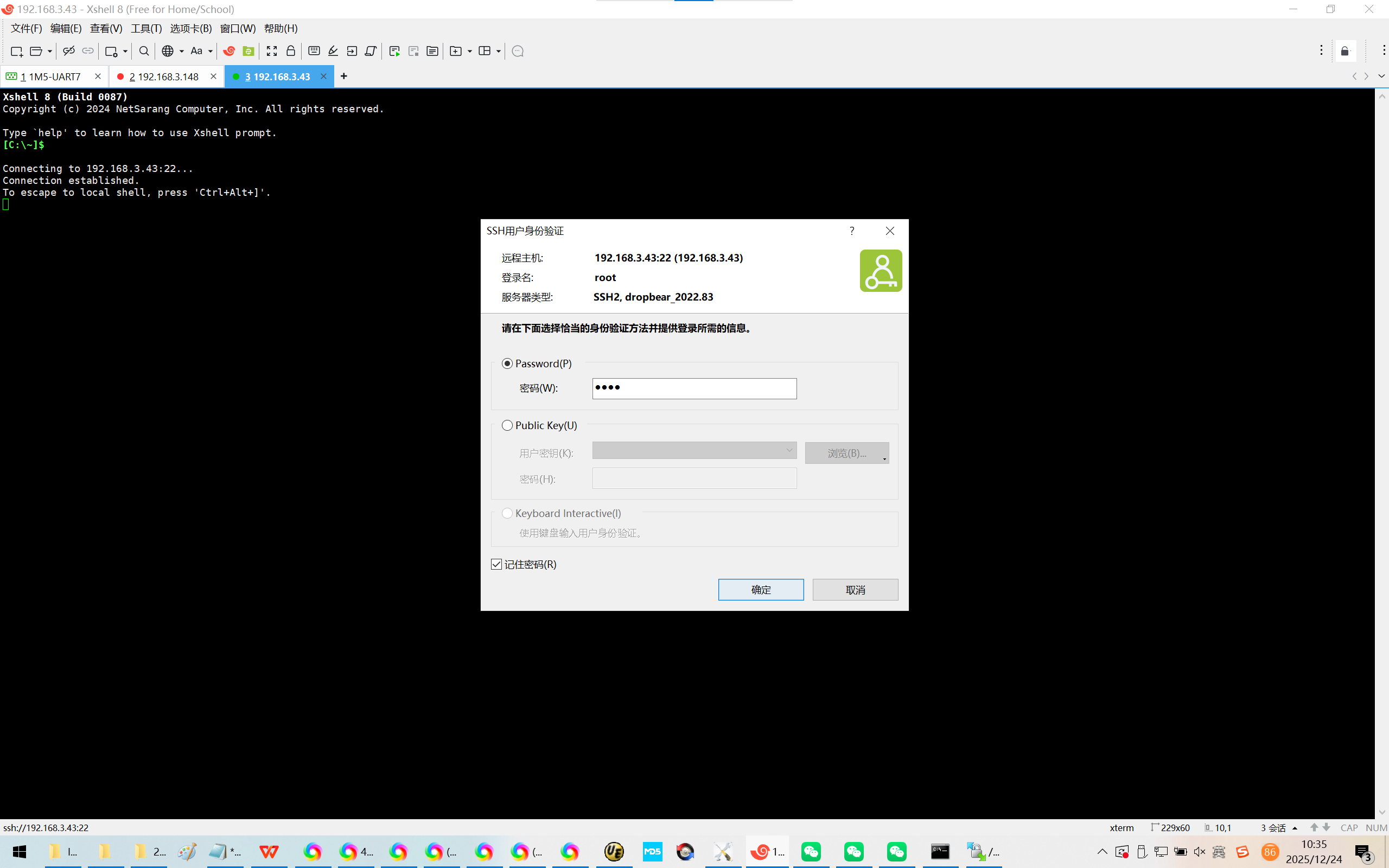
Microsoft Windows 版本 10.0.19045.6456
(c) Microsoft Corporation。保留所有权利。
C:\Users\QQ>ssh root@192.168.3.43
The authenticity of host '192.168.3.43 (192.168.3.43)' can't be established.
ED25519 key fingerprint is SHA256:KggU8HHUF9M/sjbc4EnvOK1SxyPc6AYXzAUmXcrZFvA.
This key is not known by any other names.
Are you sure you want to continue connecting (yes/no/fingerprint)? yes
Warning: Permanently added '192.168.3.43' (ED25519) to the list of known hosts.
root@192.168.3.43's password:
root@rk3588-buildroot:~#
root@rk3588-buildroot:~# ll
total 8
drwx------ 2 root root 4096 Jul 18 12:30 ./
drwxr-xr-x 21 root root 4096 Dec 24 02:47 ../
root@rk3588-buildroot:~#
root@rk3588-buildroot:~#
root@rk3588-buildroot:~#
4、DeepSeek:
https://chat.deepseek.com/a/chat/s/e069b200-bd37-4be9-aeae-723aa7ac94dd
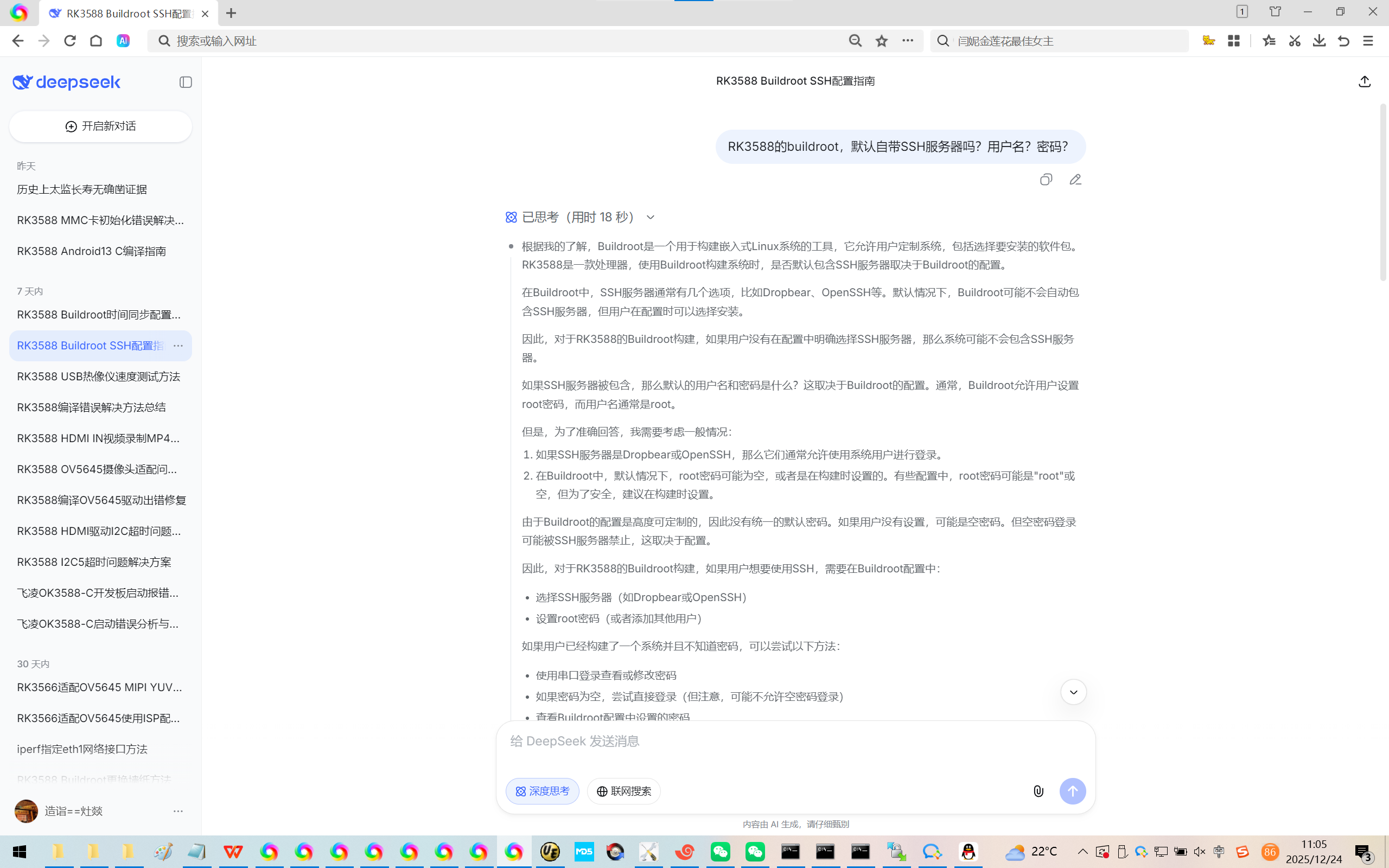
RK3588 Buildroot SSH配置指南
RK3588的buildroot,默认自带SSH服务器吗?用户名?密码?
- 如果需要SSH支持,推荐配置:
方法一:使用Dropbear(轻量级)
bash
选择 Dropbear
Target packages → Networking applications → dropbear
可能需要启用以下选项:
- Install dropbear website keys
- Enable scp
方法二:使用OpenSSH(功能完整)
bash
Target packages → Networking applications → openssh
密码设置方式:
首次启动后设置:
bash
通过串口登录后设置
passwd