<template>
  <div style="padding:50px;">
    <Button style="width:150px;" type="primary" @click="beforeUpload">上传</Button>
    <Upload ref="upload"
        action="//jsonplaceholder.typicode.com/posts/"
        :on-success="successHandle"
        :data="uploadParams"
    >
    </Upload>

    <Modal v-model="show" title="上传前请先选择地域">
      <Select v-model="city" placeholder="Select your city">
        <Option value="beijing">New York</Option>
        <Option value="shanghai">London</Option>
        <Option value="shenzhen">Sydney</Option>
      </Select>

      <!--   不能用Modal默认的提交,不然做不了校验,@on-ok="selectedCity"   -->
      <template  #footer>
        <Button @click="show=false">取消</Button>
        <Button type="primary" @click="selectedCity">确定</Button>
      </template>
    </Modal>
  </div>
</template>

<script>
export default {
  name: "beforeUpload",
  data() {
    return {
      uploadParams:{},  // 上传接口需要带的参数
      show:false,
      city:"",    // 上传前需要选择城市
    }
  },
  methods:{
    successHandle() {},
    beforeUpload() {
      this.show = true;
      this.city = "";
    },
    selectedCity() {
      if(this.city) {
        this.show = false;
        this.$refs.upload.handleClick();      // 使用这个方法
      } else {
        this.$Message.warning("请选择城市")
        this.show = true;
      }
    }
  }
}
</script>

<style scoped>

</style>
通过ref来 this.$refs.upload.handleClick(); // 使用这个方法
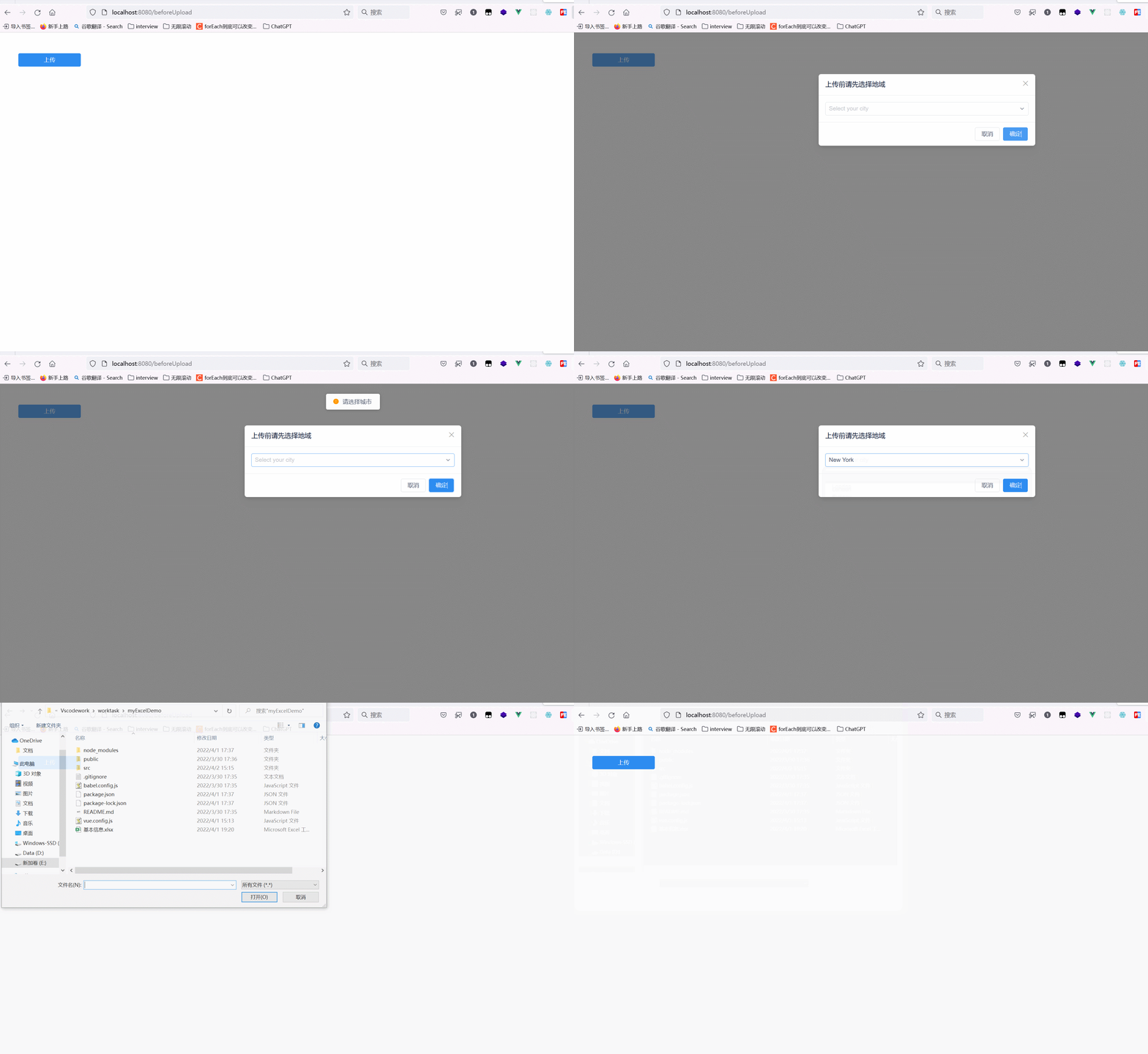
GIF 2024-1-5 23-56-27.gif
© 著作权归作者所有,转载或内容合作请联系作者
平台声明:文章内容(如有图片或视频亦包括在内)由作者上传并发布,文章内容仅代表作者本人观点,简书系信息发布平台,仅提供信息存储服务