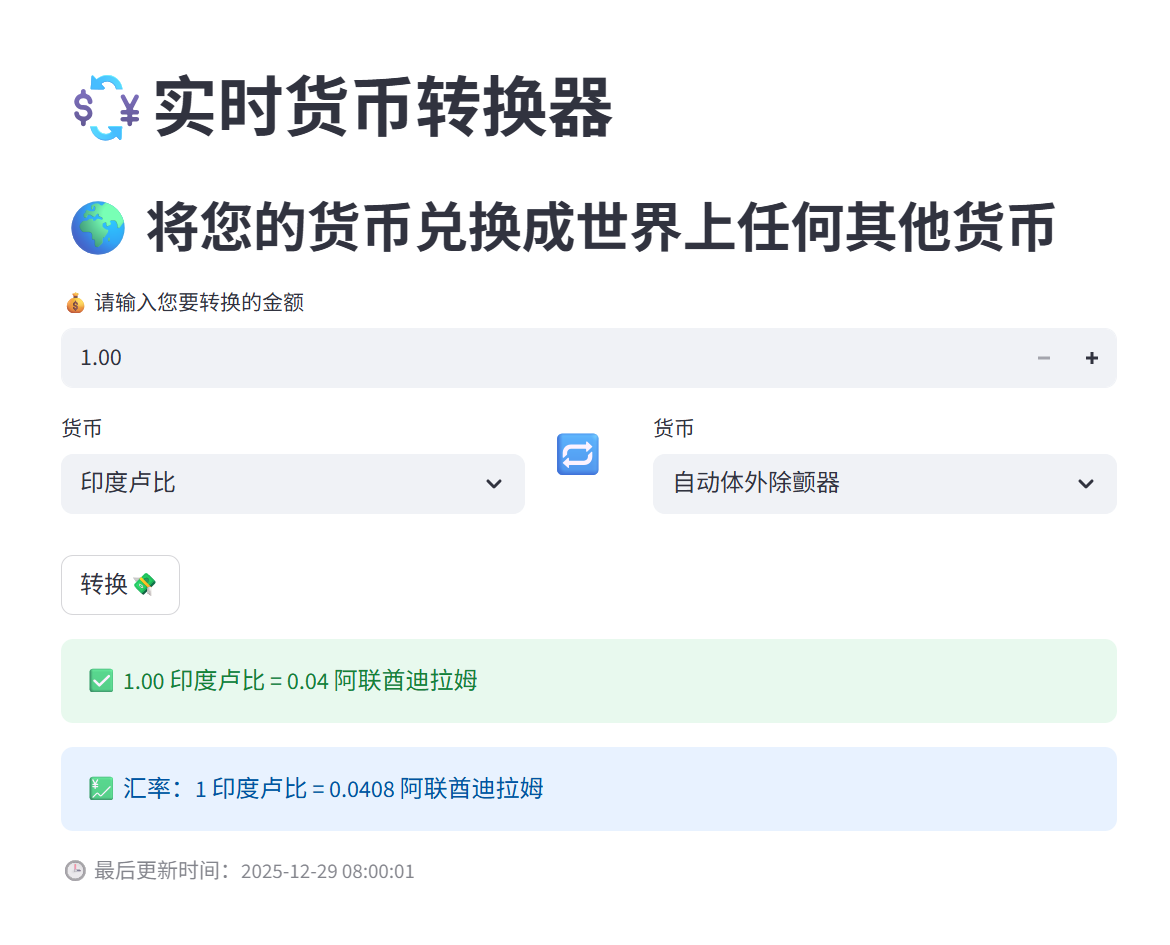
GitHub项目3
python
git clone https://github.com/kratin01/Basics_Of_Streamlit.git
cd Basics_Of_Streamlit
pip install -r requirements.txt
streamlit run 01Basic.py
requests
"Python 的浏览器",用来向任意网址发 HTTP 请求
披萨点单小应用,02Widgets.py代码解释
python
import streamlit as st
from datetime import date- 导入 Streamlit 和日期工具(用来计算年龄)。
python
st.image("https://media.istockphoto.com/...") - 在网页最上面显示一张诱人的椒盐披萨图片(从网络加载)。
python
st.title("Pizza Order App🍕")- 显示大标题:"Pizza Order App🍕"。
python
name = st.text_input("Enter Your Name")- 出现一个文本输入框,让用户输入姓名,输入的内容会存到 name 变量里。
python
DOB = st.date_input("Enter Your Date of Birth")- 出现一个日历选择器,让用户选出生日期,选好的日期存到 DOB 变量(类型是 date 对象)。
python
if st.button("Save Details"):
    st.success(f"Details Saved Successfully!")
    st.write(f"Hey {name}, we are happy to serving pizza to a person who is {date.today().year - DOB.year} years old")
st.balloons()- 放一个"Save Details"按钮。
- 用户点按钮后:
- 显示绿色成功提示。
- 计算并显示年龄(当前年份减出生年份,注意:没考虑月份,简单粗暴版)。
- 屏幕上放一群彩色气球动画🎈超可爱!
python
category = st.selectbox("Select Your Favorite Pizza Category", ["Veg", "Non-Veg"])- 下拉框选择披萨类别:素(Veg)还是荤(Non-Veg)。
然后根据用户选的类别,显示不同的披萨选项(用 if-else 分支):
如果选 Veg(素披萨):
python
if category=="Veg":
pizza = st.selectbox("Select the pizza you want", ["Margherita", "Farmhouse", "Peppy Paneer"])- 显示素披萨选项:Margherita、Farmhouse、Peppy Paneer。
如果选 Non-Veg(荤披萨):
python
else:
pizza = st.selectbox("Select the pizza you want", ["Chicken Tandoori", "Chicken BBQ", "Chicken Supreme"])- 显示荤披萨选项:Chicken Tandoori、Chicken BBQ、Chicken Supreme。
python
    if pizza:  # 只要用户选了披萨,就显示下面内容
        slider = st.select_slider("Select the size of pizza", options=["Small", "Medium", "Large"])
        if st.button("Order Now"):
st.success(f"Hey {name}, your {category} {pizza} pizza of size {slider} will be delivered to you in 30 minutes")- 用户选好披萨后,出现一个滑动选择器选大小(Small/Medium/Large)。
- 出现"Order Now"按钮。
- 点击后显示绿色成功消息:个性化点单确认,比如:"Hey 小明, your Veg Margherita pizza of size Large will be delivered to you in 30 minutes"
最后是给这个 App 打分的部分:
python
st.subheader("Rate the Pizza Order App⭐")
rating = st.slider("Select a rating", 1, 5, 3)- 标题 + 一个从1到5的滑块打分(默认3星)。
python
if st.button("Submit Rating"):
    if rating < 3:
        st.warning("We will try to improve the app")
    else:
        st.balloons()
st.success("Thank you for your positive feedback!")- 点击提交评分后:
- 如果打分 < 3 星:显示黄色警告"我们要改进"。
- 如果 ≥ 3 星:放气球动画 + 绿色感谢消息。
学到了什么 Streamlit 控件(Widgets)
- st.image() 显示图片
- st.title() / st.subheader() 标题
- st.text_input() 文本输入
- st.date_input() 日期选择
- st.selectbox() 下拉选择
- st.select_slider() 滑动选择(带标签的)
- st.slider() 普通滑块
- st.button() 按钮
- st.success() / st.warning() 彩色提示
- st.balloons() 气球动画(庆祝用)
- st.write() 显示文字
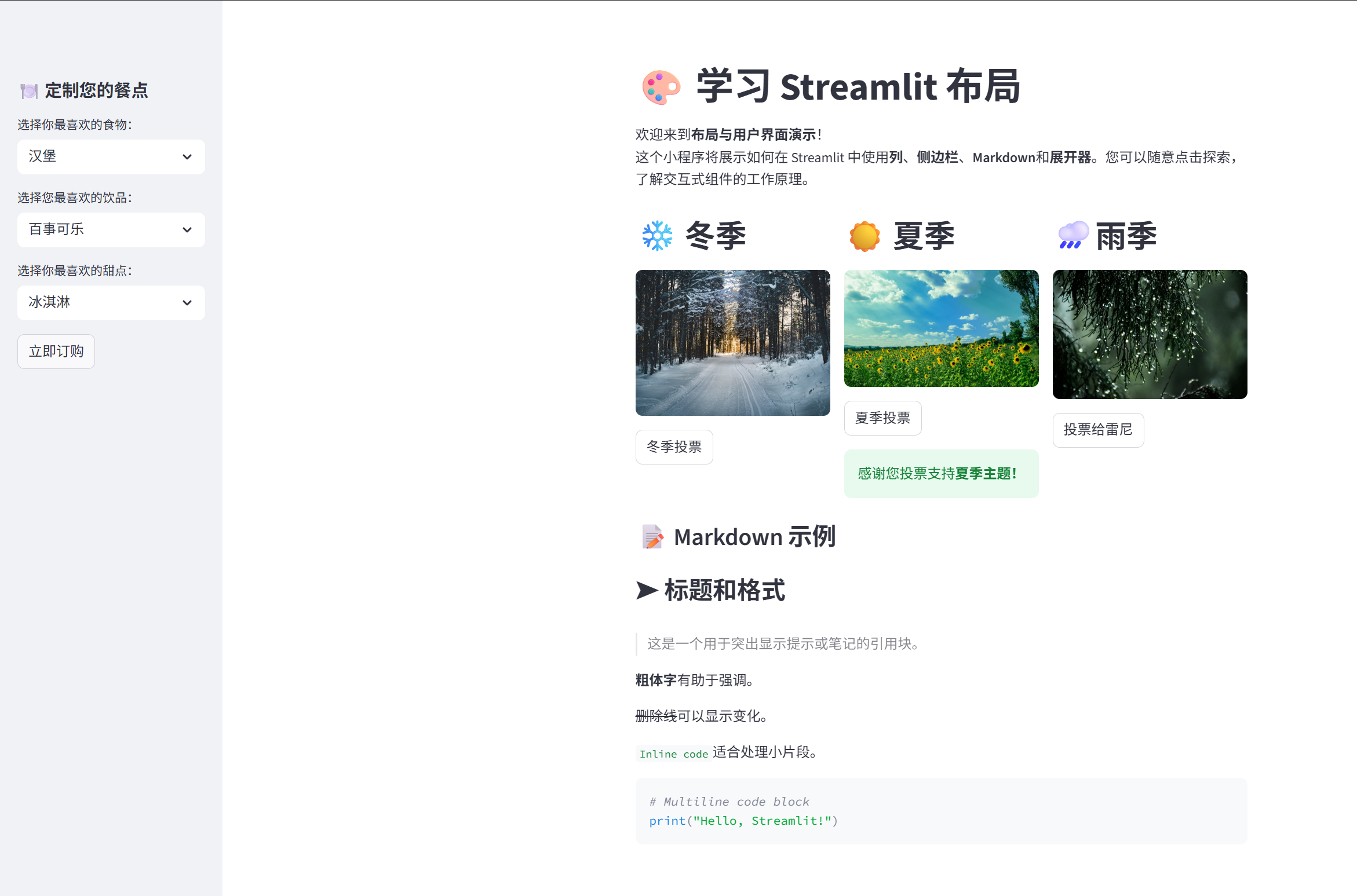
03Layouts学习 Streamlit 布局
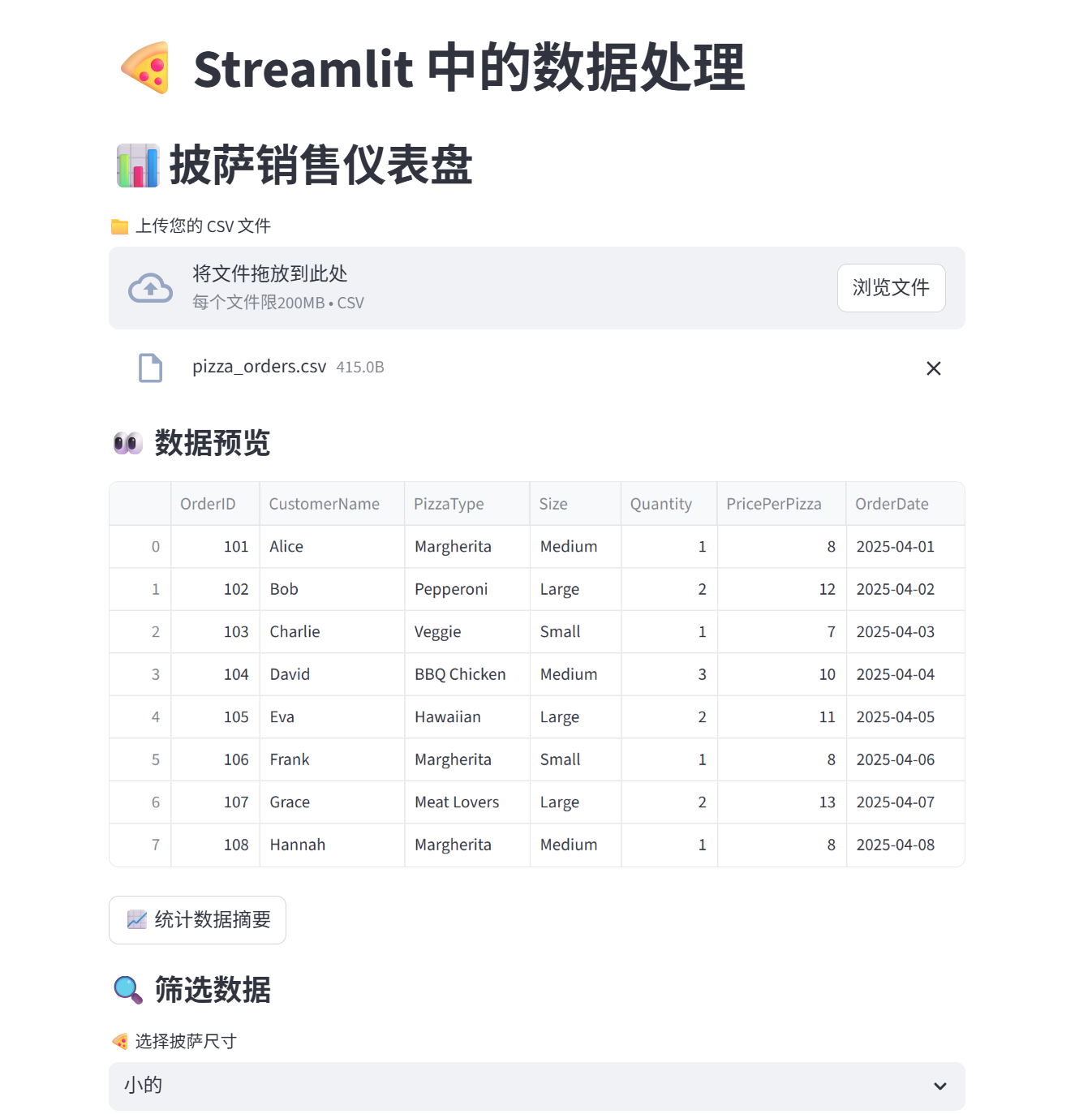
0404DataHandling 数据处理
05WebRequest网络请求