仓库
https://github.com/nils-soderman/vscode-unreal-python.git
nils-soderman/vscode-unreal-python | DeepWiki
参考
我的ue4.24不能运行5.7可以
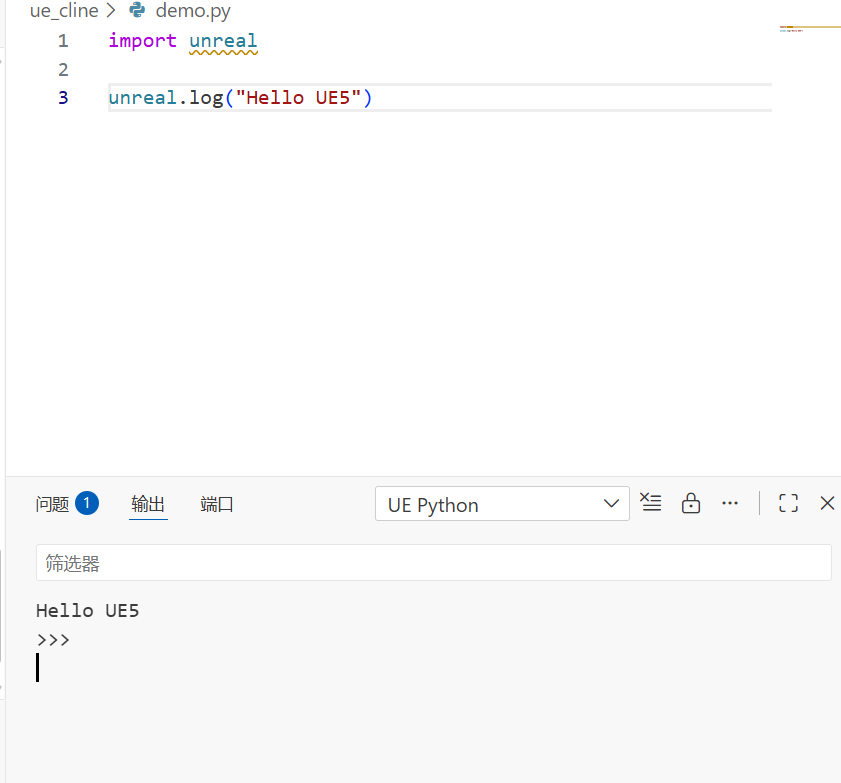
python
import unreal

unreal.log("Hello UE5")
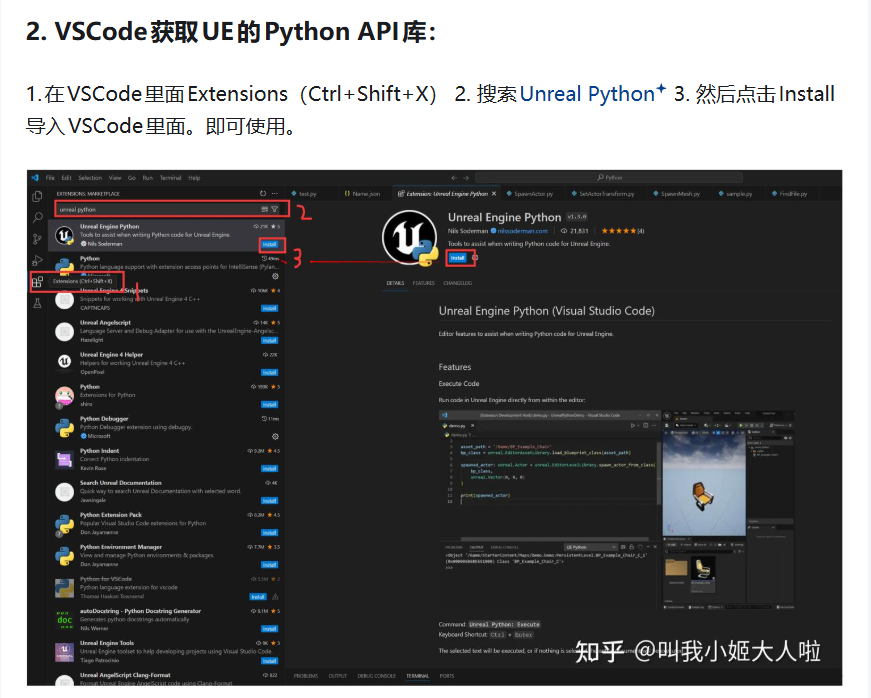
vscode要开插件
=================================================================================================================================================
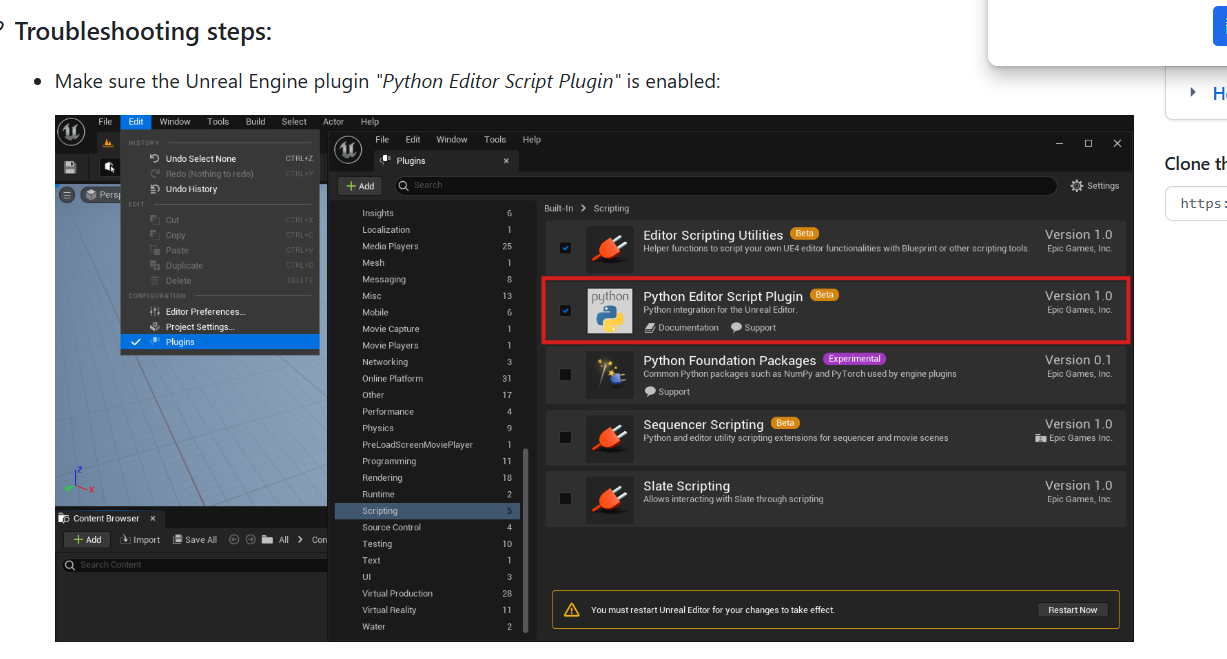
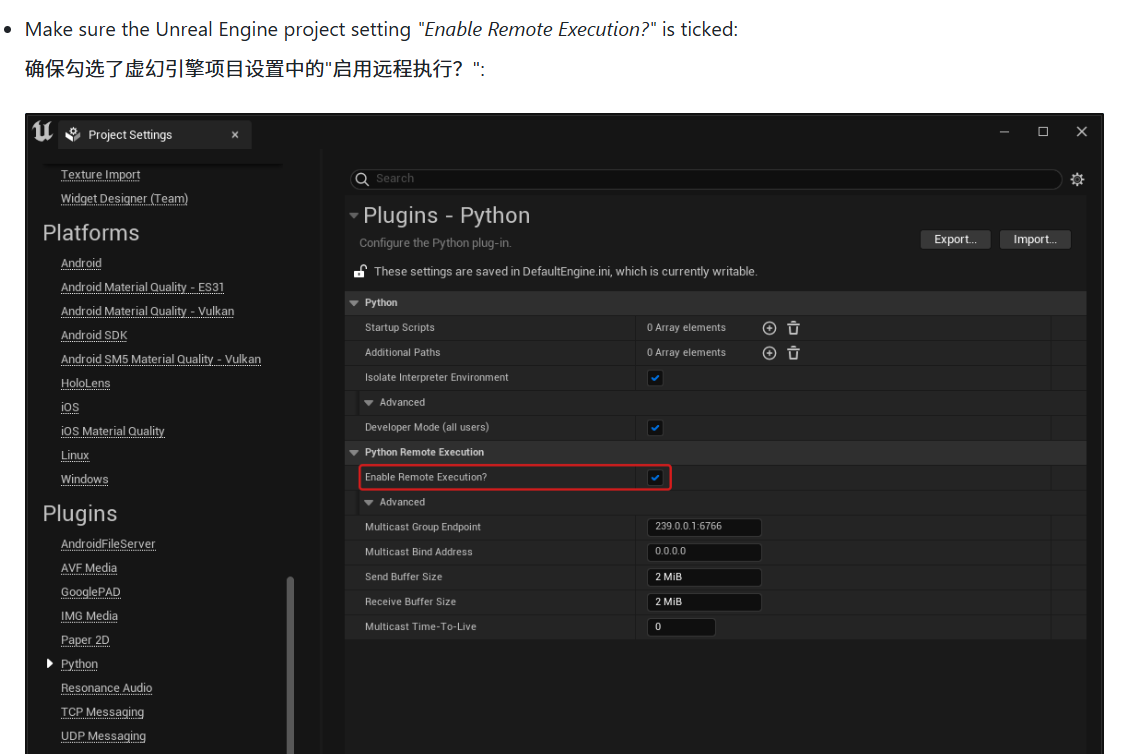
ue也要开插件
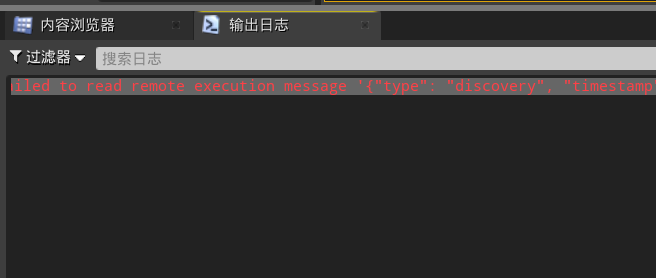
Failed to connect to Unreal Engine Troubleshooting · nils-soderman/vscode-unreal-python Wiki
导入fbx到指定文件夹
python
import unreal
import tkinter as tk
from tkinter import filedialog
import os

def import_fbx_with_tk_safe():
    """
    使用 tkinter 弹窗选择 FBX 文件并安全导入
    """
    try:
        # 隐藏主窗口
        root = tk.Tk()
        root.withdraw()

        # 打开文件选择对话框
        file_path = filedialog.askopenfilename(
            title="选择FBX文件",
            filetypes=[("FBX files", "*.fbx"), ("All files", "*.*")]
        )

        # 销毁根窗口
        root.destroy()

        if not file_path or not os.path.exists(file_path):
            unreal.log("未选择有效文件")
            return

        # 检查是否是 FBX 文件
        if not file_path.lower().endswith('.fbx'):
            unreal.log(f"文件 {file_path} 不是有效的 FBX 文件")
            return

        # 定义目标路径
        destination_path = "/Game/Characters/MainChar/W/Meshes/"

        # 创建导入任务
        import_task = unreal.AssetImportTask()
        import_task.set_editor_property('filename', file_path)
        import_task.set_editor_property('destination_path', destination_path)
        import_task.set_editor_property('save', True)
        import_task.set_editor_property('automated', True)
        import_task.set_editor_property('replace_existing', True)

        # 执行导入任务
        asset_tools = unreal.AssetToolsHelpers.get_asset_tools()
        asset_tools.import_asset_tasks([import_task])

        unreal.log(f"成功导入文件: {os.path.basename(file_path)}")
        unreal.log(f"导入到路径: {destination_path}")

    except Exception as e:
        unreal.log(f"导入过程中发生错误: {str(e)}")

# 执行函数
import_fbx_with_tk_safe()
运行结果
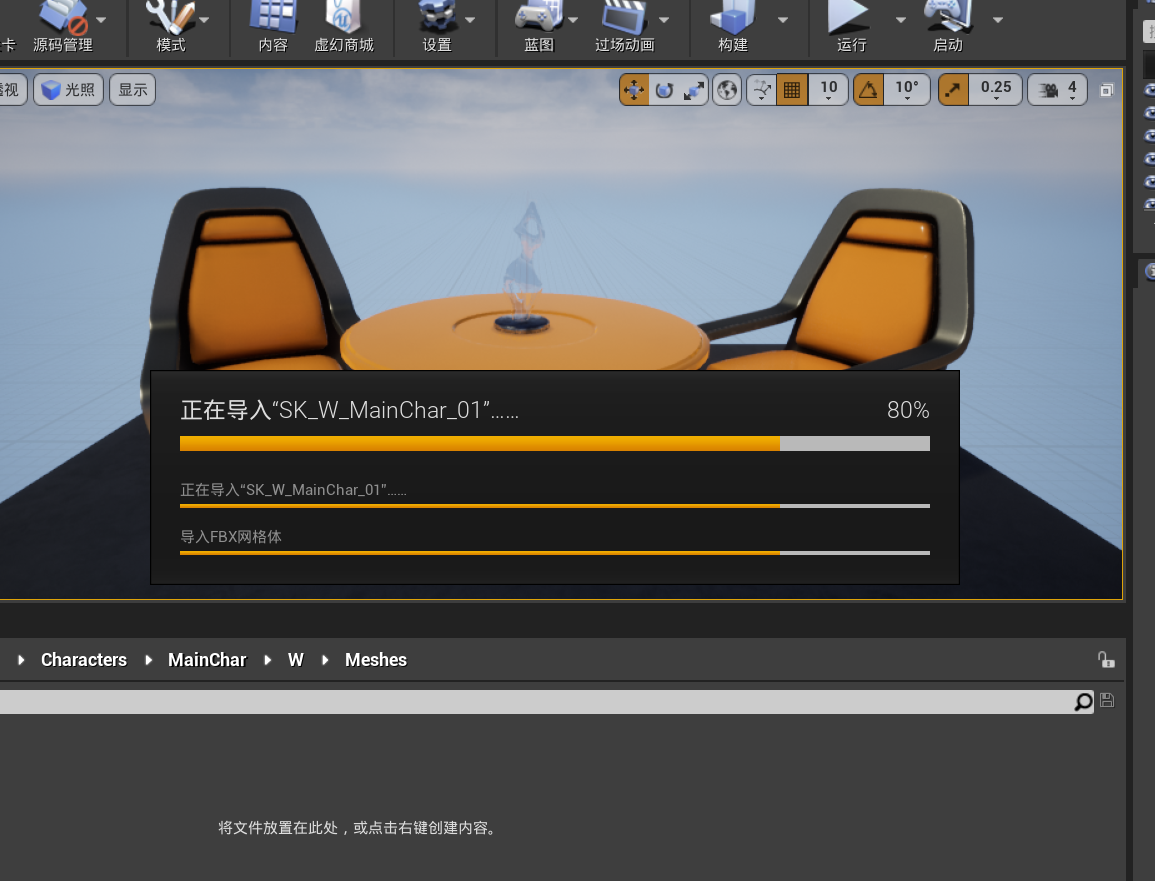
可以开启输出日志