xRDP介绍
xRDP(X Remote Desktop Protocol)是一个开源的远程桌面协议实现,基于Microsoft RDP协议,允许用户通过RDP客户端远程访问Linux桌面环境,提供图形化操作体验。
安装过程
我这里拿Centos7.9举例,具体其他系统版本请参照其他教程
一、安装GNOME默认桌面环境
CentOS 官方源默认没有 xRDP 包,需先安装 EPEL 扩展源,再安装 XRDP
bash
# 安装EPEL扩展源
[root@localhost ~]# yum install -y epel-release
Loaded plugins: fastestmirror, langpacks
Loading mirror speeds from cached hostfile
Resolving Dependencies
--> Running transaction check
---> Package epel-release.noarch 0:7-11 will be installed
--> Finished Dependency Resolution
Dependencies Resolved
==============================================================================================================================================
 Package                               Arch                            Version                          Repository                       Size
==============================================================================================================================================
Installing:
 epel-release                          noarch                          7-11                             extras                           15 k
Transaction Summary
==============================================================================================================================================
Install  1 Package
Total download size: 15 k
Installed size: 24 k
Downloading packages:
epel-release-7-11.noarch.rpm                                                                                           |  15 kB  00:00:00
Running transaction check
Running transaction test
Transaction test succeeded
Running transaction
  Installing : epel-release-7-11.noarch                                                                                                   1/1
  Verifying  : epel-release-7-11.noarch                                                                                                   1/1
Installed:
  epel-release.noarch 0:7-11
Complete!
# 安装GNOME默认桌面环境
yum groupinstall "X Window System" -y
yum group install "GNOME" -y
二、安装xRDP
bash
# 安装xRDP
[root@localhost ~]# yum install xrdp -y
Loaded plugins: fastestmirror, langpacks
Loading mirror speeds from cached hostfile
 * epel: d2lzkl7pfhq30w.cloudfront.net
Resolving Dependencies
--> Running transaction check
---> Package xrdp.x86_64 1:0.9.25-2.el7 will be installed
--> Processing Dependency: libImlib2.so.1()(64bit) for package: 1:xrdp-0.9.25-2.el7.x86_64
--> Running transaction check
---> Package imlib2.x86_64 0:1.4.9-8.el7 will be installed
--> Finished Dependency Resolution
Dependencies Resolved
==============================================================================================================================================
 Package                         Arch                            Version                                  Repository                     Size
==============================================================================================================================================
Installing:
 xrdp                            x86_64                          1:0.9.25-2.el7                           epel                          463 k
Installing for dependencies:
 imlib2                          x86_64                          1.4.9-8.el7                              epel                          210 k
Transaction Summary
==============================================================================================================================================
Install  1 Package (+1 Dependent package)
Total download size: 674 k
Installed size: 2.8 M
Downloading packages:
warning: /var/cache/yum/x86_64/7/epel/packages/imlib2-1.4.9-8.el7.x86_64.rpm: Header V4 RSA/SHA256 Signature, key ID 352c64e5: NOKEY--:-- ETA
Public key for imlib2-1.4.9-8.el7.x86_64.rpm is not installed
(1/2): imlib2-1.4.9-8.el7.x86_64.rpm                                                                                   | 210 kB  00:00:00
(2/2): xrdp-0.9.25-2.el7.x86_64.rpm                                                                                    | 463 kB  00:00:01
----------------------------------------------------------------------------------------------------------------------------------------------
Total                                                                                                         235 kB/s | 674 kB  00:00:02
Retrieving key from file:///etc/pki/rpm-gpg/RPM-GPG-KEY-EPEL-7
Importing GPG key 0x352C64E5:
 Userid     : "Fedora EPEL (7) <epel@fedoraproject.org>"
 Fingerprint: 91e9 7d7c 4a5e 96f1 7f3e 888f 6a2f aea2 352c 64e5
 Package    : epel-release-7-11.noarch (@extras)
 From       : /etc/pki/rpm-gpg/RPM-GPG-KEY-EPEL-7
Running transaction check
Running transaction test
Transaction test succeeded
Running transaction
  Installing : imlib2-1.4.9-8.el7.x86_64                                                                                                  1/2
  Installing : 1:xrdp-0.9.25-2.el7.x86_64                                                                                                 2/2
  Verifying  : imlib2-1.4.9-8.el7.x86_64                                                                                                  1/2
  Verifying  : 1:xrdp-0.9.25-2.el7.x86_64                                                                                                 2/2
Installed:
  xrdp.x86_64 1:0.9.25-2.el7
Dependency Installed:
  imlib2.x86_64 0:1.4.9-8.el7
Complete!

# 启动Xrdp服务,并设置开机启动
[root@localhost ~]# systemctl enable xrdp --now
Created symlink from /etc/systemd/system/multi-user.target.wants/xrdp.service to /usr/lib/systemd/system/xrdp.service.

# 查看启动状态
[root@localhost ~]# systemctl status xrdp
● xrdp.service - xrdp daemon
   Loaded: loaded (/usr/lib/systemd/system/xrdp.service; enabled; vendor preset: disabled)
   Active: active (running) since Tue 2026-01-13 15:33:32 CST; 5s ago
     Docs: man:xrdp(8)
           man:xrdp.ini(5)
 Main PID: 56412 (xrdp)
    Tasks: 1
   CGroup: /system.slice/xrdp.service
           └─56412 /usr/sbin/xrdp --nodaemon
Jan 13 15:33:32 localhost.localdomain systemd[1]: Started xrdp daemon.
Jan 13 15:33:32 localhost.localdomain xrdp[56412]: [INFO ] starting xrdp with pid 56412
Jan 13 15:33:32 localhost.localdomain xrdp[56412]: [INFO ] address [0.0.0.0] port [3389] mode 1
Jan 13 15:33:32 localhost.localdomain xrdp[56412]: [INFO ] listening to port 3389 on 0.0.0.0
Jan 13 15:33:32 localhost.localdomain xrdp[56412]: [INFO ] xrdp_listen_pp done

# 设置xRDP使用GNONE,编辑配置文件,添加如下行(端口可自行更改)
[root@localhost ~]# vim /etc/xrdp/xrdp.ini
exec gnome-session

# 重启服务
[root@localhost ~]# systemctl restart xrdp
防火墙自行放通或者关闭,云服务器开通安全组3389(或你自行设置的端口)
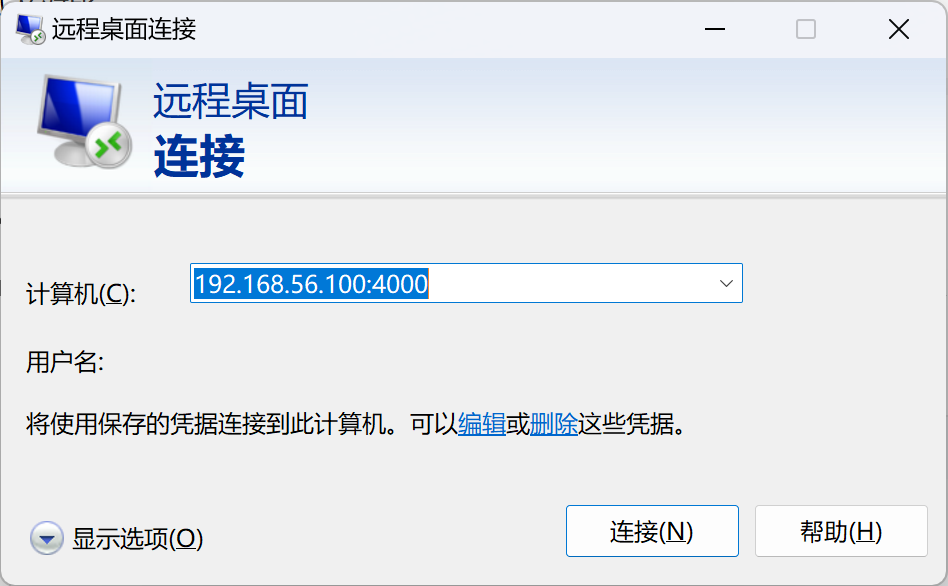
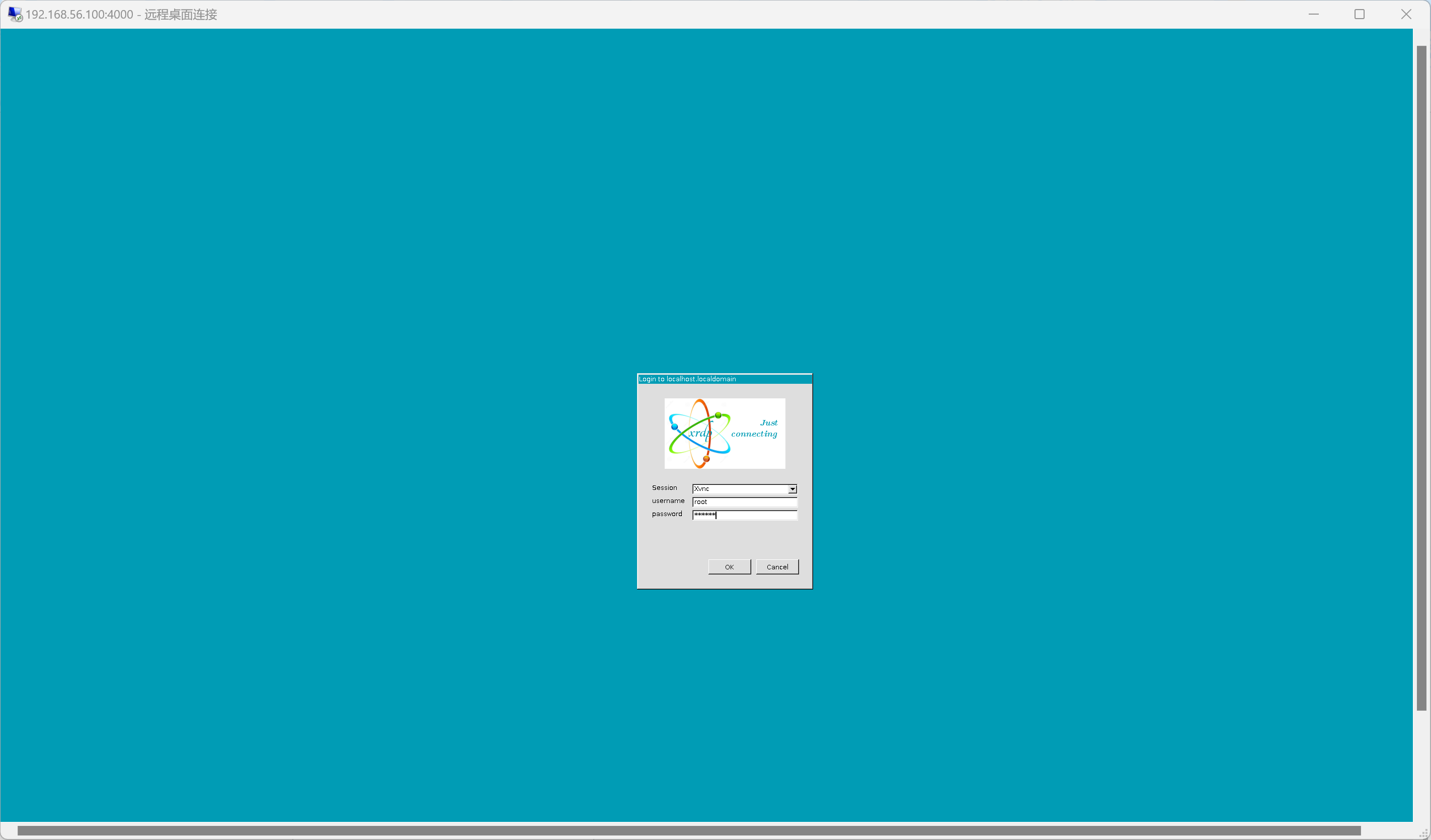
三、使用mstsc连接